

 braintree
SPM CardinalMobile not found on latest when built to physical device
Integration Details (please complete the following information):
- Braintree SDK Version: 5.10.1
- Environment: N/A
- iOS Version: 15.5
- Xcode Version: 13.4.1
- Device: iPhone 13 Pro Max
- Integration type & version: Swift Package Manager
- Development Processor Type: M1/ Apple Silicon
Describe the bug CardinalMobile.framework is not found when including 3DS via SPM.
dyld[45297]: Library not loaded: '@rpath/CardinalMobile.framework/CardinalMobile' Referenced from: '/private/var/containers/Bundle/Application/104B48DB-1B32-4FD4-B630-AC54A78636DC/S.app/Frameworks/SFBModule.framework/SFBModule' Reason: tried: '/usr/lib/swift/CardinalMobile.framework/CardinalMobile' (no such file), '/private/var/containers/Bundle/Application/104B48DB-1B32-4FD4-B630-AC54A78636DC/S.app/Frameworks/CardinalMobile.framework/CardinalMobile' (no such file), '/private/var/containers/Bundle/Application/104B48DB-1B32-4FD4-B630-AC54A78636DC/S.app/Frameworks/SFBModule.framework/Frameworks/CardinalMobile.framework/CardinalMobile' (no such file), '/usr/lib/swift/CardinalMobile.framework/CardinalMobile' (no such file), '/private/var/containers/Bundle/Application/104B48DB-1B32-4FD4-B630-AC54A78636DC/S.app/Frameworks/CardinalMobile.framework/CardinalMobile' (no such file), '/private/var/containers/Bundle/Application/104B48DB-1B32-4FD4-B630-AC54A78636DC/S.app/Frameworks/CardinalMobile.framework/CardinalMobile' (no such file), '/usr/lib/swift/CardinalMobile.framework/CardinalMobile' (no such file), '/private/var/containers/Bundle/Application/104B48DB-1B32-4FD4-B630-AC54A78636DC/S.app/Frameworks/CardinalMobile.framework/CardinalMobile' (no such file), '/private/var/containers/Bundle/Application/104B48DB-1B32-4FD4-B630-AC54A78636DC/S.app/Frameworks/CardinalMobile.framework/CardinalMobile' (no such file), '/System/Library/Frameworks/CardinalMobile.framework/CardinalMobile' (no such file)
To Reproduce Steps to reproduce the behavior: Add packages from https://github.com/braintree/braintree_ios, check all frameworks (Cardinal does not show). Build project to physical device and see issue. Building to simulator works since framework does not get copied on sims.
Expected behavior Builds and loads on device successfully.
Screenshots If applicable, add screenshots to help explain your problem.

Hello @mmccorkle-accesso -
Thanks for reaching out and reporting this issue. I've attempted to replicate both in our Swift Package Manager sample app as well as a new project but am unable to reproduce this error while running on device with either.
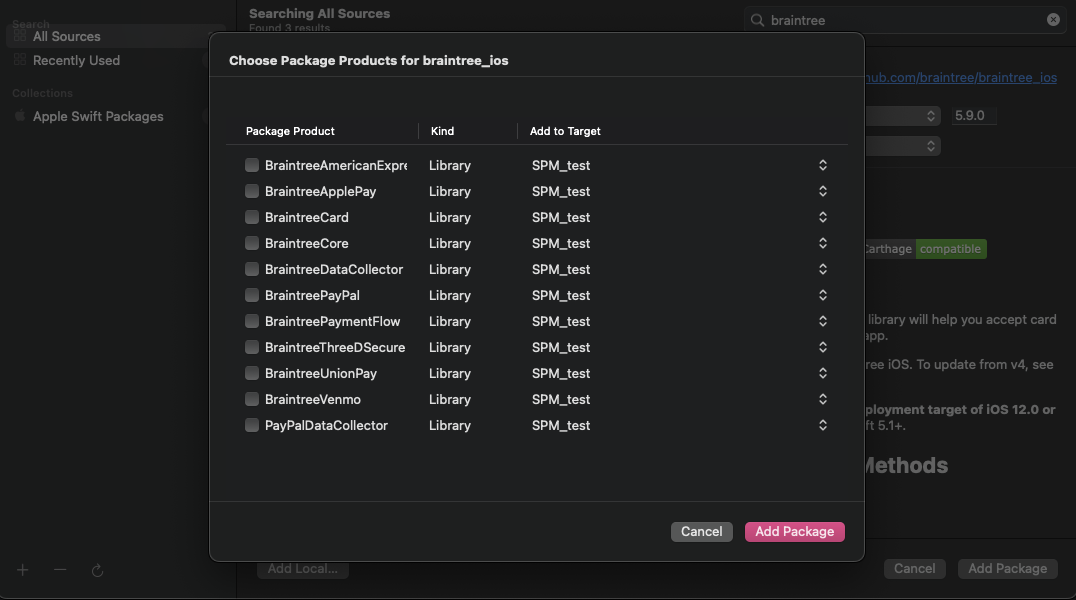
It's also worth noting that older versions of the SDK should not have Cardinal Mobile as an option to pull in when loading the Braintree iOS Packages via SPM. Cardinal is defined as a binary target and is instead linked as a target dependency of the BraintreeThreeDSecure target.
I attempted pulling in an older version of our SDK via SPM and am also not seeing Cardinal Mobile as an option. Here is a screenshot pulling in version 5.9.0 of the Braintree SDK in a new project:
Are you able to provide a sample project that we can take a look at along with any other details that can help us troubleshoot and get to the root of this issue? We'd like to assist further as the error you are seeing is certainly not the expected behavior.

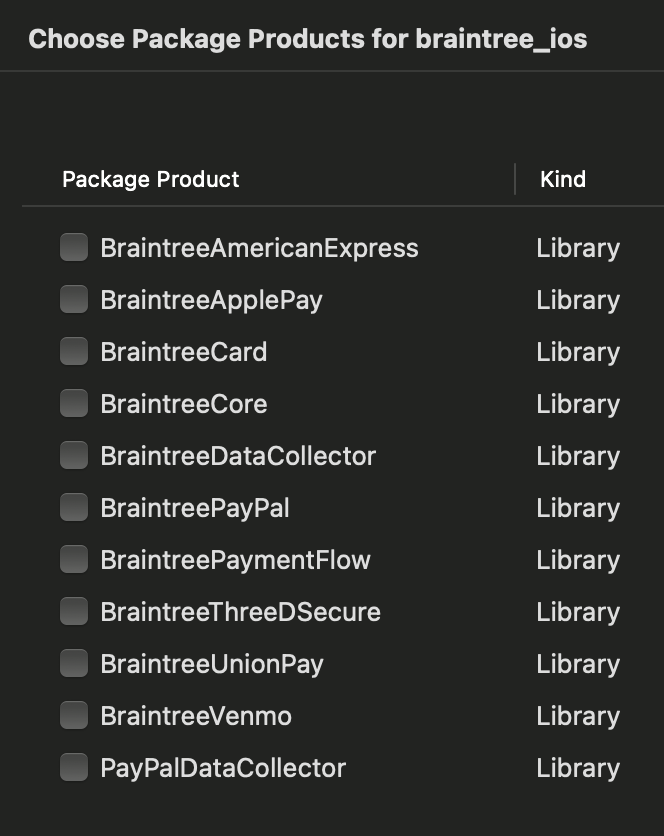
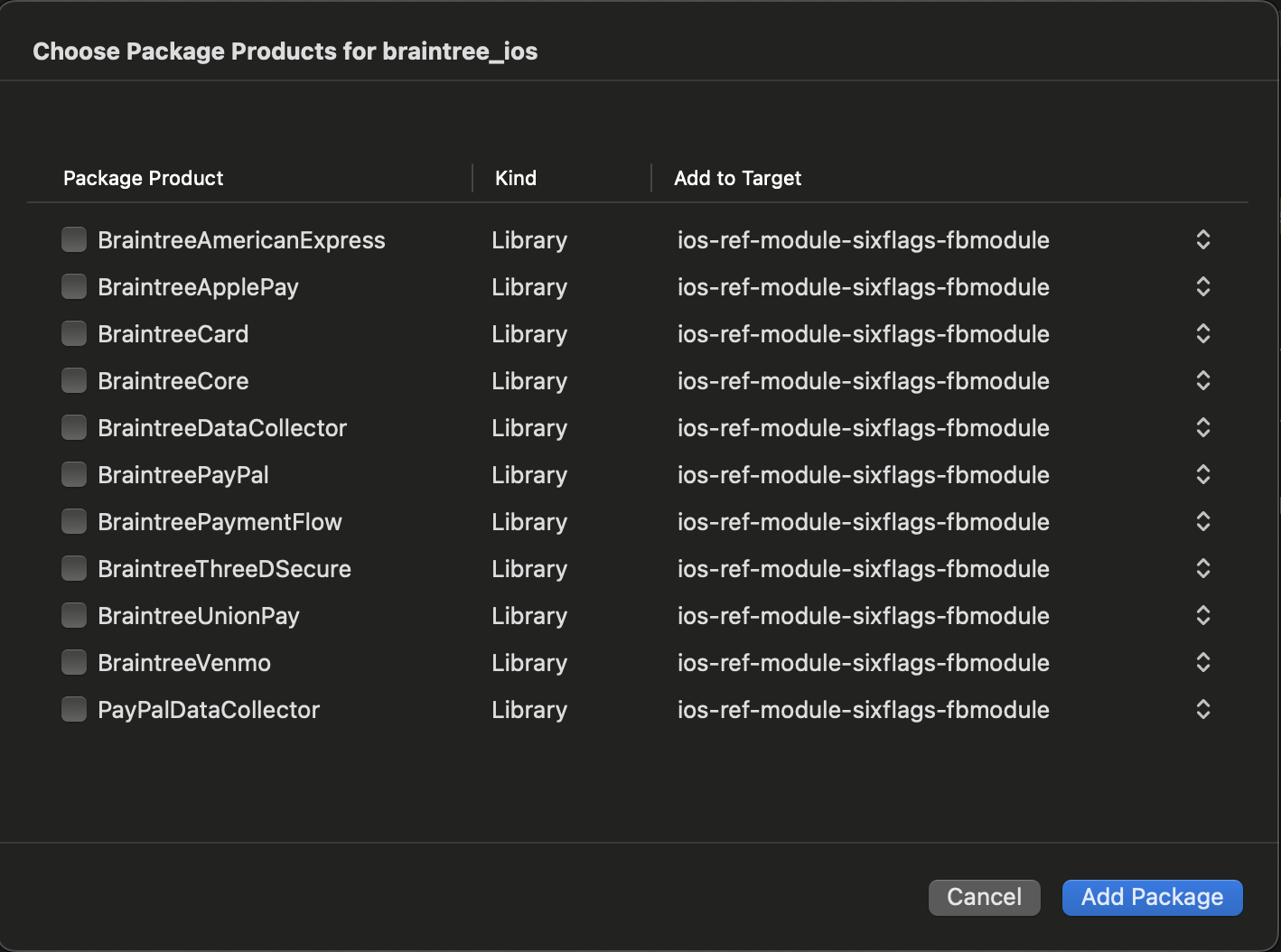
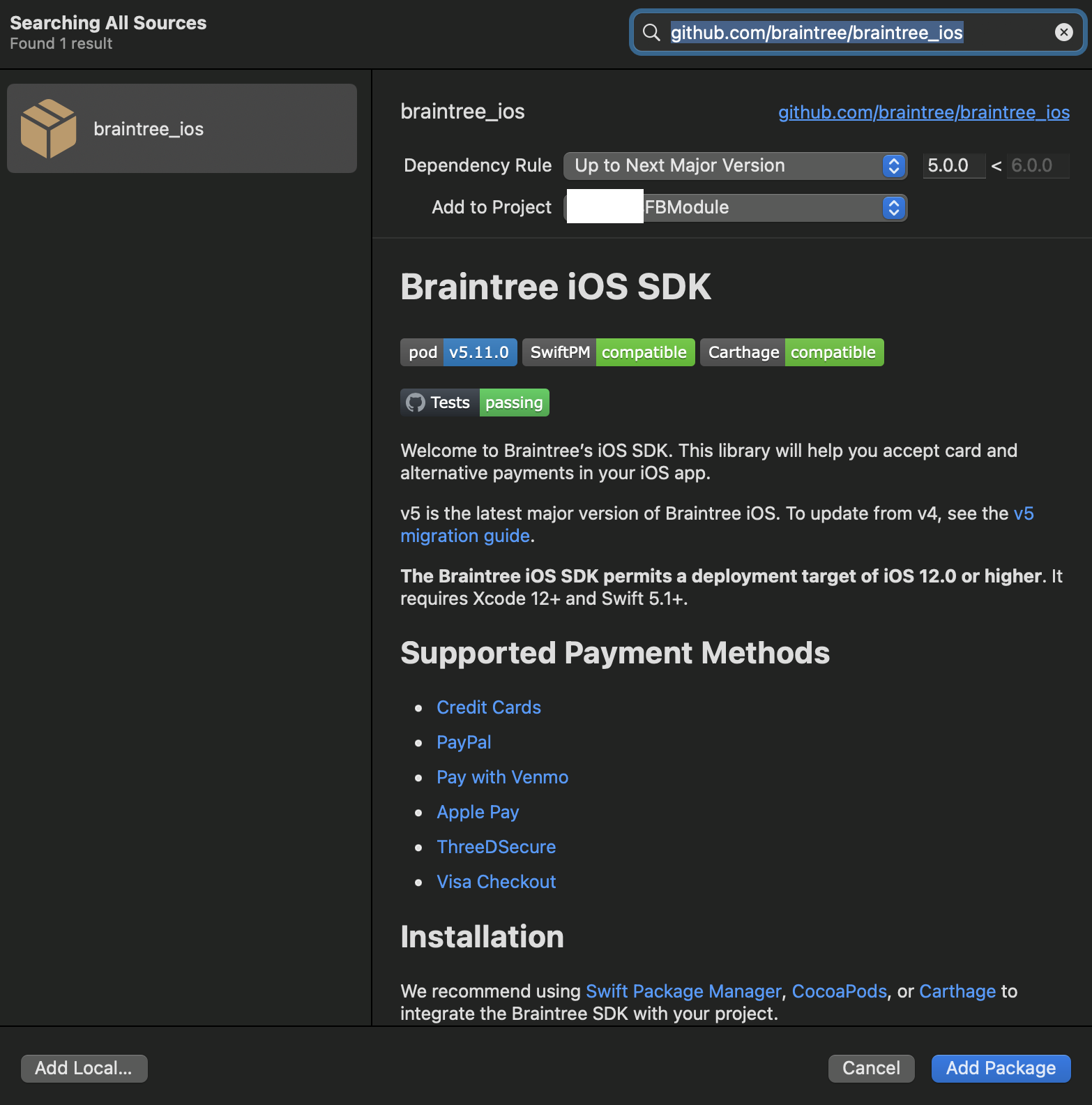
Hmm, I am only using the latest version available. Should I be seeing the option for CardinalMobile a a product? I only see the list you posted in the screenshot above. Should I be pointing to a specific branch outside of master?
It's also worth nothing, this project is a project that is imported into a main project. I am adding the SPM package to that sub project, not the main (although I have tried both).
Which version of the droppin is recommended for 3DS/Cardinal via SPM?

Hello @mmccorkle-accesso -
The list that you are seeing is accurate as you should not see Cardinal Mobile as a package product via the Braintree SDK since it is a transitive dependency of BraintreeThreeDSecure.
I see that you mentioned the Drop-in in your latest reply. If you are instead using the iOS Drop-in SDK, you should not need to pull in the Braintree Core SDK as well. The core SDK is pulled in as a dependency of BraintreeDropIn so will be pulled in automatically.
Are you able to ensure that all of the expected frameworks are listed in both Link Binaries With Libraries in the Build Phases as well as in the Frameworks, Libraries, and Embedded Content? If you are still running into errors, I think a small sample project replicating this error would be best to help us troubleshoot further.

Closing for inactivity. If you continue to encounter problems please make a new issue.
