
brainrender
 brainrender copied to clipboard
 brainglobe
root mesh of atlas not visualised
Describe the bug
Brainrender GUI does not visualise the root mesh of the atlas selected.
Same problem when using pip install brainrender and pip install -U git+https://github.com/BrancoLab/BrainRender.git
Besides me, there are two other users hat I know of who have the same issue.
To Reproduce
I believe version 2.0.5.3 of brainrender and vedo-2021.0.5 (ran pip install brainrender today)
both macOS 12.4 and Windows 10
both Python 3.6 and 3.7 in vitrual environments
Then tell us the steps to reproduce the behavior:
ran brainrender-gui -a allen_mouse_10um in conda env
needed to install PyQt5 by running pip install PyQt5 after brainrender installation
Expected behavior GUI to start and open a window visualizing the root mesh of the atlas selected.
Screenshots

In case it's relevant this is printed in the terminal:
qt.qpa.fonts: Populating font family aliases took 780 ms. Replace uses of missing font family "Roboto" with one that exists to avoid this cost.
qt.qpa.window: <QNSWindow: 0x7f8df636de00; contentView=<QNSView: 0x7f8df4bdd930; QCocoaWindow(0x600000b1a890, window=QWidgetWindow(0x600001844360, name="QWidgetClassWindow"))>> has active key-value observers (KVO)! These will stop working now that the window is recreated, and will result in exceptions when the observers are removed. Break in QCocoaWindow::recreateWindowIfNeeded to debug.
qt.qpa.window: <QNSWindow: 0x7f8df506fc10; contentView=<QNSView: 0x7f8df506f800; QCocoaWindow(0x600000b04840, window=QWidgetWindow(0x6000018b1620, name="CentralColumnWindow"))>> has active key-value observers (KVO)! These will stop working now that the window is recreated, and will result in exceptions when the observers are removed. Break in QCocoaWindow::recreateWindowIfNeeded to debug.
qt.qpa.window: <QNSWindow: 0x7f8df4bdb150; contentView=<QNSView: 0x7f8df638eca0; QCocoaWindow(0x600000b1eaa0, window=QWidgetWindow(0x6000018aebe0, name="QSplitterClassWindow"))>> has active key-value observers (KVO)! These will stop working now that the window is recreated, and will result in exceptions when the observers are removed. Break in QCocoaWindow::recreateWindowIfNeeded to debug.
qt.qpa.window: <QNSWindow: 0x7f8df5255a20; contentView=<QNSView: 0x7f8df5255610; QCocoaWindow(0x600000b10a50, window=QWidgetWindow(0x6000018a7540, name="MainWidgetWindow"))>> has active key-value observers (KVO)! These will stop working now that the window is recreated, and will result in exceptions when the observers are removed. Break in QCocoaWindow::recreateWindowIfNeeded to debug.

@adamltyson do you have any ideas as to what is going on?
Nope, but I can reproduce on Ubuntu 20.04. I don't think the font issue has anything to do with the problem though.

I could reproduce as well. Installing PyQt==5.12.3 causes the GUI to not open at all. No error message, nothing, just python hanging.
With more recent versions I get the same as you
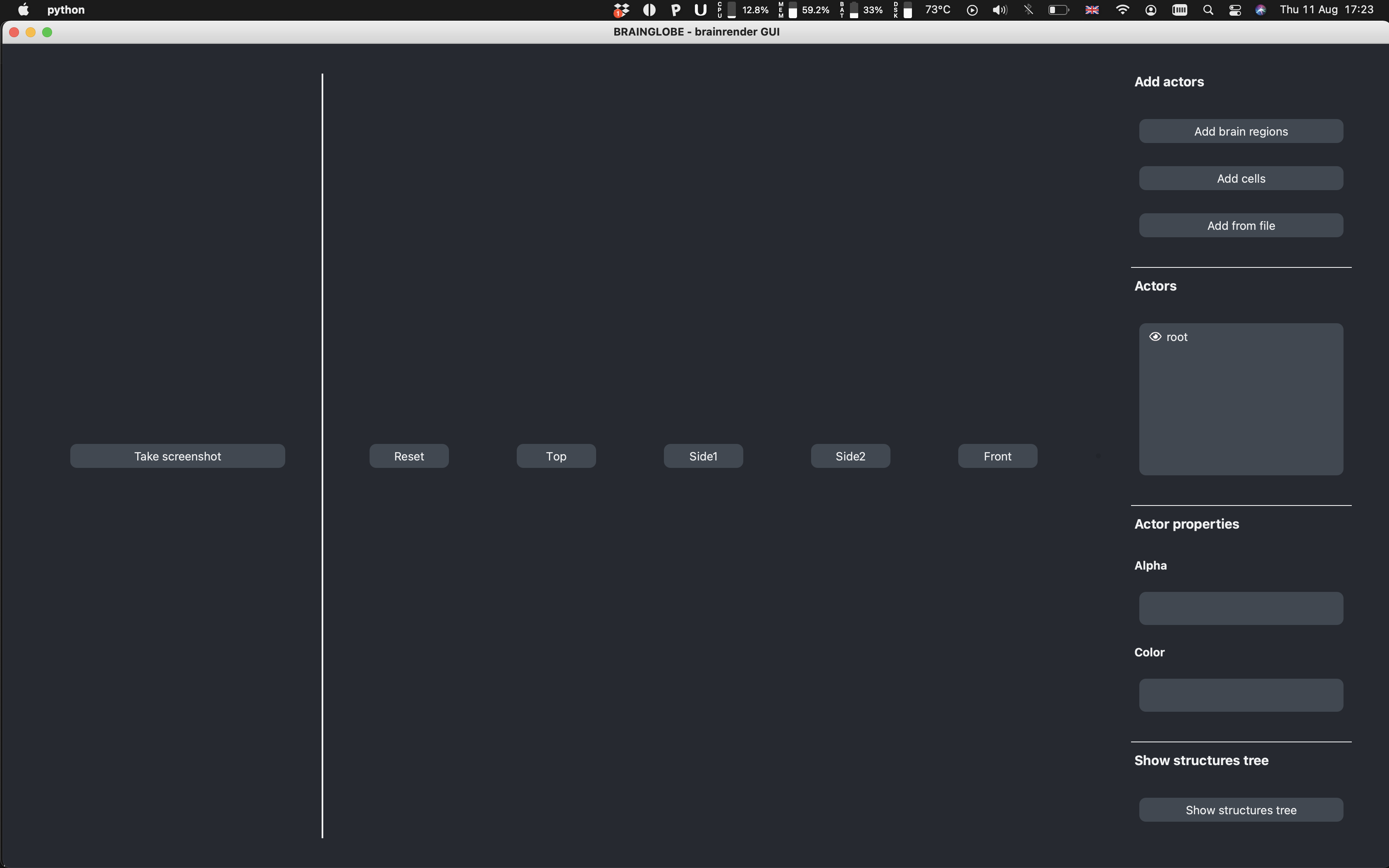
However, if you click on root in the actors list on the right, a window with the rendered brain appears
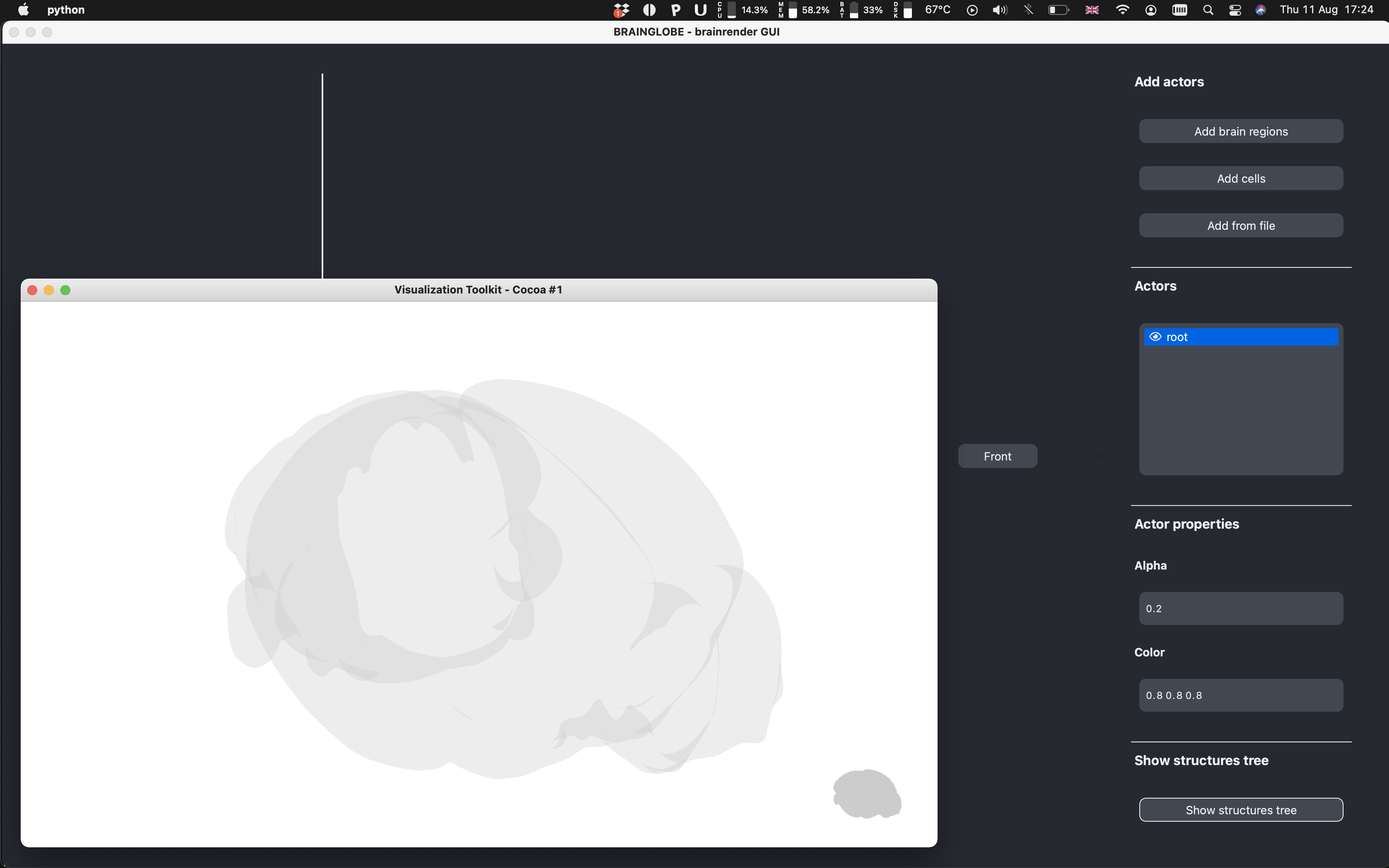
with these error messages
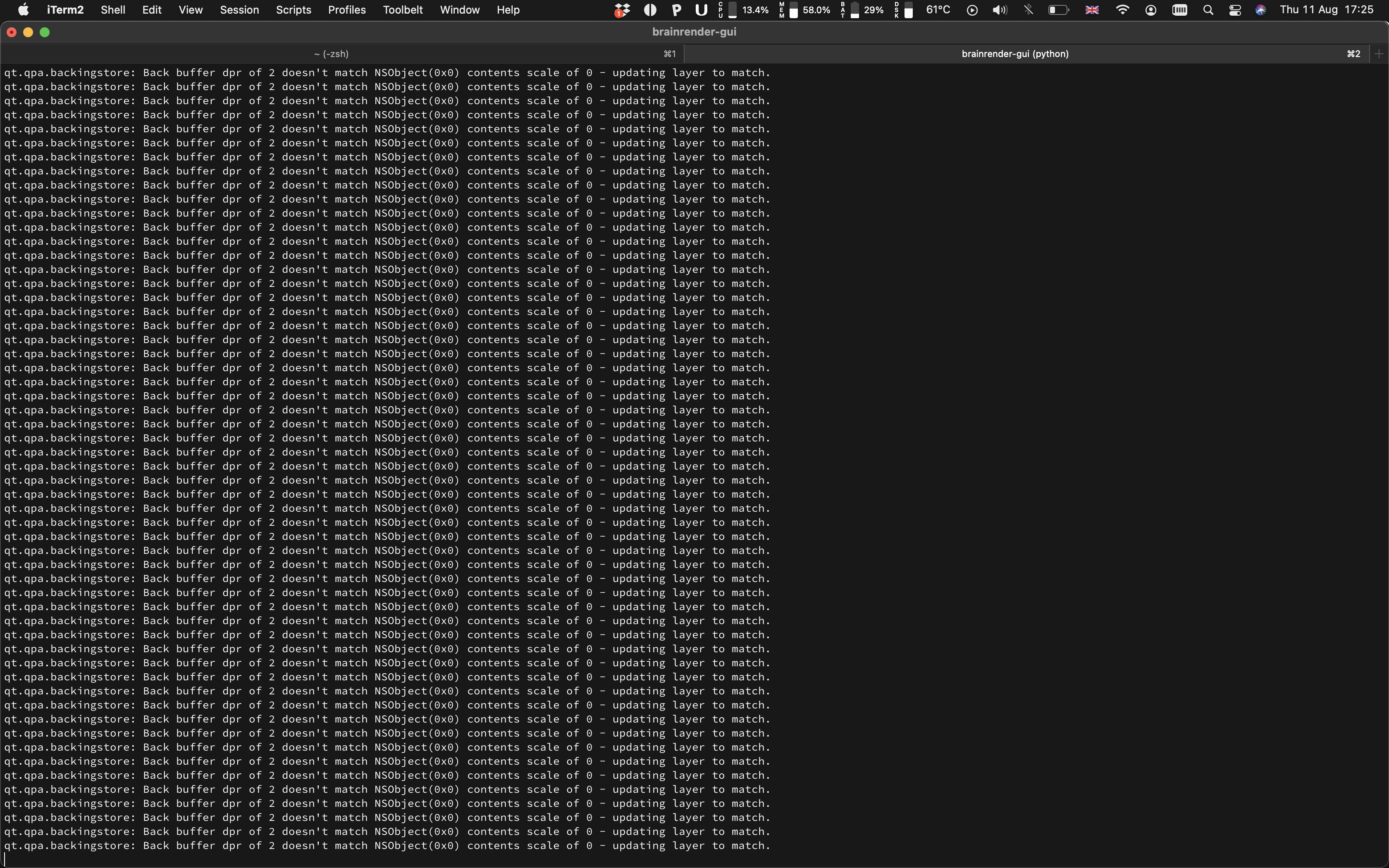
The rest of the GUI seems to work fine...
So it seems like either the QFrame or the QVTKRenderWindowInteractor are not displayed in the app and vedo creates a new window for the plotter when the brainrender scene gets updated.
I don't think it is a brainrender issue, but I'm not sure what a fix could be. @marcomusy did you ever see this behavior before>

Ah, yes that works!
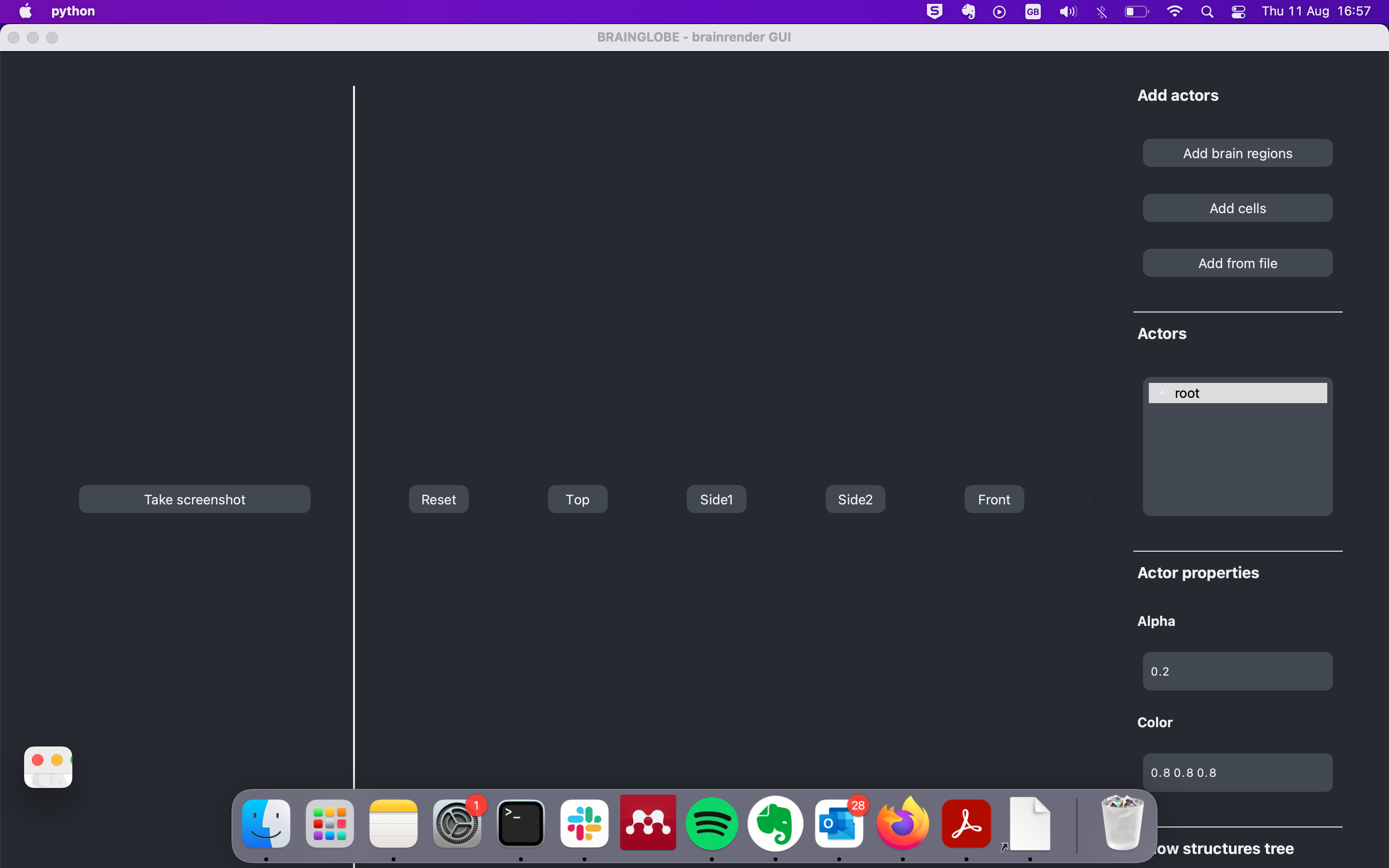
Didn't see it before as the new window is tiny (see lower left corner of screenshot). :)
Thank you
 !
!
Hi, I re-tried on Windows 10 and here no window gets opened, so it seems to not work on Windows 10.
I don't think it is a brainrender issue, but I'm not sure what a fix could be. @marcomusy did you ever see this behavior before
uhm sorry, I've no idea why that happens.. you may wish to test one or more of the examples in
https://github.com/marcomusy/vedo/tree/master/examples/other
qt_*.py

Same problem here, on Ubuntu 20.04. However when I clicked on root in Actors list, the GUI window disappeared with the message in terminal:
Segmentation fault (core dumped)

Hi: I happened to solve this problem with an emprical way. My system is Windows10. I ran brainrender 2.0.5.3 from Anaconda3 (python 3.6).
I will describe the process below: First I tried the above methods (click root), but it gave no response. Then I tried to roll back to history versions: I sequentially installed brainrender 2.0.4.5, 2.0.4.7, 2.0.5.0, 2.0.5.1. None of those could open brainrender-gui on my machine. Then I installed brainrender 2.0.5.3 again, this time brainrender could visualize the brain.
Hope this information helps.

Hi: I happened to solve this problem with an emprical way. My system is Windows10. I ran brainrender 2.0.5.3 from Anaconda3 (python 3.6).
I will descirbe the process below: First I tried the above methods (click root), but it gave no response. Then I tried to roll back to history versions: I sequentially installed brainrender 2.0.4.5, 2.0.4.7, 2.0.5.0, 2.0.5.1. None of those could open brainrender-gui on my machine. Then I installed brainrender 2.0.5.3 again, this time brainrender could visualize the brain.
Hope this information helps.
So, it seems to me that, if one install brainrender 2.0.5.3 directly, then this issue would be there. After he installed history versions of brainrender, then some missing part is back.
Hey, that's very weird I have no idea why installing it directly didn't work, but happy you've found a work around
I can confirm @Tywang-720 's fix worked for me as well (Windows 10, Python 3.7, PyCharm). The only dependency that seems to change is that the terminal downgraded a vtk package when installing 2.0.4.5, otherwise it seems all requirements were satisfied. The downgrade to vtk 9.0.0 was kept with the final 2.0.5.3 version, so perhaps this is the issue.
