

 boyter
UI not resizing properly and covers Repository button

What size did you experience the issue with? I did try it out on a few sizes and noticed the same thing but assumed that it was such an odd size not to worry about it.

I work in 1920x1200, but in many cases I do split screen, so SearchCode often gets 960x1200, while UI conflicts begin at ~1068, there is also filtering panel shift at ~1000, which could be removed especially that it downsizes only to ~777
Half of the screen:
- search over repositories
- filter pane takes most of the screen with results bellow it (just ~70px more and it goes left)
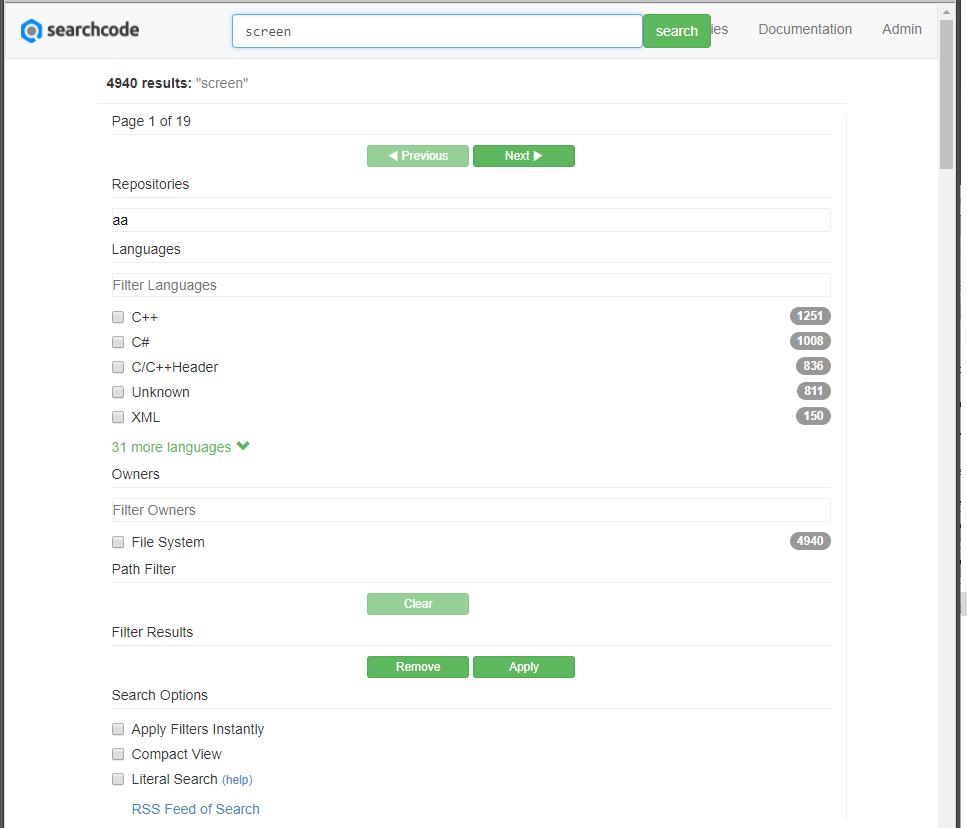
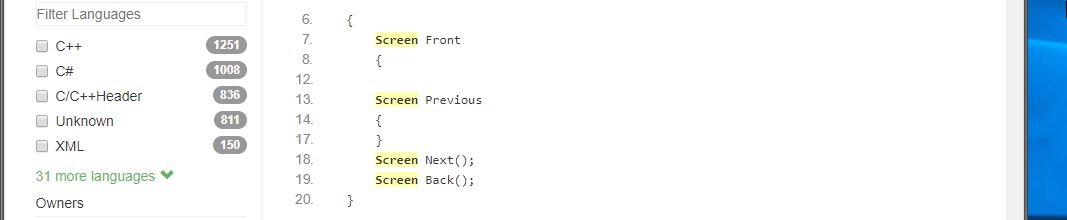
Yep I am able to replicate it. Agree it is annoying. I am NOT a CSS guru however. If you know how to force bootstrap to not collapse the regions like this that would be helpful.
Otherwise ill do some checking around. I don't think it should be that hard to disable.
Seems like there are four sizes adaptation:
- (max-width: 767px)
- (min-width: 768px) and (max-width: 991px)
- (min-width: 992px) and (max-width: 1199px)
- (min-width: 1200px)
I have updated
-
min-width: 992pxtomin-width: 922px -
max-width: 991pxtomax-width: 921px
In all files I could find it, but even after rebuild it was not applied :( will investigate tho
Maybe wrong files? assets/sales/css/bootstrap.css assets/sales/css/bootstrap.css.map assets/sales/css/bootstrap.min.css.map src/main/resources/public/css/bootstrap/css/bootstrap.css
Oh the files you need to change are, in
/src/main/resources/public/css/
The other one is just for the site https://searchcodeserver.com/ which is rather unrelated to this.