
Manki Kim




Manki Kim
Please see the two links below. Live example and its source code. Rows can be added using stateManager's insertRows, prependNewRows, prependRows, appendNewRows, appendRows methods. https://weblaze.dev/pluto_grid/build/web/#add-and-remove-rows https://github.com/bosskmk/pluto_grid/blob/master/example/lib/screen/feature/add_and_remove_rows_screen.dart
@FloRul I completed the example below by referring to the example code in the link you attached. * Do not create columns and rows in the build method. (If you...
Would you like to try modifying the `pubspec.yaml` file as shown below? Please let me know if the issue is resolved and I will proceed with the update. ```yaml dependencies:...
@bastaware Currently `,` it is filtered to prevent input. Can I modify it so that `,` can be entered according to the locale?
@bastaware I have a question. When entering numbers in Denmark and saving them in the database, is it input or saved in the form below? 123,001 (3 decimal places of...
@bastaware I understood well. I understand google sheets more clearly with Danish language setting. The update will refer to Google sheets and work with the language setting as Danish. I'll...
@bastaware The work has been pushed to the develop branch. Can you test it after modifying it as below? I'd appreciate it if you let me know the results. ```yaml...
@bastaware Doesn't it work even if I set the locale to Denmark? `PlutoGrid.setDefaultLocale('da_DK');` or `Intl.defaultLocale = 'da_DK';`
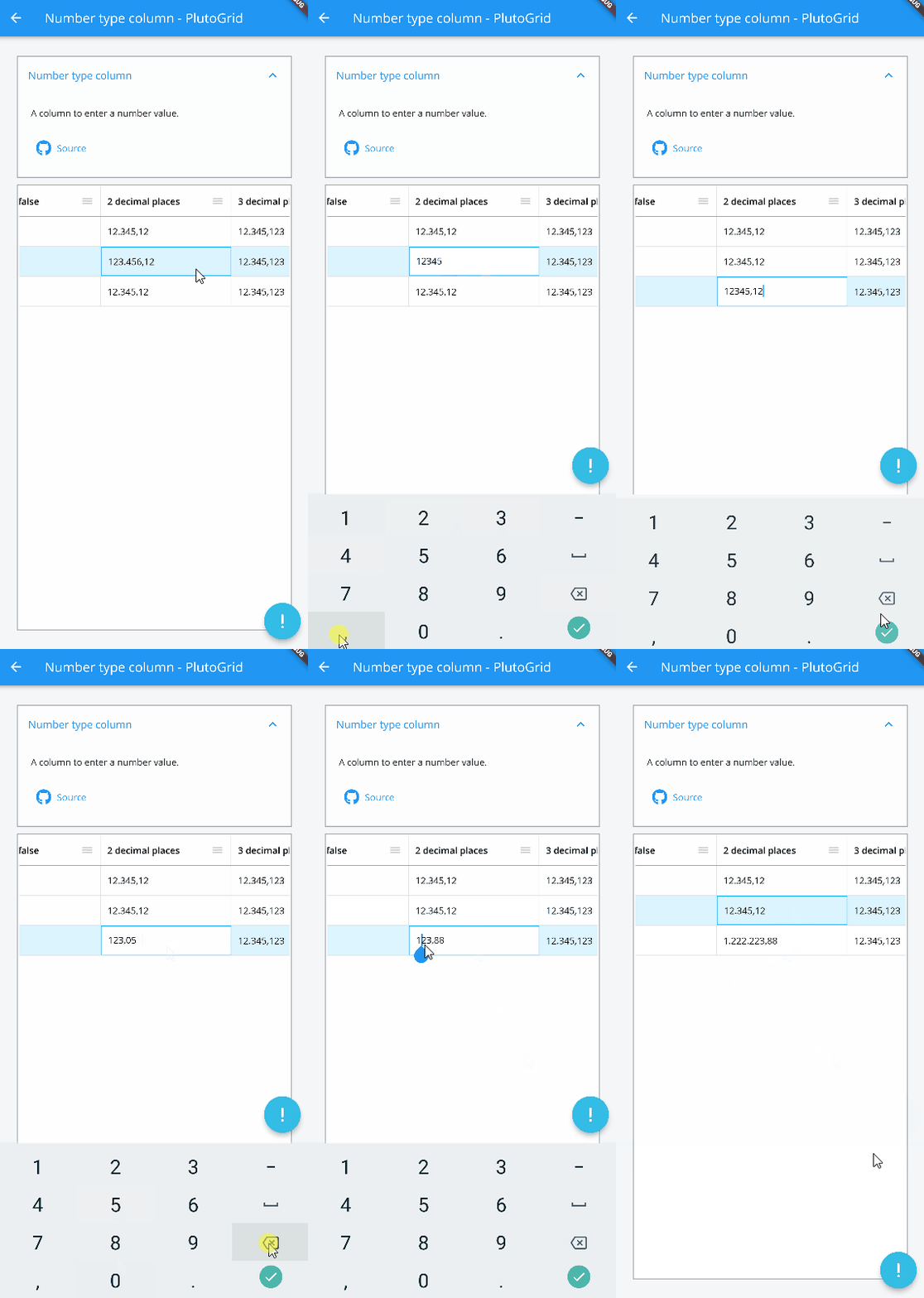 I don't have a Mac, so I tested it on Windows and Android.
@bastaware Did you try adding the `develop` branch to your dependencies, correct? The old `feature/keyboard` branch is out of date. And the format of `PlutoColumn` follows `NumberFormat` format of Intl...