

 booss
booss
CI builds & looser device-name check
This will build several pre-compiled releases in Github CI (#6)
The idea is that it's triggered with a semver git-tag (like v0.0.1) but we can set it up some other way, if this is not convenient. For testing, I used dummy tags like vtest24. If you don't want to use semver, I think any tag could also trigger it, with a small change (so you can just tag your releases and it will generate a release for it.)
Currently, it can build:
- linux (x86-64, arm64, arm32)
- mac (x86-64)
- windows (x86-64)
It will add a new tagged release with assets so users can download the built runtime for their platform (including some config examples and the README.)
This should have pi and handheld Anberinic devices (like this) covered, as well as windows, and older macs. I need to do more testing. I have a Mac M1, and an Intel-mac, and a few different platforms for linux, so I will try to get those all verified (and windows, in a vmachine.)
Linux cross-building is very slow, since it builds in qemu. I think we could improve this using rust's cross-building stuff, but it seems a bit tricky with SDL2/libudev native deps.
Main build-things left to do is mac arm64 (for M1/M2 apple silicone) and I can't seem to get it, but I made an issue over here asking for help. There is also currently an error trying to cross-build on linux spurious network error - Value too large for defined data type; class=Os (2) which I need to look into. It just started doing this, so maybe I need to adjust something in the docker-build.
I think for mac/linux, users will probly also need instructions for installing SDL, since it's dynamically-linked. For windows, I include a SDL2.dll in build.
# mac
brew install sdl2

# ubuntu/debian/etc
sudo apt update
sudo apt install libsdl2 libudev

# fedora/etc
sudo dnf install SDL2

# arch linux
sudo pacman -S sdl2

- mac x86-64 runs, but I get
No M8 audio device found, runs (with no audio) with #8 - steamdeck (linux x86-64) runs well, had to change default audio to
Speakersin settings (it switches to M8.) Also, the controller wasn't working, but I made a steam controller-map for the keys (even though the controller should work by default.) It's shared, you can find it by searching for "rm8". - Anbernic RG353P (linux arm64, running JELOS) runs, but I get
No M8 audio device found, after #8 it runs, but no input, so I probly need to do some config. Could not test audio due to no controls.
No M8 audio device found I think is related to #3, so I will see if I can work that out.
Update: this is resolved with #8 so it should be working on these platforms
Still needs testing on windows, which will take me a bit (have to setup a virtual-machine) but this gives me new stuff to troubleshoot.
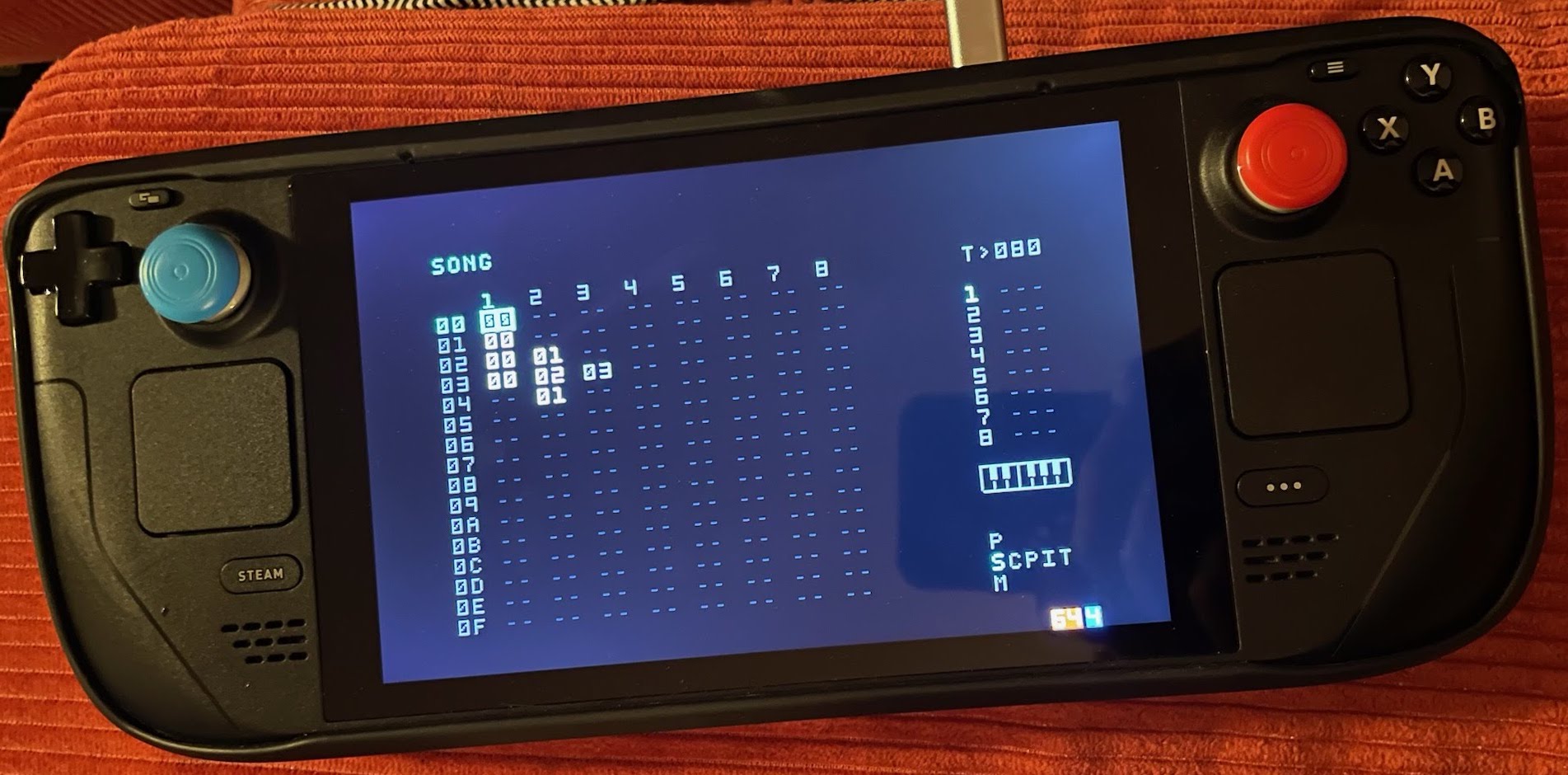
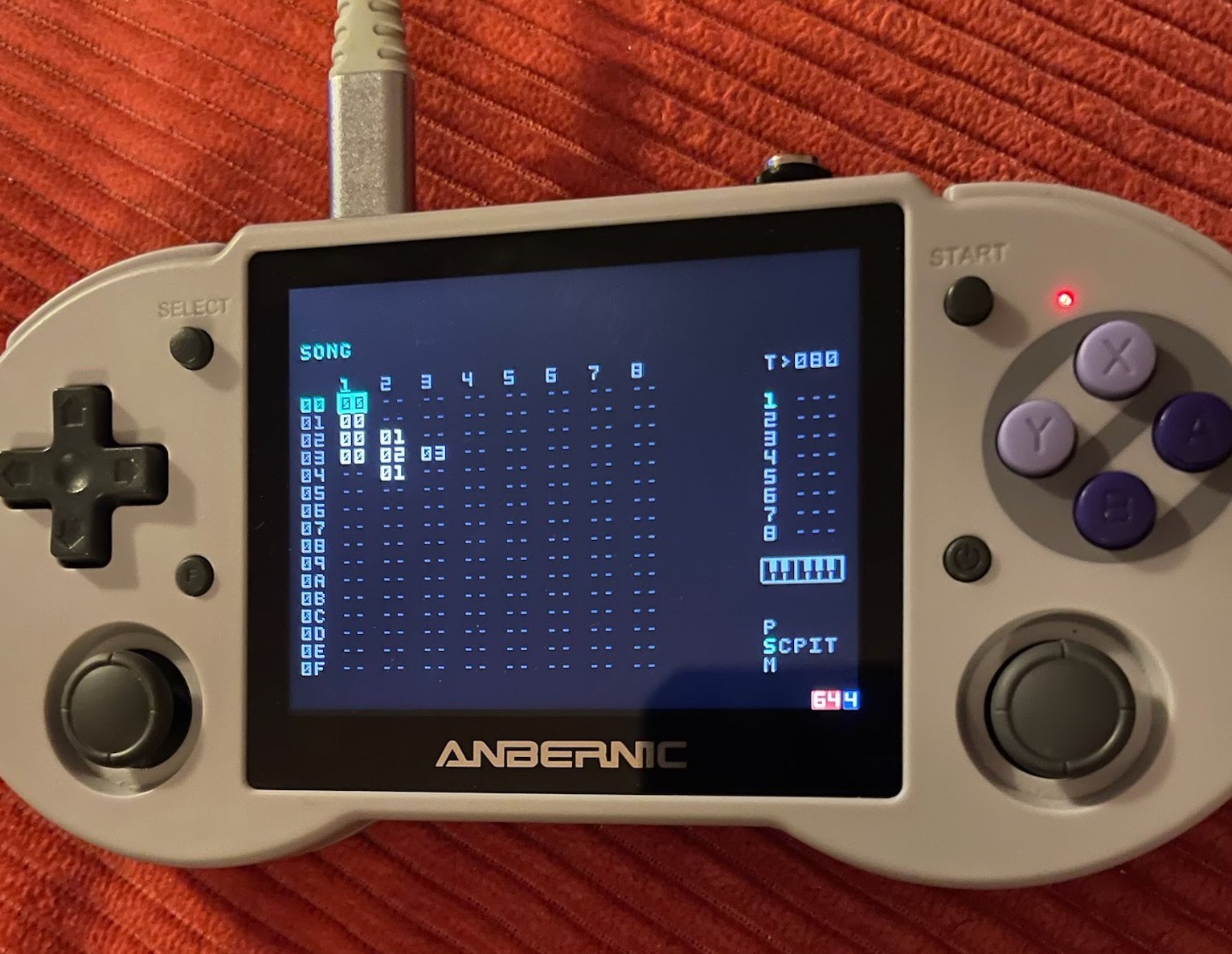
Update: just needed joystick mapping to make RG353P work. Here is what I landed on:
{
"joysticks": {
    "190000004b4800000111000000010000": {
      "buttons": {
        "15": "Left",
        "16": "Right",
        "8": "Escape",
        "14": "Down",
        "0": "Option",
        "1": "Edit",
        "2": "Play",
        "17": "Escape",
        "3": "Shift",
        "13": "Up",
        "9": "Config"
      },
      "axes": {
        "4": {
          "sensibility": 20000
        },
        "5": {
          "sensibility": 20000
        },
        "3": {
          "sensibility": 20000
        },
        "2": {
          "sensibility": 20000
        },
        "0": {
          "negative": "Left",
          "positive": "Right",
          "sensibility": 20000
        },
        "1": {
          "negative": "Up",
          "positive": "Down",
          "sensibility": 20000
        }
      }
    }
  }
}
Runs great, with audio.
Another idea, instead of releases, is using nightly.link to link to build-assets. I could merge the 2 ideas together, so you get bleeding-edge builds, but can also do tagged releases.