

 blinksh
Sync Settings - Microsoft Account
Checklist
- [x] Using latest version on the App Store
- [x] Read the docs
- [x] Searched for existing GitHub issues
Configuration
On the latest version, 15.0.5, iPad OS 15.4 beta 5 (Same on previous betas)
Describe the bug
Starting the code app (which is incredibly awesome BTW) and trying to turn on settings sync, and selecting to sign in with a Microsoft Account. The page comes up but remains blank/white.
The expectation would be to get the Microsoft Account login screen and be able to login. I use a Microsoft Account on my VS Code for my laptop.
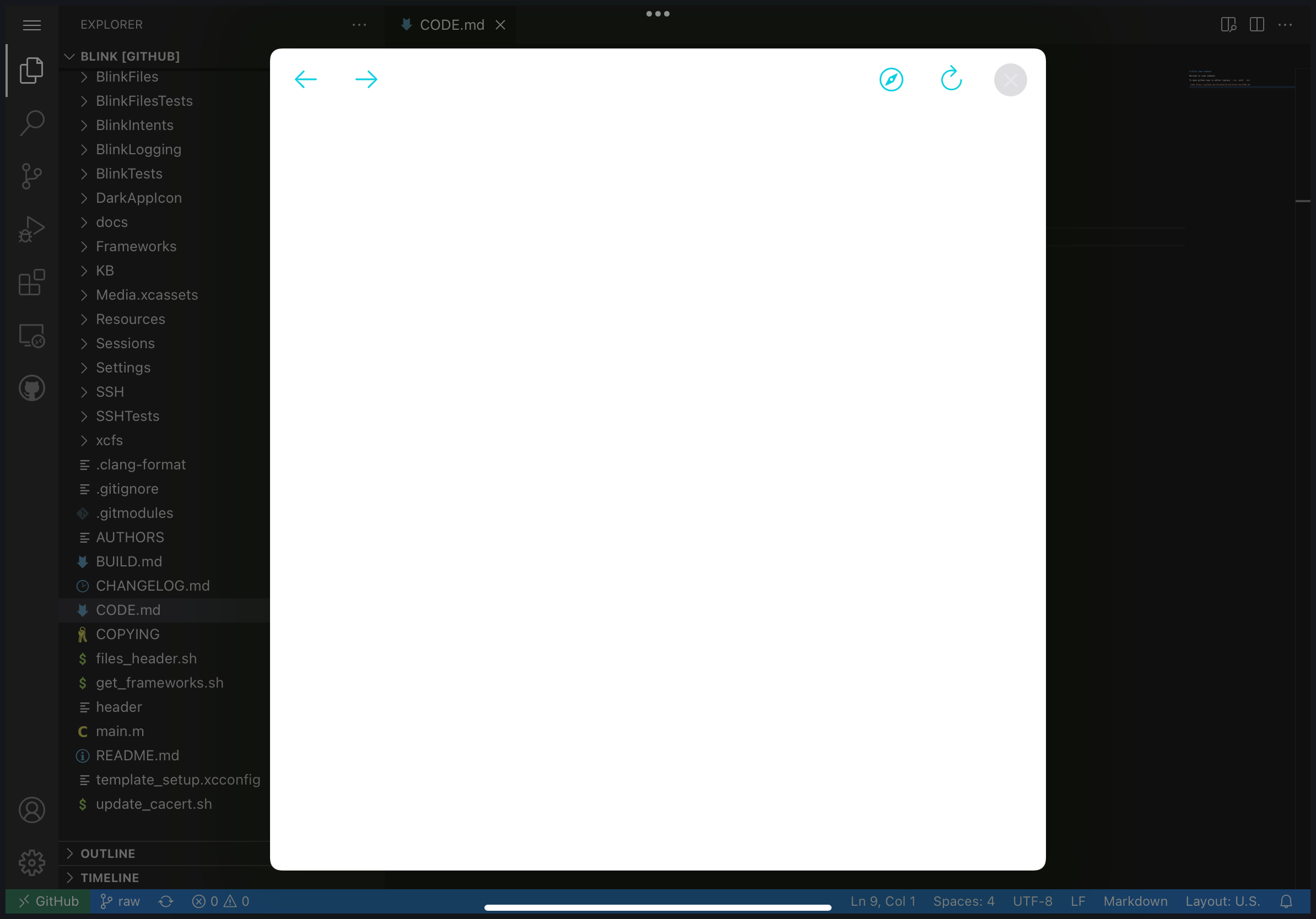


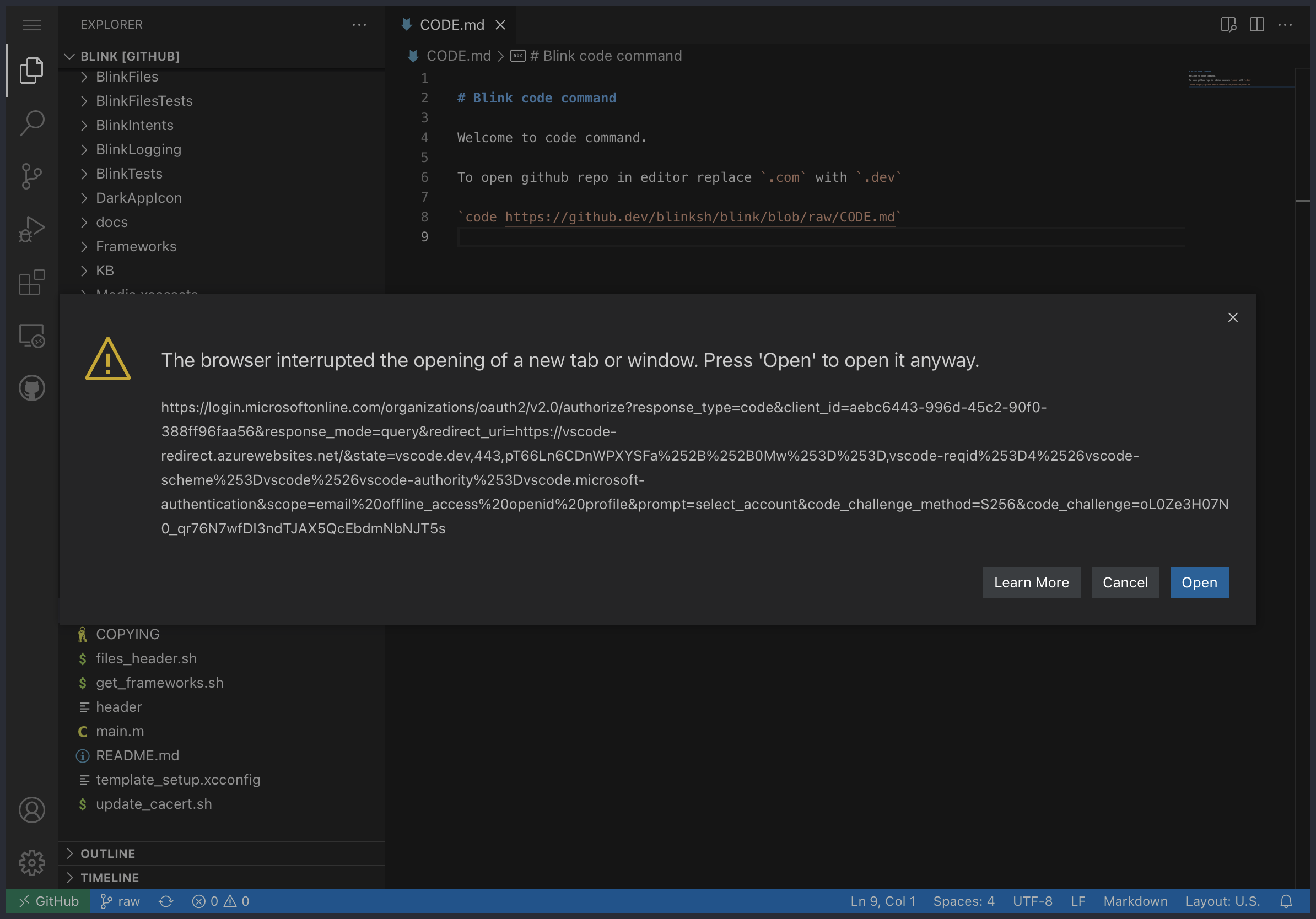
Tapping Safari does nothing, unfortunately. However before this pops up there is a dialog showing the URL it's trying to open. It won't let me copy it but here is a screenshot of it.
Newest App Store version still has this issue. Can't wait see this fix to be released.
