

 blakeblackshear
Event view - Show details in modal/overlay to avoid list scrolling
Describe what you are trying to accomplish and why in non technical terms When browsing the events list, if you click on a thumbnail, the clip preview and various buttons all appear inline. This usually causes the events list page to scroll upwards or downwards. This is confusing once the close button is pressed as the list has moved, so takes time to work out which clip would have been next in the list.
Describe the solution you'd like Moving the buttons (Download clip, Download snapshot, Show event details, Delete event, close) and the clip preview into some kind of overlay/modal would be beneficial. This would mean that the actual events list would not need to scroll, so easier for the user to work out which was the next event they wanted to look at.

I agree with the "issue" here. When browsing events, after clicking the "close" button, the event I was viewing has scrolled off the screen, so its difficult to tell where to try to view the next event. I don't know how to fix...just adding a second voice to the issue.

When browsing the events list, if you click on a thumbnail, the clip preview and various buttons all appear inline. This usually causes the events list page to scroll upwards or downwards.
I used the scrollIntoView animation when clicking the thumbnail image.
See bellow gif without the animation.

The thing is that the video element is opened in the event table itself which is not ideal. These should have been seperated.
However, i believe both Event & Recording pages will be merged at some point with a cleaner and more intuitiv UI.

Adding another voice. It would help if the last opened/closed row is highlighted or marked somehow, perhaps with a clear border.
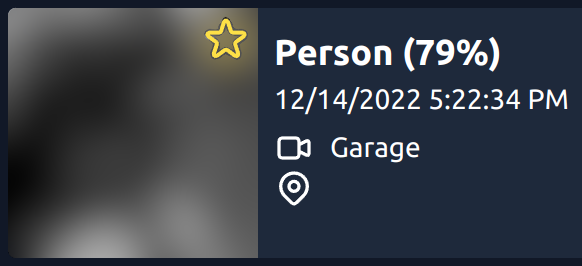
What also would help is more information on the row. The camera symbol gives the impression that there is a camera recording/clip, but there is only a snapshot. For example, I'd like to see if there is a clip 🎞️, a snapshot 🖼️, or both 🎞️🖼️. Alternatively 🎥📷.

The UI has been rewritten for the next version of frigate. As part of that viewing of previews is done via hovering and clicking opens the full recordings at that point in time.
