bitwarden
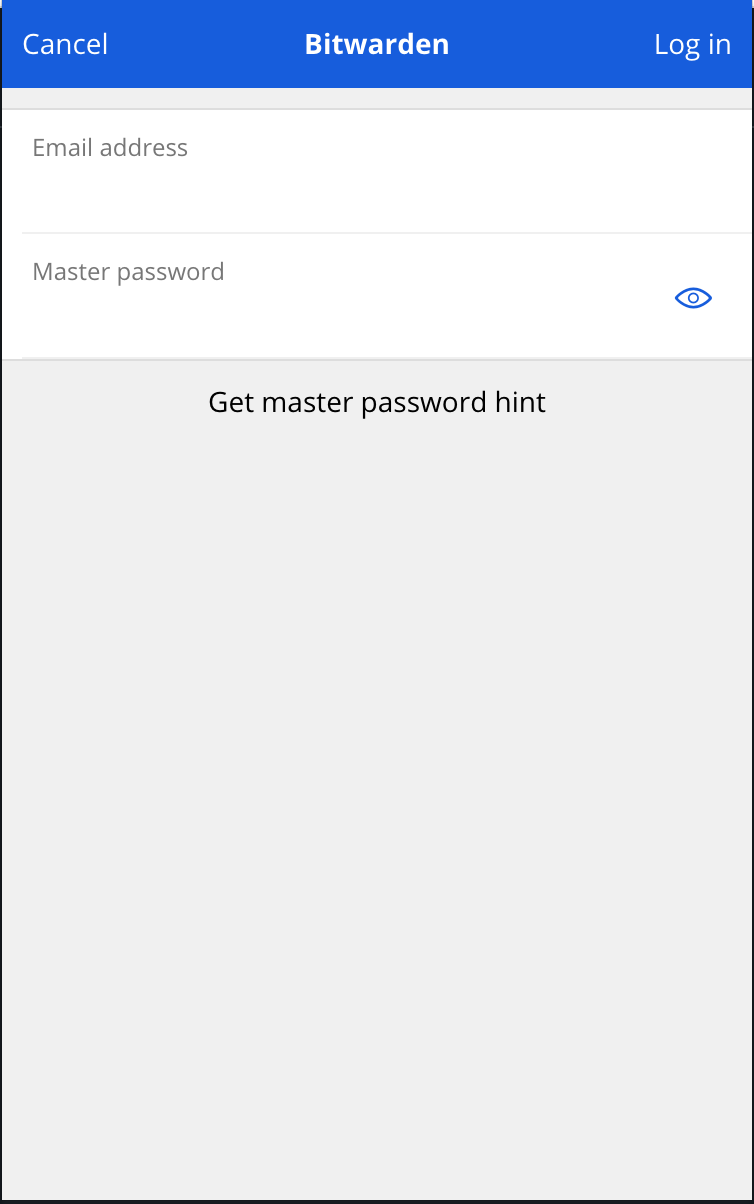
Opening of new tab to enter credentials to unlock vault fails to bring focus when in incognito
Steps To Reproduce
- Go to
chrome://extensions/shortcutsand ensure "Auto-fill the last used login for the current website" has a keyboard shortcut set. - Open a regular chrome window.
- Open an incognito window and navigate to any webpage that has a username/password field.
- Press the keyboard shortcut.
Expected Result
A new tab opens and is brought to focus to allow you to unlock your vault.
Actual Result
A new tab opens but it is NOT brought to focus.
Screenshots or Videos
https://user-images.githubusercontent.com/4182500/147000059-f2ae11ff-e11d-4d76-965f-8d862a0f5cf5.mp4
Additional Context
This issue is most annoying in full-screen because you have no indication that a new tab was opened.
Operating System
macOS
Operating System Version
10.15.7
Web Browser
Chrome
Browser Version
96.0.4664.110 (Official Build) (x86_64)
Build Version
1.55.0

Hi @ianspryn, We're cleaning up our repositories in preparation for a major reorganization. Issues from last year will be marked as stale and closed after two weeks. If you still need help, comment to let us know and we'll look into it. Thanks!

I was also a bit annoyed by this and see that there is an existing issue. To add a little bit of context I believe to solve this issue, incognito key should be specified as split instead of the default value of spanning.
How to choose As a rule of thumb, if your extension needs to load a tab in an incognito browser, use split incognito behavior. If your extension needs to be logged into a remote server use spanning incognito behavior.
https://developer.chrome.com/docs/extensions/mv3/manifest/incognito/
However, this might mean forcing users to login to Bitwarden in every new incognito view.
Alternatively, we can try passing a windowId to BrowserApi.createNewTab to specify the windowId for the chrome.tabs.create method. But I am not sure if the windowId information is present in the promptForLogin message.
https://github.com/bitwarden/clients/blob/b376d933e1e0119e62b9b1ebed51c9e3e1db63cc/apps/browser/src/background/runtime.background.ts#L103

Another alternative might be opening popup instead of creating a new tab. It should be possible on incognito view.