cornerstone
 cornerstone copied to clipboard
 bigcommerce
Videos not rendering on Safari when played from WebDav content folder
Expected behavior
Videos loaded from the content folder in bigcommerce load regularly in all browsers.
Actual behavior
Videos load on Chrome based browsers but not on Safari (mobile or desktop).
Steps to reproduce behavior
Upload a video via webdav on your bigcommerce store and try to implement it on the front-end using the default html:
<div class="container">
        <p>Through CDN</p>
        <video playsinline="" autoplay="" loop="" muted="">
            <source src="https://cdn11.bigcommerce.com/s-u7yn5f7nmq/content/videos/cover.mp4" type="video/mp4">
        </video>
        <p>Direct Path</p>
        <video playsinline="" autoplay="" loop="" muted="">
            <source src="https://www.intexcorp.com/content/videos/cover.mp4" type="video/mp4">
        </video>
</div>
A page demonstrating the issue can be found here: https://www.intexcorp.com/video-test/

This seems to be an issue with how BigCommerce's CDN delivers video. When trying to load your video directly, I got this:
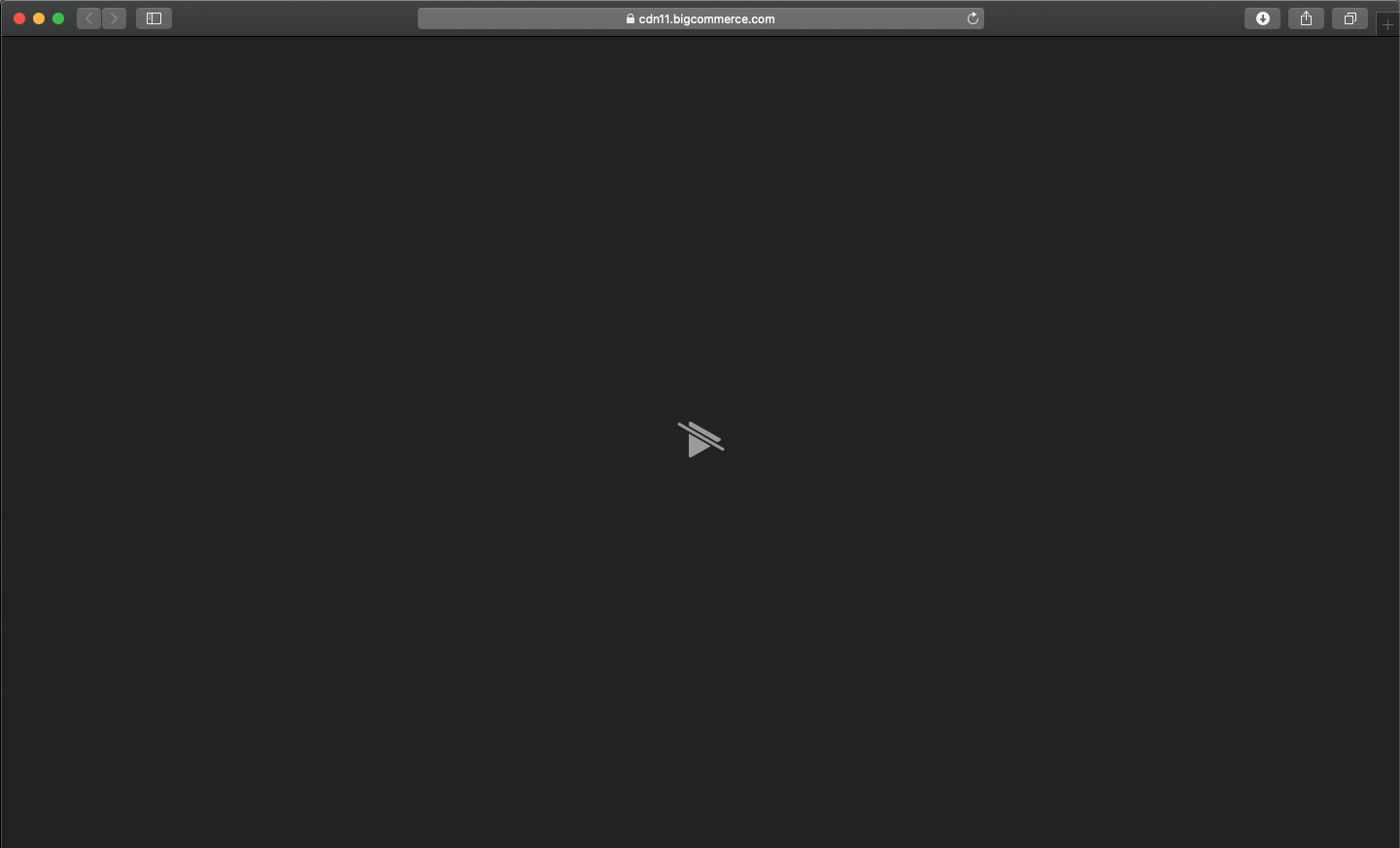
The Safari web console gave the error message "Failed to load resource: Plug-in handled load". Searching for that brought me to this support post from last year: https://support.bigcommerce.com/s/question/0D51B00005O17iv/issue-with-mp4-playback-in-safari
Even if I copy the content of your page and paste it into a standalone HTML page, it does not load. I also uploaded a different video to my own WebDav content folder, and it would not load on its own or in an HTML5 video element.
So this is not an issue with the Cornerstone project.

Hey Jasper @DrOverbuild , I actually digged deep into this issue:
The cdn used by bc does not support range requests (a type of http request / response that allows a server to serve a video in chunks instead of a whole piece. While range requests are not mandatory according to IETF on web servers, safari does not play videos from servers that do not support range requests. As a result it's not possibile to play videos from BC servers. While playing videos is not an outlined feature of BC the issue came up more than once in the support community and it would be great to express that inside the BC documentation. Maybe you can hand this comment to the community manager!

I'm not sure what that means, but you will need to host your videos outside of WebDAV. I don't see a solution to this coming soon, I doubt the BC team is going to re-wire their WebDAV server configuration for this
It’s not a problem of the WebDAV, Akamai (the cdn used by BC) supporta range requests as a paid feature. eCommerce is moving strongly towards video content on product pages.
Sent from my iPhone
On 3 Aug 2020, at 22:48, Mikhail Maslyuk [email protected] wrote:
I'm not sure what that means, but you will need to host your videos outside of WebDAV. I don't see a solution to this coming soon, I doubt the BC team is going to re-wire their WebDAV server configuration for this
— You are receiving this because you authored the thread. Reply to this email directly, view it on GitHub, or unsubscribe.
-- Dai un like su Facebook a riCompro https://www.facebook.com/riCompro
I also had this issue and found a solution that's just about acceptable (so long as the video files aren't too large).
It's essentially the same principle as lazy loading:
if (navigator.userAgent.indexOf('Safari') != -1 && navigator.userAgent.indexOf('Chrome') == -1) {
    function ready() {
        let videoElement = document.getElementById("video-{{_.id}}");

        fetch("{{video_url}}.mp4")
            .then((res) => res.blob())
            .then((blob) => (videoElement.src = URL.createObjectURL(blob)));
        }

    document.addEventListener("DOMContentLoaded", ready);
}
If you do the above, the video will start playing in Safari as soon as it's downloaded, which is one of the main reasons you should only use this with smaller video files. That and the fact that doing this with larger video files will probably also crash iOS Safari (at least they did in my case). As long as you display a video thumbnail while it's loading I think it's an acceptable compromise.
I know the above is not ideal, but in my situation I had to upload the videos to the BigCommerce CDN using WebDav. Using another CDN wasn't an option.