

 bigbluebutton
Poll question on slide not visible, when chrome flags' dark mode is enabled (chrome 94).
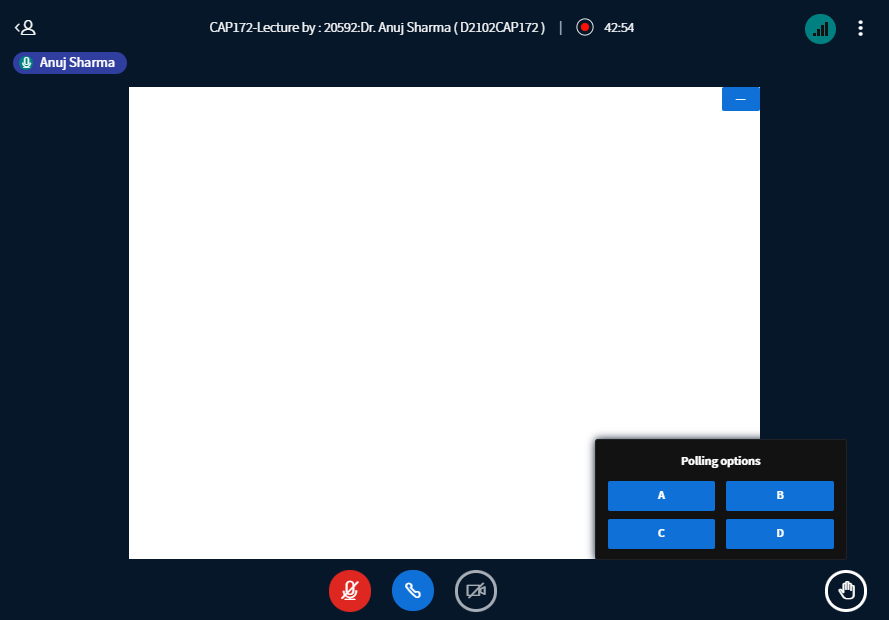
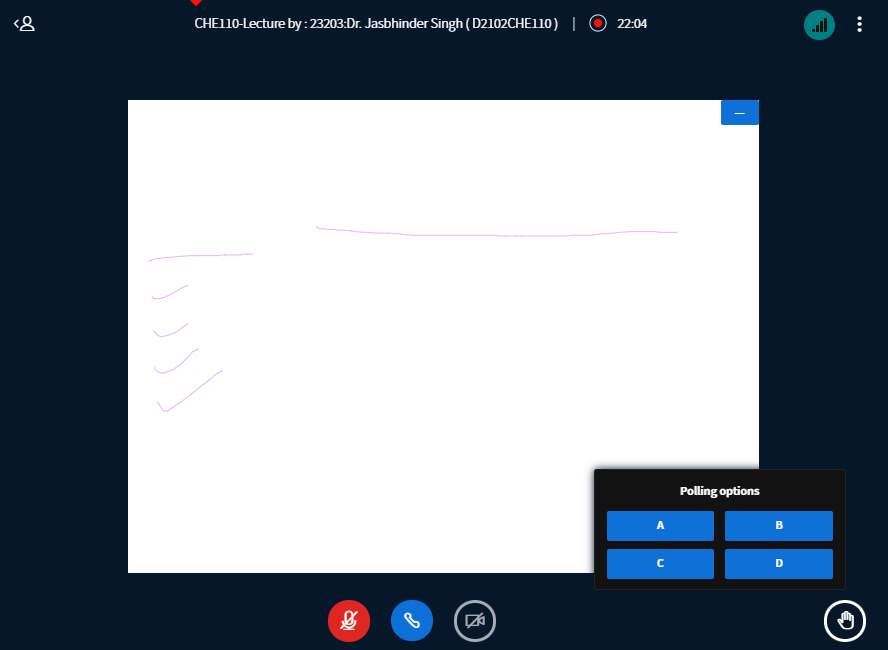
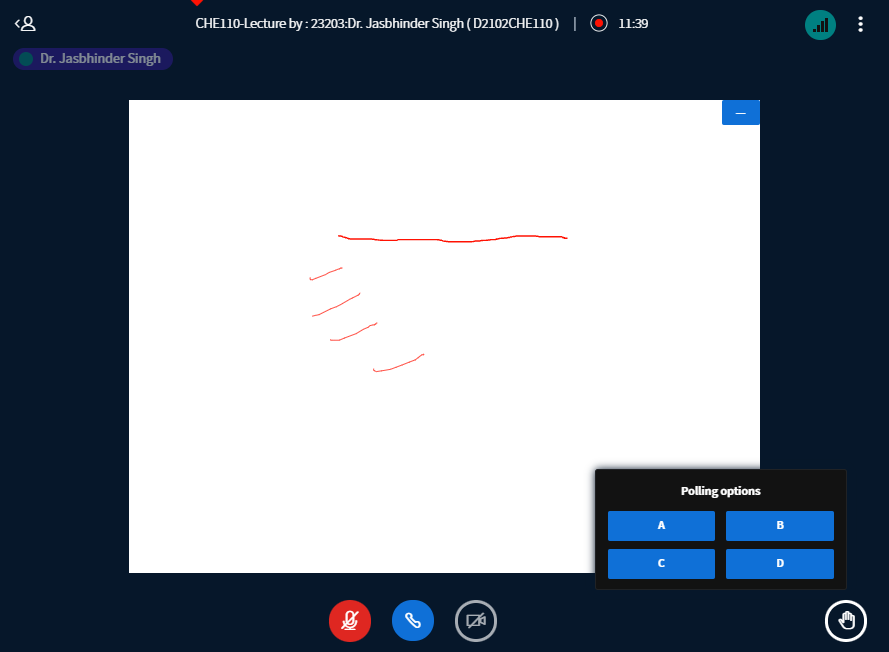
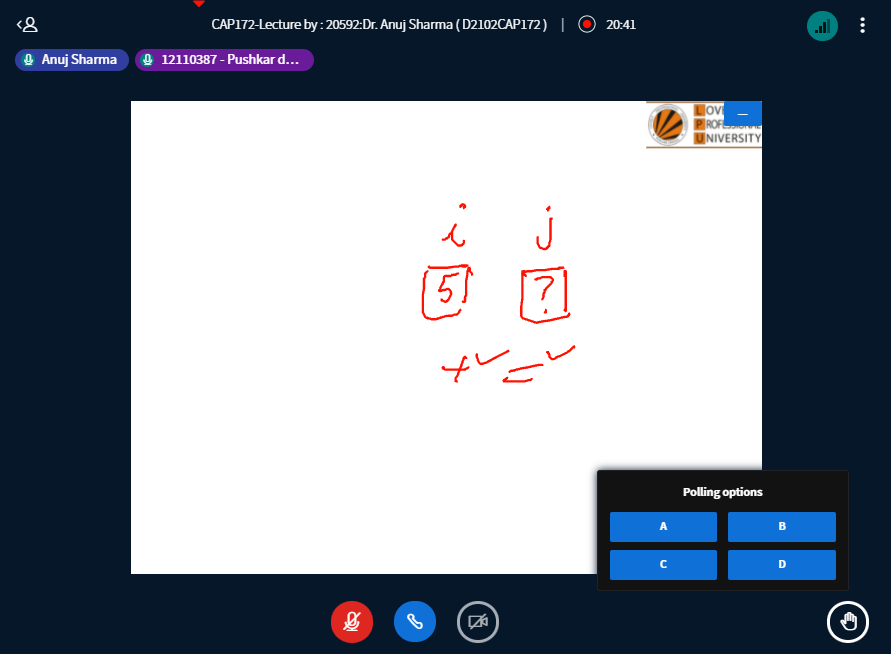
Describe the bug When dark mode (in chrome experiments >"Force Dark Mode for Web Contents" ) is enabled, the poll question that appears on the white slide has default white fonts (i guess) on white slide background, hence the question in poll is invisible. Such does not happen when "Force Dark Mode for Web Contents" is set to default (disabled). But, when teacher uses color marker on this poll-question-slide, it is clearly visible, just the pre-types-fonts are not visible. And, other than poll-question-slide, rest slides appear fine & normal.
To Reproduce Steps to reproduce the behavior:
- Go to 'chrome://flags' (on chrome 94).
- In the 'Search flag' bar, type and search 'Force Dark Mode for Web Contents'.
- Set this option to 'enabled', and relaunch chrome.
- Join a class and when the poll comes, you will find that only a blank slide and poll options are visible.
- See the bug.
Expected behavior Poll's question should be visible on slide.
Actual behavior Poll's question IS NOT VISIBLE on slide, because of dark mode being on.
Screenshots

BBB version: BigBlueButton 2.3.14
Desktop (please complete the following information):
- OS: Windows 10 64-bit (version 20H2)
- Browser: Google Chrome 94 (Version 94.0.4606.81 (Official Build) (64-bit))
- Version: Chrome 94.0.4606.81 , Windows 10 20H2

This issue has been automatically marked as stale because it has not had recent activity. It will be closed if no further activity occurs. Thank you for your contributions.
![stale[bot] avatar](https://avatars.githubusercontent.com/in/1724?v=4 "Published by a pub.dev verified publisher")
Let's try to reproduce this and adjust on 2.5 if it's happening. On 2.6 there's a different dark mode, so we should try it there too afterwards

