
lazpaint
 lazpaint copied to clipboard
 bgrabitmap
Commandline option to avoid asking question
I use Lazpaint in the pipeline intended to copy some part of the screen to the clipboard to edit an image before copying it. This option allows to avoid annoying questions about image options and whether I want to save it.
With this option Lazpaint doesn't ask to confirm saving changes, it just saves using default options.


Hello,
Apologies for the late reply.
I am trying to understand the use case. Is it that you are opening LazPaint with the command line, and then using the user interface, you want to save the file and close? So that would be a command line option that has an effet on the user interface?
The main idea is to force LazPaint to save changes upon closing without asking to confirm it, otherwise it asks two questions before you are able to continue. The point is to simplify the workflow of taking\editing screenshots.
Ok, so maybe we can define more explicit options. Something like: -saveonexit: save image without confirmation when LazPaint exits -skipsaveoptions: skip save options dialog
By the way, maybe a command to take a screenshot could be useful.
Two different options sound like a good idea, I have troubles coming up with a good name for my option. With two options it is easy. Special "screenshot" mode would be great, but I believe we need more than two things to dedicate a special mode to it. I'm not yet ready to say what this would look like, but, perhaps, simplified tool palette consisting of lines and rectangles with preselected colors - most popular tools to use with screenshots.
Ok for the names then.
About screenshot, I was rather thinking of a command that takes the whole screen and another that takes given rectangle coordinates as parameter. Like : -fullscreenshot -screenshot 0,0,800,600 (left, top, width, height)
This makes sense. However, I prefer separate commands for the task - I use hacksaw/shotgun. This makes things more flexible, IMO.

Sorry to come back again with another point of view, but I was thinking about it and if I understand correctly the usage would be:
- create a screenshot file with another program
- open it with LazPaint in a way that would be saved automatically
- do something with the modified screenshot
It seems a bit similar to the edit texture mode (green check button):
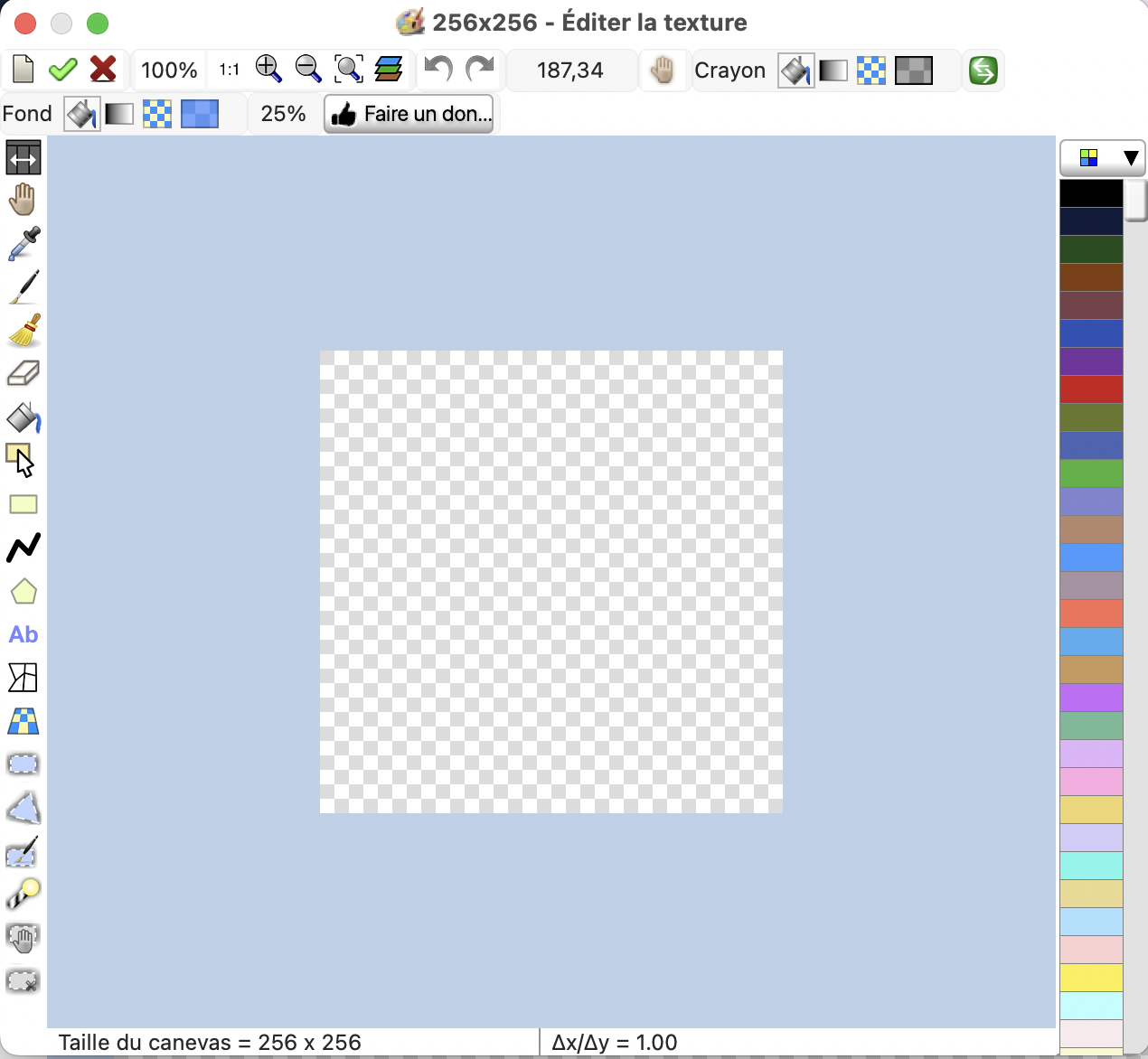
So I am wondering about a command to open LazPaint with a similar mode. That could be used like this:
> lazpaint screenshot0001-original.png -editor layerStack=no,colorCircle=no screenshot0001-modified.png
If the green check is pressed, then the commands continue and the file is saved (here it is another name but could be the same). If the red cross is pressed, then the commands stop and the file is not saved.
With these explicit hints the solution looks way better. I would go with it. Actually I'm ok with saving the file "in place" i.e. I don't need original screenshot file usually.
I've added -editor command on dev. Finally the syntax is like the config files:
> lazpaint screenshot0001.png -editor [Window]ColorWindowVisible=0,LayerWindowVisible=0 screenshot0001.png
> lazpaint screenshot0001.png -editor default screenshot0001.png
> lazpaint screenshot0001.png -editor myconfigfile.cfg screenshot0001.png
Note: you can find the current config file in the configuration directories (for example "/User/me/.config/lazpaint.cfg")
Published in test version 7.2.1 https://forum.lazarus.freepascal.org/index.php/topic,12037.msg450915.html#msg450915