

 bevyengine
Inconsistent Rendering/Input Delay between Multiple Windows
In this lightly modified version of the bevy multiple_windows example used for testing multi-window picking:
https://github.com/aevyrie/bevy_mod_picking/blob/master/examples/multiple_windows.rs
There is a consistent delay in response between windows. The primary window always updates after the secondary window, regardless of which window is being interacted with when picking. It appears to be a couple frame delay.
For reference, this is what it looks like:
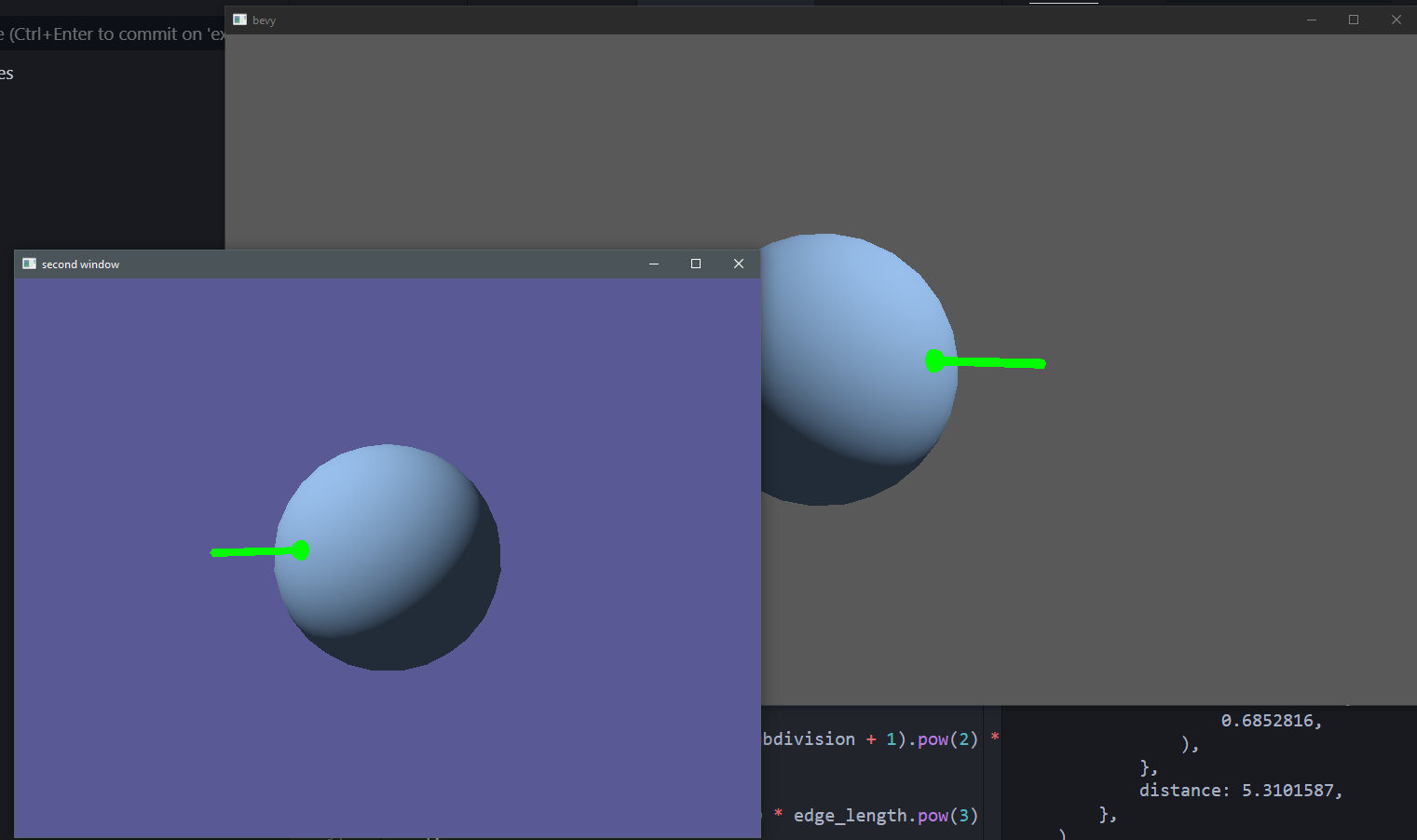

So, this is really weird, but lag is reduced/eliminated in debug builds. I noticed this first when working on a single window test, where running without the --release flag actually made the application more responsive.
Edit: Full transcript of note I left in Discord:
Noticed something really odd today. I've seen prior talk about some frame latency, where there is a few-frame delay from console output of state change to the changed frame being output.
I noticed that the input latency almost vanishes if I run in debug. That is, lag is noticeably worse in release builds. In addition, I noticed this feels very similar to the difference in input latency between a primary and secondary bevy window when running in release mode. In this case, the primary window always feels a bit more laggy than the secondary window - very similar to the difference in feeling between running in debug vs release. The extra odd point about all of this is that the release mode lag only seems to exist in the primary window. In the multi-window example, the only time a window feels laggy is the primary window in release mode.

I hope these new details can help to point toward the problem. Let me know if there's anything I can do to support debugging this if/when it becomes a priority.
@aevyrie Did you have a chance to record the amount of lag you're experiencing? You mentioned that you saw way more delay than what my desktop did.
To post here, this is what bevy_mod_picking with cargo run --release --example multiple_windows looks like on my desktop and laptop. While I find it difficult to see lag on my desktop recording, I'm able to notice some lag on my laptop during fast mouse movements in the primary window (grey background).
Desktop
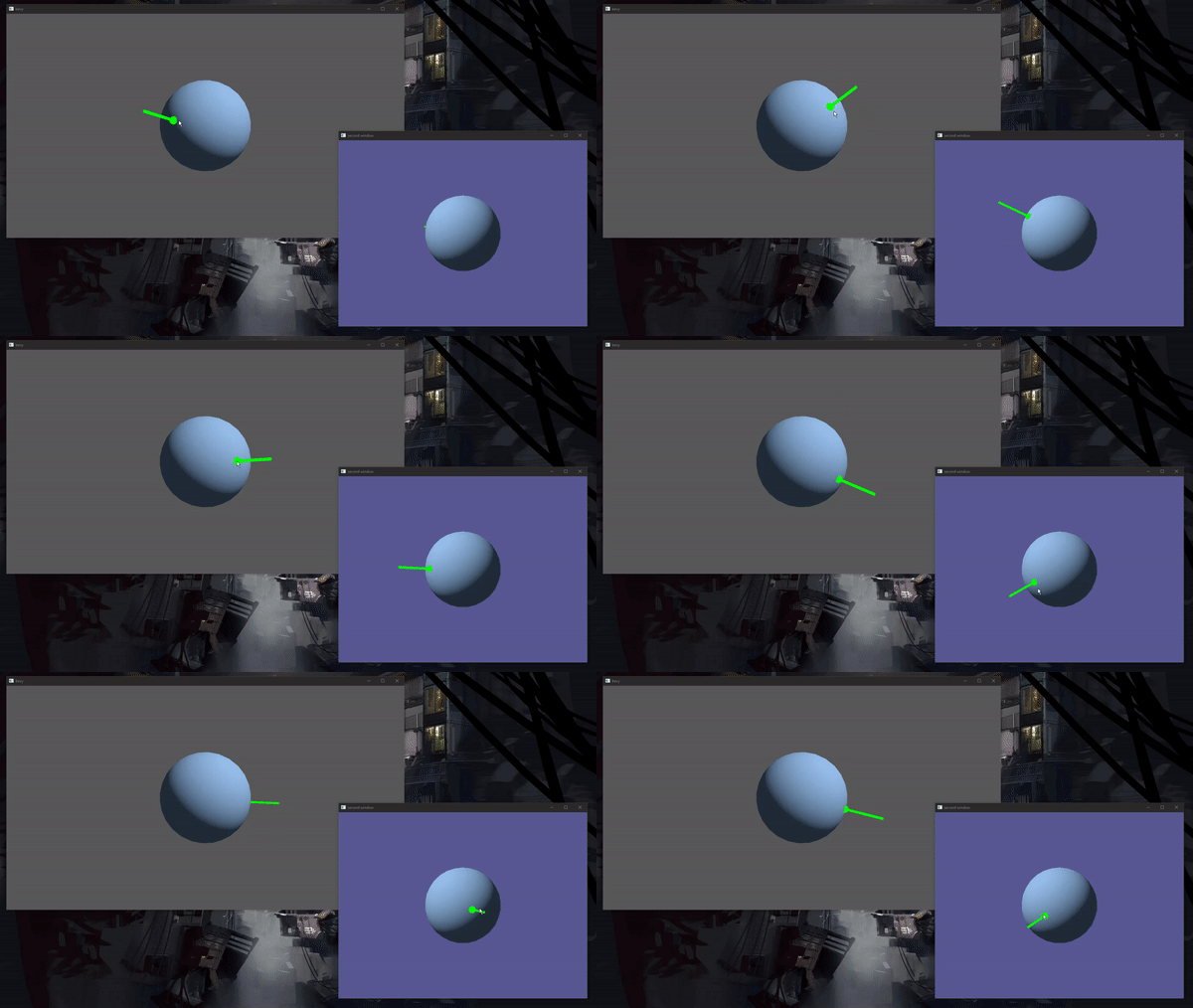
OS: Windows 10, Version 2004
CPU: i7-6700K @ 4.00GHz
GPU: GTX 1080
Memory: 32GB
$ rustup show
stable-x86_64-pc-windows-msvc (default)
rustc 1.46.0 (04488afe3 2020-08-24)
# home/.cargo/config.toml
[target.x86_64-pc-windows-msvc]
linker = "rust-lld.exe"
Laptop
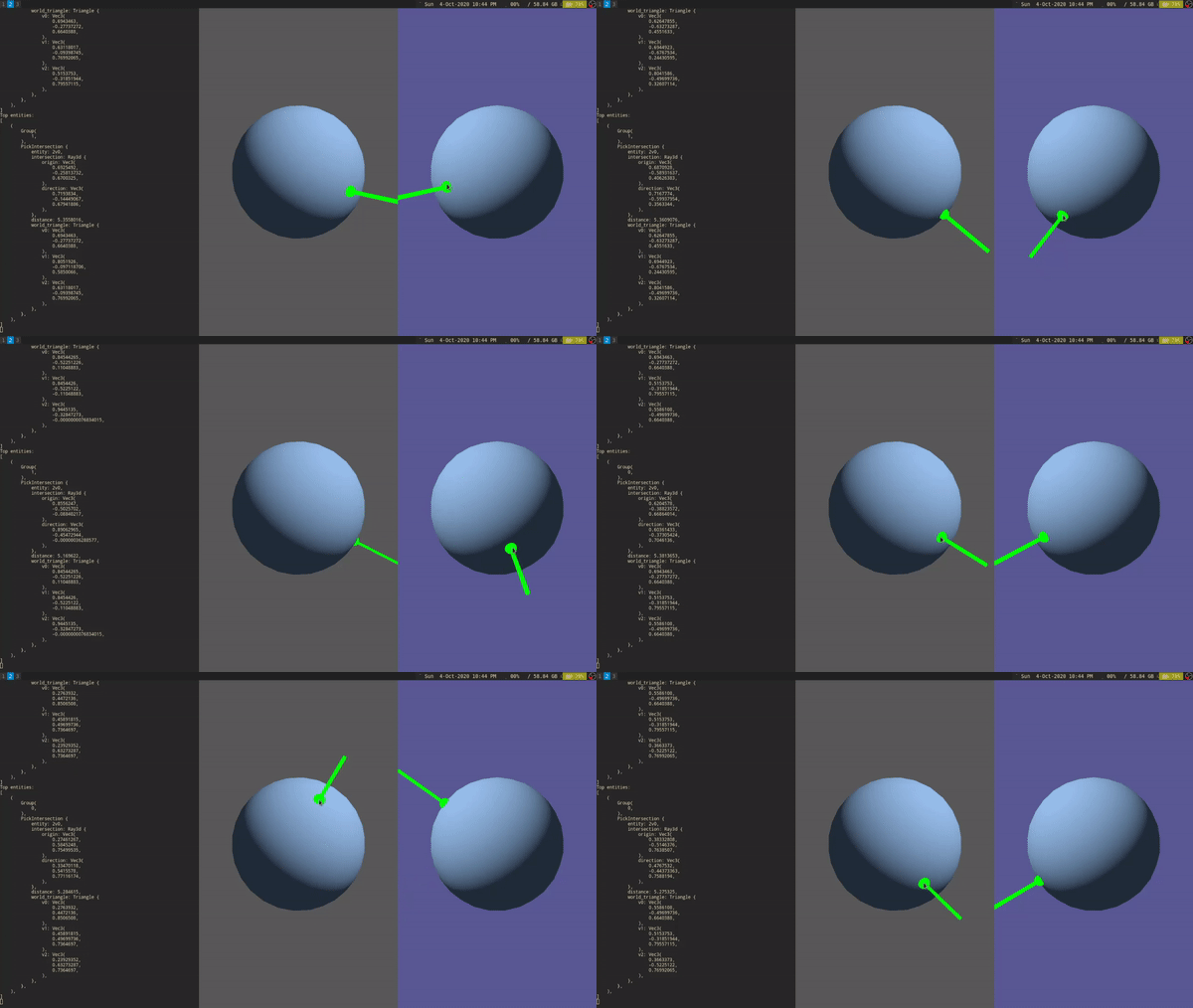
OS: Arch Linux x86_64
Kernel: 5.4.61-1-lts
Host: 20B7S2AU00 ThinkPad T440
CPU: Intel i5-4300U (4) @ 2.900GHz
GPU: Intel Haswell-ULT
Memory: 8GB
$ rustup show
stable-x86_64-unknown-linux-gnu (default)
rustc 1.46.0 (04488afe3 2020-08-24)
# home/.cargo/config.toml
[target.x86_64-unknown-linux-gnu]
linker = "/usr/bin/clang"
rustflags = ["-Clink-arg=-fuse-ld=lld"]

Thanks for the reminder @memoryruins 😄
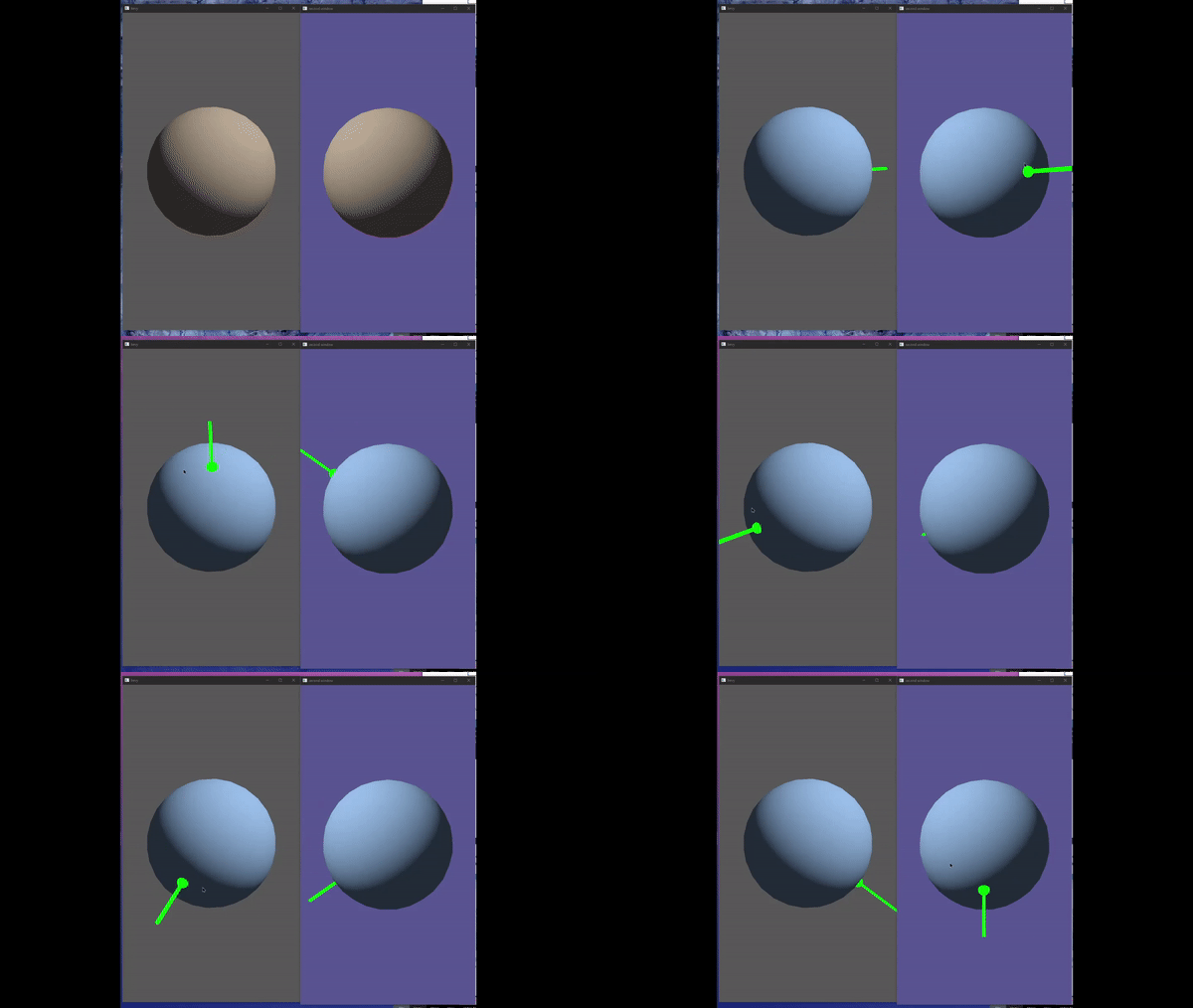
Release mode, note the how the indicator trails the cursor in the primary (grey background) window. I think it's most noticeable when the cursor changes direction or comes to a stop and the indicator keeps moving for a few frames:
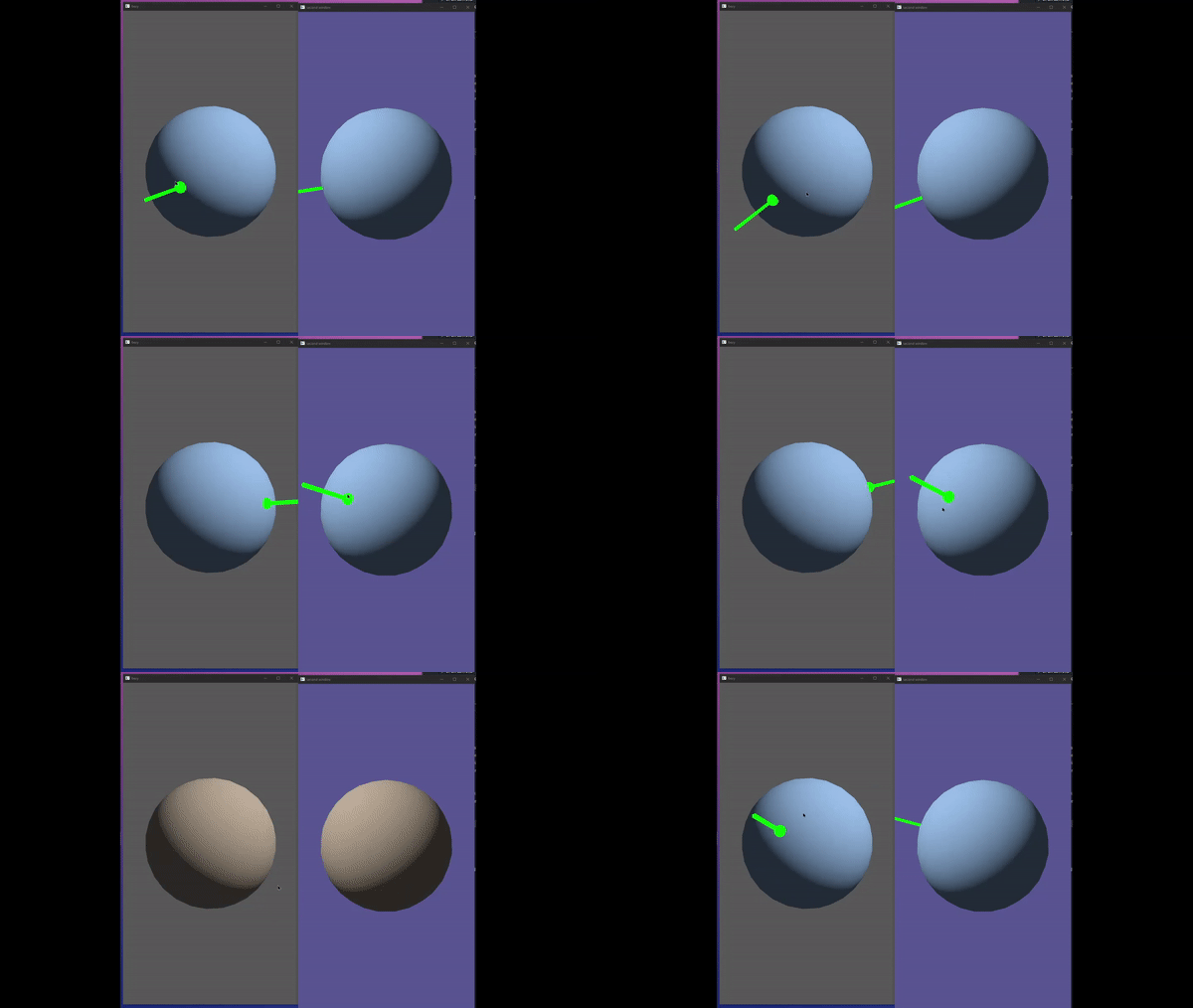
Debug mode:
System Info
OS: Windows 10 Build 19041
CPU: Intel Core i5-8600K @ 3.60GHz
GPU: Radeon RX 580
Memory: 32GB
> rustup show
stable-x86_64-pc-windows-msvc (default)
rustc 1.46.0 (04488afe3 2020-08-24)
# cargo.toml
[target.x86_64-pc-windows-msvc]
linker = "rust-lld.exe"
Frame Grabs
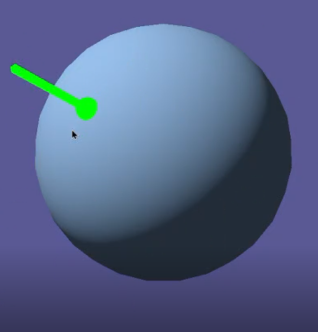
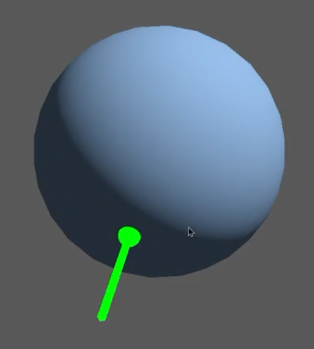
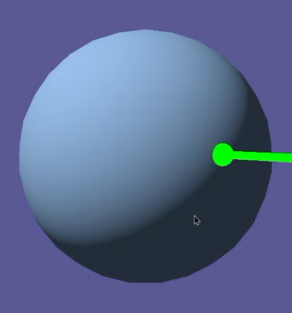
Trying to get representatively similar frame grabs during a sweeping motion:
Release mode primary window:

Release mode secondary window:
Debug mode primary window:
Debug mode secondary window:
Frame Analysis
I wasn't able to see much difference in how far behind it lagged. However, going through the capture frame by frame, I can more clearly see consistent measurements. The best test I've found is to count how many frames it takes the sphere to highlight after the mouse passes over it.
Release Mode
| Frame # | Event |
|---|---|
| 1 | Cursor leaves sphere |
| 2 | No change |
| 3 | Secondary window highlight updates |
| 4 | No change |
| 5 | Primary window highlight updates |
I checked a number of picking events in release mode, and they were identical to the data above: secondary = 2 frame delay, primary: 4 frame delay.
Debug Mode
| Frame # | Event |
|---|---|
| 1 | Cursor leaves sphere |
| 2 | Secondary window highlight updates |
| 3 | Primary window highlight updates |
| Frame # | Event |
|---|---|
| 1 | Cursor leaves sphere |
| 2 | No change |
| 3 | Secondary window highlight updates |
| 4 | Primary window highlight updates |
| Frame # | Event |
|---|---|
| 1 | Cursor enters sphere |
| 2 | No change |
| 3 | No change |
| 4 | Primary and secondary window highlight updates |
The general takeaway here seems to be that although inconsistent, debug mode has less frame delay than release, and the primary window never updates before the secondary window.
I'm getting a few frames of delay with my game in a single window. I think it's for keyboard input, too, but it's harder to tell. Should I open a new issue?


@aevyrie can you still reproduce this?
FYI, I was attempting to repro, but ran into #4378. I will revisit now that it's fixed.
This seems to be resolved now on main. Can always re-open if this crops up again.
Sadly I can confirm it is still present, and appears that the secondary window is 1-2 frames behind the primary window.
2022-07-31-06 14 33.148422029.webm