

 bbalet
Login button not responding.
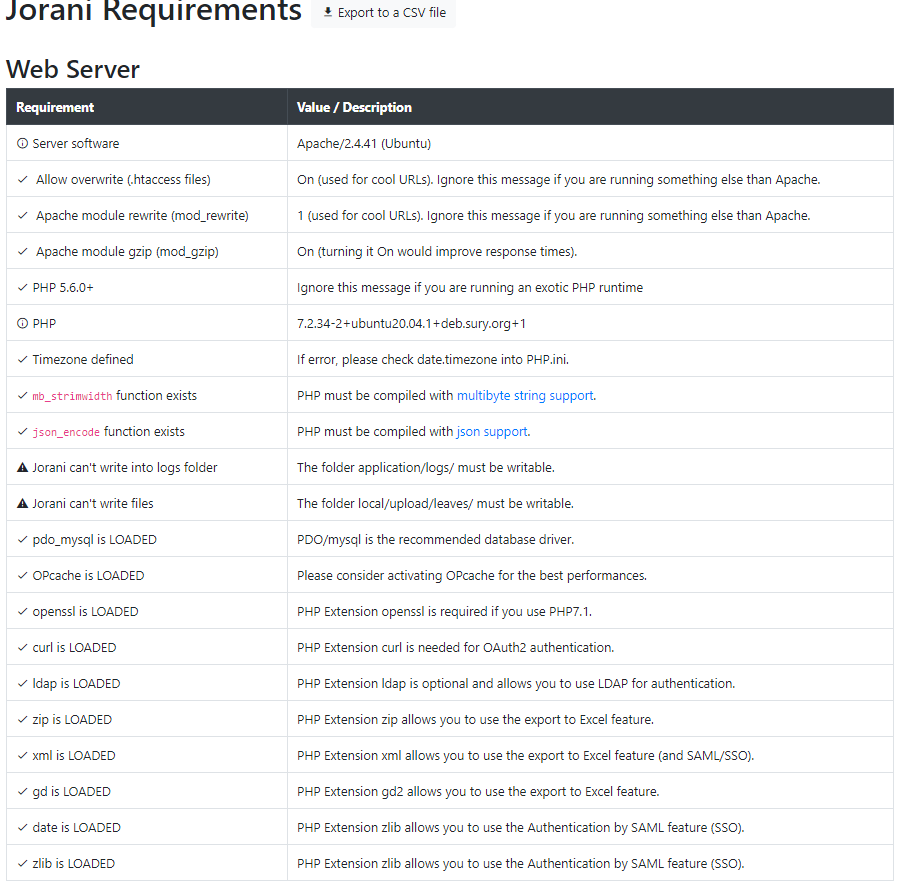
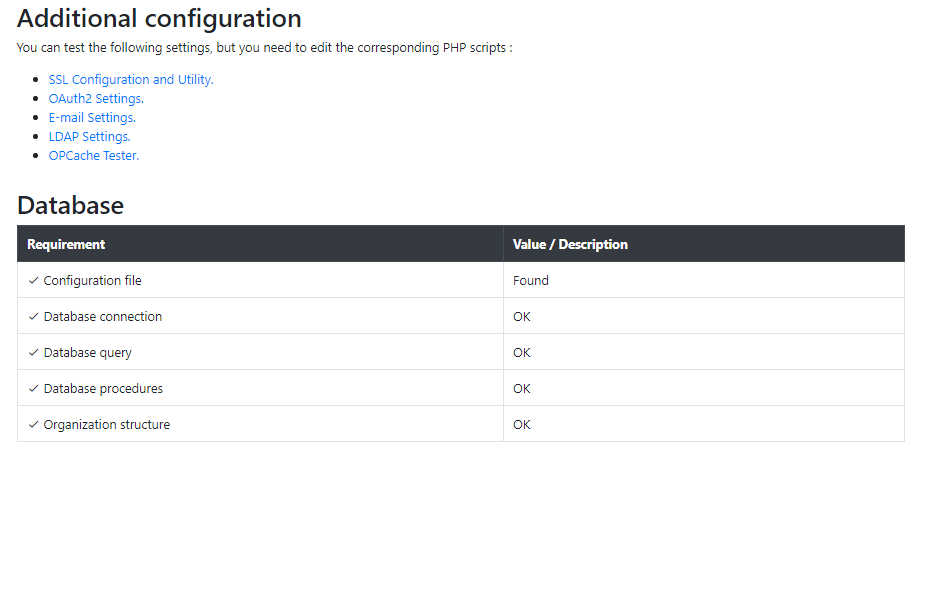
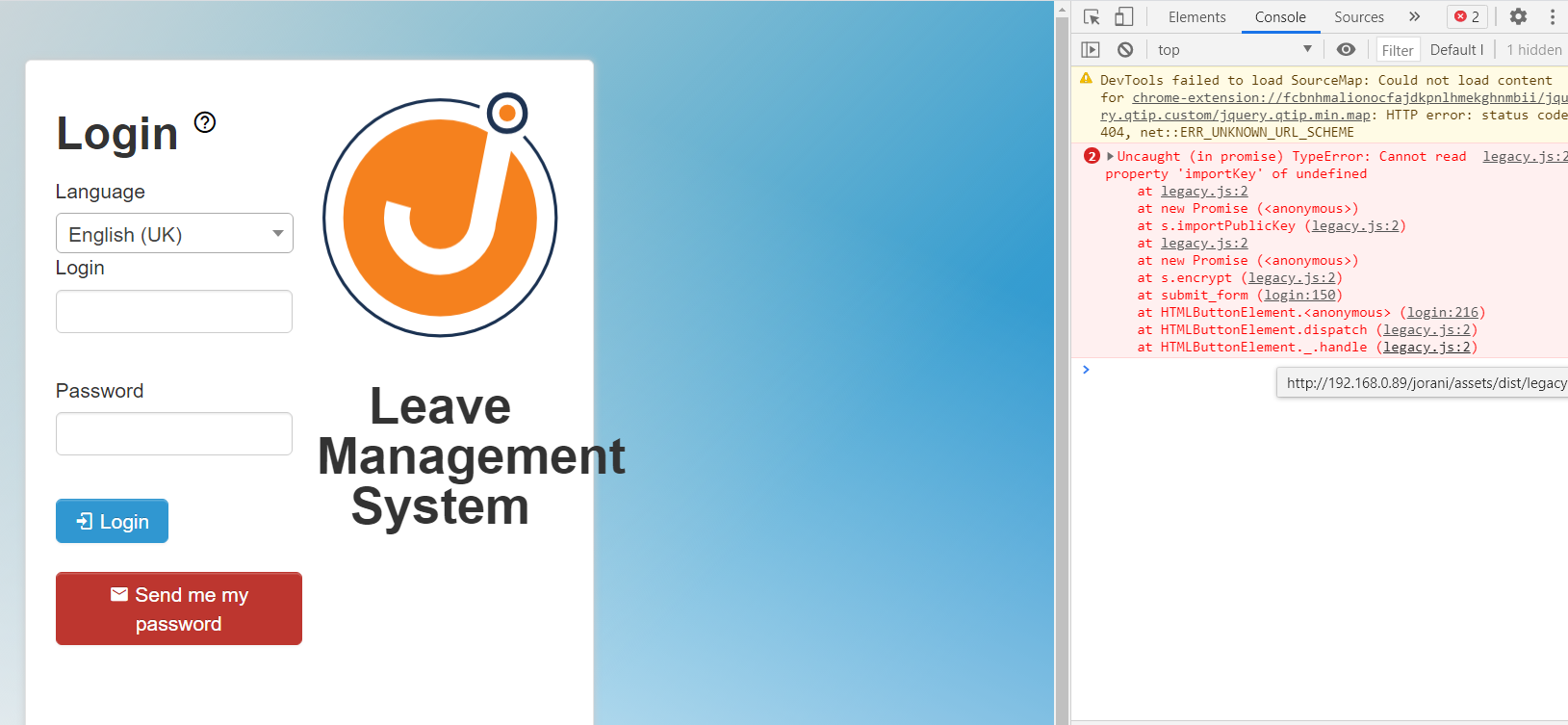
I have installed the Jorani v1.0.0 Stable locally on ubuntu 20 (php 7.4) according to the installation instruction https://jorani.org/how-to-install-jorani.html. Everything went ok. Checking the requirements reveals no problems (attaching) but on the login page, the login button is not responding.


Doesn't look like the v1.0.0 downloaded from release tab of github But rather a clone or a zip of the master branch. Do you know how to build the software from the sources by yourself? I mean, composer and npm stuffs?
it was git cloned from https://github.com/bbalet/jorani.git and then issued: composer update. other steps from the instruction. Yes, I have some experience using composer and npm stuff. Just give me a hint of what to do...
I tried another way. I downloaded zip file.. unzipped it. but got the exact same result.
Please download the Zip file from this link: https://github.com/bbalet/jorani/releases/download/v1.0.0/jorani-1.0.0.zip The link from the project's homepage does exactly the same than a git clone
The master version won't work with Chrome if you run Jorani in an unsecure context (no SSL): See https://stackoverflow.com/questions/46468104/how-to-use-subtlecrypto-in-chrome-window-crypto-subtle-is-undefined
It's not really an issue, but I'll fix this in the next stable version.