
react-native-circular-progress
 react-native-circular-progress copied to clipboard
 bartgryszko
clipped line cap on android
<AnimatedCircularProgress
  size={104}
  width={10}
  fill={25}
  tintColor="#816AAD"
  rotation={0}
  lineCap="round"
/>
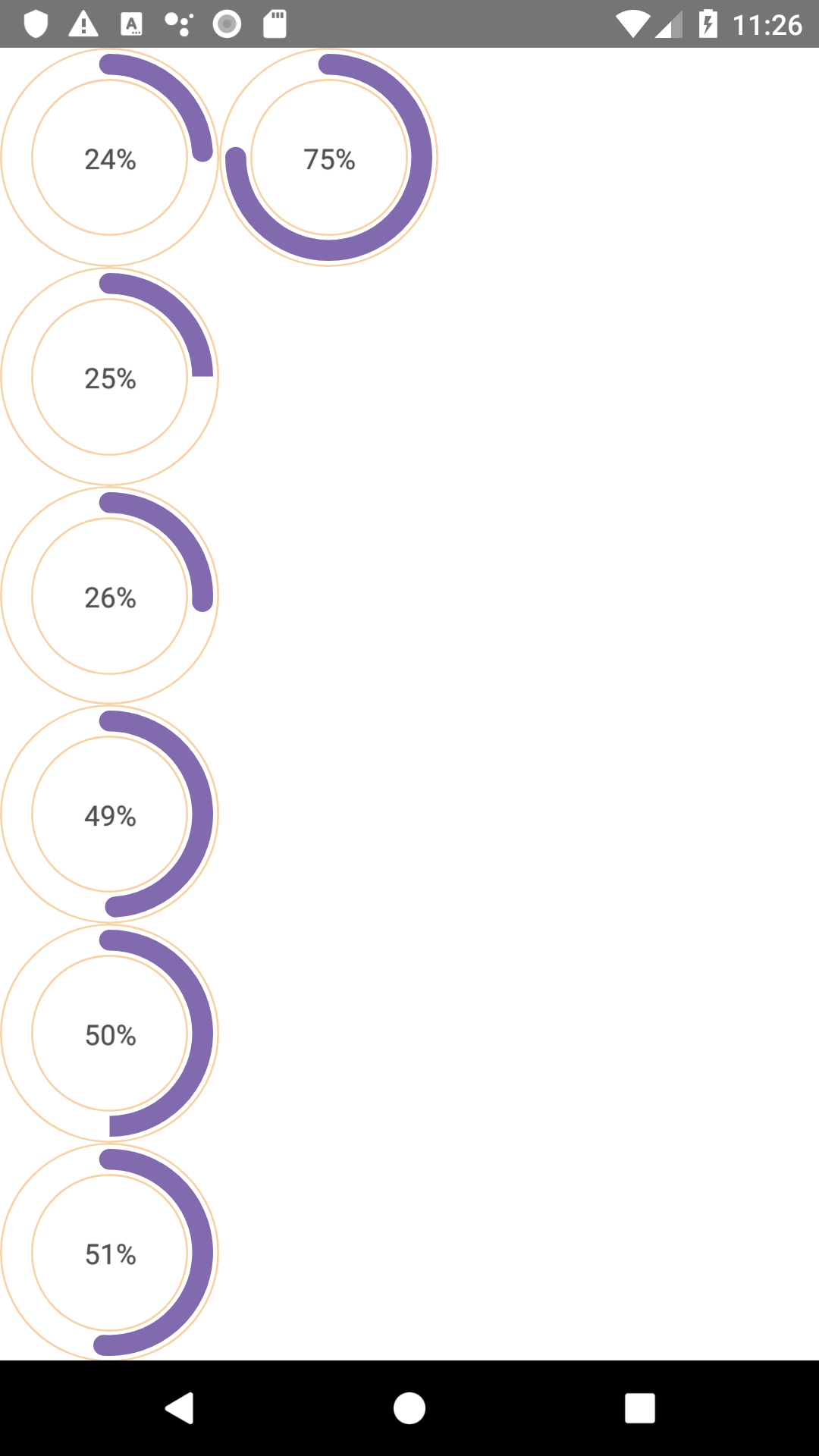

temporary workaround
let fill = this.props.percentage;

if (fill === 25) {
 fill = 24;
} else if (fill === 50) {
 fill = 49;
}

<AnimatedCircularProgress
  {...otherProps}
  fill={fill}
/>
I tried the sample code provided on iOS and did not see the bug. Unfortunately I have no Android device around to test with. If you find out what is the problem you could submit a PR. Keeping this open for now

We are experiencing similar issues, but with more severe distortions on android 7.1.1
If anyone has any Idea where to look to fix those, I would be happy to investigate it further.
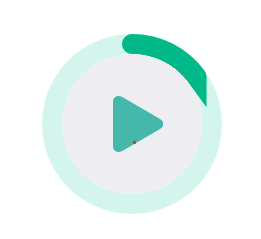
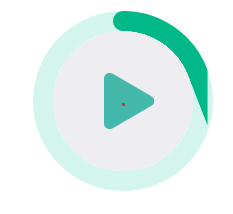

I have the same problem @schumannd, when the fill percentage is 30 the progress bar get square. The code is that:
<AnimatedCircularProgress size={210} width={20} lineCap="round" fill={30} prefill={0} duration={0} tintColor="#0173B1" renderCap={({ center }) => <Circle cx={center.x} cy={center.y} r="10" fill="#0173B1" />} backgroundColor="#FFF"> {() => (<> <Text style={styles.averageNumber}>3</Text> <Text style={styles.averageText}>Média</Text> </>)} </AnimatedCircularProgress>
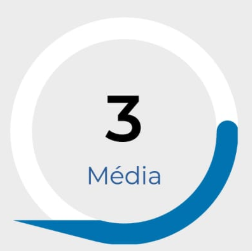

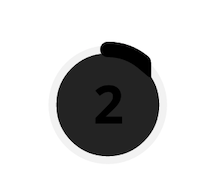
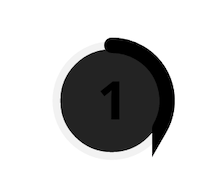
Same problem here. Working fine with iOS, clipped cap with Android 7.0.

Should we open a new issue? This seems to be different/more sever from the original issue.


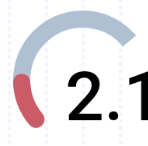 I am having the same issue, it is working for ios but not for android, it is not rounded from the other side
