aws-amplify
Figma Strokes are ignored on generated component
Before creating a new issue, please confirm:
- [X] I have searched for duplicate or closed issues and discussions.
- [X] I have tried disabling all browser extensions or using a different browser
- [X] I have tried deleting the node_modules folder and reinstalling my dependencies
- [X] I have read the guide for submitting bug reports.
On which framework/platform are you having an issue?
React
Which UI component?
Other
How is your app built?
React
What browsers are you seeing the problem on?
Chrome
Please describe your bug.
want to crete this
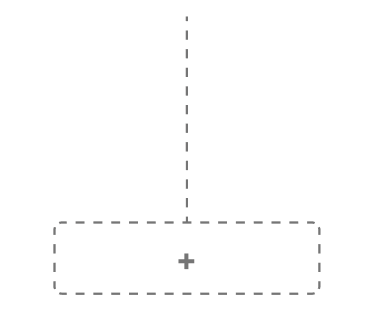
Used Stroke on Figma
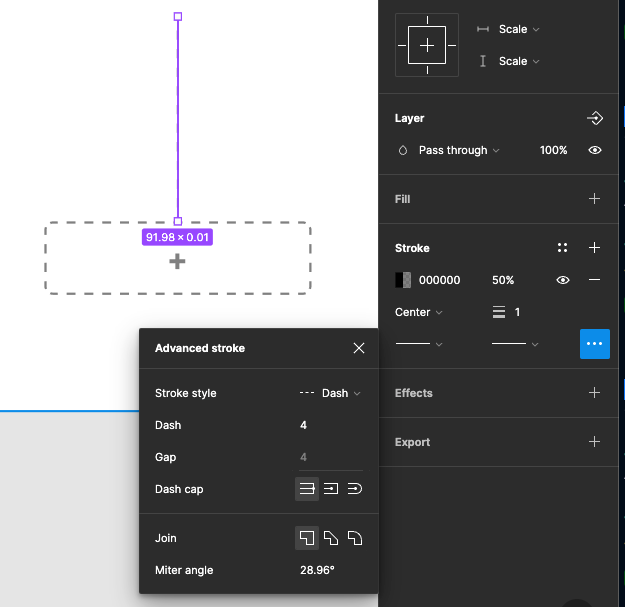
But amplify UI results with
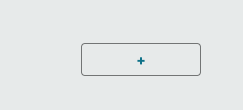
Looks like any stroke value is ignored. I tried with of stroke to 20px without dash
What's the expected behaviour?
create component with stroke.
stroke is used for design. If it is not working mostly my design sucks and no reason of using Amplify UI to generate UI code
Help us reproduce the bug!
On figma create Button or line. give stroke to it. and generate component on Amplify
Code Snippet
// Put your code below this line.
Additional information and screenshots
No response

Hey @matart15, thank you for reaching out. I was able to reproduce the issue. Marking this as bug for further investigation and mitigation.

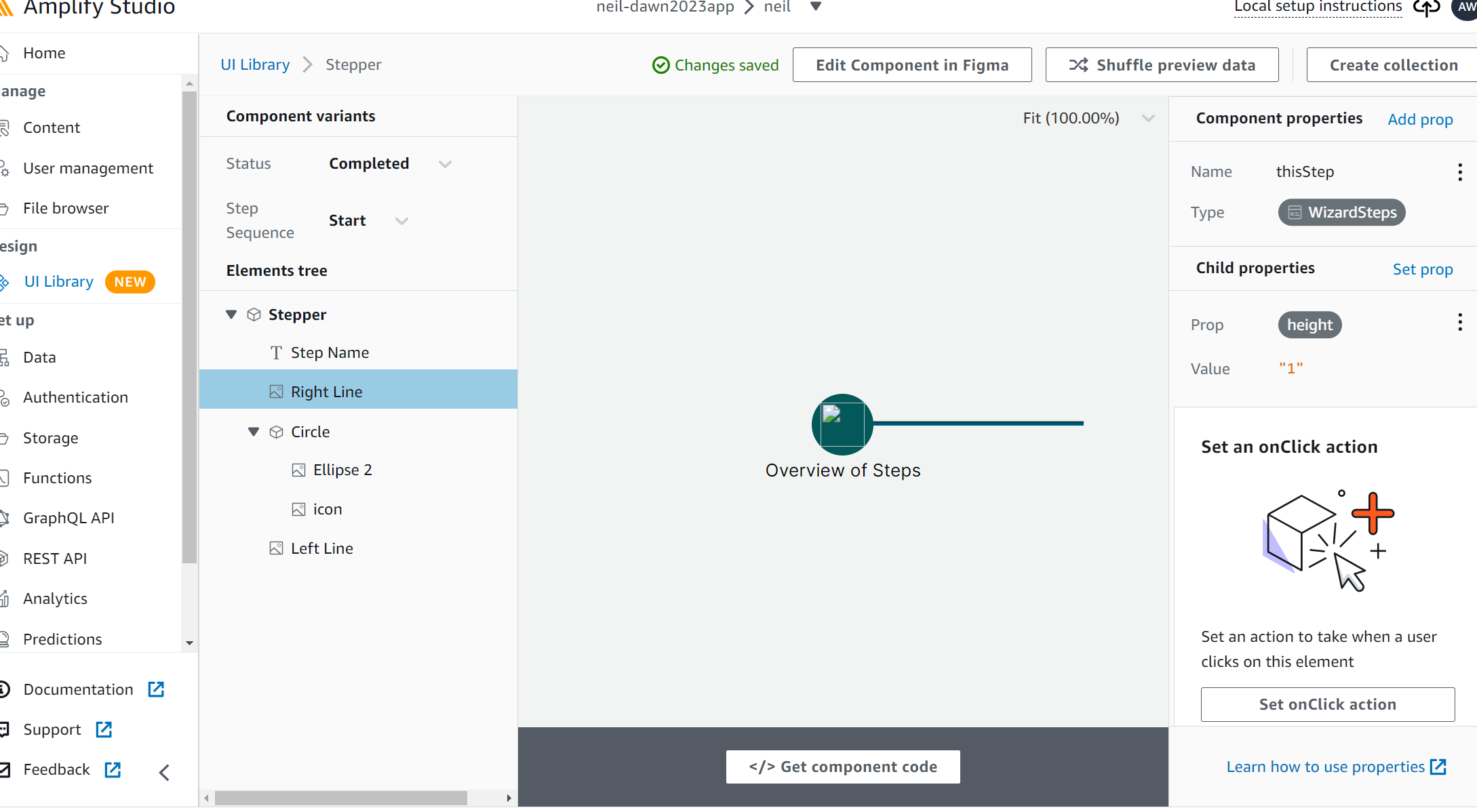
Hey @matart15 , this issue has been queued up to be worked on. In the meanwhile, here is workaround: you can set the height on the stroke through the component configurator. Thanks for your patience.