

 aws-amplify
Amplify Console's API/Data Sources Page does not load all items
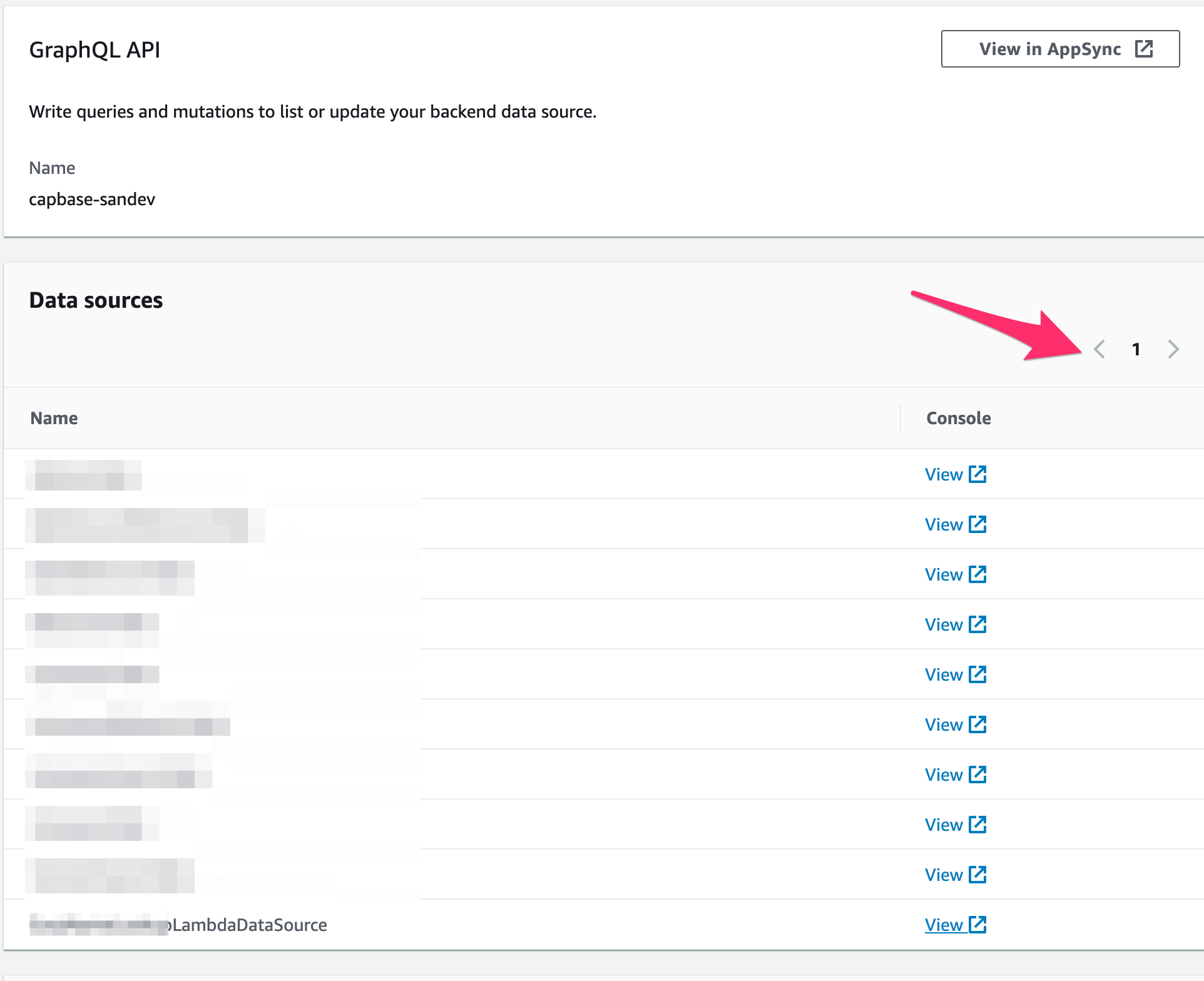
Is your feature request related to a problem? Please describe. The data sources section of the amplify console currently lists the tables present in am environment, along with pagination for the same. However, it only seems to load the first page worth of items.
As a separate issue, the amplify console also shows the LambdaDataSource which is, well, a lambda. It should probably filter these based on the data source type being DDB, or at least link them to a lambda if they are of the lambda type.
Describe the solution you'd like Paginator to work to show all resources :-)
Additional context
For example, I have a list of data sources in the amplify console that looks like this:
Whereas the actual list of tables (filtered on the env name) looks like this:
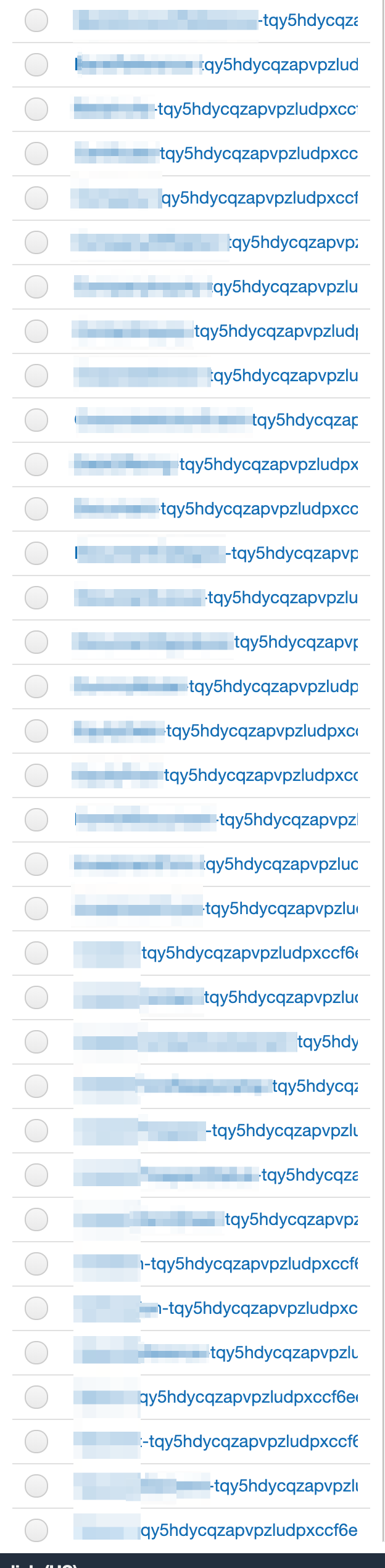
- table names hidden because they're not terribly relevant to the example, just know there's a lot of them.


Transferring to the Hosting console, as these are screenshots from the Hosting console's "detail page"
