

 aurora-opensource
Ability to set mapbox layers
I am trying to use various mapbox layers in streetscape but I had no luck trying to set it up. From my understanding there is no proper way to set it, because the on load functionality and the map object are not exposed to the LogViewer component.
I was trying to combine this layer: https://docs.mapbox.com/mapbox-gl-js/example/3d-buildings/
And I was using this example to figure it out: https://github.com/uber/react-map-gl/tree/master/examples/layers
However, it seems I do not have access to all properties in streetscape.
Am I missing something? How would I do this?

BUMP: I would really love to know if this is possible as well. This would immensely enhance the capabilities of the MapBox component.

@Algirdyz Have you tried including the 3d buildings layer in the mapStyle object?
We could add an API for you to access the underlying Mapbox Map instance.

Ah, indeed that works by adding such a layer manually to the style.json. When you make one in MapBox studio and download it, it's not being added for some reason, but when you for example add a simple extrusion layer afterwards:
{
            "id": "3d-buildings",
            "source": "composite",
            "source-layer": "building",
            "filter": ["==", "extrude", "true"],
            "type": "fill-extrusion",
            "minzoom": 1,
            "paint": {
                "fill-extrusion-color": "#aaa",
                "fill-extrusion-height": 100
            }
}
It works! Just make sure you add it to the end, otherwise you might have some layers (roads) drawn on top of the buildings.
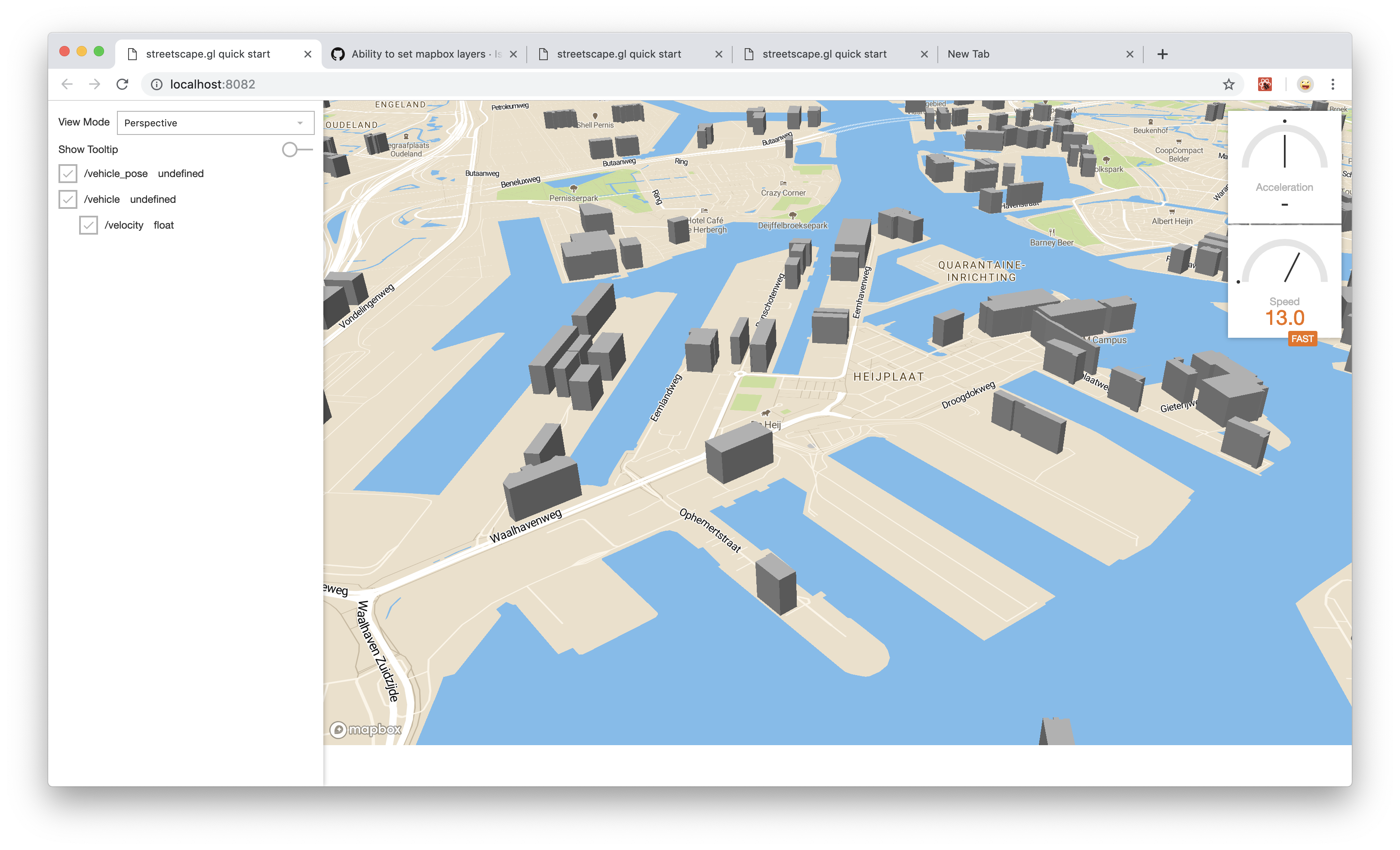
@Algirdyz @gerardsimons the latest release added a onMapLoaded callback from which you can access the Mapbox Map instance.