

 asjqkkkk
Wrapped widget not resizing correctly when increasing textstyle fontSize.
Describe the bug When using the example 'hightlight code' given in the ReadMe, increasing the fontSize property through the textStyle argument of preConfig cause the code being clipped after several lines.
To Reproduce Steps to reproduce the behavior:
- Start form the example 'hightlight code'
- Set testStyleProperty as TextStyle(fontSize: 18)
- Write about ten lines of code
- Notice the outputed code in the widget is getting clipped at the bottom
Expected behavior The outputed code should not be clipped

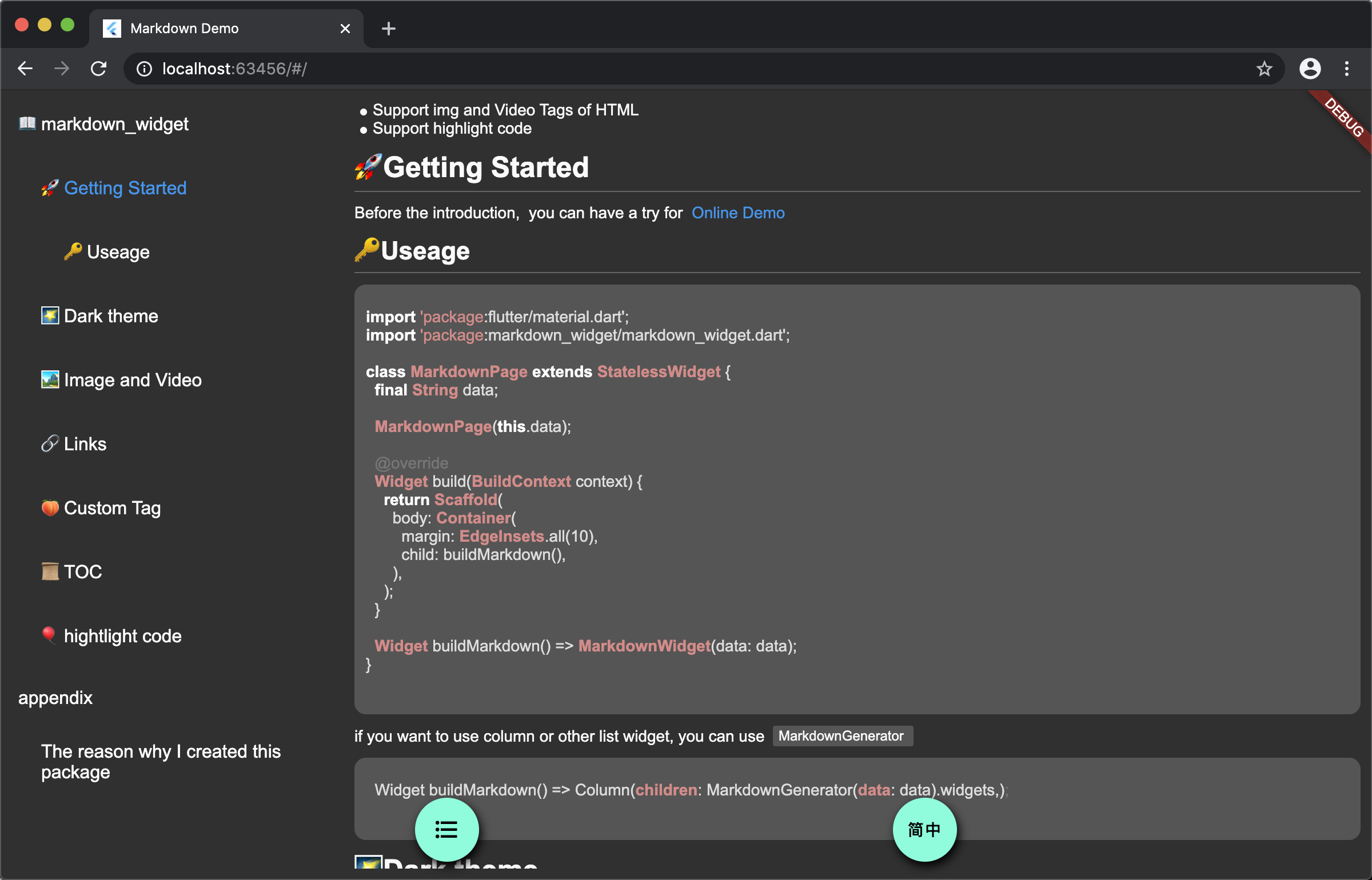

I'm using Flutter 1.17.0 on beta channel (for web dev).
See the code below:
class ExampleWidget extends StatefulWidget {
  @override
  _ExampleWidgetState createState() => _ExampleWidgetState();
}

class _ExampleWidgetState extends State<ExampleWidget> {
  String code = '';

  @override
  Widget build(BuildContext context) {
    return Column(
      children: <Widget>[
        LimitedBox(
          maxHeight: 100,
          child: SingleChildScrollView(
            child: TextField(
              decoration: InputDecoration(
                hintText: 'Paste your code here...',
                hintStyle: TextStyle(
                  color: Colors.grey,
                  fontSize: 18,
                ),
                border: InputBorder.none,
              ),
              style: TextStyle(
                fontSize: 18,
                color: Colors.white,
              ),
              keyboardType: TextInputType.multiline,
              maxLines: null,
              onChanged: (value) {
                setState(() {
                  code = "```\n$value\n```";
                });
              },
            ),
          ),
        ),
        Container(
          height: 300,
          child: MarkdownWidget(
            childMargin: EdgeInsets.only(top: 13),
            data: code,
            styleConfig: StyleConfig(
              preConfig: PreConfig(
                textStyle: TextStyle(fontSize: 18),
                language: 'java',
                theme: theme.a11yLightTheme,
              ),
            ),
          ),
        ),
      ],
    );
  }
}
After writing some lines in the textfield, the markdown widget does not scroll enough to show the last lines. Maybe this is an expected behavior ?
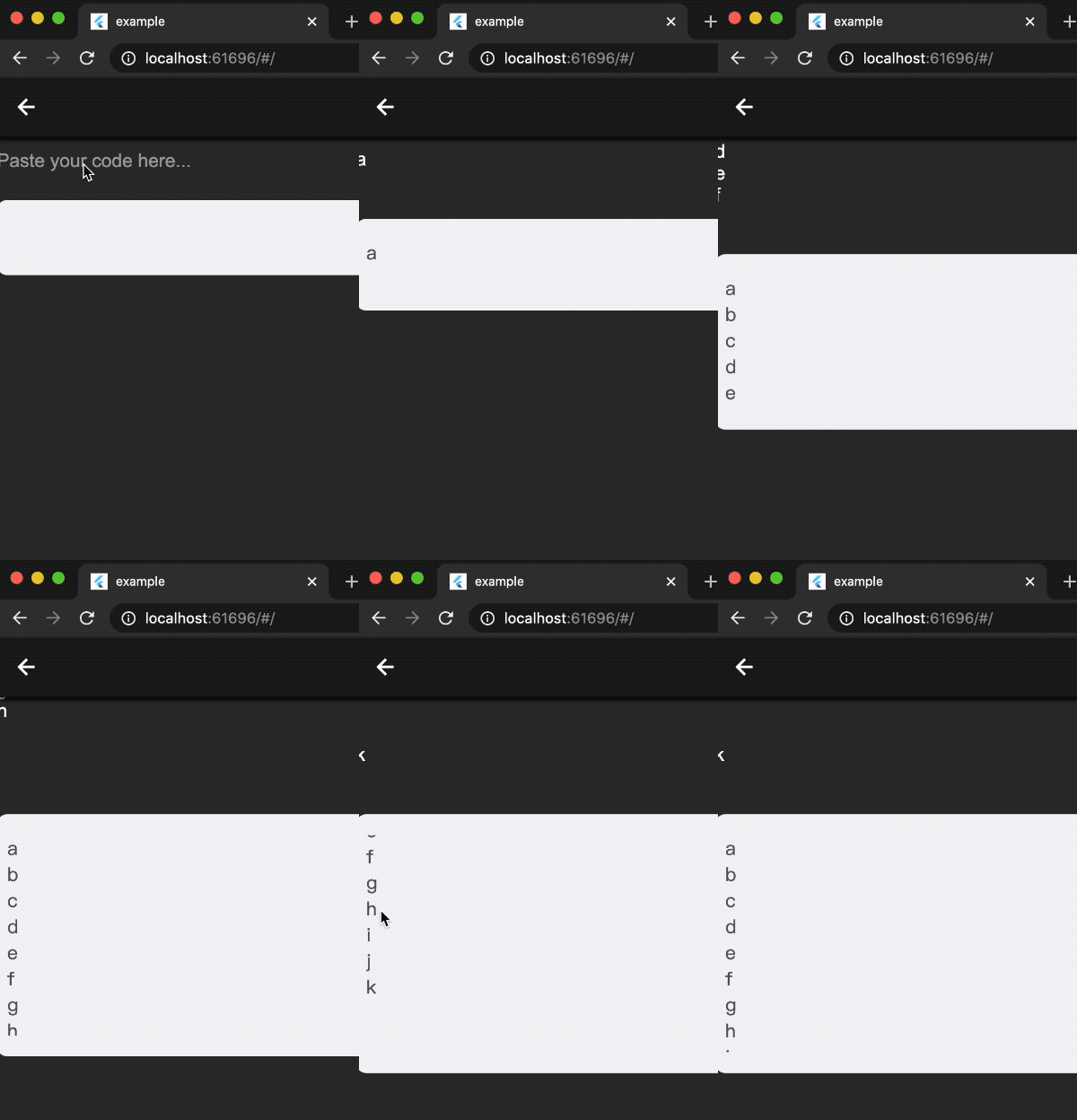
if you can provide some screenshot or gif, maybe the problem will be more clear
this issue looks like flutter's issue
What I meant is that if you now remove the textStyle property you'll find the MarkdownWidget does not behave exactly identically: as long as it can expands you'll be abble to see the last line without having to press enter or to scroll.
But when you change the fontSize (like 18) even when the widget can still expand vertically, the last line will be clipped (after several lines) unless you press enter / scroll.
After all that's maybe not that problematic and I can close this issue if you think it's a normal behavior.