
gnome-command-menu

gnome-command-menu copied to clipboard
 arunk140
use multiple commands
Hello,
I am trying to create a command that will establish a vpn connection and then open an ssh console. The command works fine in the terminal, but nothing happens in the extension.
"title": "SSH to IP",
"command": "nmcli con up id pfSense; gnome-terminal -- bash -c 'ssh IP",
"icon": "utilities-terminal"

Try Moving both commands inside the gnome-terminal - example -
{
    "title": "Multiple Commands",
    "icon": "utilities-terminal",
    "command": "gnome-terminal -- bash -c 'echo command1; echo command2; read'"
}
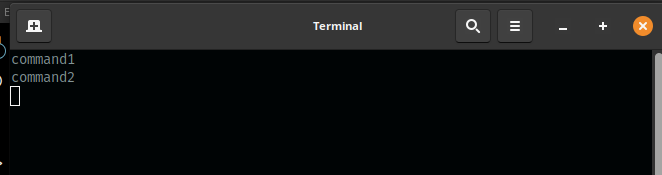

for the terminal it works, but for sftp i am now facing the problem again
{
  "title": "SFTP to IP",
  "command": "nmcli con up id pfSense; nautilus 'sftp://IP/root'",
  "icon": "folder"
}