

 artnas
Can't split planet into chunks.
Hello. I can't split a pretty complex planet mesh with the Mesh Split Controller script. I'll be posting a lot of images to hopefully showcase the issue to someone who understands how this works.
An example of a planet I want to split:

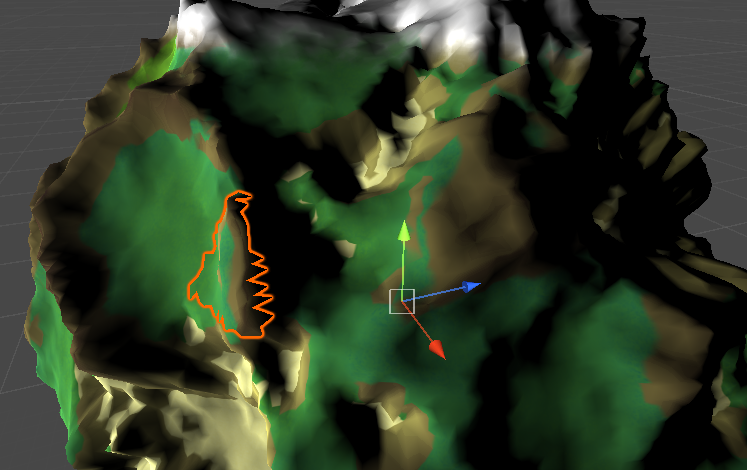
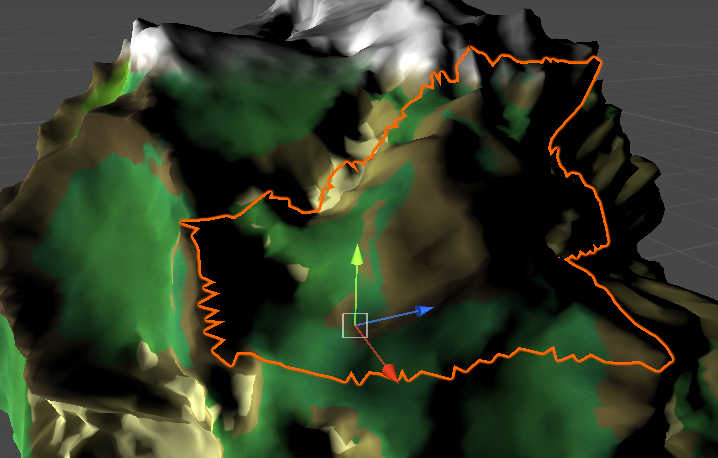
Results with grid size 0.1

Results with grid size 1

Grid size 2
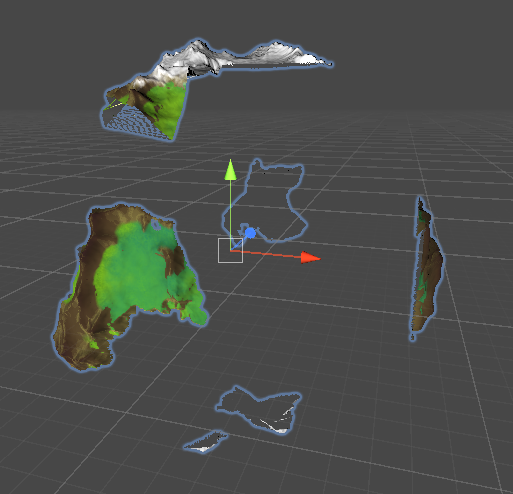
Anything over 2 only leaves one submesh, a piece up top.
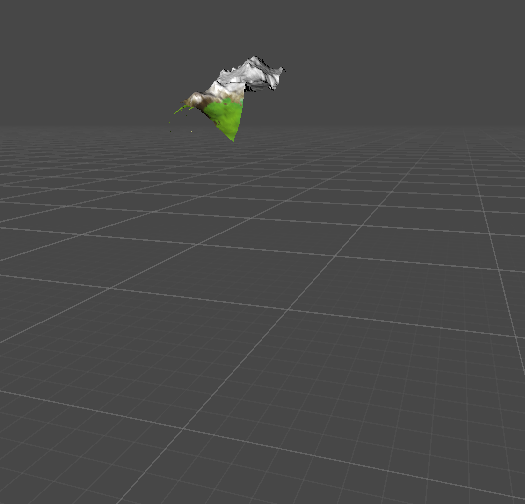
Example trying to cover the entire planet with the grid size:
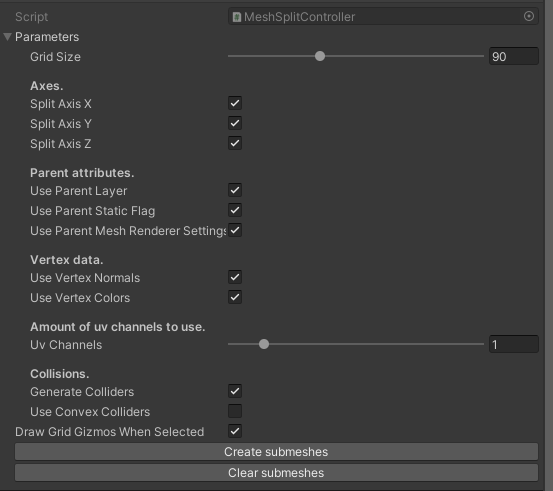


And making it small compared to the planet:


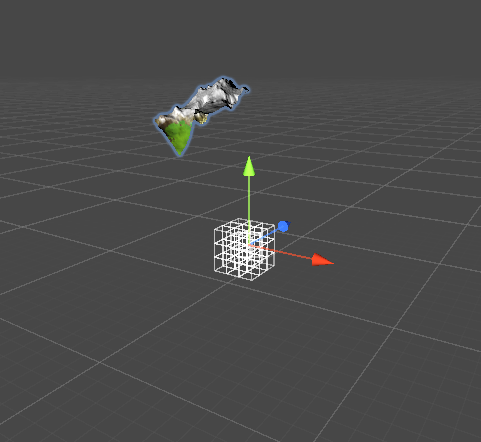
Nothing seems to work. I've tried it in playmode, too. Any help would be greatly appreciated. This seems like just the thing for what I'm trying to do and I'm sad it isn't working as intended!

Interesting. Any errors in the console? Can you provide the mesh so I can see whats up?

Nothing in the console.
The mesh is generated inside Unity using Sebastian Lague's celestial body generation system, which might be the cause? But I don't get why it would have to be a mesh that was imported into Unity for it to work. Mesh filter and renderer are present, as well as mesh collider.
However, it seems that the grid gizmos don't even change when changing the grid scale. With a simple tree mesh I tried in another project, it seems to work and that happens when I change the scale.
It might be an issue with how the mesh is generated (the structure of its data). I checked out the code generating the planet mesh and it doesn't seem to do anything out of the ordinary, maybe except for using an uv channel for custom data. You could try exporting the mesh from unity (apparently its built in functionality now: https://docs.unity3d.com/Packages/[email protected]/manual/exporting.html), import it back and then try to split the imported fbx mesh.
Uh, with the new version the console is full of errors just when importing for me.

Trying to attach the controller to an object crashes Unity.
Exporting and importing breaks mesh colours and the grid is now a single cube made of lots of lines. (Old version)
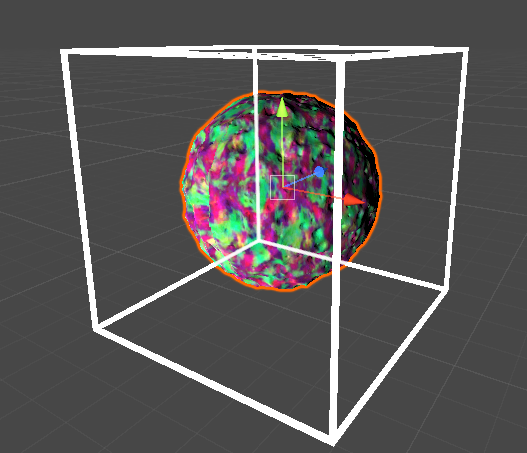
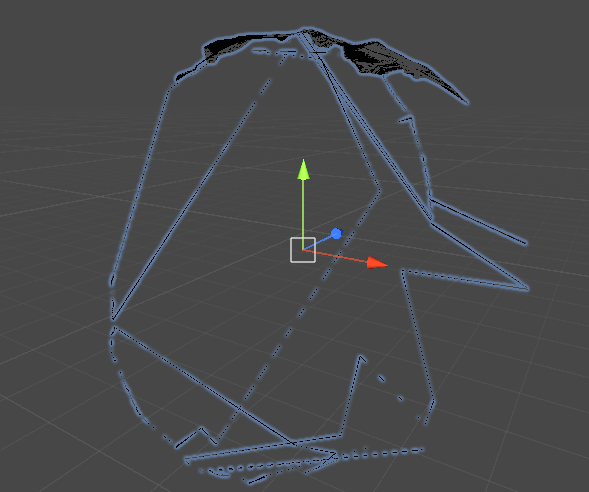
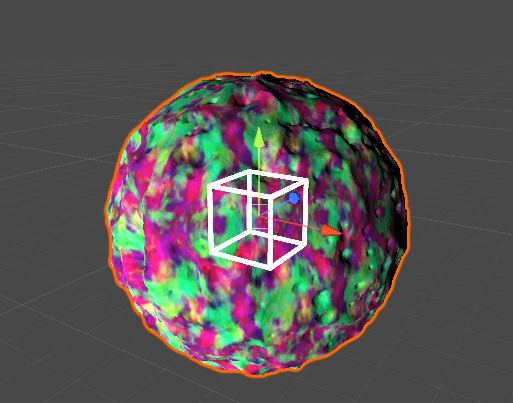
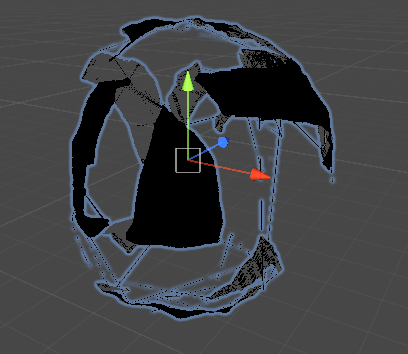
Okay so, with a lower planet resolution (LOD) it seems to work

So the issue must be the amount of vertices/triangles with the resolution I was using before. Would it be easy to fix this? Is there a limit to how many vertices or triangles my mesh should have?
Even with this, there seems to be a ton of deviation to the size of chunks, not sure if that's how it's meant to be or not.
Uh, with the new version the console is full of errors just when importing for me.
Trying to attach the controller to an object crashes Unity.
Are you using an old version of unity? The new version uses the latest unity 2021.3.10
Try removing the old package scripts before importing new ones
Okay so, with a lower planet resolution (LOD) it seems to work
So the issue must be the amount of vertices/triangles with the resolution I was using before. Would it be easy to fix this? Is there a limit to how many vertices or triangles my mesh should have?
Even with this, there seems to be a ton of deviation to the size of chunks, not sure if that's how it's meant to be or not.
The vertices are grouped by closest grid coordinates, so the chunk size variance is expected (some grid coordinates can even contain just one triangle).
The amount of vertices shouldnt be a problem in any of the versions
But, it's related to the quality of the planet, seeing as the lower ones work. I don't know..
Hey, did you try the new versions? You can now install it with UPM
Yes I have tried 1.1, and now just reinstalled it for Unity 2021.3.11 but it still has errors This isn't completed, my issue isn't fixed here?


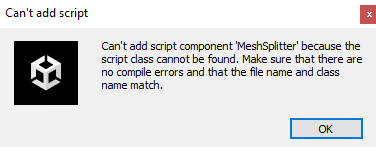
You need to install it as an UPM package so it automatically resolves the package dependencies (half4 is from Unity.Mathematics etc). Here's how you can do it: https://github.com/artnas/Unity-Plane-Mesh-Splitter#installation
I had errors with the UPM import asking me to install Git, which I did, I would expect Unity to just install the unity package without this being required but okay. It works! Thanks. It doesn't seem to affect performance as much as I expected (minimally in fact) even with just a single planet being mostly culled at different grid sizes. But pretty cool
Looks like git is required when downloading a github repo.
You should try occlusion culling to hide the back side of the planet. As long as the planet is static it shouldn't be a problem