

 argenos
When mdnotes replaces a file of the same name it should delete the attachment within zotero
Is your feature request related to a problem? Please describe. I have these settings
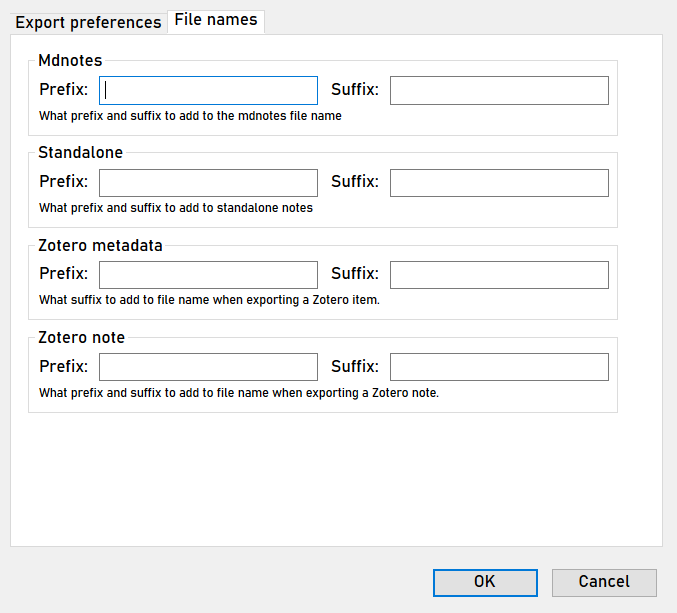
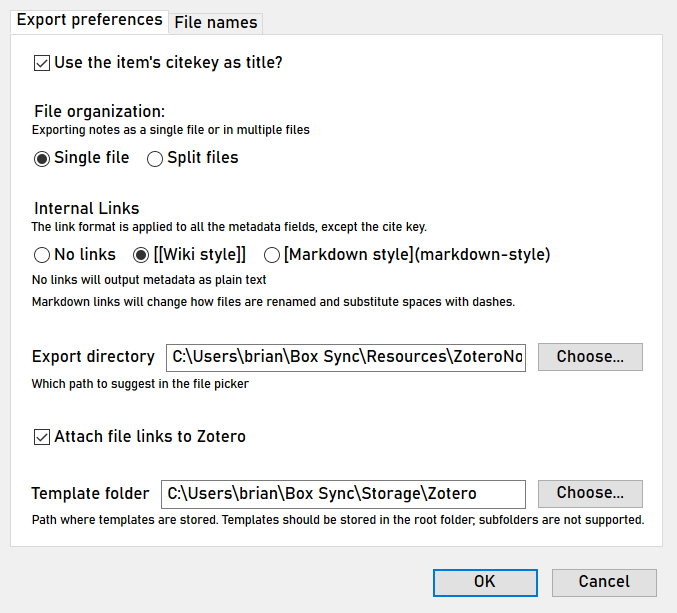
Describe the solution you'd like
The reason I have these settings is so mdnotes will produce and replace the same file, allowing lit notes to grow as i read and re-read. However when i remake the lit note it does this:


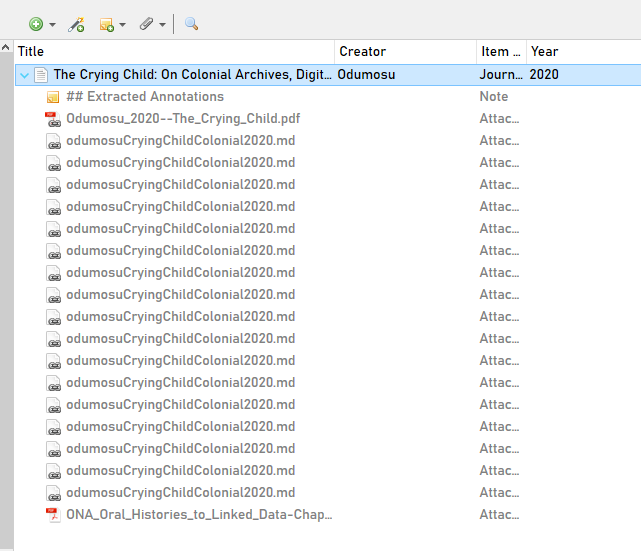
As you can see it has just replaced the older file but it creates a duplicate link. Could mdnotes just remove this older duplicate?

for what it's worth, these duplicate attachments do not show up in "duplicate items" section of zotero, for ovious reasons (they're not top level)
There shouldn't be any duplicate attachments, so this might be a bug. Do you have by any chance the setting to use the obsidian URI as well? That might be the only case where seemingly duplicate attachments could happen.

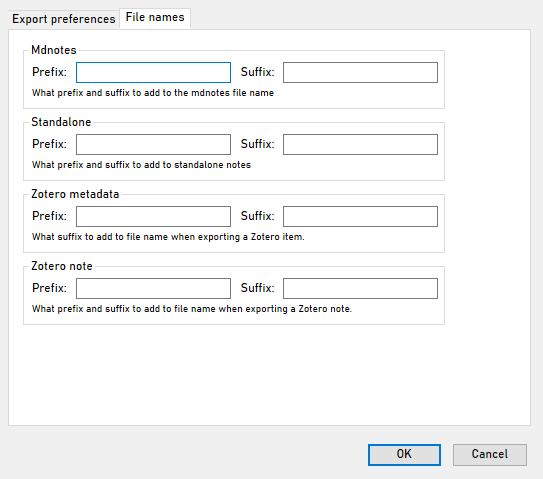
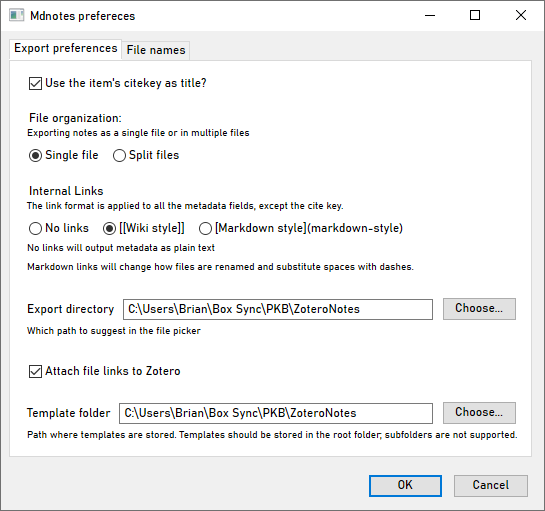
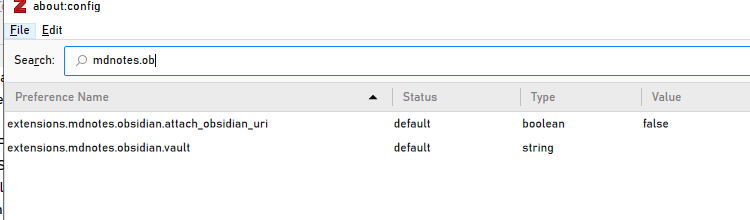
The preference for this one is hidden! So it would only appear on the config editor (similar to here) after you filter for Obsidian.
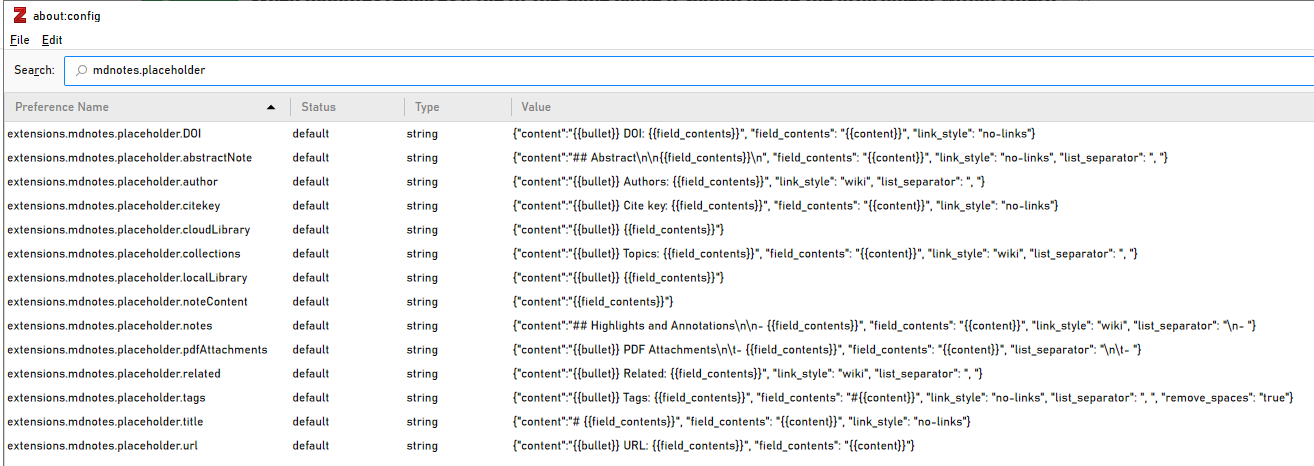
@brimwats I haven't been able to reproduce this at all. Could you show me the config editor but filter instead by mdnotes.obsidian?

oh god i just realized I made #90 without looking at this. they're related so copying here:
When trying to get my template right, or when refactoring it, I end up generating a TON of .md notes. I would love to be able to wipe them clean
Here are some examples of the problem:
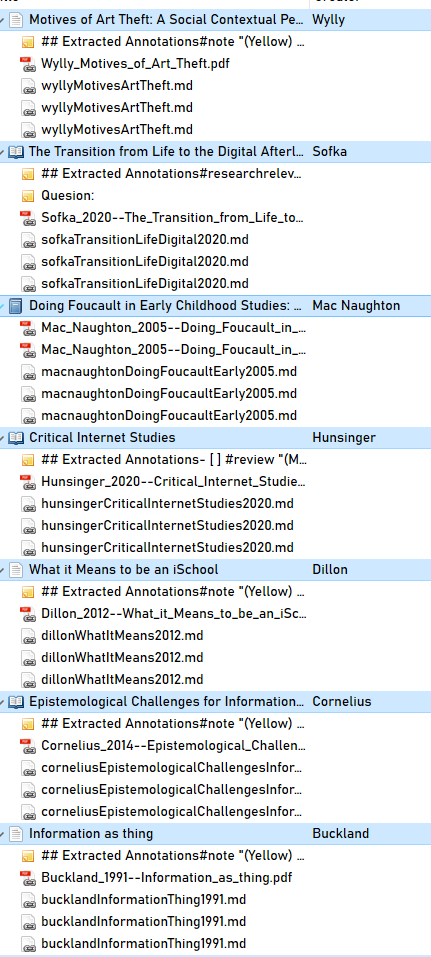
It would be great to select a few and then to choose "delete MDnote links"
Oh, that's a good idea for sure!
Are you exporting on multiple directories? The attached links shouldn't be duplicated otherwise. If you don't want file:// links, you can disable them in the preferences. If all these go into your vault, you could enable (instead or in addition) links using the Obsidian URI (those don't depend on the path... I assume people are using the shortest-path settings and file names are unique until told otherwise!)
Oh, that's a good idea for sure!
Are you exporting on multiple directories? The attached links shouldn't be duplicated otherwise. If you don't want
file://links, you can disable them in the preferences. If all these go into your vault, you could enable (instead or in addition) links using the Obsidian URI (those don't depend on the path... I assume people are using the shortest-path settings and file names are unique until told otherwise!)
No, i've been exporting to same directory since the beginning
C:\Users\Brian\Box Sync\000-PKB\ZoteroNotes
I use shortest path, and do want file:// names