

 appsmithorg
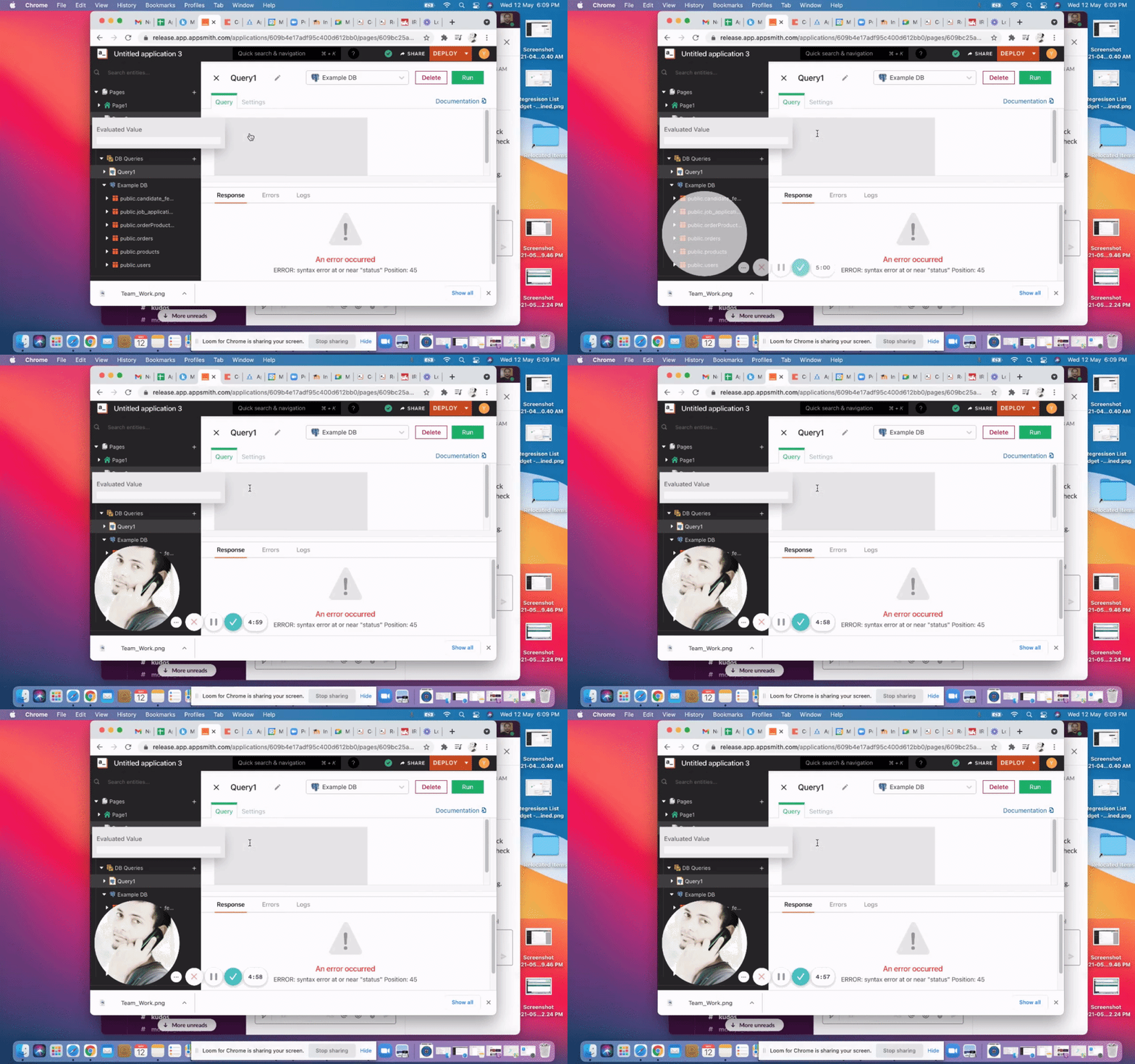
[Bug]Evaluated value popup overlaps the DB query editor when the browser is minimized
Description
Release Environment - PostgresSQL - It is observed that due to overlapping the cursor in the DB query editor is hidden due to which the user feels he/she cannot complete the action
Expected Result: Cursor should be visible clearly in the minimized mode and the evaluated value popup should be placed appropriately
Actual Result: Due to overlapping the cursor in the DB query editor is hidden due to which the user feels he/she cannot complete the action
Steps to reproduce the behaviour:
- Launch Appmsith app in the Release Environment
- Expand DB
- Create new Datasource with postgresSQL
- Set up authentication
- Minimise the screen to 70-80% mode
- Check for the Evaluated value popup overlap and the DB query Cursor
VideoLink:
Important Details
- Version: [Chrome - 90.0.4430.212 ]**
- OS: [MacOS Big Sur 11.3]
- Browser [Chrome]


design link: https://www.notion.so/appsmith/Bug-Eval-window-overlaps-query-editor-b5b4cb0c75da4deda4827bc14049ada3
@Irongade : looks the evaluated values is overlapping on the query pane. Please find the attachment of screenshot.


@AmanAgarwal041 can you please check if what @prapullac has mentioned is valid wrt this issue / PR.

- The evaluated value popup disappears on movements
- Clicking on Debug the evaluated value disappears
