

 apache
[Bug] When using appenddata to update data, and the data volume exceeds the largethreshold, the tooltip will disappear when updating data, and the MouseMove of ecarts will pause for a moment
Version
5.3.2
Link to Minimal Reproduction
https://cdn.jsdelivr.net/npm/[email protected]/dist/echarts.min.js
Steps to Reproduce
env
echarts version : 5.3.2
os: win11
issue
When using appenddata to update data, and the data volume exceeds the largethreshold, the tooltip will disappear when updating data, and the MouseMove of ecarts will pause for a moment
properties:
  series: [
            {
                large:true,
                largeThreshold:200
            }
        ]
When the data point exceeds 200, the tooltip will disappear at [appenddata],
appendData code
  myChart.appendData({
                    seriesIndex: 0,
                    data:[[Math.random()*12.2,Math.random()*12.4]]
                }
  );
  myChart.resize();
The complete code is as follows
<!DOCTYPE html>
<html lang="zh-CN" style="height: 100%">
<head>
    <meta charset="utf-8">
</head>
<body style="height: 100%; margin: 0">
<div id="container" style="height: 100%"></div>
<script type="text/javascript" src="https://cdn.jsdelivr.net/npm/[email protected]/dist/echarts.min.js"></script>
<script type="text/javascript">
    var dom = document.getElementById('container');

    var myChart = echarts.init(dom, null, {
        renderer: 'canvas',
        useDirtyRect: false
    });

    var option;
    function getData() {
        let temp = [];
        for (let i = 0; i < 100000; i++) {
            temp.push([
                Math.random()*12.2,Math.random()*12.4
            ]);
        }
        return temp;
    }

    option = {
        animation:false,
        xAxis: {},
        yAxis: {},
        dataZoom:[
            {
                type: 'inside',
                xAxisIndex: 0,
            }
        ],
        tooltip:{
            annotation:false,
            trigger: 'item'
        },
        series: [
            {
                type: 'scatter',
                animation:false,
                large:true,
                largeThreshold:200,
                progressive:1000000,
                data: getData()
            }
        ]
    };

    if (option && typeof option === 'object') {
        myChart.setOption(option);
        setInterval(()=>{
            //appendData 时, toolTip框会消失
            //When appendData, the toolTip box will disappear
            myChart.appendData({
                    seriesIndex: 0,
                    data:[[Math.random()*12.2,Math.random()*12.4]]
                }
            );
            myChart.resize();
        },500)

        myChart.on('mousemove', function(params) {
            // 当appendData 时, 事件会停止一瞬间
            // When appendData, the event stops for a moment
            console.log("mousemove");
        });
    }
    window.addEventListener('resize', myChart.resize);
</script>
</body>
</html>
Current Behavior
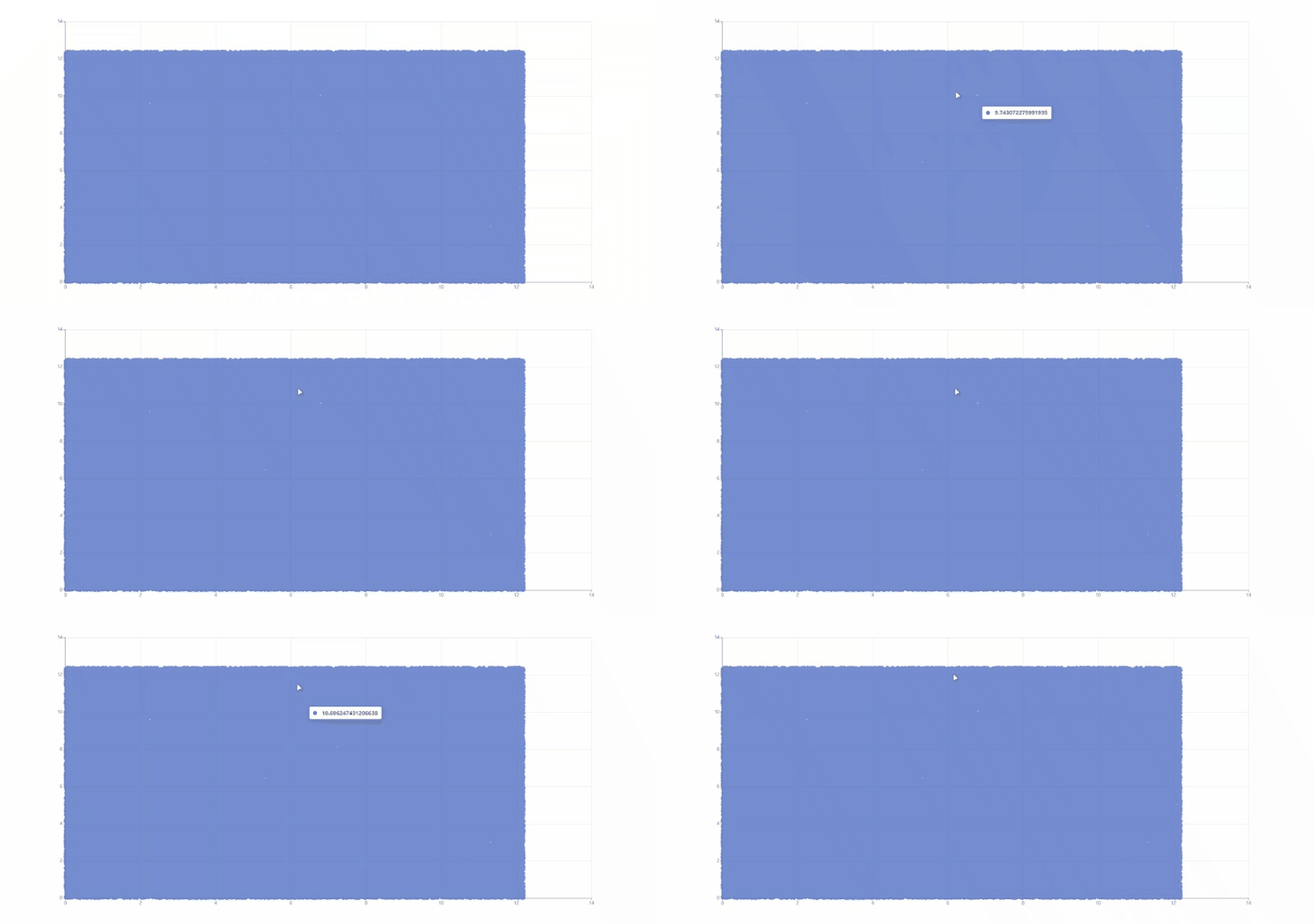
The prompt box will disappear every time data is added
Expected Behavior
Each time data is added, the prompt box will not disappear
Environment
- OS:
- Browser:
- Framework:
Any additional comments?
No response

I don't think this is a bug. When all data is re-rendered, the old data is cleared and rendered again.

This issue has been automatically marked as stale because it did not have recent activity. It will be closed in 7 days if no further activity occurs. If you wish not to mark it as stale, please leave a comment in this issue.
![github-actions[bot] avatar](https://avatars.githubusercontent.com/in/15368?v=4 "Published by a pub.dev verified publisher")
This issue has been automatically closed because it did not have recent activity. If this remains to be a problem with the latest version of Apache ECharts, please open a new issue and link this to it. Thanks!