

 apache
Copied & pasted string with newlines should show JSON syntax error in Ace editors
Copying & pasting in text with newlines into a string in the full page doc editor (and probably any Ace editor field) should show an error icon in the gutter, but it doesn't.
Taken from https://issues.apache.org/jira/browse/COUCHDB-2757

Is help still needed here? What's the proposed behavior? Should \ns to be removed or encoded?

@micheleriva The issue still happens. I don't think we should convert the pasted text though. The editor itself should detect the invalid syntax and highlight it.
For the time being, the workaround is to open the String Editor and paste the text with newlines there. Fauxton will convert any white space chars to the corresponding \n, \t, etc.
FYI, the latest Ace (v1.4.0) shows the error - you can try at https://ace.c9.io/build/kitchen-sink.html.
Unfortunately Fauxton uses brace which still relies on Ace v1.2.9 (latest is 1.4.0). Hopefully it gets updated soon and it'll solve the issue here.

Hi @Antonio-Maranhao , I finally found out how to print a "pretty" error.
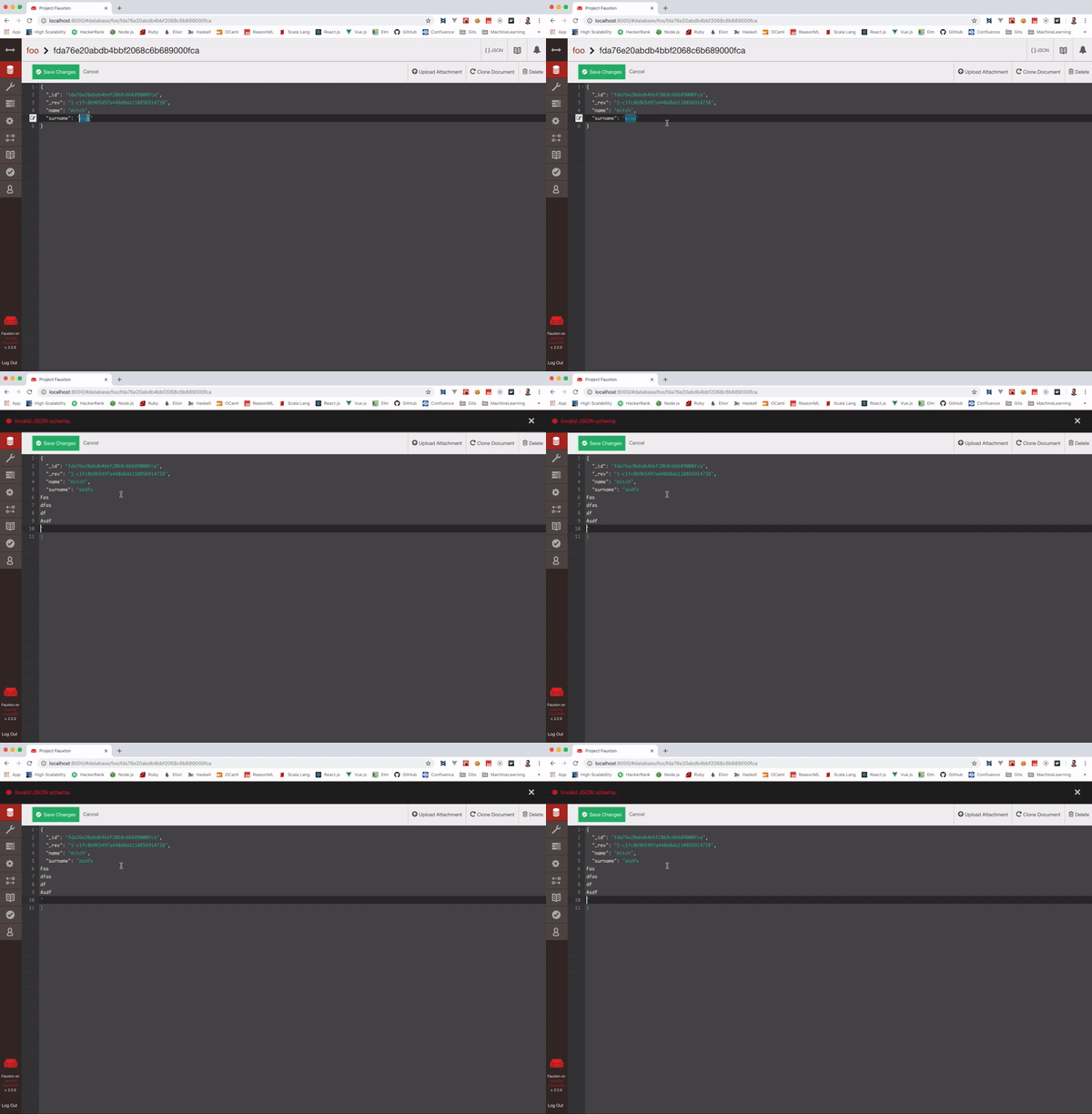
After the "paste" event, I'm checking with a simple regex if there are any bad character for line start: /^[^{|}|"|\s]/gm.
So, if any line does not begin with one of the following characters { } " or a space, it will show a friendly message.
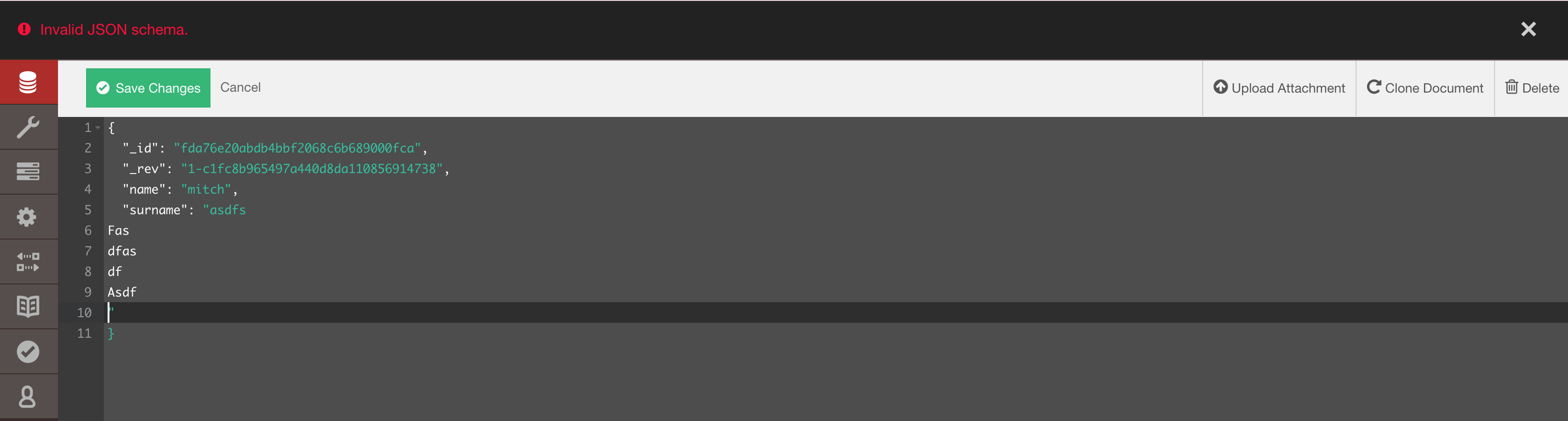
This will only work with "paste" events.
Thanks!