

 ankidroid
Replacing old splash screen with Android 12 Splash screen
Pull Request template
Purpose / Description
The earlier splash screen implementation wasn't working properly. So we require new implementation that too in Android 12.
Fixes
Fixes #10791
Approach
- Added android 12 splash screen library in gradle
- Created a style for the splash screen
- Setting that style as theme of the deck screen and app's theme
- Calling installSplashScreen() in DeckPicker Activity
How Has This Been Tested?
My Physical device : Realme 8i
https://user-images.githubusercontent.com/73571511/164883778-0c4f79cf-94ae-43ff-8b6a-af8c1511d3aa.mp4
Learning (optional, can help others)
https://developer.android.com/guide/topics/ui/splash-screen
Checklist
Please, go through these checks before submitting the PR.
- [x] You have not changed whitespace unnecessarily (it makes diffs hard to read)
- [ ] You have a descriptive commit message with a short title (first line, max 50 chars).
- [x] Your code follows the style of the project (e.g. never omit braces in
ifstatements) - [ ] You have commented your code, particularly in hard-to-understand areas
- [ ] You have performed a self-review of your own code
- [x] UI changes: include screenshots of all affected screens (in particular showing any new or changed strings)
- [ ] UI Changes: You have tested your change using the Google Accessibility Scanner

Brief about the Splash screen Android 12 :
- Duration: We can set any duration we want to the splash screen or we can also give custom time e.g. splash screen can wait till a process like fetching/loading data completes. (I have kept it on default for now, will change it to 3secs if we don't want to keep it process dependent. Also Android 12 is recommending to keep it 1sec instead of 3)
- The icon: Android 12 Splash screen implementation suggests using a single image as an icon, in our case, it is a combination of two that is the star icon and text, so while displaying the splash screen is cropping it circularly around the main star image. (I have used image resource as launch_screen and tried to get some padding around to make it fit under the circular section provided by the splash screen for the icon but it's not working as you can see in the video. Either we can keep just the icon without text that will work or we find a way to fit the start icon and text together by making changes in launch_Screen)
@UvrajSB I've ran your code and I noticed that changing the application theme in settings(to light as that is what I use) doesn't change the theme for DeckPicker that you set as the post splash theme(a dark one).
Two more things:
- Shouldn't we be using the actual application logo as the splashscreen grows from this icon in the launcher? I've created a splashscreen vector logo by combining the two vector images from
mipmap-anydpi-v26/ic_launcherand it looked better(and we avoid dealing with bitmaps in layer drawable and text etc) - I think the splashscreen setup should happen in
IntentHandleras that is the activity set as startup activity(although is a chooser type of activity)

Thank you @lukstbit for your suggestions!
Part 1 (Icon)
I will resolve the issues one by one starting from the first, the size of the app logo ( mipmap-anydpi-v26/ic_launcher) is not getting fit in the round area given in the splash screen, and as it has a gradient in the bg so it is not blending with the rest of the screen as well.
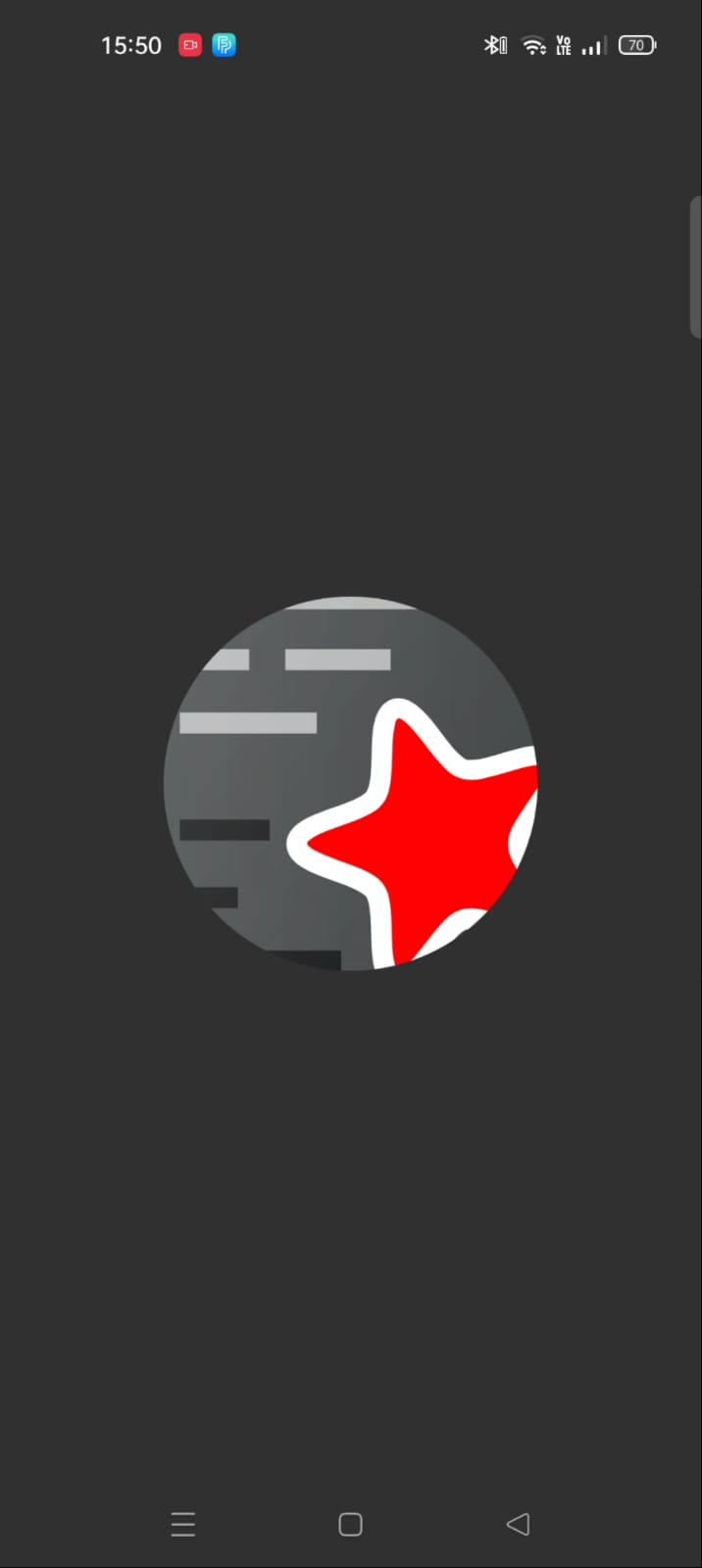
The first issue is to get an icon that fits the round size space provided (should be 288×288 dp, and fit within a circle of 192 dp in diameter.) and whose background color blends with the rest of the screen
Part 2 (Theme)
Now, I have set the postSplashTheme to a correct Light theme tho it doesn't matter as on checking the app sets it to the theme which is selected by the user. @lukstbit The reason why I made the changes in DeckPicker, not in the intent handler was that earlier also the splash screen was implemented through DeckPicker's theme and in docs also they recommend the home screen.
@UvrajSB Out of curiosity I tried implementing the splashscreen in IntentHandler and didn't manage to do it. In the latest versions it kind of works but doesn't even show the icon on api level 21. I also continued to see a phantom screen appearing after the logo was showing.
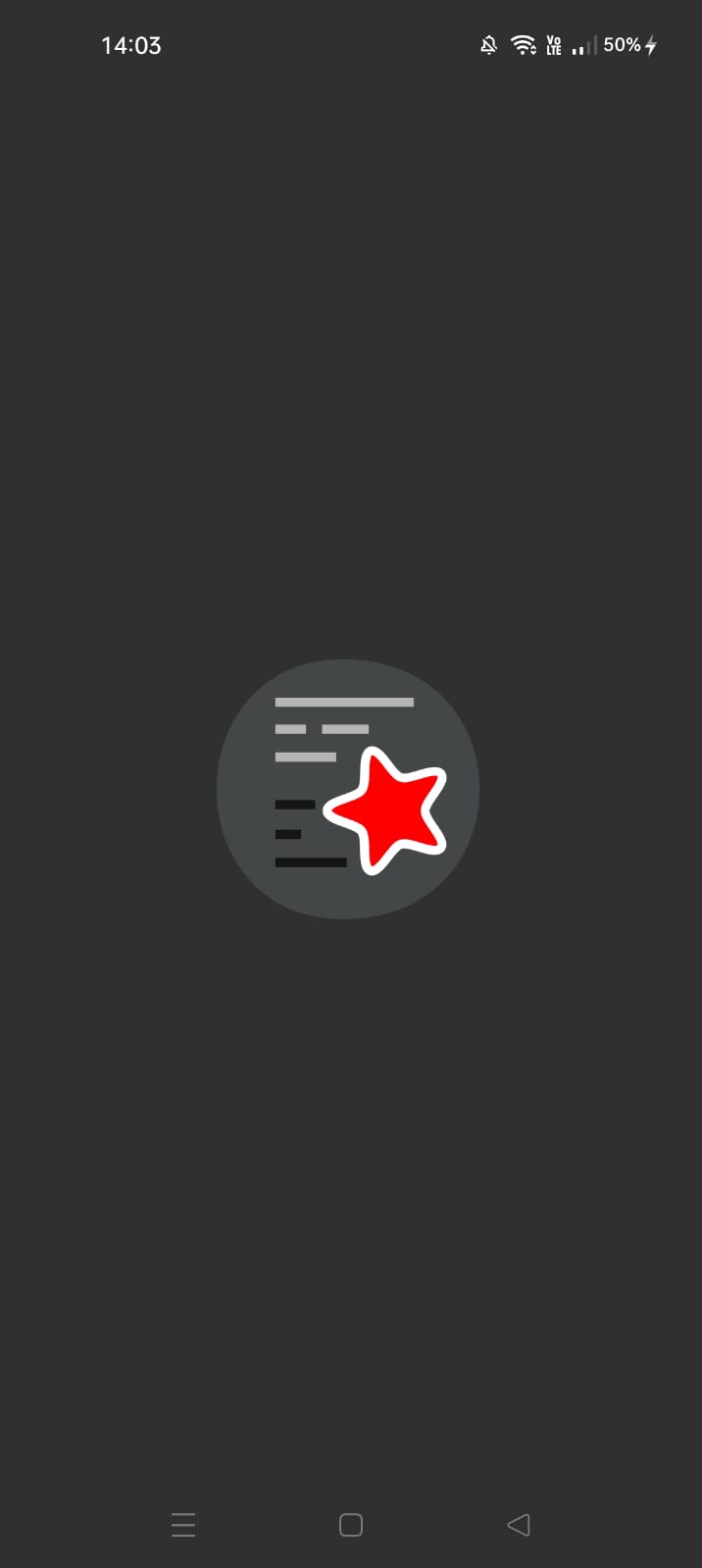
This the vector drawable that I used(a combination of the application logo I mentioned), I used the dimensions for the animated vector and I added one extra path. The gradient indeed doesn't work on lower versions but it is also not really needed and can be replaced with a simple color.
<vector xmlns:android="http://schemas.android.com/apk/res/android"
    android:width="432dp"
    android:height="432dp"
    android:viewportWidth="432"
    android:viewportHeight="432">

    <group android:translateX="120"
        android:translateY="120">
        <path
            android:pathData="M90,0 C230,0 230,200 90,200 C-40,200 -40,0 90,0 z"
            android:fillColor="#434748"/>
        <path
            android:fillColor="#FF000000"
            android:pathData="M37.831,108.207l30.617,0l0,7.133l-30.617,0z"
            android:strokeAlpha="0.7"
            android:strokeWidth="0.6916573"
            android:fillAlpha="0.7"/>
        <path
            android:fillColor="#FF000000"
            android:pathData="M37.831,131.194l19.769,0l0,7.133l-19.769,0z"
            android:strokeAlpha="0.7"
            android:strokeWidth="0.78600037"
            android:fillAlpha="0.7"/>
        <path
            android:fillColor="#FF000000"
            android:pathData="M37.831,152.754l54.969,0l0,7.133l-54.969,0z"
            android:strokeAlpha="0.7"
            android:strokeWidth="0.90443259"
            android:fillAlpha="0.7"/>
        <path
            android:pathData="M37.831,29.497l106.448,0l0,7.133l-106.448,0z"
            android:strokeAlpha="0.6"
            android:strokeWidth="0.97839999"
            android:fillColor="#ffffff"
            android:fillAlpha="0.6"/>
        <path
            android:pathData="M37.831,50.225l23.609,0l0,7.133l-23.609,0z"
            android:strokeAlpha="0.6"
            android:strokeWidth="0.81163222"
            android:fillColor="#ffffff"
            android:fillAlpha="0.6"/>
        <path
            android:pathData="M73.76,50.225l35.84,0l0,7.133l-35.84,0z"
            android:strokeAlpha="0.6"
            android:fillColor="#ffffff"
            android:fillAlpha="0.6"/>
        <path
            android:pathData="M37.831,71.786l46.649,0l0,7.133l-46.649,0z"
            android:strokeAlpha="0.6"
            android:strokeWidth="0.89010155"
            android:fillColor="#ffffff"
            android:fillAlpha="0.6"/>
        <path
            android:pathData="M0,0H192V192H0z"
            android:strokeAlpha="0.1"
            android:fillAlpha="0.1">
        </path>
        <path
            android:pathData="M0,0H192V192H0z"
            android:strokeAlpha="0.1"
            android:fillAlpha="0.1">
        </path>
    </group>
    <group android:translateX="120"
        android:translateY="120">
        <path
            android:pathData="m112.56,66.943c-0.8,0 -1.68,0.08 -2.48,0.32 -3.36,1.12 -5.04,4.32 -5.84,7.28 -0.8,2.96 -0.96,6.24 -1.04,9.52 -0.08,3.28 -0.16,6.64 -0.4,9.36 -0.24,2.72 -0.96,4.72 -1.36,5.28 -0.4,0.56 -2.16,1.84 -4.64,2.88 -2.48,1.12 -5.6,2.16 -8.72,3.28 -3.12,1.12 -6.16,2.32 -8.8,3.92 -2.56,1.6 -5.12,4.16 -5.12,7.76 0,3.6 2.48,6.08 5.12,7.76 2.64,1.68 5.6,2.8 8.72,4 3.12,1.12 6.24,2.16 8.72,3.28 2.48,1.12 4.24,2.32 4.64,2.88 0.4,0.56 1.04,2.64 1.28,5.36 0.24,2.72 0.32,6 0.4,9.36 0.08,3.28 0.32,6.56 1.04,9.52 0.72,2.96 2.4,6.16 5.76,7.28 3.36,1.12 6.56,-0.48 8.96,-2.48 2.4,-2 4.48,-4.48 6.48,-7.04 2,-2.56 4,-5.28 5.84,-7.28 1.84,-2 3.52,-3.36 4.24,-3.52 0.64,-0.24 2.8,-0.16 5.44,0.4 2.64,0.56 5.84,1.6 8.96,2.48 3.2,0.88 6.32,1.76 9.36,1.92 3.04,0.16 6.56,-0.4 8.72,-3.28 2.08,-2.88 1.6,-6.4 0.48,-9.28 -1.12,-2.88 -2.88,-5.6 -4.72,-8.32 -1.84,-2.72 -3.76,-5.44 -5.12,-7.76 -1.36,-2.32 -2.08,-4.4 -2.08,-5.12 0,-0.8 0.88,-3.2 2.64,-5.92 1.68,-2.72 4,-5.84 6,-8.88 1.6,-2.4 2.96,-4.88 3.84,-7.36 0.8,-2.56 1.04,-5.68 -0.8,-8.24 -2.08,-2.88 -5.6,-3.44 -8.72,-3.28 -3.04,0.16 -6.24,1.04 -9.44,1.92 -3.2,0.88 -6.32,1.92 -8.96,2.48 -2.64,0.56 -4.8,0.56 -5.44,0.4 -0.64,-0.16 -2.4,-1.52 -4.24,-3.52 -1.84,-2.08 -3.76,-4.72 -5.76,-7.36 -2,-2.64 -4.08,-5.12 -6.48,-7.12 -1.84,-1.52 -4.08,-2.8 -6.48,-2.88z"
            android:fillColor="#ffffff"/>
        <path
            android:fillColor="@color/anki_foreground_icon_color_1"
            android:pathData="m112.16,73.823c0.32,-0.08 0.96,-0.08 2.48,1.2 1.52,1.28 3.44,3.52 5.44,6 1.92,2.48 3.92,5.28 6.08,7.6 2.08,2.4 4.16,4.56 7.2,5.52 3.2,1.04 6.4,0.56 9.12,-0.24 3.12,-0.72 6.32,-1.68 9.36,-2.56 3.04,-0.88 5.92,-1.6 7.92,-1.68 2,-0.16 2.56,0.24 2.72,0.48 0.16,0.24 0.32,0.64 -0.16,2.08 -0.48,1.44 -1.6,3.6 -3.04,5.76 -1.84,2.8 -4.08,5.92 -6,8.96 -1.92,3.04 -3.68,6 -3.68,9.6 0,3.2 1.44,5.84 3.04,8.56 1.6,2.72 3.6,5.52 5.36,8.16 1.76,2.64 3.28,5.12 4.08,7.04 0.72,1.84 0.56,2.48 0.4,2.72 -0.16,0.24 -0.72,0.56 -2.72,0.48 -2,-0.16 -4.88,-0.8 -7.92,-1.68 -3.04,-0.88 -6.32,-1.92 -9.36,-2.64 -3.12,-0.72 -6.08,-1.2 -9.12,-0.24 -3.04,0.96 -5.12,3.12 -7.2,5.52 -2.08,2.4 -4.16,5.12 -6.08,7.6 -1.92,2.48 -3.92,4.72 -5.44,6 -1.52,1.28 -2.16,1.36 -2.48,1.2 -0.32,-0.08 -0.8,-0.48 -1.28,-2.48 -0.48,-2 -0.72,-4.88 -0.8,-8.08 -0.08,-3.2 -0.16,-6.56 -0.4,-9.76 -0.32,-3.2 -0.72,-6.16 -2.56,-8.72 -1.84,-2.56 -4.56,-3.92 -7.44,-5.2 -2.88,-1.28 -6.16,-2.32 -9.12,-3.44 -2.96,-1.12 -5.68,-2.24 -7.44,-3.28 -1.68,-1.12 -1.92,-1.68 -1.92,-2 0,-0.32 0.24,-0.88 1.92,-1.92 1.76,-1.12 4.56,-2.32 7.44,-3.28 2.96,-1.12 6.24,-2.16 9.12,-3.44 2.88,-1.28 5.6,-2.56 7.44,-5.12 1.84,-2.56 2.32,-5.6 2.64,-8.72 0.32,-3.12 0.32,-6.56 0.48,-9.76 0.08,-3.2 0.32,-6.08 0.88,-8.08 0.24,-1.68 0.72,-2.08 1.04,-2.16z" >
        </path>
    </group>
</vector>
Let us stick to the home screen which is DeckPicker in our case. And the vector resource looks good to me, I want to keep the background as it is, because some difference in bg of logo and splash screen looks good to me. Open for suggestions!
https://user-images.githubusercontent.com/73571511/163791871-de237e58-cd0a-4719-89e1-b50948c375c7.mp4
There is one more issue left
As you can see in the video below, if we navigate in the app normally then there is no issue the deckPicker screen appears the way it should be but in case we change them and then go back to the deckPicker screen then the splash screen displays over it. When we change the theme, then the DeckPicker is created again in my opinion making the splash screen visible again.
https://user-images.githubusercontent.com/73571511/163797268-be910bff-482c-4c94-8c5b-e46501436af0.mp4
According to my research and understanding, this issue is not related to the splash screen and has to take with theme changing as activity is getting recreated during theme change which should not be the case ideally.
NOTE: This issue was there in the last implementation of the code for the splash screen as well.
Hello 👋, this PR has been opened for more than 2 months with no activity on it. If you think this is a mistake please comment and ping a maintainer to get this merged ASAP! Thanks for contributing! You have 7 days until this gets closed automatically
![github-actions[bot] avatar](https://avatars.githubusercontent.com/in/15368?v=4 "Published by a pub.dev verified publisher")

Indeed! It's been very very busy in these parts and we haven't had enough attention to go around. Thankfully github never forgets :smile:


Hello 👋, this PR has been opened for more than 2 months with no activity on it. If you think this is a mistake please comment and ping a maintainer to get this merged ASAP! Thanks for contributing! You have 7 days until this gets closed automatically