

 ankidroid
Hide keyboard suggestions when typing answers
Reproduction Steps
- View a card with
{{type:Front}} - On the latest Android 12 and Gboard on a Pixel 6, I see predictive text suggestions when typing my answer.
Expected Result
No text suggestions should be displayed. I've found an old issue that is closed now saying this used to be an issue but was fixed: https://github.com/ankidroid/Anki-Android/issues/3727. There was a more recent issue where this was mentioned, but it was closed: https://github.com/ankidroid/Anki-Android/issues/8708.
I know it may be tricky to fix this for all versions of Android and various keyboards, but I feel like we should at least make sure this doesn't happen in the latest Android release with the stock/default keyboard.
Actual Result


Hello! 👋 Thanks for logging this issue. Please remember we are all volunteers here, so some patience may be required before we can get to the issue. Also remember that the fastest way to get resolution on an issue is to propose a change directly, https://github.com/ankidroid/Anki-Android/wiki/Contributing
![welcome[bot] avatar](https://avatars.githubusercontent.com/in/4141?v=4 "Published by a pub.dev verified publisher")
Since I've found this interesting, I've taken a look into it.
Respecting the "No suggestions" flag isn't something every keyboard does. A way to do it most universally would be to treat the field as a visible password, but makes another problems:
- The user can't change keyboard languages (a huge problem since Anki is vastly used for learning languages)
- It may show the numpad
Therefore, I believe it's better to just fix the "No suggestions" flag. Doing it, it was hidden on 2/3 keyboards I tested.
SwiftKey
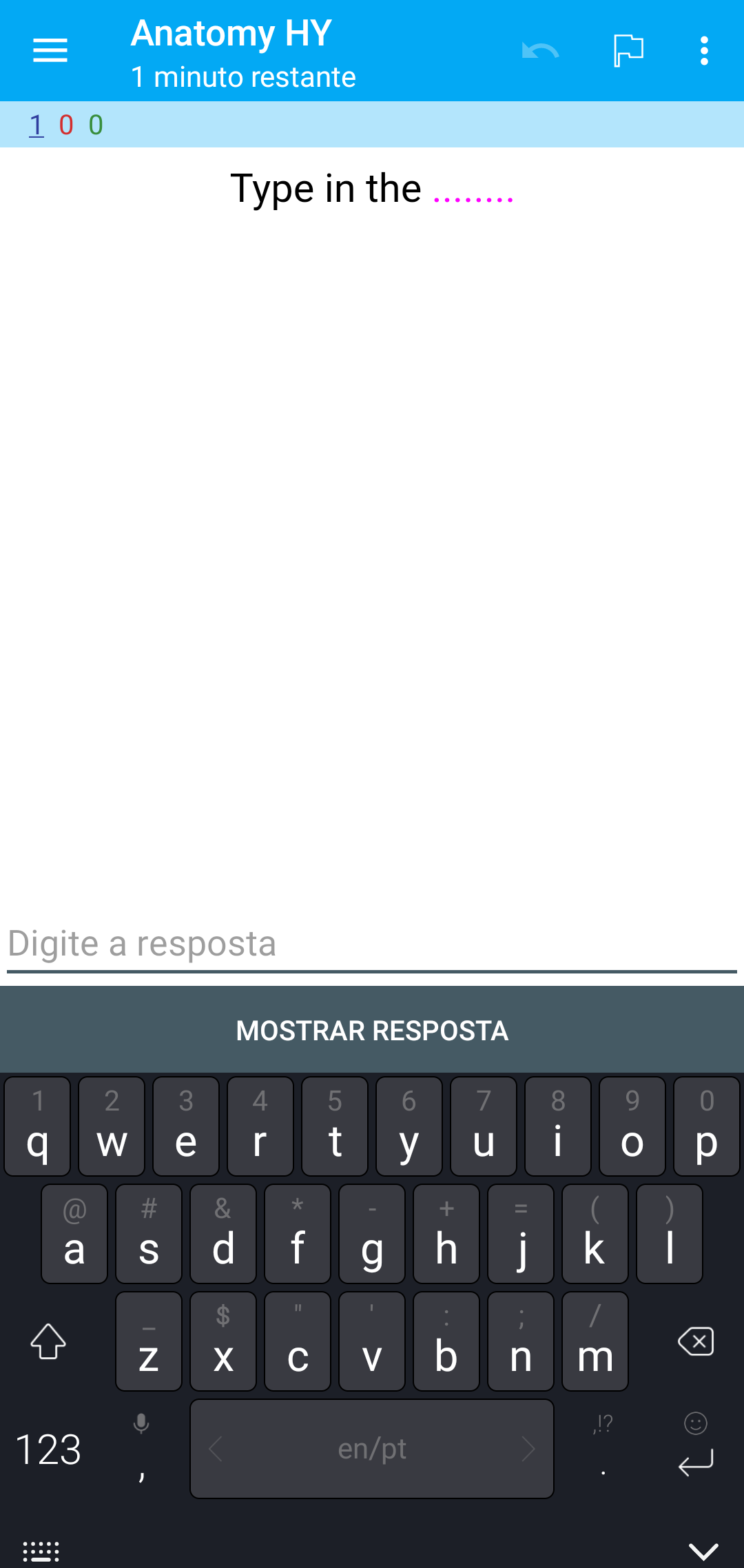
Samsung keyboard
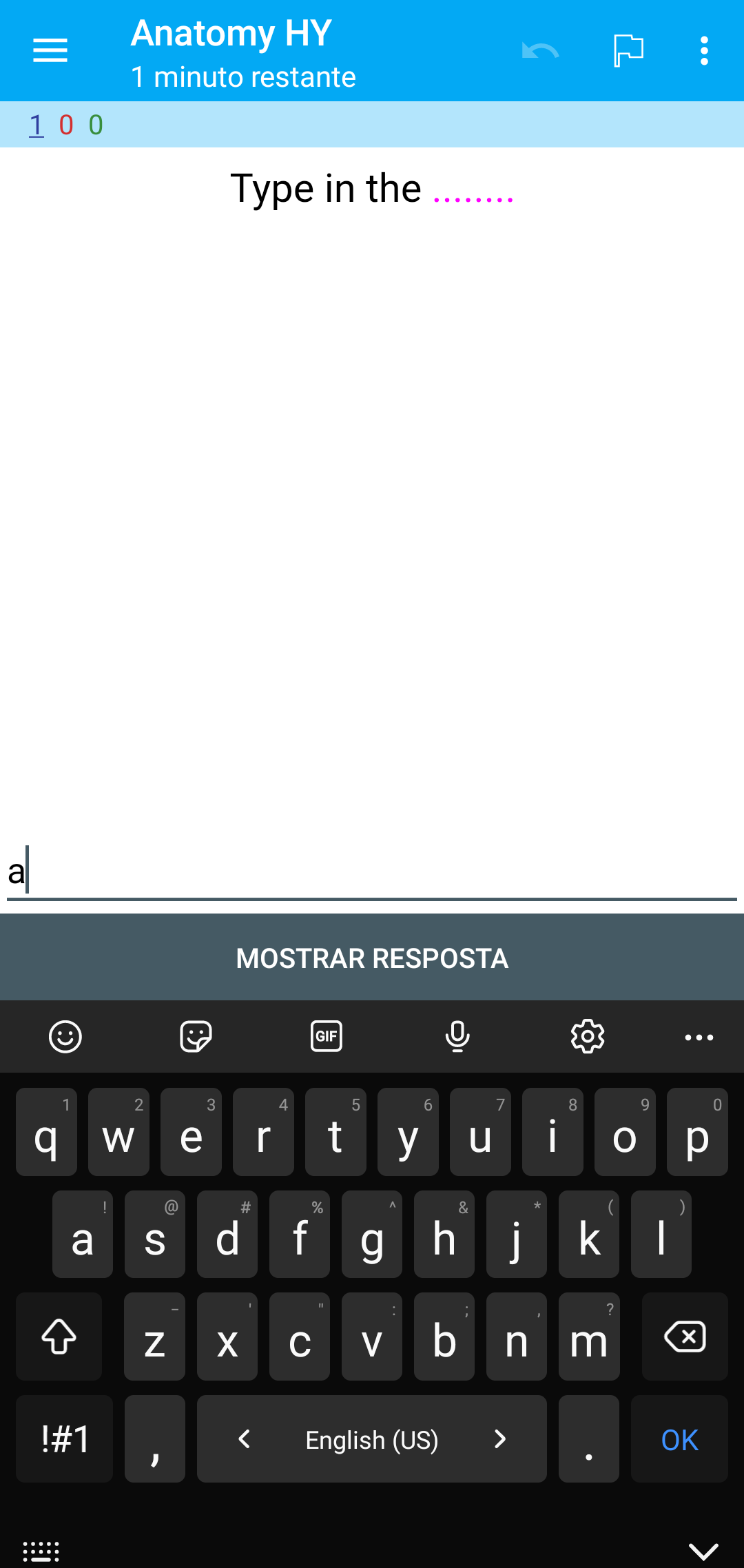
Gboard
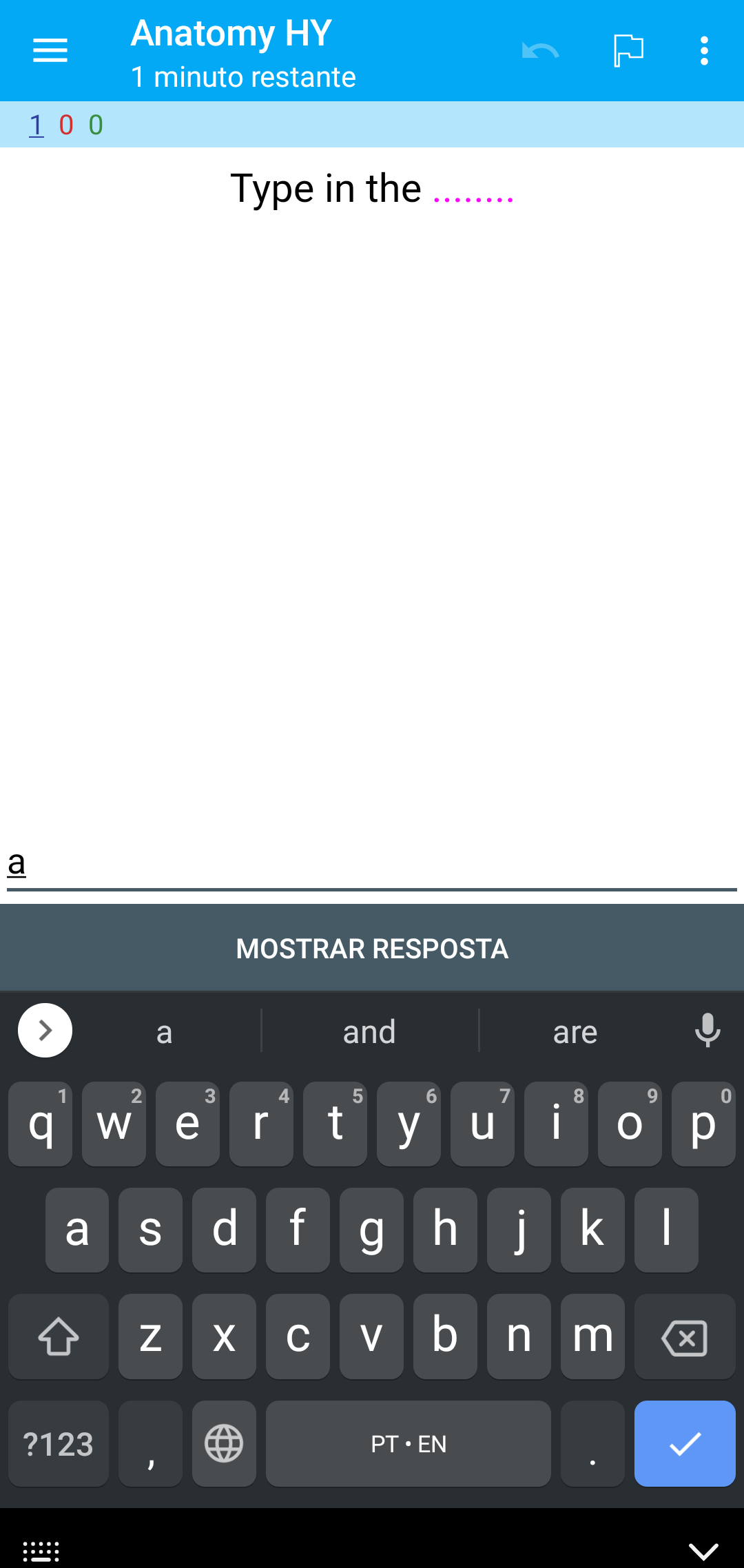

I'll dig more to find if I can fix the problem with gboard, because is a vastly used keyboard (and the one I most expected would work since it's made by google).
For another keyboards, it isn't feasible to handle with very one of them, the user will have to choose a good keyboard which hides suggestions
May want to discuss IME_FLAG_NO_PERSONALIZED_LEARNING as well, depending if we want the answers to be saved in the keyboard history.
I believe password input may disable swipe typing on some keyboards, which would not be ideal

I'll also note the docs on TYPE_TEXT_FLAG_NO_SUGGESTIONS. Emphasis mine
Flag for TYPE_CLASS_TEXT: the input method does not need to display any dictionary-based candidates. This is useful for text views that do not contain words from the language and do not benefit from any dictionary-based completions or corrections. It overrides the TYPE_TEXT_FLAG_AUTO_CORRECT value when set. Please avoid using this unless you are certain this is what you want. Many input methods need suggestions to work well, for example the ones based on gesture typing. Consider clearing TYPE_TEXT_FLAG_AUTO_CORRECT instead if you just do not want the IME to correct typos. Note the contrast with TYPE_TEXT_FLAG_AUTO_CORRECT and TYPE_TEXT_FLAG_AUTO_COMPLETE: TYPE_TEXT_FLAG_NO_SUGGESTIONS means the IME does not need to show an interface to display suggestions. Most IMEs will also take this to mean they do not need to try to auto-correct what the user is typing.
May want to discuss IME_FLAG_NO_PERSONALIZED_LEARNING as well, depending if we want the answers to be saved in the keyboard history.
I believe password input may disable swipe typing on some keyboards, which would not be ideal
This looks way better. I forgot the keyboards "incognito mode" before testing. Tested and working. Thank you!
At both SwiftKey and Gboard yes. At samsung keyboard, no, but it doesn't seem to be remembering the words I type (kinda hard to test, but trying to)
I don't think users will be expecting that.
I'm tempted to move it behind a preference, would like to see what others think.
I don't like adding preferences, I'd rather keeping things simple. But I don't like that incognito icon either, it doesn't fit the "mood" of studying. I'd find strange to see an incognito icon just to type an answer, so maybe a preference would be the best option.
It's a nice thing to think about. Others opinions would be really nice 🤔💭
This doesn't feel worthy of a preference. If there is no technical way to really truly turn off learning and suggestions and auto-correct then just go with it I think. Add a note on the manual or a FAQ that for technical reasons we use incognito mode. % of users that use type answer? I don't have the stats but based on user comment/issue traffic I'm going to guess low, thus make it work and move on I think

I really don't like the incognito icon from a UX perspective. I'd also rather not have preferences on this (at least until we can make our preference selection better).
I'd vote for a WONTFIX unless we can get a better solution.
I'm tempted to move it behind a preference, would like to see what others think.
I use Anki for learning both languages and content in different decks, so I think this should be deck- or card- level flag (ideally deck-level with a card-level override).

I'm tempted to move it behind a preference, would like to see what others think.
I use Anki for learning both languages and content in different decks, so I think this should be deck- or card- level flag (ideally deck-level with a card-level override).
So this is what happens when you start adding preferences, and of course it seems like it should be synced in global collection conf so it shows up on multiple devices etc etc. It's a pain
@penn5 a question for you: are you implying that you actually want typing suggestions and typing learning when you do type-entry ankidroid cards? Because right now I can't personally imagine how that would be a positive, it seems like it would either ruin learning or make learning too easy?
@penn5 a question for you: are you implying that you actually want typing suggestions and typing learning when you do type-entry ankidroid cards? Because right now I can't personally imagine how that would be a positive, it seems like it would either ruin learning or make learning too easy?
Yes, I'm learning long cards in my native language and my typing is terrible on my phone, I rely on autocorrect. Of course I can just mark the card as correct manually, but it's much faster if it's all green and I don't have to reread my answer.

@Niraj81 I don't think we have a workable implementation right now, very welcome for you to look through the docs and experiment, but it might not be resolvable in its current form.
Hello 👋, this issue has been opened for more than 2 months with no activity on it. If the issue is still here, please keep in mind that we need community support and help to fix it! Just comment something like still searching for solutions and if you found one, please open a pull request! You have 7 days until this gets closed automatically
![github-actions[bot] avatar](https://avatars.githubusercontent.com/in/15368?v=4 "Published by a pub.dev verified publisher")
Seems like we don't have any workable solution right now, but I still want to keep this open. I've been meaning to dig into this myself eventually to see if I can come up with some other workaround, but I haven't had that time yet.
@BrayanDSO In comment 1045237036 I think you described that you don't get suggestions with SwiftKey. Did you have to do anything to achieve this? I have installed Microsoft SwiftKey on Android 11, and that gives me suggestions, much the same as Gboard.
Whilst it would be great if there were a solution that made this work properly for any keyboard, a good workaround for many users would be if it were possible to switch keyboards to one that's known to work.
ETA: Thinking about this as a potential workaround, I did a search on the Play Store and found something called "Simple Keyboard". I have only tried it for a few minutes and have no idea how it performs in general or across languages, but it seems to serve the purpose of being a keyboard without suggestions. So this seems like it will work for my purposes, if I switch between Gboard and Simple Keyboard when I want to key in answers without getting any suggestions.

@jimvine I did that by modifying AnkiDroid's source code while trying to fix this issue. Haven't gone further because it seems that there isn't a good solution
Hello 👋, this issue has been opened for more than 2 months with no activity on it. If the issue is still here, please keep in mind that we need community support and help to fix it! Just comment something like still searching for solutions and if you found one, please open a pull request! You have 7 days until this gets closed automatically

Hello 👋, this issue has been opened for more than 3 months with no activity on it. If the issue is still here, please keep in mind that we need community support and help to fix it! Just comment something like still searching for solutions and if you found one, please open a pull request! You have 7 days until this gets closed automatically
No one may have an idea to solve this issue now. But, the issue is important. So, can we add a Keep Open label to this issue?
SwiftKey now has an Incognito Mode option which can quickly be enabled in the settings
Thanks for the suggestion.
I am currently using Simple Keyboard and switching between Gboard and it using the following Android shortcut:
But I think that adding an ability to hide the suggestions in the default keyboard (Gboard) is the "proper" solution.
As a user, I would be completely satisfied with incognito mode as a solution. To me, that icon means "don't remember history", which is exactly what I want. Without this feature, I find it difficult to use AnkiDroid to test spelling of vocabulary words.

I'm now in favor of using "incognito" mode as the default.
We could make a test. There's a reasonable chance that many people won't notice or get bothered at all. And they can get used to it.
If it becomes a major complaint, we can revert it.