
ABCustomUINavigationController
 ABCustomUINavigationController copied to clipboard
 andresbrun
Custom UINavigationController. SquaresFlips and Cube effects
ABCustomUINavigationController


Subclass of UINavigationController for overwriting push and pop methods to create new transitions effects. Currently it has been implemented two transition animations:
SquaresFlip
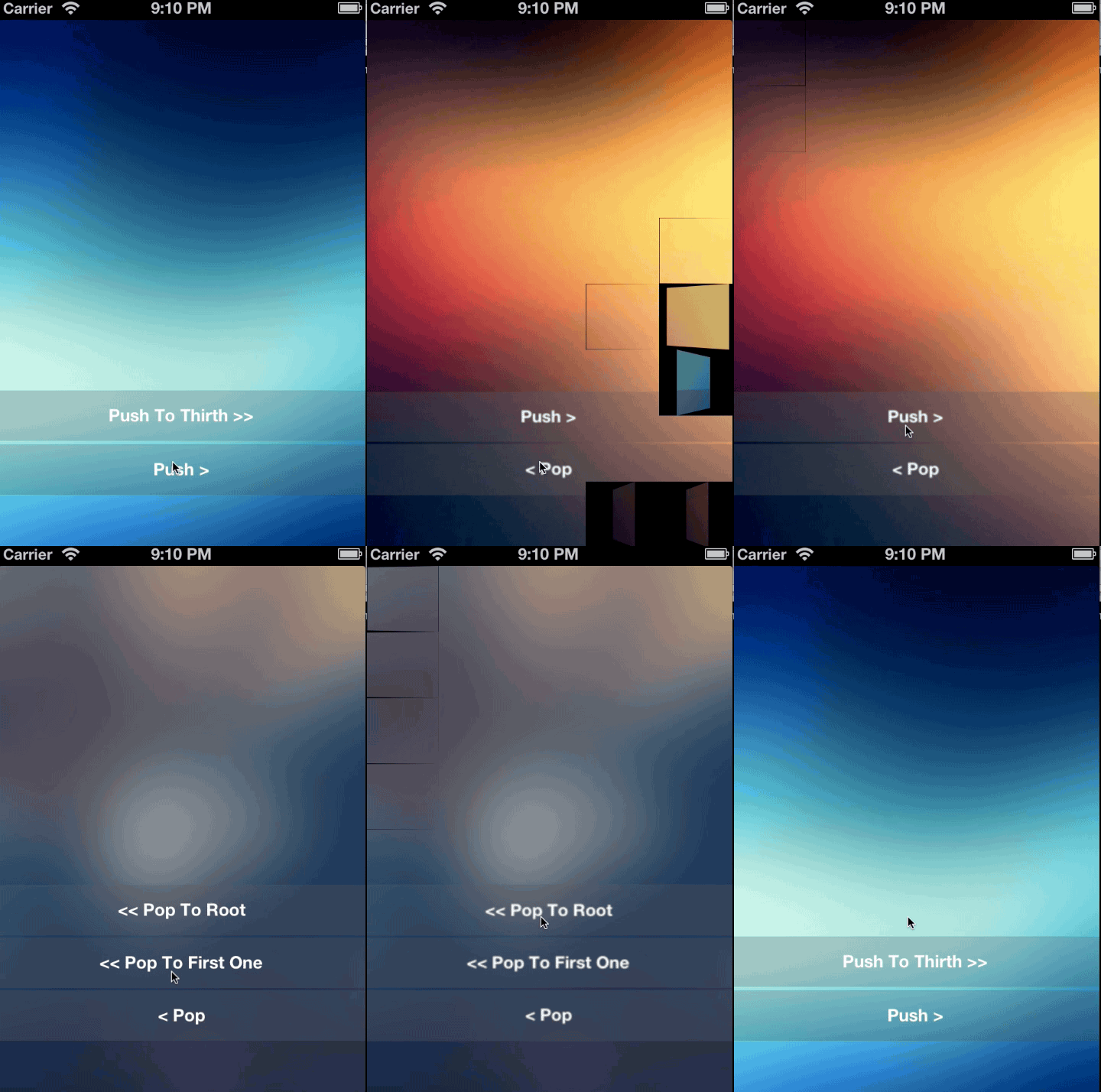
The screen is split into squares and each one rotates until showing the new controller. It has two animation variations:
- Randomly
- Horizontally
Pixelate
The screen is split into pixels and each one fadeout displaying next view. It has two animation variations:
- Randomly
- Horizontally
Cube effect
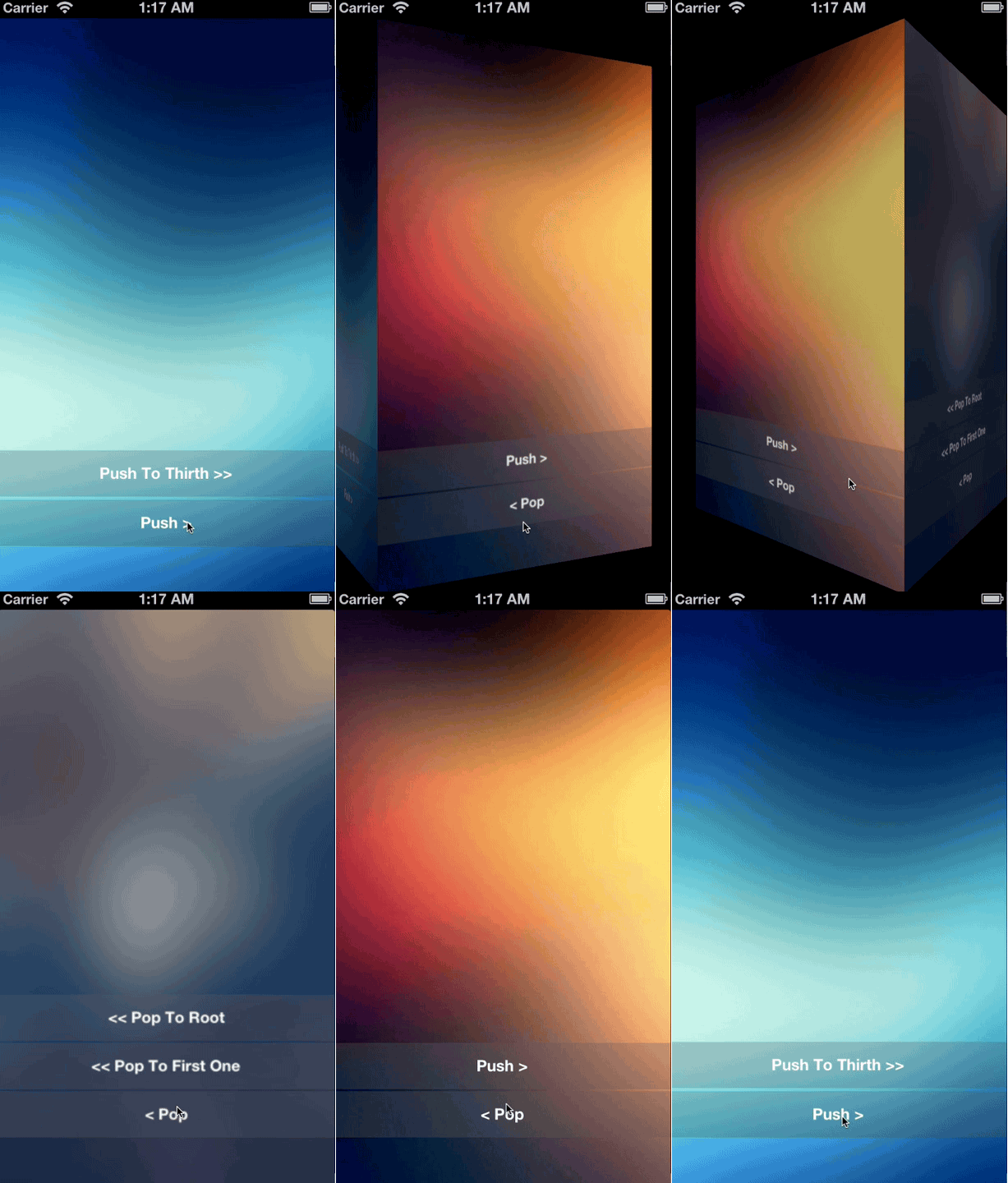
The views are showns in differents cube's faces. It has two animation variation:
- Horizontal
- vertical
Installation with CocoaPods
CocoaPods is a dependency manager for Objective-C, which automates and simplifies the process of using 3rd-party libraries like ABCustomUINavigationController in your projects.
Podfile
use_frameworks!
pod "ABCustomUINavigationController"
Use
For using that component you only have to copy the SquaresFlipNavigation folder into your project and create the navigation controller as:
#import "FlipSquaresNavigationController.h"
[[FlipSquaresNavigationController alloc] initWithRootViewController:self.viewController];
import ABCustomUINavigationController
let navigationController = FlipSquaresNavigationController(rootViewController: viewController)
or
#import "CubeNavigationController.h"
[[CubeNavigationController alloc] initWithRootViewController:self.viewController];
import ABCustomUINavigationController
let navigationController = CubeNavigationController(rootViewController: viewController)
and pushing and pop as usual using commons methods like:
- (void)pushViewController:(UIViewController *)viewController animated:(BOOL)animated
- (UIViewController *)popViewControllerAnimated:(BOOL)animated
- (NSArray *)popToRootViewControllerAnimated:(BOOL)animated
- (NSArray *)popToViewController:(UIViewController *)viewController animated:(BOOL)animated
Features
- Supports every screen size. iPhone and iPad.
- Supports rotation.
- Support status bar, navigation bar and navigation toolbar.
Examples
SquaresFlip
Cube
Metadata
Owner
 andresbrun
Metadata
Custom UINavigationController. SquaresFlips and Cube effects