
AttitudeView
 AttitudeView copied to clipboard
 andresR8
Android attitude view for drones, airplanes, rovs and mobile robots.
Android - AttitudeView

Android attitude view for drones, airplanes, rovs and mobile robots.
Demo
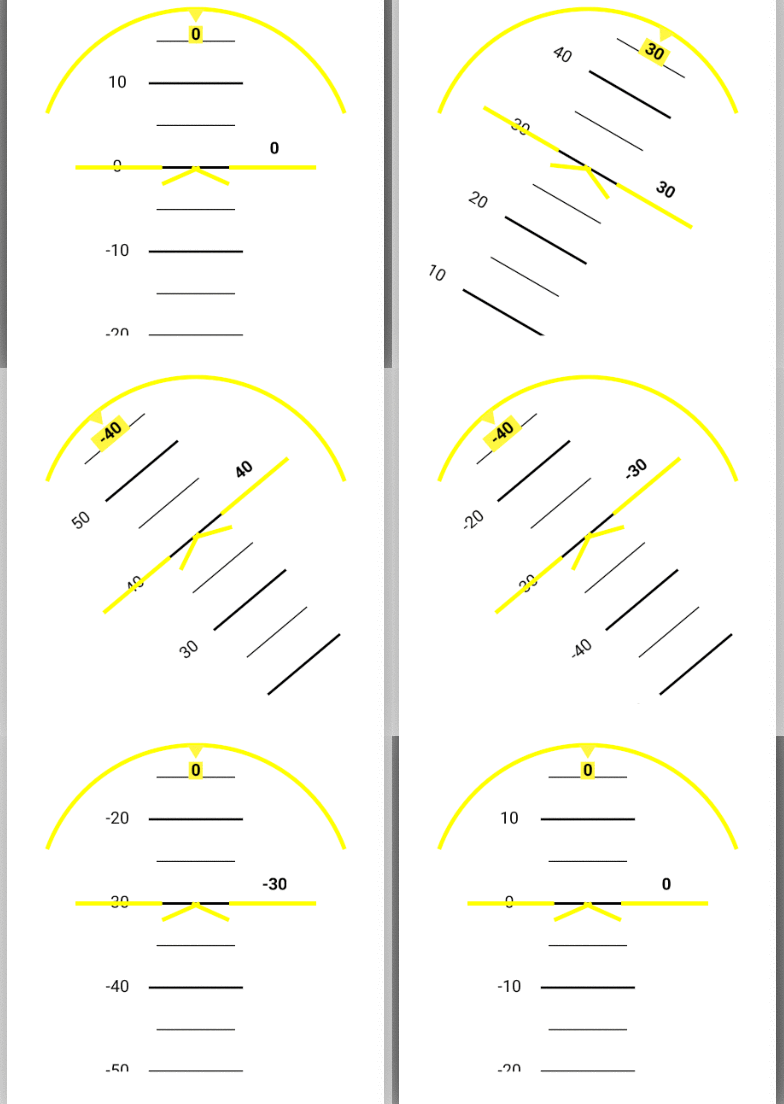
How install it
- Add AttitudeView.java to
src\main\java\package\ - Replace the AttitudeView.java Line #1 with corresponding package.
com.your.package - Add the content of [attrs_attitude_view.xml] (https://github.com/andresR8/AttitudeView/blob/master/attrs_attitude_view.xml) to
app\src\main\res\values\attrs.xmlfile between the resources tag<resources>HERE</resources>.
How to use it
-
In XML File:
-
In the root ViewGroup property of your layout, specify:
xmlns:custom="http://schemas.android.com/apk/res-auto"; -
Within the ViewGroup, add the following code:
<package.AttitudeView android:id="@+id/attitudeView" android:layout_width="300dp" android:layout_height="300dp" /> -
To change the color of the numbers:
custom:textC="@android:color/black" -
To change the color of the ticks in the pitch indicator use:
custom:lineC="@android:color/black"" -
To change the background color of the roll indicator use:
custom:markerC="#fff741" -
In Code:
AttitudeView  av= (AttitudeView) findViewById(R.id.attitudeView);
// Specify the property like layout params
av.setPitch(20); // Update the Pitch value in degrees.
float pitch=av.getPitch(); // Update get the actual pitch value degrees.
av.setRoll(10); // Update the Roll value in degrees.
float roll=av.getRoll(); // Update get the actual roll value degrees.
For further details, checkout the AttitudeView.java class.
 andresR8