

 andrejilderda
faster width/ height input
Hi there, what about adding the following:
just inputting “100,50” would set to width=100 and height=50 ... instead of having to type in “w=100,h=50” which takes too much time ... many thanks in advance

Hi @illustree, I'm working on a new version of Resize commands and I'll definitely look into your suggestion. Thanks for your comment!

Just chiming in as someone who uses this plugin a lot but did not had any time yet to fork it… A faster syntax would much appreciated.
Are you aware of the keyboard resizing in SketchUp (the 3D software) @ajilderda ? I have a lot to dislike about SketchUp, but the one thing they got right is the resizing. It'd be great if someday, somehow that always visible, always ready dimensions input would be available in Sketch too. But let's start with the syntax.

Hi @ErikFontanel, nice to hear this plugin is useful to you! About the dimensions, I assume you refer to this screenshot?  Do you have suggestions how this could be applied to this plugin (knowing that some characters
 , / + - % = # are reserved for math expressions)?
Good to know if you're thinking of forking this project, I've restarted working on the entire rewrite of this plugin here with more options and a better GUI:
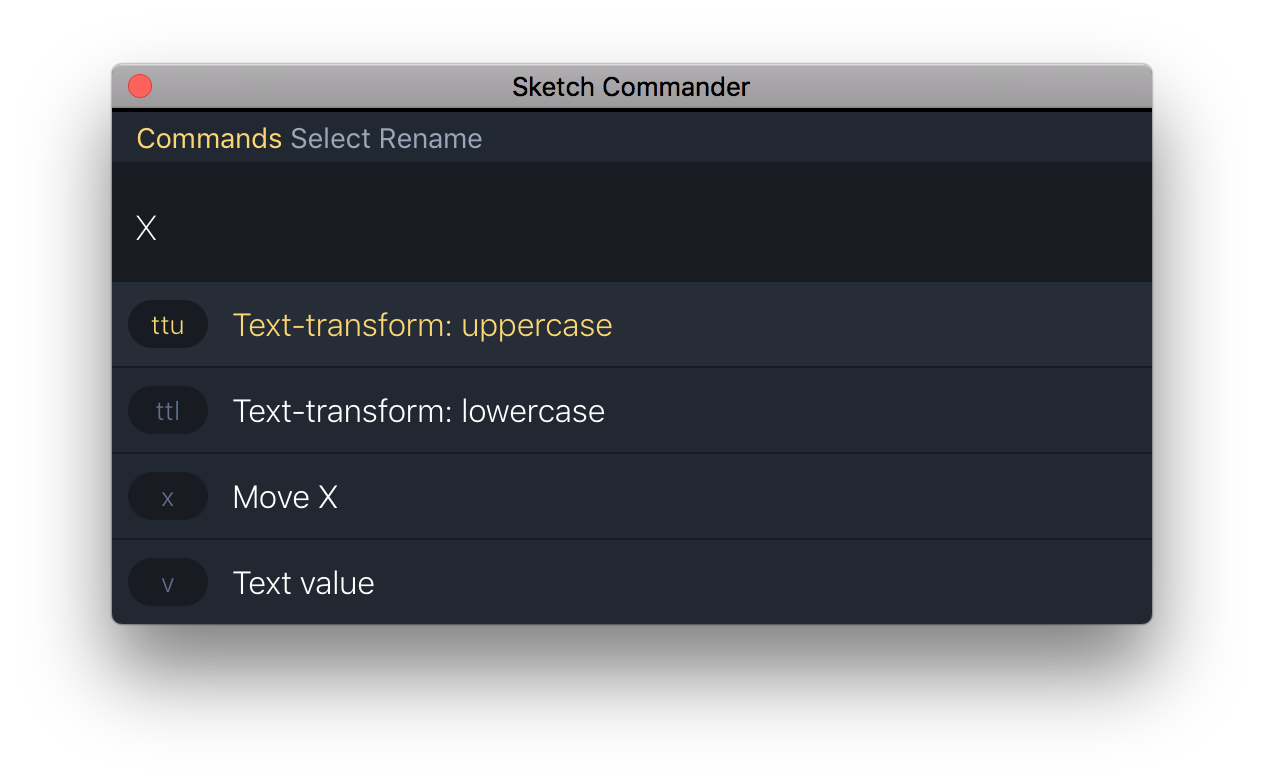 PR's and suggestions are more than welcome:
https://github.com/ajilderda/Sketch-Commander
PR's and suggestions are more than welcome:
https://github.com/ajilderda/Sketch-Commander
Yeah kind, but those dimensions matter because of the different units it supports.
This explains it well:

It works as follows:
- Start drawing a shape in SketchUp
- Before finishing your shape, lift your hand off the mouse
- Type in the exact dimensions you need, you don't have to focus or call an input
- press Enter and your shape is drawn with the dimensions specified.
This measurements box supports also math operators and relative lengths. Of course I realise Sketch works a bit different internally, but the gist of the SketchUp system is really nice.
I like your idea of upgrading the interface. It would be even nicer if Sketch Runner would offer some input API to send inputs to plugin actions…