pibar

pibar copied to clipboard
 amiantos
Unable To Connect
I just purchased Pi Hole and can't get it to connect to my PiHole at all. I even disabled the password for PiHole and it still doesn't work.
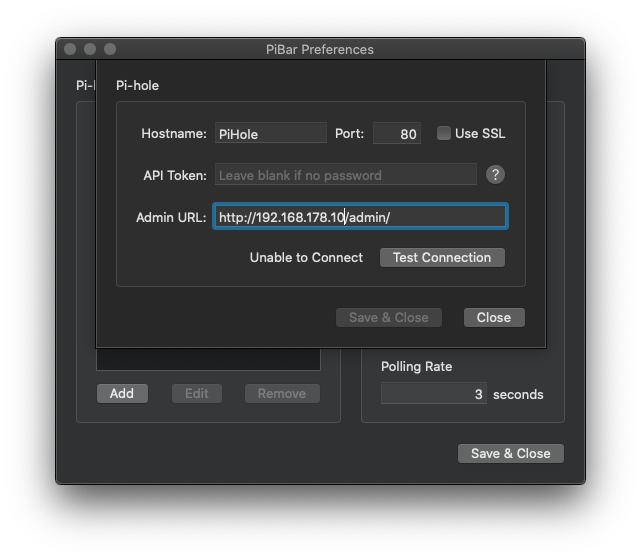
Here are the Preferences:
And here is my PiHole interface:
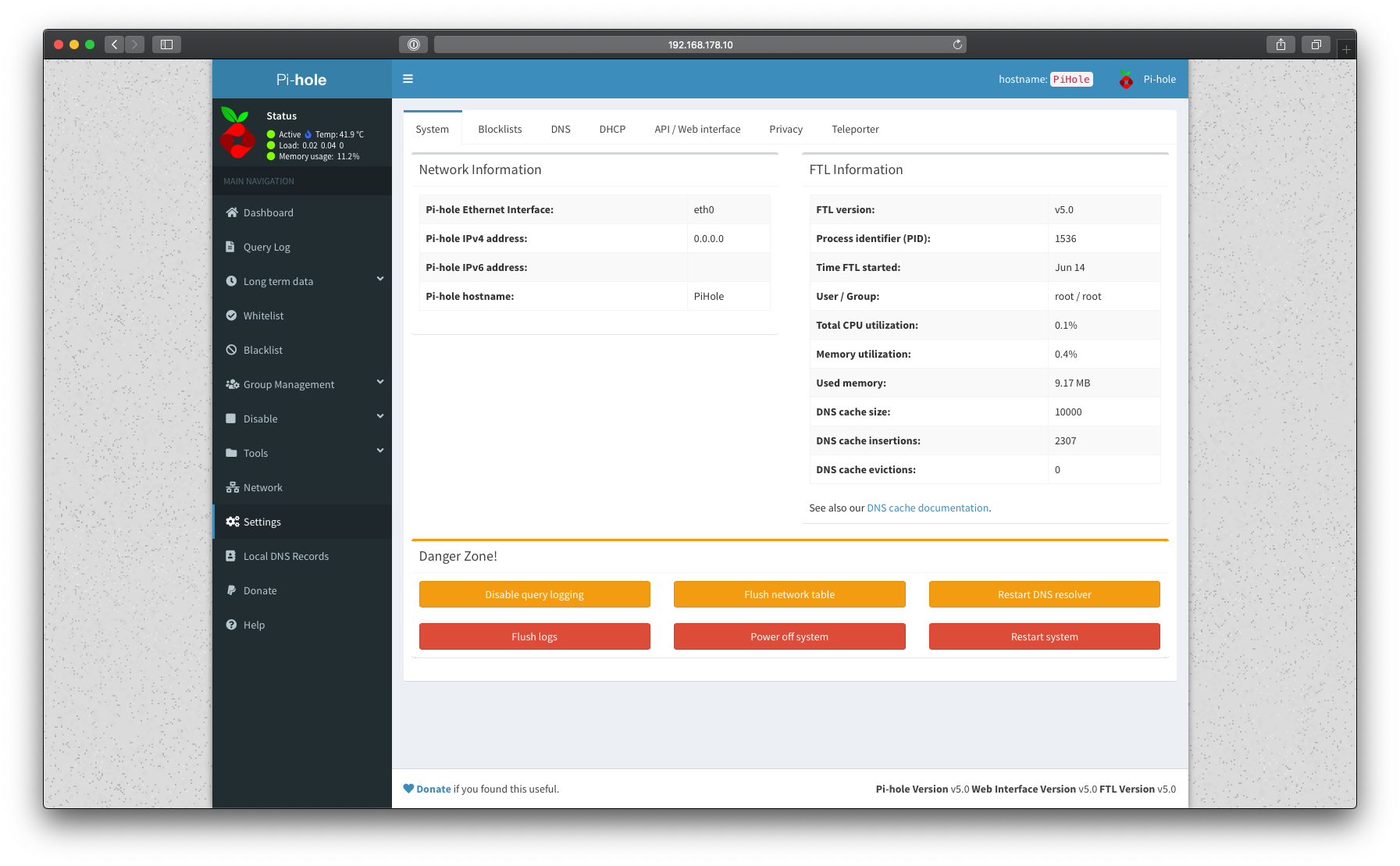
I'm not sure if it matters but I'm running PiHole in a docker. Any idea why this doesn't work?

I think that you need to put the IP address in the "hostname" field. The admin URL will be auto-generated for you, you can leave it blank.

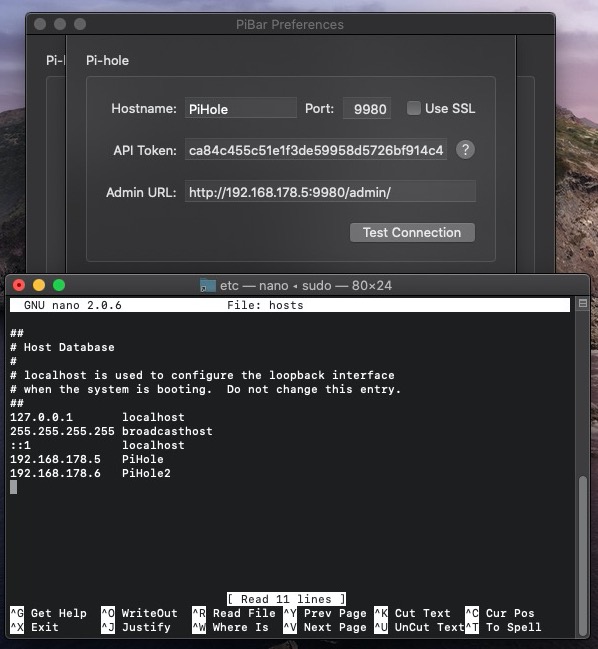
You could also edit your /etc/hosts File via Terminal, so that your Mac knows that the Hostname PiHole is your IP 192.168.178.10
I have done that for my two PiHoles...