
alm
 alm copied to clipboard
 alm-tools
:rose: A :cloud: ready IDE just for TypeScript :heart:
FUTURE
This project is archived.
Building on the TypeScript developer experience (DX) offered by ALM, I’m creating a new product that offers a unique UI development experience for designers/developers. Signup for the Beta: https://designtsx.com

ARCHIVE
The best IDE for TypeScript

This project is powered by GitHub 🌟s ^ go ahead and star it please.


With great languages come great development tools 🌹.
Why
Check out the website and if you need more reasons we have them.
Requirements
- Chrome
- NodeJS v6
Usage
Get it:
npm install alm -g
Run it passing in the directory you want to serve up:
alm.
Now open it in chrome at the URL mentioned in your console. (protip use alm -o if your default browser is Chrome)
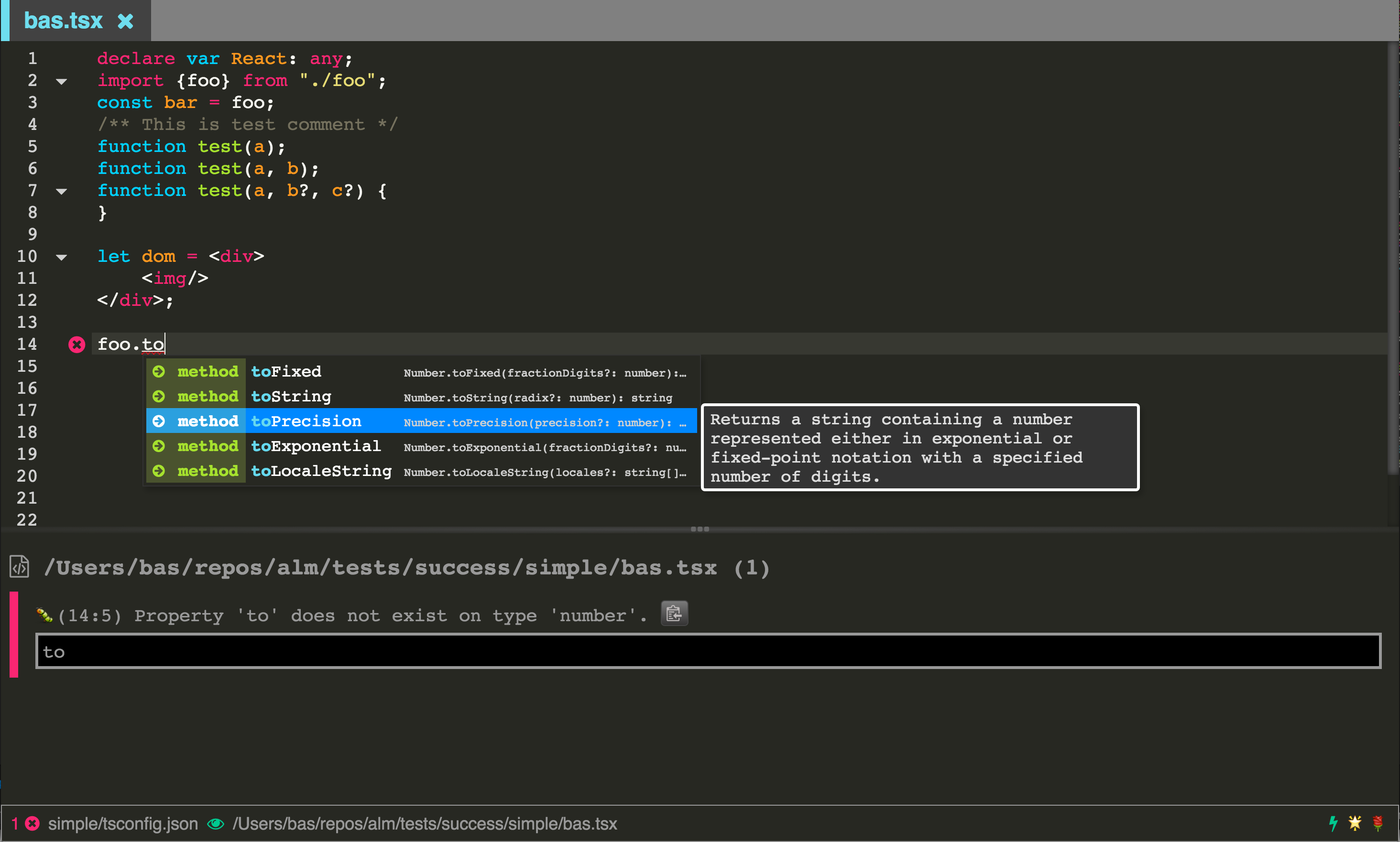
Features
We work hard :construction_worker: on our :memo: so please jump to the book.
But since its good to show a list so in no particular order and incomplete list:
- [x] Super slick syntax highlighting just for TypeScript
- [x] Tabs
- [x] Panes
- [x] Live file linting
- [x] Project wide linting
- [x] AST viewer
- [x] Dependency viewer / analyzer
- [x] Typescript Build
- [x] Live incremental TypeScript compile
- [x] Cursor History
- [x] Clipboard ring
- [x] Git Status gutter
- [x] Git Status scroll bar
- [x] Git reset file
- [x] Find in project
- [x] Find and replace in file (with regex support)
- [x] Multi Cursor
- [x] Rectangular selections
- [x] Command Search
- [x] TypeScript symbol search
- [x] TypeScript project selector
- [x] Live TypeScript ouput JavaScript preview
- [x] Multi monitor
- [x] Super friendly error panel with
f8error cycling - [x] Copy paste buttons when they make sense (so you don't need to select stuff)
- [x] Type info / errors on hover
- [x] TypeScript doctor so you don't need to hover
- [x] Code folding
- [x] Bracket and tag matching
- [x] Matching bracking jumping
- [x] TypeScript formatting
- [x] editorconfig support
- [x] HTML to TSX/JSX
- [x] CSS to TS/JS
- [x] File Tree
- [x] On screen hints around current options (e.g. tree view)
- [x] Snippets
- [ ] Add the feature you liked the most 🌹
And of course my favorite:
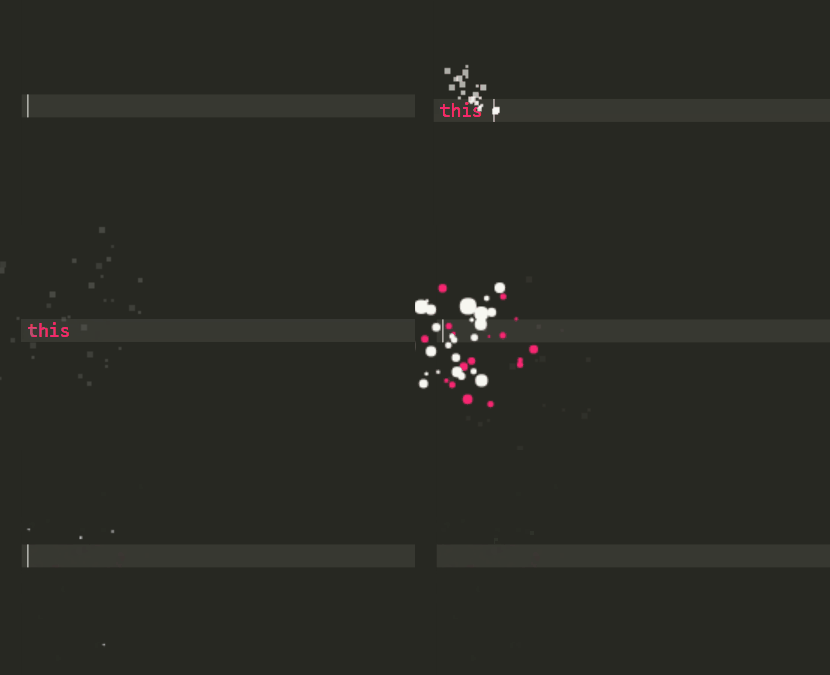
- [x] Code blaster
Contributing
A key motivation for this project is to educate the community about creating great TypeScript tools. So we would love to help you understand how the project works. Checkout the developer / contributor docs.
License
MIT
 alm-tools