

 allure-framework
PNG attachment not displayed in allure reports - allure behave
PNG attachment not displayed in allure reports - allure behave
import allure from allure_commons.types import AttachmentType
allure.attach("Capture.PNG", name="ScreenshotPNG", attachment_type=AttachmentType.PNG)
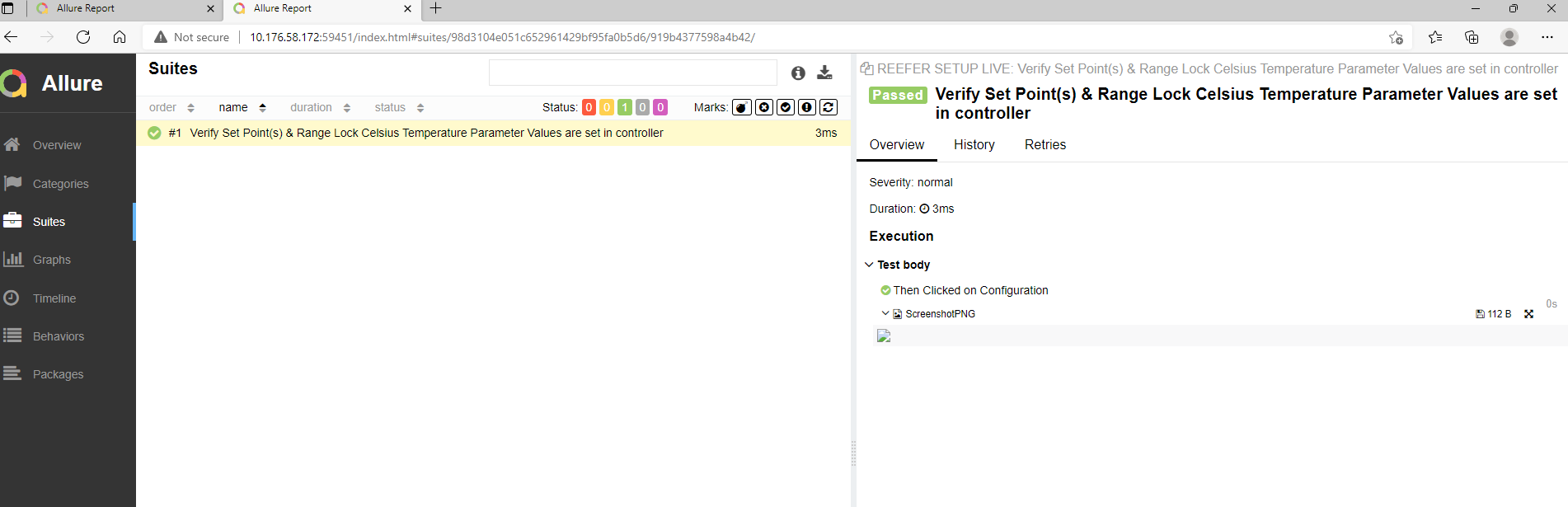
Screenshot not displayed in allure reports
environment:
- allure behave - 2.9.45
- framework behave - 1.2.6

@YenikeRaghuRam I am facing the same issue, have you managed to find any solution/workaround?

@bwomsm1
I got solution to it allure.attach accepts bytes as argument so convert .png to bytes array and pass is an argument below is code in python
    with open(os.getcwd().split("Path../Pywinauto.png",
              "rb") as image:
        f = image.read()
        b = bytearray(f)
    allure.attach(b,
                  name="ScreenshotPNG", attachment_type=AttachmentType.PNG)
@bwomsm1
I got solution to it allure.attach accepts bytes as argument so convert .png to bytes array and pass is an argument below is code in python
    with open(os.getcwd().split("Path../Pywinauto.png",
              "rb") as image:
        f = image.read()
        b = bytearray(f)
    allure.attach(b,
                  name="ScreenshotPNG", attachment_type=AttachmentType.PNG)
Thanks @YenikeRaghuRam that idea solved my problem.
It is working for me in allure python
allure.attach.file(screenshot_path, name="screenshot", attachment_type=allure.attachment_type.PNG)
