
VimbaPython
 VimbaPython copied to clipboard
 alliedvision
object detection with asynchronous_grab_opencv
 I try to do make a object detection model.
I edited my code(frame) to use alliedvision camera but there is a problem that FPS is really slow such as 2 or 3. So, technician from the company recommand that use the asynchronous_grab_opencv. So, I edited it for my code.
I try to do make a object detection model.
I edited my code(frame) to use alliedvision camera but there is a problem that FPS is really slow such as 2 or 3. So, technician from the company recommand that use the asynchronous_grab_opencv. So, I edited it for my code.
import threading import sys import cv2 import timeit import time import os import tensorflow as tf import numpy as np from typing import Optional from vimba import *
WORKSPACE_PATH = '/home/kibi/Tensorflow/workspace/training_demo' SCRIPTS_PATH = 'scripts' APIMODEL_PATH = 'models' ANNOTATION_PATH = WORKSPACE_PATH+'/annotations/test/new' IMAGE_PATH = WORKSPACE_PATH+'/images' CONFIG_PATH ='/home/kibi/Tensorflow/workspace/training_demo/exported-models/my_model/test/d2/pipeline.config' CHECKPOINT_PATH ='/home/kibi/Tensorflow/workspace/training_demo/exported-models/my_model/test/d2/checkpoint'
Load pipeline config and build a detection model
configs = config_util.get_configs_from_pipeline_file(CONFIG_PATH) detection_model = model_builder.build(model_config=configs['model'], is_training=False)
Restore checkpoint
ckpt = tf.compat.v2.train.Checkpoint(model=detection_model) ckpt.restore(os.path.join(CHECKPOINT_PATH, 'ckpt-0')).expect_partial()
category_index = label_map_util.create_category_index_from_labelmap('/home/kibi/Tensorflow/workspace/training_demo/annotations/test/new/label_map.pbtxt')
def detect_fn(image): image, shapes = detection_model.preprocess(image) prediction_dict = detection_model.predict(image, shapes) detections = detection_model.postprocess(prediction_dict, shapes) return detections, prediction_dict, tf.reshape(shapes, [-1])
def parse_args() -> Optional[str]: args = sys.argv[1:] argc = len(args) for arg in args: if arg in ('/h', '-h'): print_usage() sys.exit(0)
if argc > 1:
    abort(reason="Invalid number of arguments. Abort.", return_code=2, usage=True)

return None if argc == 0 else args[0]
def get_camera(camera_id: Optional[str]) -> Camera: with Vimba.get_instance() as vimba: if camera_id: try: return vimba.get_camera_by_id(camera_id) except VimbaCameraError: abort('Failed to access Camera '{}'. Abort.'.format(camera_id)) else: cams = vimba.get_all_cameras() if not cams: abort('No Cameras accessible. Abort.')
return cams[0]
def setup_camera(cam: Camera): with cam: # Enable auto exposure time setting if camera supports it try: cam.ExposureAuto.set('Continuous')
    except (AttributeError, VimbaFeatureError):
        pass

    # Enable white balancing if camera supports it
    try:
        cam.BalanceWhiteAuto.set('Continuous')

    except (AttributeError, VimbaFeatureError):
        pass

    # Try to adjust GeV packet size. This Feature is only available for GigE - Cameras.
    try:
        cam.GVSPAdjustPacketSize.run()

        while not cam.GVSPAdjustPacketSize.is_done():
            pass

    except (AttributeError, VimbaFeatureError):
        pass

    # Query available, open_cv compatible pixel formats
    # prefer color formats over monochrome formats
    cv_fmts = intersect_pixel_formats(cam.get_pixel_formats(), OPENCV_PIXEL_FORMATS)
    color_fmts = intersect_pixel_formats(cv_fmts, COLOR_PIXEL_FORMATS)

    if color_fmts:
        cam.set_pixel_format(color_fmts[0])

    else:
        mono_fmts = intersect_pixel_formats(cv_fmts, MONO_PIXEL_FORMATS)

        if mono_fmts:
            cam.set_pixel_format(mono_fmts[0])

        else:
            abort('Camera does not support a OpenCV compatible format natively. Abort.')
class Handler: def init(self): self.shutdown_event = threading.Event()
def __call__(self, cam: Camera, frame: Frame):
    ENTER_KEY_CODE = 13

    key = cv2.waitKey(1)
    if key == ENTER_KEY_CODE:
        self.shutdown_event.set()
        return

    elif frame.get_status() == FrameStatus.Complete:
        print('{} acquired {}'.format(cam, frame), flush=True)

        msg = 'Stream from \'{}\'. Press <Enter> to stop stream.'

        frame = frame.as_numpy_ndarray()
        frame = cv2.cvtColor(frame, cv2.COLOR_BAYER_GR2BGR)

        input_tensor = tf.convert_to_tensor(np.expand_dims(frame, 0), dtype=tf.float32)
        detections, prediction_dict, shapes = detect_fn(input_tensor)

        label_id_offset = 1

        viz_utils.visualize_boxes_and_labels_on_image_array(
            frame,
            detections['detection_boxes'][0].numpy(),
            (detections['detection_classes'][0].numpy()+label_id_offset).astype(int),
            detections['detection_scores'][0].numpy(),
            category_index,
            use_normalized_coordinates=True,
            max_boxes_to_draw=5,
            #min_score_thresh=.5,
            agnostic_mode=False)

        cv2.imshow(msg.format(cam.get_name()), frame)

    cam.queue_frame(frame)
def main(): cam_id = parse_args()
with Vimba.get_instance():
    with get_camera(cam_id) as cam:

        # Start Streaming, wait for five seconds, stop streaming
        setup_camera(cam)
        handler = Handler()

        try:
            # Start Streaming with a custom a buffer of 10 Frames (defaults to 5)
            cam.start_streaming(handler=handler, buffer_count=10)
            handler.shutdown_event.wait()

        finally:
            cam.stop_streaming()
if name == 'main': main()
It works and I got the screen like :
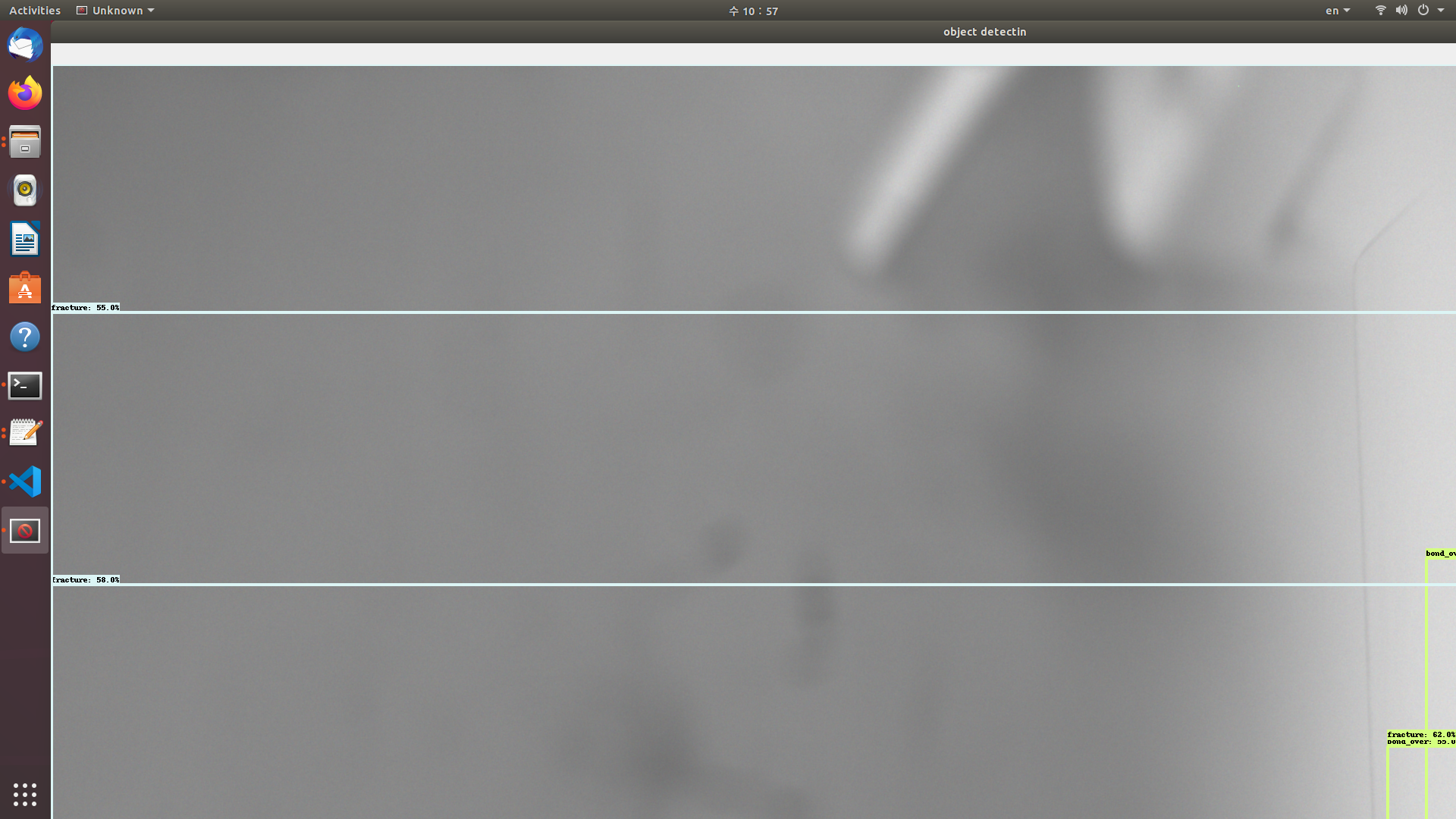
but after 10frame, it stopped and I got the error message like :

I have been tried to change the frame part but it doesn't work. Could you let me know how to handle it? Thank you.

Please check in vimba Viewer what is the value of DeviceLinkThroughputLimit, is it set to 380 Mbit/s. The frame rate depends on the exposure time, pixel format, DeviceLinkThroughputLimit and resolution.

Thank you for your answer! It is working now. and FPS is going little bit faster but even I fixed exposure time and resolution, it is still slow like 4 FPS. I cannot find DeviceLinkThroughputLimit in VimbaViewer 5.0. There is DeviceStatus and there are only about DeviceTemperature.
Please find the DeviceLinkThroughputLimit as in the attached screenshot below

In the above attached image Device Line Speed is the Maximum speed. Please set Device Link Throughput Limit value to the Device Line Speed to obtain higher fps.
I tried to look for the DeviceControl section on the right side but as in the attached screenshot below, my vimba viewer does not have whole section.

From the above image I see that you are using GiGE camera. For further support and process we would like to add this issue to our ticket system. I request you to write an email to [email protected].
Hello,
I have the same problem with a Mako G-032B with only 1 FPS. The Device Status Section looks the same to me in the Viewer.
How was the solution for the tread starter ?
Thank you very much

@AxeSie I am sorry that I don't use Mako G-032B anymore..because it is difficult to handle.
@AxeSie This issue is because your Auto Exposure is on or your camera is not configured properly. Can you please write us an email to [email protected].