

 allgood
open note scanner stopped

can you please give more information? If you get the debug output is best, you can get it with the logcat utility. Device model is important.
https://developer.android.com/studio/command-line/logcat.html

Thank you very much, I was looking for the problem was for the resolution of the device I managed to fix it. But it is a problem if you like to take it into account. Thanks and regards.
What is the device model?
Em 9 de fevereiro de 2018 13:36:49 BRST, ovidales [email protected] escreveu:
Thank you very much, I was looking for the problem was for the resolution of the device I managed to fix it. But it is a problem if you like to take it into account. Thanks and regards.
-- You are receiving this because you commented. Reply to this email directly or view it on GitHub: https://github.com/ctodobom/OpenNoteScanner/issues/95#issuecomment-364468017
-- E-mail enviado do meu celular Android usando K-9 Mail. Por favor, desculpe minha brevidade.
Think it have a 5mp camera, I don't remember exactly, but I think this resolution can't get good images when detecting borders. Can you please tell about how you fixed ONS to run on your device and also post some sample images?
Em 9 de fevereiro de 2018 13:47:48 BRST, ovidales [email protected] escreveu:
It's a Samsung J1
-- You are receiving this because you commented. Reply to this email directly or view it on GitHub: https://github.com/ctodobom/OpenNoteScanner/issues/95#issuecomment-364471404
-- E-mail enviado do meu celular Android usando K-9 Mail. Por favor, desculpe minha brevidade.
I do not know if it's the right thing I'm new to android but I corregi doing the following.
if (Build.VERSION.SDK_INT >= 23){ mCamera.setParameters(param); }
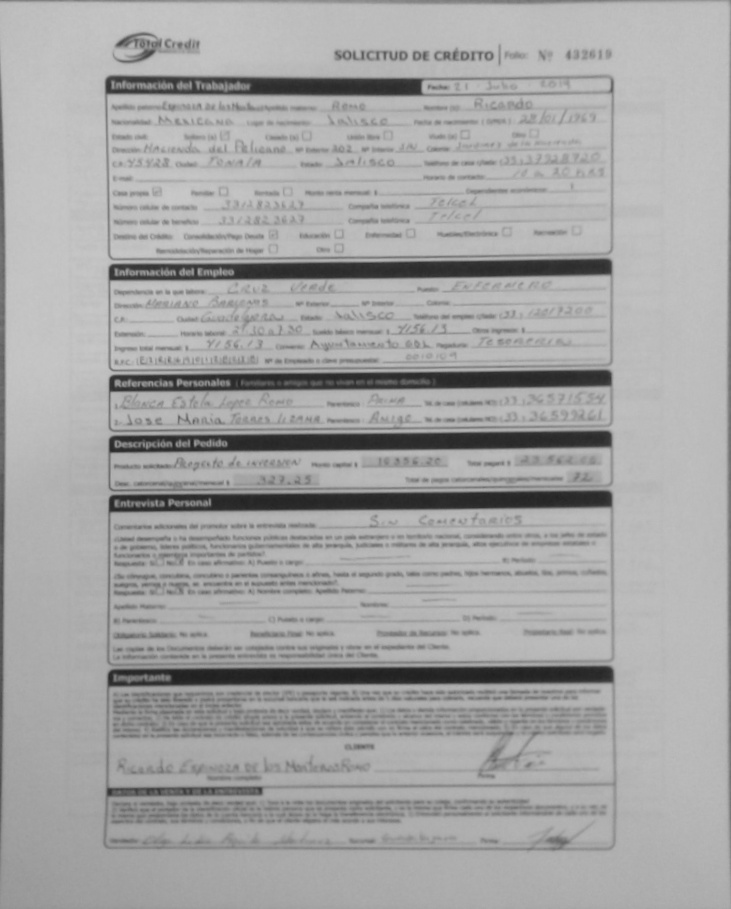
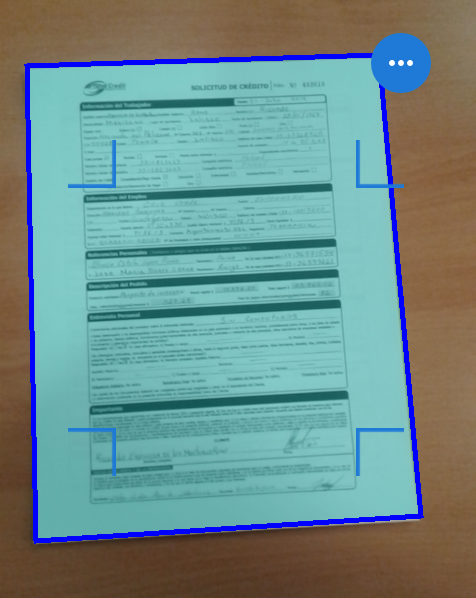
I add some screens of the result.
Regards.
I have the same problem. Application stops every time I try to launch it. The problem might be connected with the camera, because it stops in the exact moment the camera starts working.
Phone: Xiaomi Redmi Note 4 (with a custom ROM, if that's helpful).

@ovidales , looks like you disabled all parametrization of camera for every device prior to sdk 24. param variable is used to define resolution of the preview, resolution of the picture, flash mode and autofocus. Maybe you can comment each of those parameters and test to check which one of them is causing you problem. For flash and autofocus there are some sanity checks on code, so I think it is with the resolution.
About the camera quality, your processed image confirms that 5mp is too low for the adaptive threshold filter (the border/line detection).
@naruciakk and @ovidales , i would be able to check better if you submit logcat output of the failure!
@ctodobom , thank you very much for your prompt response, I will review the option of using a better result equipment as you comment the quality of the camera is very low and I think it is useless to use a computer with a very low resolution.
regards