

 alexed1
Cancel button Vs Required Fields. FlowButtonBar component
Is there a way to configure button as a cancel and it doesn't ask or the required fields. I need a cancel button that works as a cancel without asking for the required filed in the screen flow. Thancks
Documentation issues
If your problem stems from wrong, outdated, or unclear documentation, please:
- Submit a link to the documentation here:
- Explain why it is wrong or unclear:
- Suggest any changes:
Support requests
We do not offer support for these components, and help requests will be closed.

I have addressed this with the Navigation Button component by using one of the following methods:
- If not on the first screen, change the navigation to Previous
- Set the Cancel button to navigate to the url for the current record (this refreshes the page and restarts the flow)

Hi, thanks for your response but I don't understand the second option. Here how can I set the button as you proposed
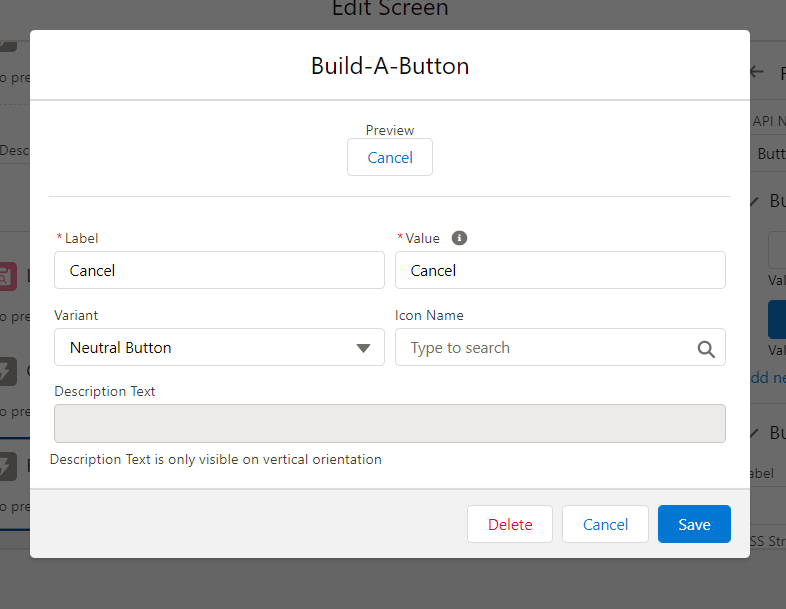
Here is my screen the idea is to try to create a record but with the option to cancel and navigate to a second screen to confirm de cancellation
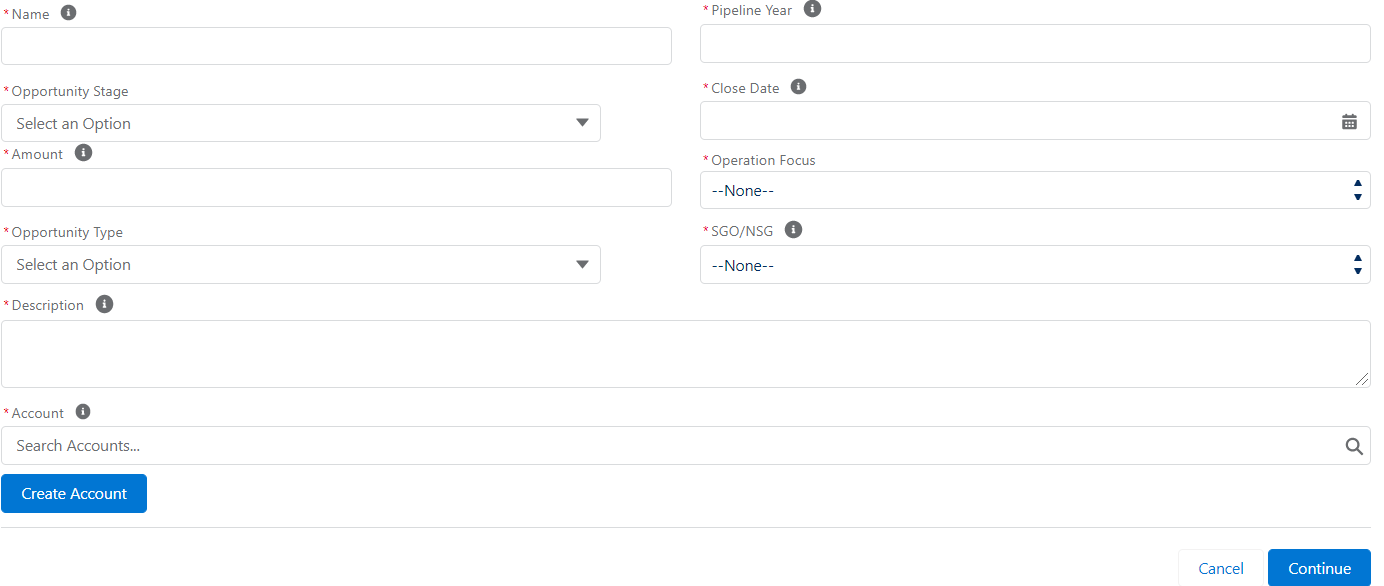
Thanks for your help!!
You can't navigate in the "Next" direction with empty required fields on the screen. I'm not sure if the FlowButtonBar offers a navigate to a url option for its buttons. Take a look at Navigation Button instead. https://unofficialsf.com/fsc-navigation-button/
Hello, you can add a decision after the screen and check if the required value is not null + the value of the clicked button (without marking the field as required) . If it is null you return to the screen, else you continue your flow. You can put a variable to show an error message as well on the bottom of your input. You can put a cancel outcome on the decision without connect it. The flow will be closed. I wish that i helped!
