

 alexed1
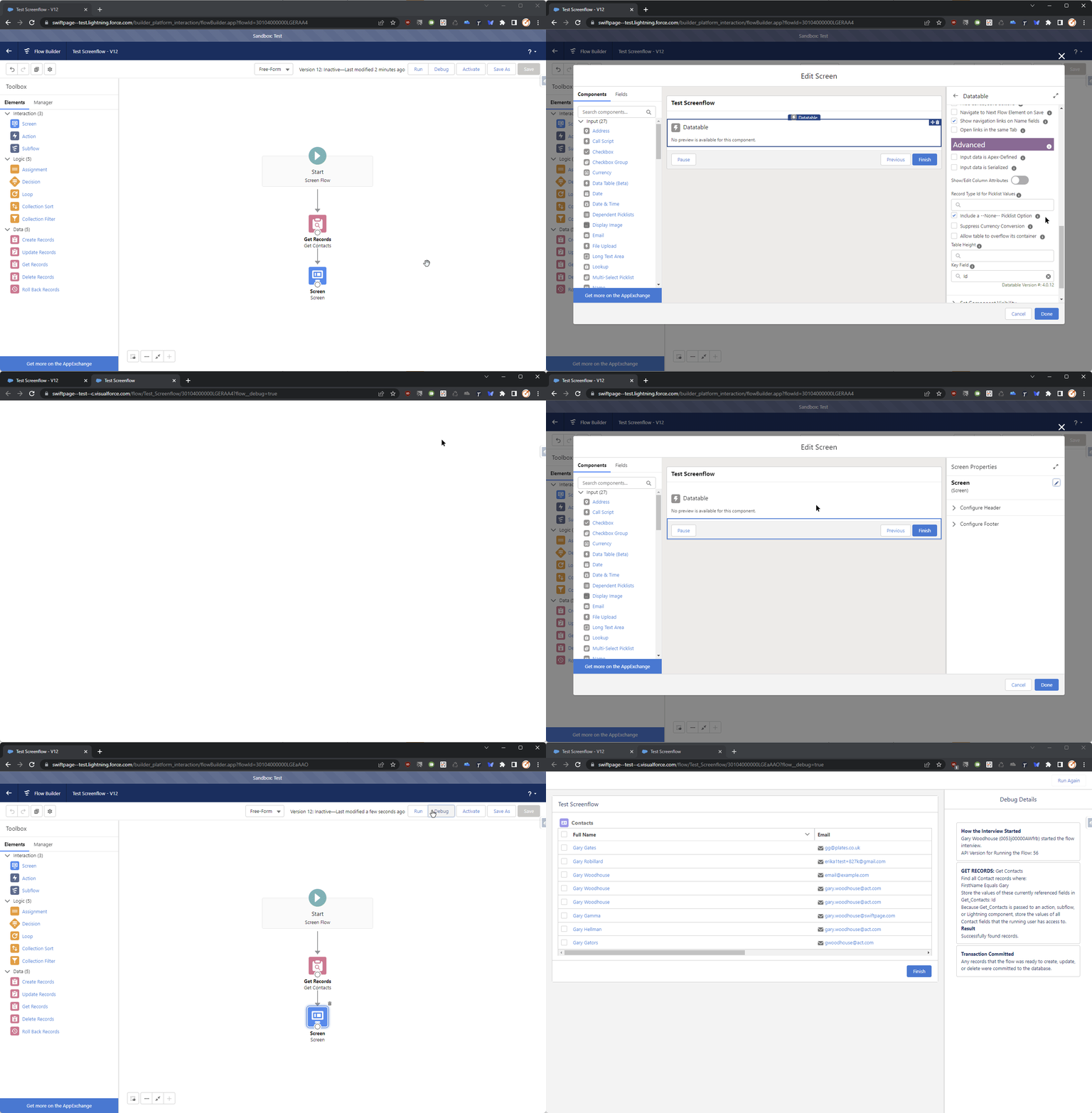
Datatable v4.0.12 - Column Numbers Always Shown When Any Column Is Editable
Steps to reproduce
- Configure Datatable columns to make at least one column editable.
- Ensure Show Row Numbers is unchecked.
- Run the flow
Expected behaviour
No column numbers are shown
Actual behaviour
Column numbers are shown
Screen Recording

I just noticed that this is documented behaviour. Please can this issue be considered a change request instead?
Given that the row numbers are a built-in feature of the base datatable component, this behavior cannot be changed.
On Thu, Dec 15, 2022 at 7:52 PM Gary Woodhouse @.***> wrote:
I just noticed that this is documented behaviour https://unofficialsf.com/datatable-lightning-web-component-for-flow-screens-2/#:~:text=The%20default%20for%20this%20setting%20is%20False%2C%20however%20it%20will%20always%20be%20displayed%20if%20any%20columns%20are%20configured%20to%20be%20editable.. Please can this issue be considered a change request instead?
— Reply to this email directly, view it on GitHub https://github.com/alexed1/LightningFlowComponents/issues/1304#issuecomment-1354017542, or unsubscribe https://github.com/notifications/unsubscribe-auth/AF4UHX6RSBML47525CXGZATWNO4LLANCNFSM6AAAAAATAJ4XB4 . You are receiving this because you are subscribed to this thread.Message ID: @.***>
