
live_chess
 live_chess copied to clipboard
 alecho
Play Chess against the Stockfish engine using Phoenix Live View
LiveChess
This is my entry in Phoenix Phrenzy, showing off what Phoenix and LiveView can do.
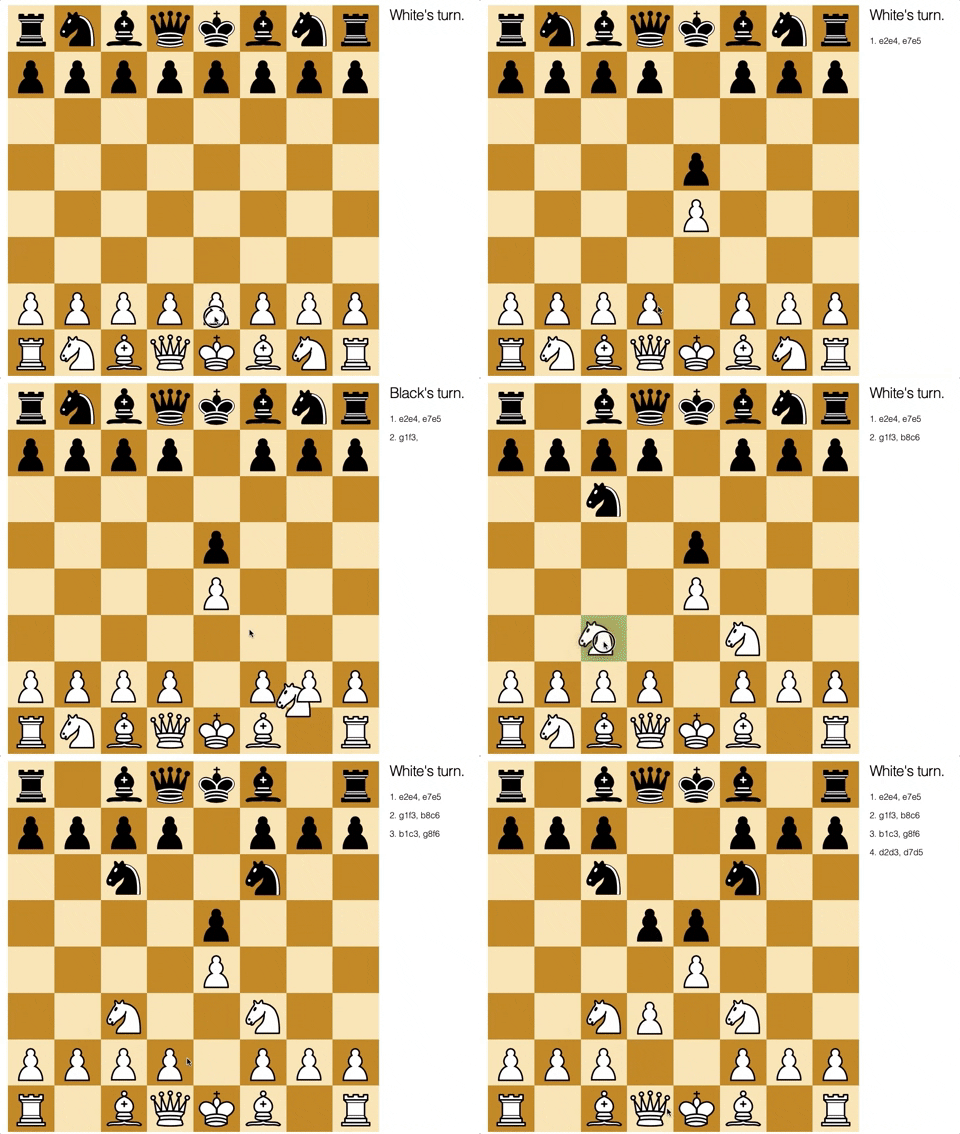
Play chess against the Stockfish 10 chess engine. This application uses Chex. I chess library and OTP application I wrote for the purpose of this app. Together they use Elixir Ports, OTP, UCI (Universal Chess Interface), Phoenix and Phoenix Live View to play chess live in a web browser.
To start your Phoenix server:
- Install dependencies with
mix deps.get - Install Node.js dependencies with
cd assets && npm install - Configure Chex to point to your Stockfish binary
- Start Phoenix endpoint with
mix phx.server
Now you can visit localhost:4000 from your browser.
Ready to run in production? Please check our deployment guides.
Learn more
- Official website: http://www.phoenixframework.org/
- Guides: https://hexdocs.pm/phoenix/overview.html
- Docs: https://hexdocs.pm/phoenix
- Mailing list: http://groups.google.com/group/phoenix-talk
- Source: https://github.com/phoenixframework/phoenix
 alecho