

 alainm23
Consider changing default tags to title - artist - album
Currently it looks like the player reads tags like this...
title album artist - album
Consider changing it to...
title artist - album
Reason? artist tag is most likely to be more often filled properly in one's collection than album artist tag.
Edit:
Definately, the player reads artist from album artist tag (instead of proper artist tag) , cause in my collection I filled all album artist tags with album tag, so my android devices pickup hardcoded covers properly.


Version 0.1.3 compiled locally - still tags are not red properly :no_entry_sign: All my MP3 have properly filled Tags. To make all my MP3 properly show their covers on android players, I had to fill out album_artist and album tags too. Since I couldn't find reliable service/app to fill out those two tags automatically for me, I filled those tags with values from artist tag with a tagging program on Windows 10 - MP3Tag. This way all my MP3 (thousands of them) got their album_artist and artist tags filled in a matter of seconds.
Now, back to byte...
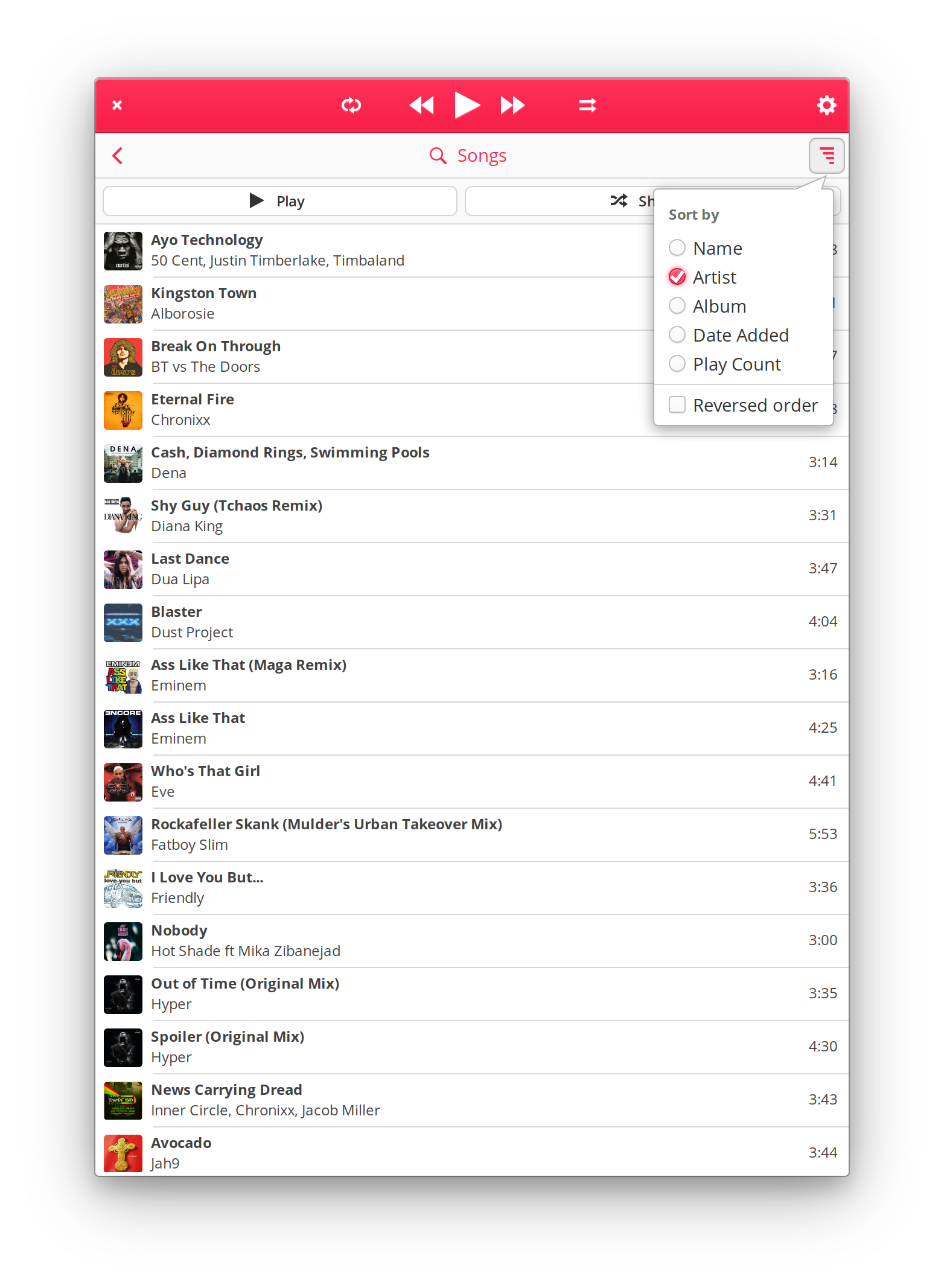
When I sort the songs by artist you can clearly see it doesn't sort them by artist tag, but by album_artist tag instead, which is wrong.
In this case below (artist=Missy Elliot) both MP3 have album_artist (So Addictive) and album (So Addictive) filled out manually by me, cause I knew the album name. As you can see, although the sorting is set to Artist it still uses both album_artist and album tags instead of artist (Missy Elliot) tag.
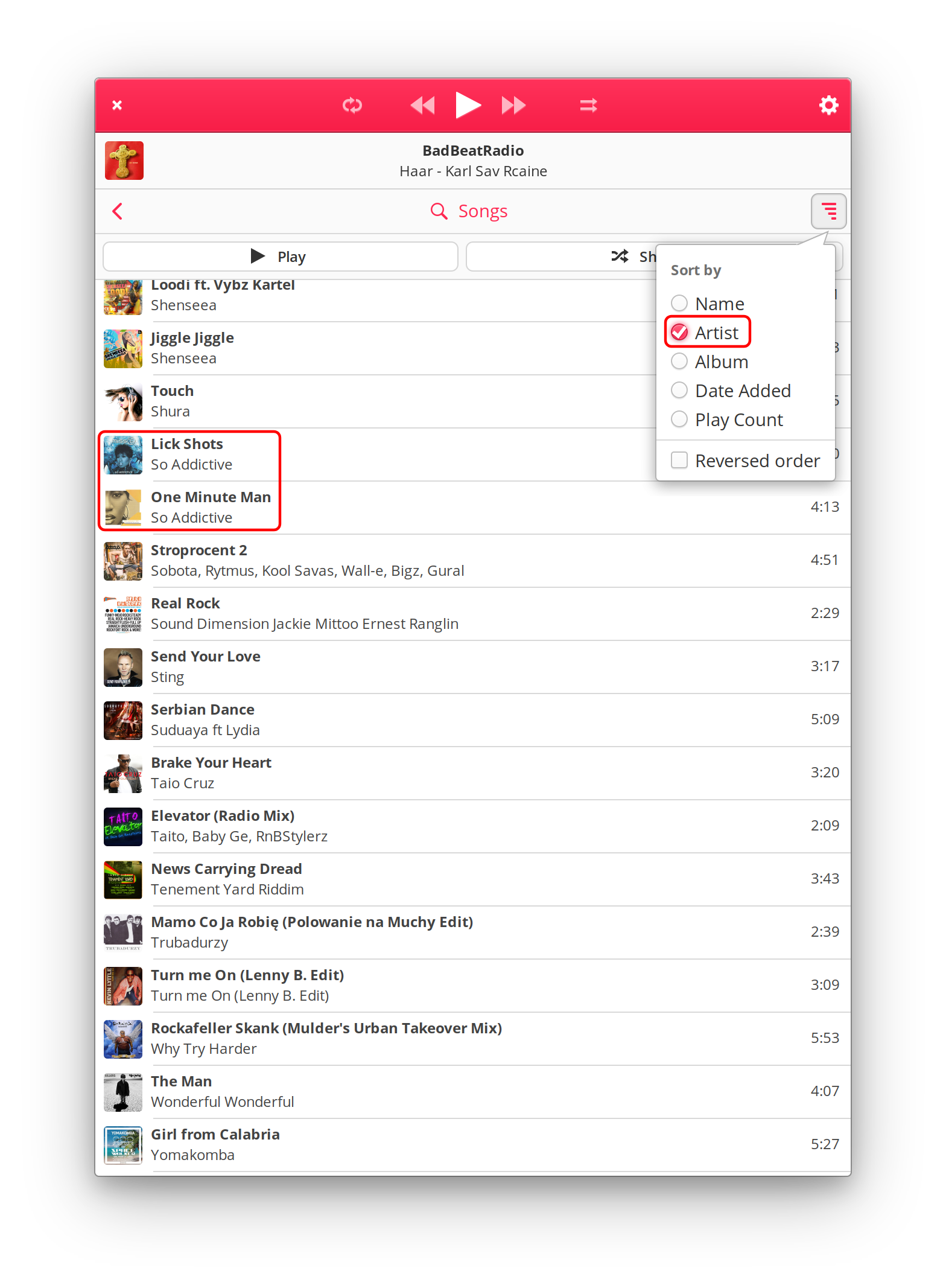
Please take care of proper sorting and proper tag reading. I repeat, most of anyone's MP3 tags filled out are just artist (not album_artist) and title, and those two should be considered default tags to show in the player :point_up:
Thanks for your comments, the scanning algorithm works this way:
var artist = new Objects.Artist ();
if (tags.get_string (Gst.Tags.ALBUM_ARTIST, out o)) {
   artist.name = o;
   track.album_artist = o;
} else if (tags.get_string (Gst.Tags.ARTIST, out o)) {
    artist.name = o;
}

if (artist.name.strip () == "") {
    var dir = Path.get_dirname (Path.get_dirname (uri));
    if (dir != null) {
        artist.name = Path.get_basename (dir);
    } else {
        artist.name = unknown;
    }
}
I prioritize 'ALBUM_ARTIST'. Of this tag does not exist I use the tag 'ARTIST', If this tag does not exist too, I try to use the filename and if it does not exist I use unknown.
I do all this with the intention that the name of the artist is never unknown.
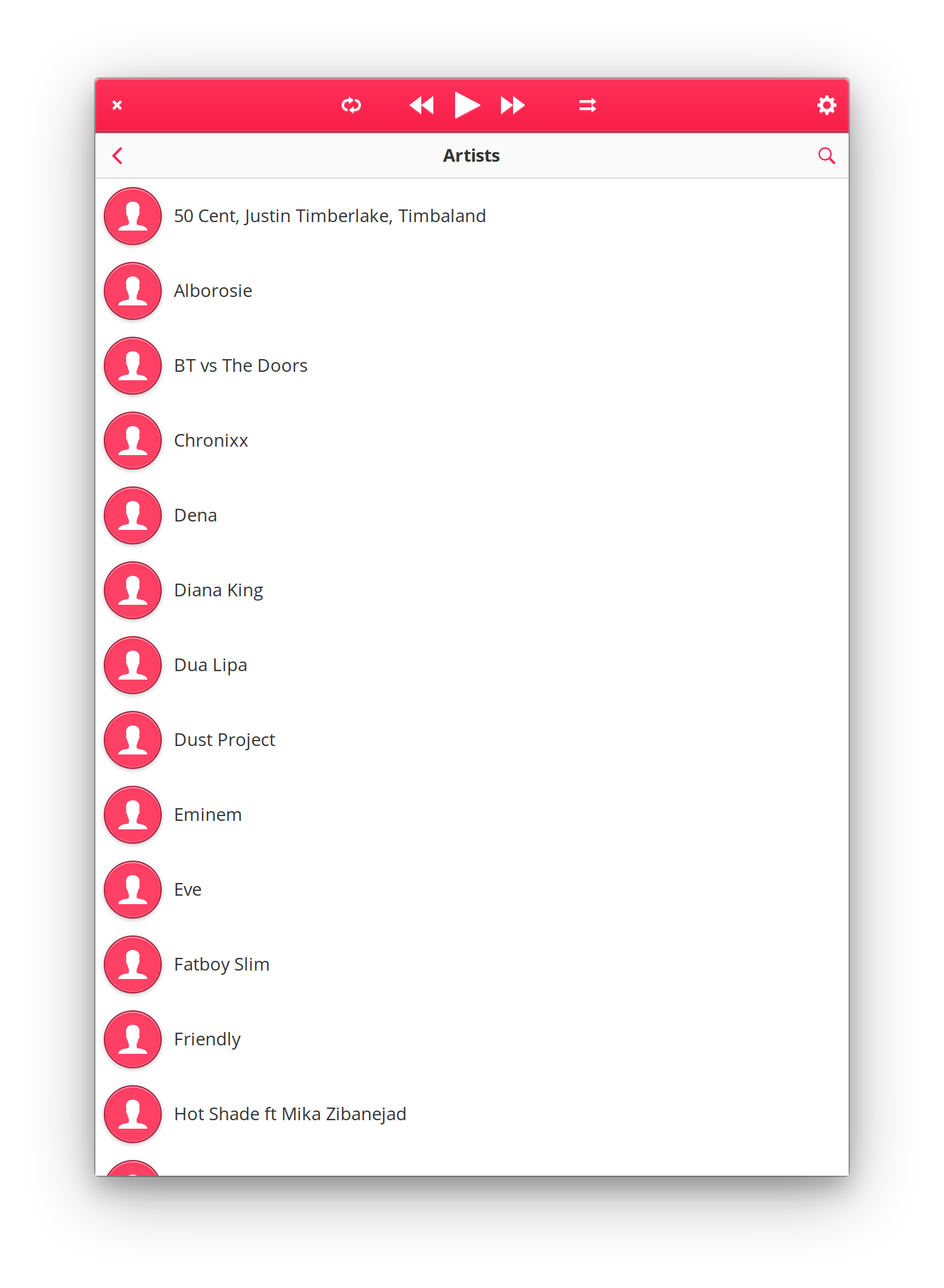
This is an example prioritizing the 'ARTIST':
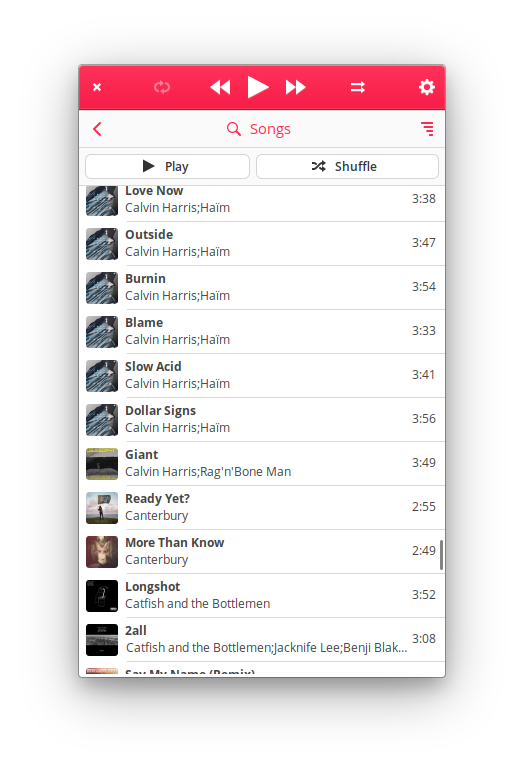
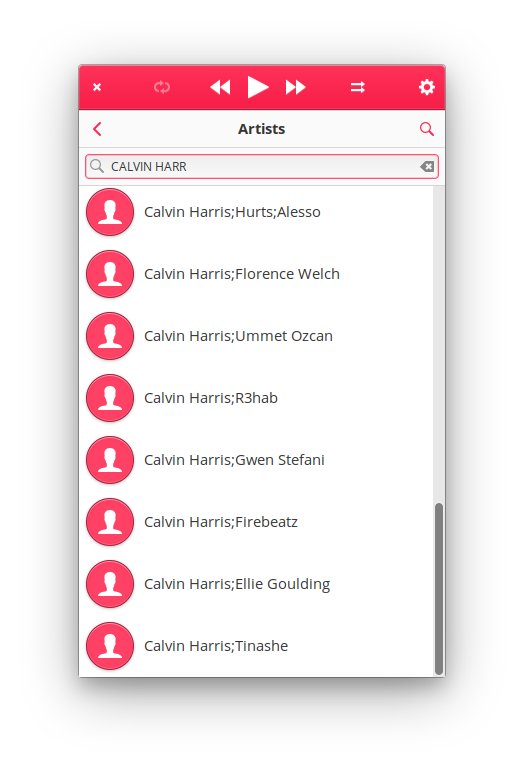
As you can see it is not very like looking for artists in this way.

It's hard for me to understand your logic behind choosing album_artist as first tag to scan :thinking:
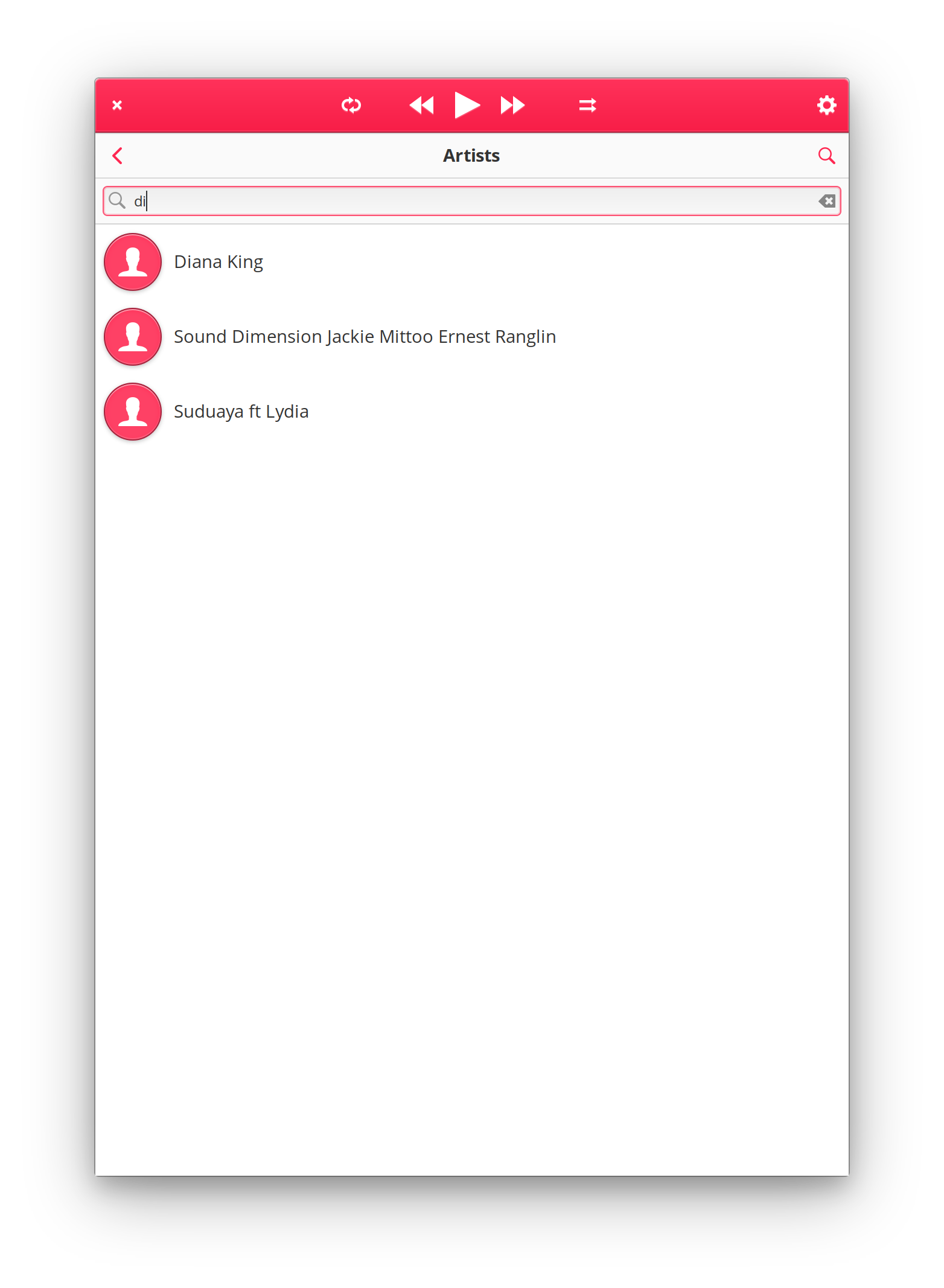
And why your tags have semicolons? I really don't know :eyes:
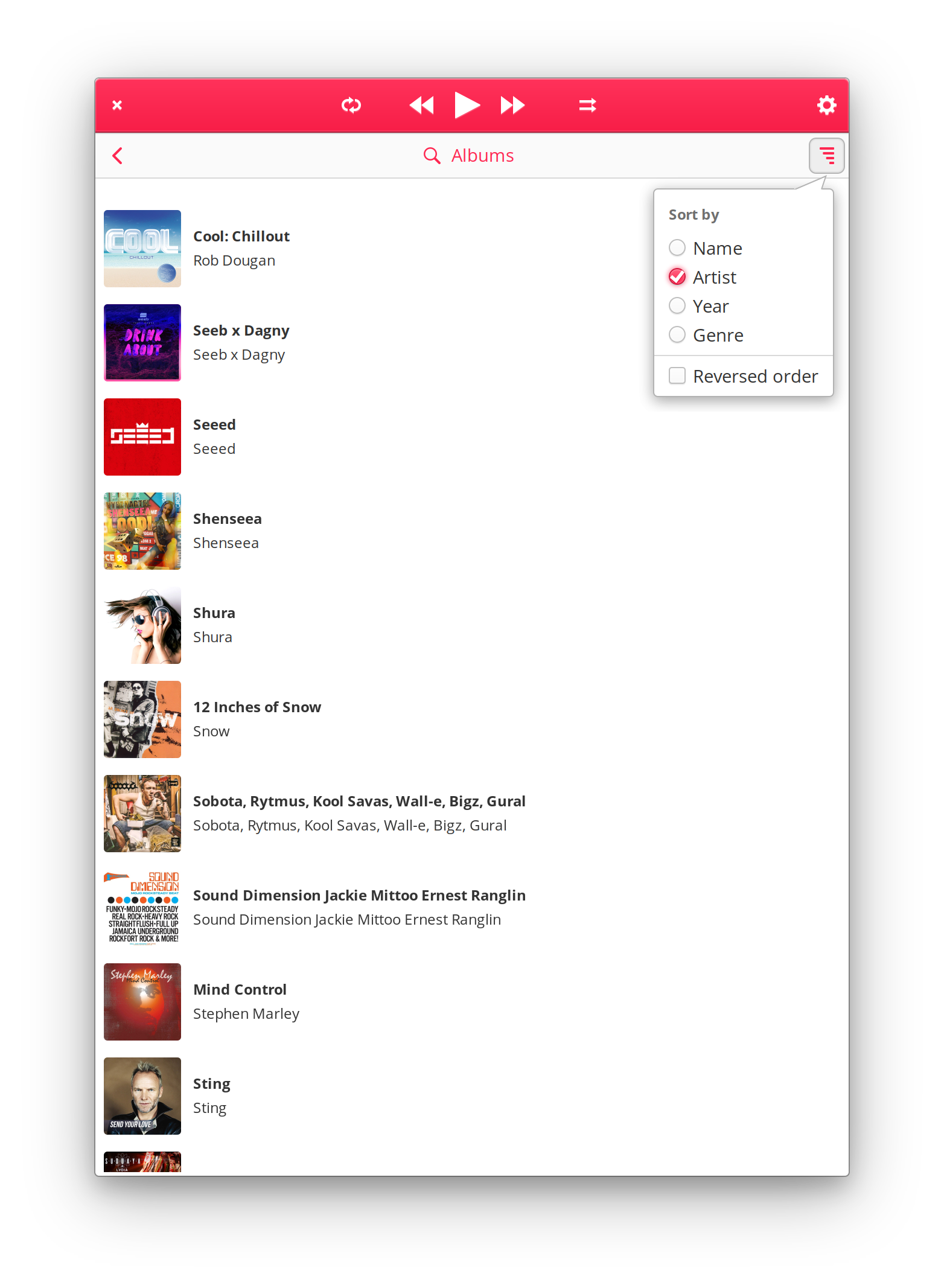
This is what I got when I prioritized artist tag by myself...
Notice no extra semicolons and that sorting finally works as it should...
Thx for the link @alainm23 about album artist. For what I understood, album artist tag is useful for all compilations that have different track artists. But most MP3's on our storage have an artist and a title - that's it. And from what I've experienced in using different players for last 25 years, always artist and title tags were the defaults, always supported, and always working. If you really want to enforce the use of album artist as a default consider adding a switch in options which tag would the user like to prioritize.
You read my mind, I will add this feature in the options, so the user can choose which label to use.