

 akosbalasko
Tags transferring un-nested
I have successfully exported all my Evernote notebooks with all attributes checked. But, when I run them through Yarle with the generate nested-tags option, the notes displays as standard, un-nested tags without any parent tag (i.e., as "#Philosophy" and "#Topics", and not "#Topics/Philosophy"). I've played around by adding different EN separator, tried Windows Yarle and Mac Yarle. Nothin. Is there an export option I may be missing in EN? Some nested-tag specific code I should include in the template?

Yihaa, thank you for reporting me this issue and to let me improve Yarle!
![github-actions[bot] avatar](https://avatars.githubusercontent.com/in/15368?v=4 "Published by a pub.dev verified publisher")
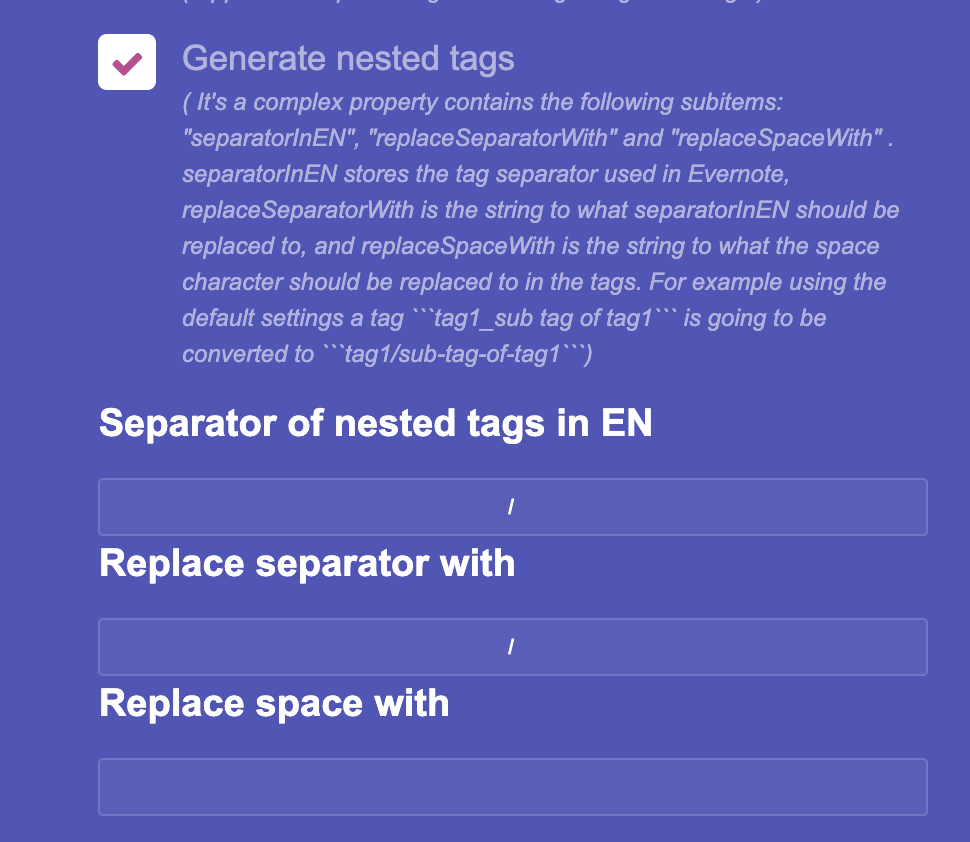

And did you add the slashes to the separators into both input fields below?
Yes, I've experimented also with dashes and get same results. I was wondering if it has something to do with the way it is actually tagged in Evernote, so I tagged one Evernote Notebook only with sub-tags (e.g., "Literature" or "Philosophy" and NOT tagged with its parent tag ("Topic") (JPEG 1), and another Evernote Notebook tagged WITH parent tagged (so the notes are tagged with parent tag "Topic" and different sub-tags "Literature" or "Philosophy", JPEG 2). I exported both notebooks from EN an imported them to Yarle. I used the suggested template and only checked the boxes and added your settings (JPEG 3). JPEG 4 is how Obsidian reads Yarle's output of the notebook with only sub-tags JPEG 5 is how Obsidian reads Yarle's output of notebooks tagged with parent tag and with sub-tags (notice how "Topic" is not parent, but just another tag). I've tried various setups in both Mac and Windows, still the same. Thanks again for the help in figuring this out!
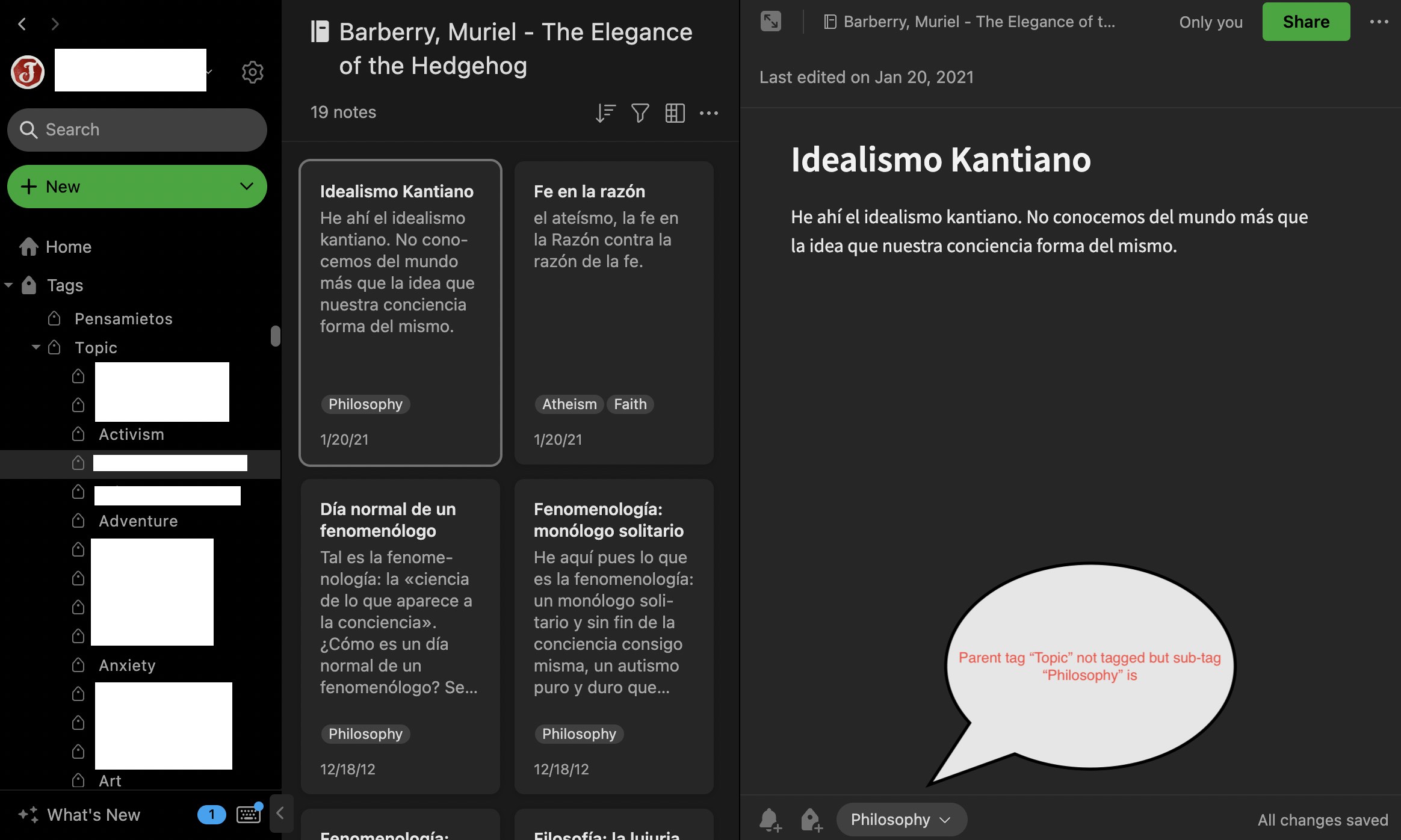
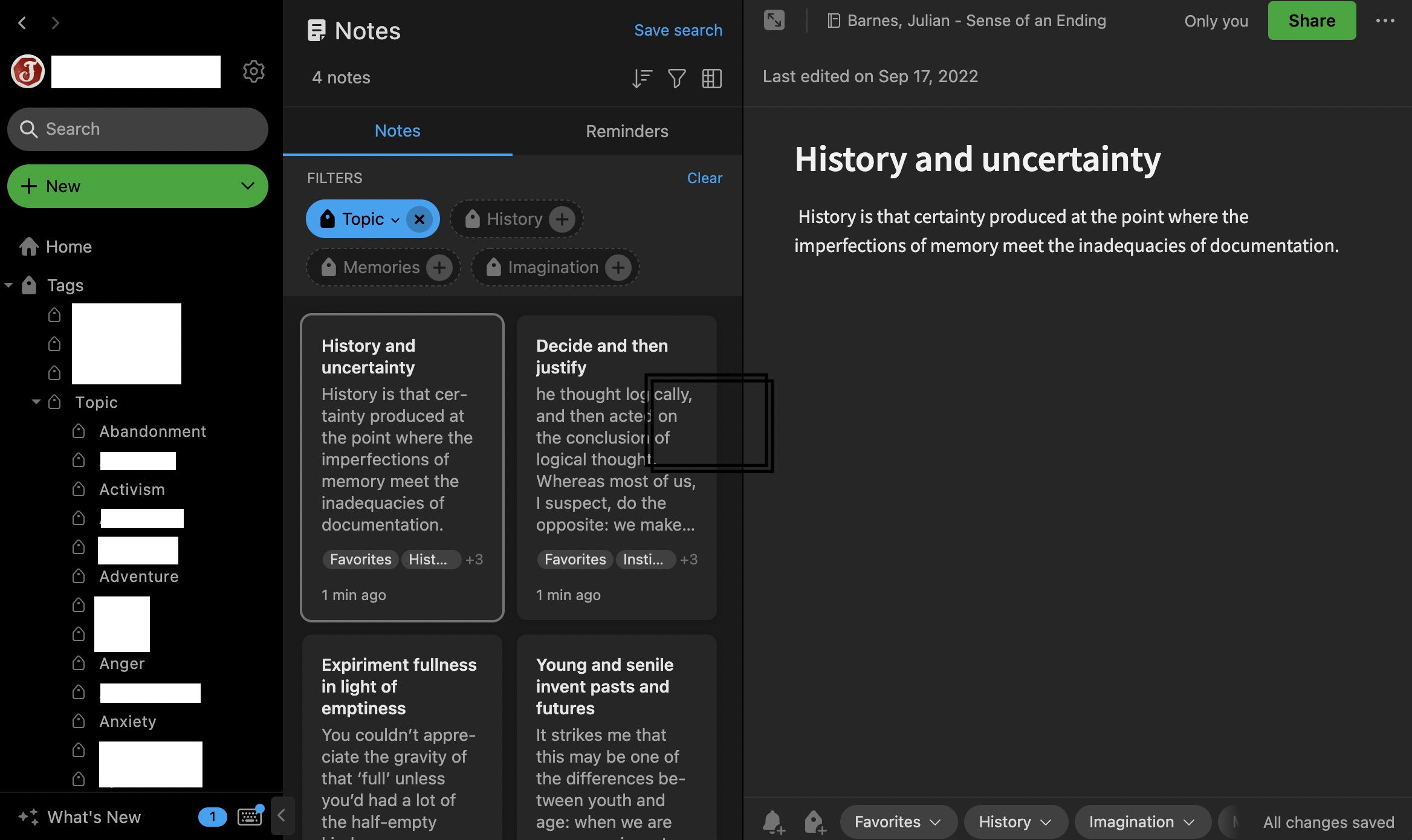
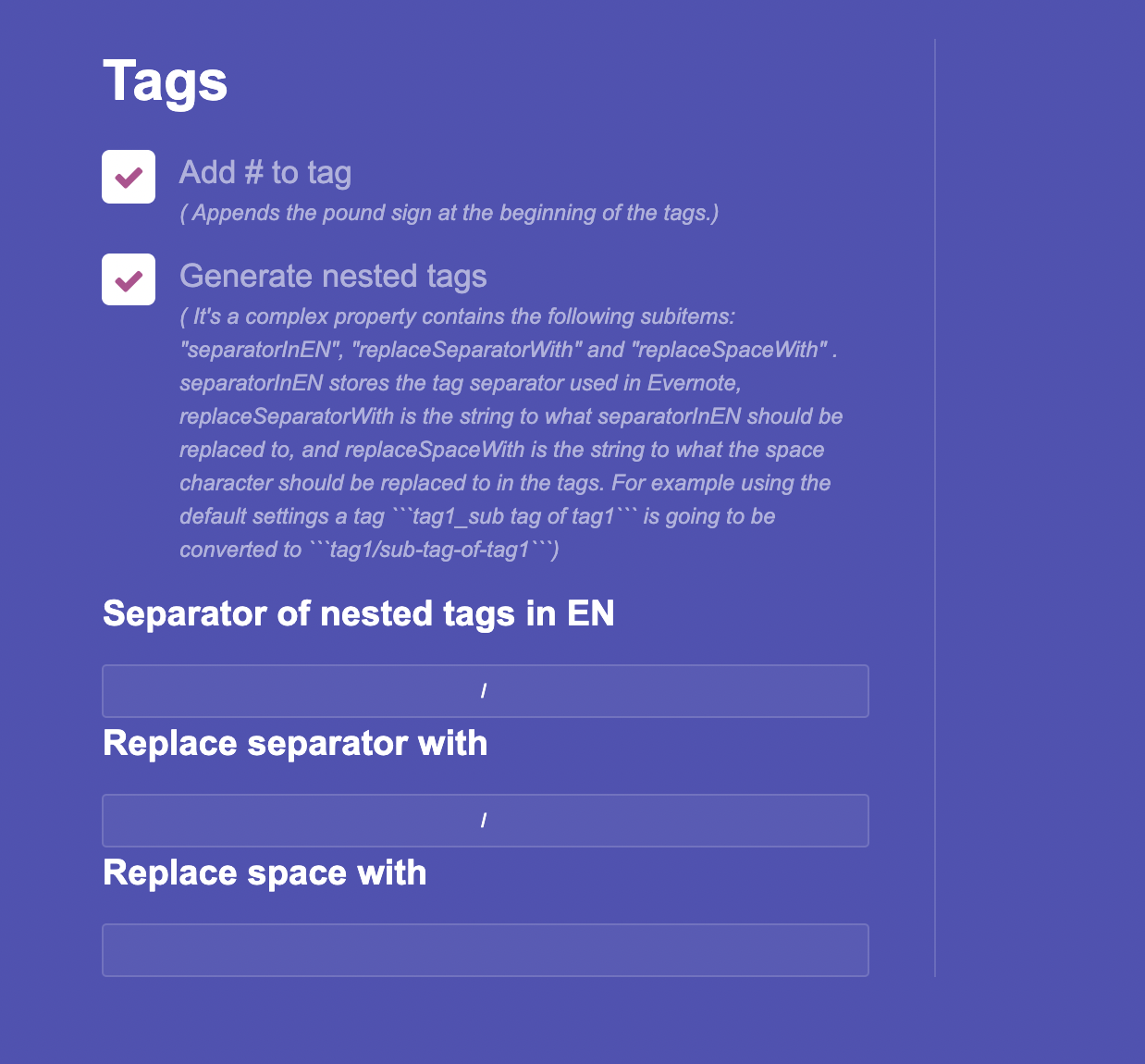
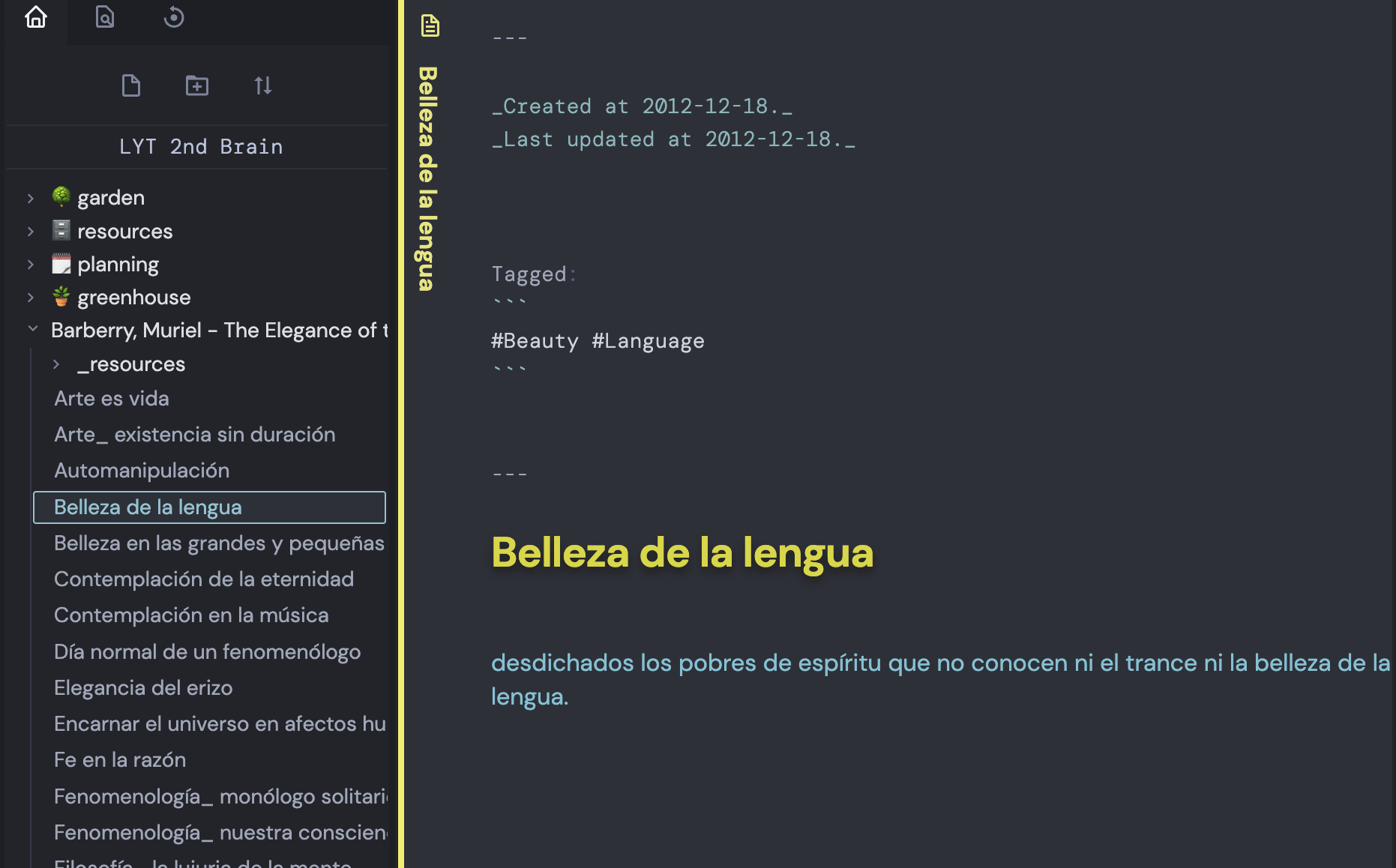
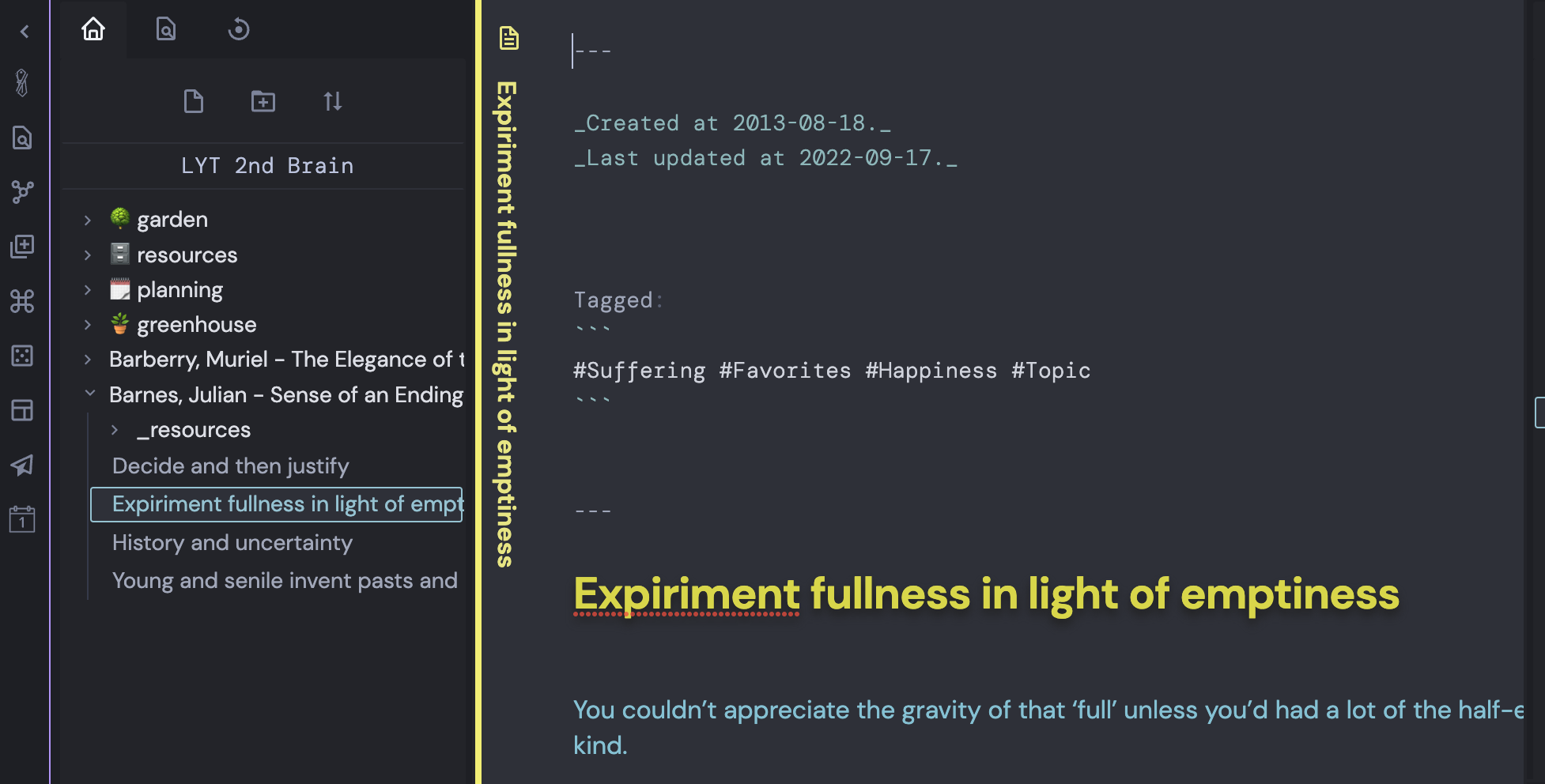
I see, thank you for the detailed explanation. So, as these are simple tags, Yarle will recognise them as tags, without any hierarchy among them. In order to put this parent-sub relation between two tags, the preferred way would be to use the following format in Evernote: #Topic/Suffering and apply the same settings in Yarle (toggle + slashes in the two input fields ), and after converting the notes the tags should look like the same: #Topic/Suffering, which will be recognised by Obsidian as nested tags.
But aren't the tags already nested in Evernote (see the first screenshot of EN, to the right: "Topics" with all the tags nested into it, including "Suffering")?
ohh, wait wait, is this the new Evernote (10.something? )? I think it's a relatively new feature of that, and now they support nested tags. They did not do it previously, that's why most of the users 'hacked' the stuff with the workaround of creating complex tags. Anyway. Let me check it out in web EN, just to see how the exported enex file is changed. Then I'll implement the conversion for this new way of nested tags as well. Thank you for raising this up, I'll keep you updated!
@qwarz212 I'm sorry, I cannot create nested tags in Evernote web. In Evernote down in the Note editor below I can add a tag only, but these are simple tags, no cascading among them. How do you do it?
https://help.evernote.com/hc/en-us/articles/4412905761299-Create-nested-tags
Thanks for the link. I checked it out, and I think in EN they made a design-mistake in relation of this nesting tags functionality. So, sub-tags can be created in the Tags page, hence this parental information is stored in Evernote ecosystem only. When you export a note from Evernote you see that the tags were stored as simple tags, no relation between them (check the screenshot). Which means - and this is why I believe that it is a design-mistake - that if you export your all notes from Evernote, delete your account and move everything to a different Evernote account, you will loose the connections between the tags, you have to reconnect them again within the new account. Unfortunatelly as Yarle currently operates on the exported Enex files, this feature cannot be supported. The only way to support it (and I think I have to do it) is to - beside accepting Enex file as input - connect to Evernote directly via its API, and export the files dynamically from them. If they provide API for getting the tags, Yarle could be capable to check the relationship between the tags. Thank you for raising this up, this is a big plus next to the API-support.
As a workaround I would suggest to create the nested tags manually in evernote by separating them with a separator character (like a slash), keep only this newly created nested to on a note, and use Yarle in a way what is described above. Sorry for the inconveniences, I definitely takes some effort to resolve this issue in the future by introducing the API-export, but it indicates huge changes in many parts in Yarle.