

 ahrm
ahrm
how to rebind toc window page_up/page_down to C-v A-v?
I am a emacser.
I can bind screen_up/screen_down to C-v A-v when reading PDF. but When pressing t, enter toc window, how to rebind page_up/page_down to C-v A-v?

Unfortunately menu shortcuts are not customizable. I added an emacs mode for menus in ed761df983763526810a7847af02319060197230. You can enable it by adding this to your prefs_user.config:
emacs_mode_menus 1

I rebuild sioyek. add emacs_mode_menus 1. press t(toc).
press C-V not work.
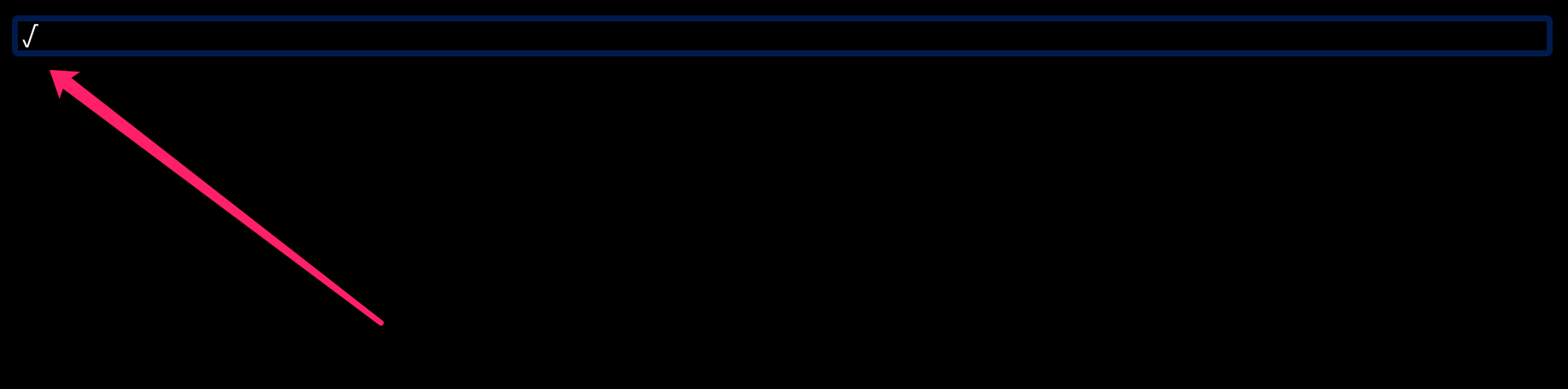
press M-v appear a weird char.
I don't use emacs so I don't know what shortcut exactly you are lookin for. I have bound C-v to move up and A-v to move down. What is M-v?
M-v ==> alt+v.
never mind about emacs shortcut. I just don't want the right hand to move significantly to the right side of keyboard and press pageUp/pageDown. So I need some other keybinding, for example C-v A-v C-f C-u C-d .
but now A-v C-v not work in my Mac pro computer.
It is strange that C-v and A-v are not working for you, maybe that is a mac-specific issue, unfortunately I can not test it myself because I don't have a mac computer. We already have C-j and C-k movement in menus. Does that not work for you?
We already have C-j and C-k movement in menus. Does that not work for you?
C-j C-k move item up and down, work fine.
maybe that is a mac-specific issue
probably.
Maybe C-f C-b(vim-like keybinding) can work well.
You can now manually bind menu commands to keybinds in keys config file. See this issue: https://github.com/ahrm/sioyek/issues/921.