
ember-sortable
 ember-sortable copied to clipboard
 adopted-ember-addons
Offset is incorrect with table in firefox
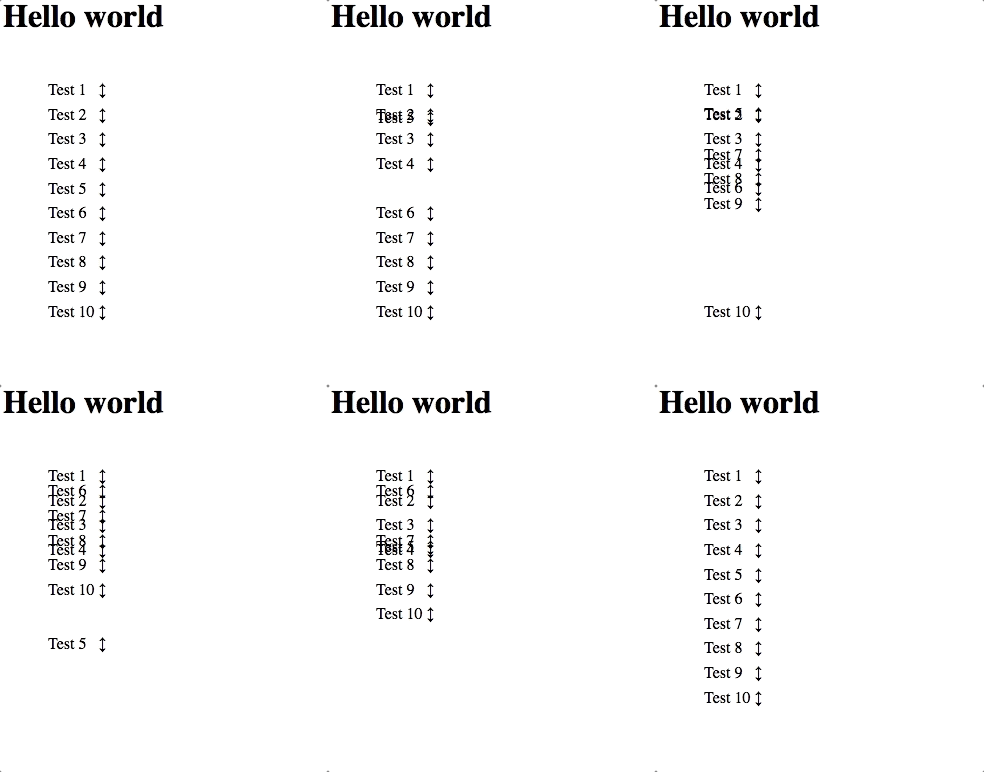
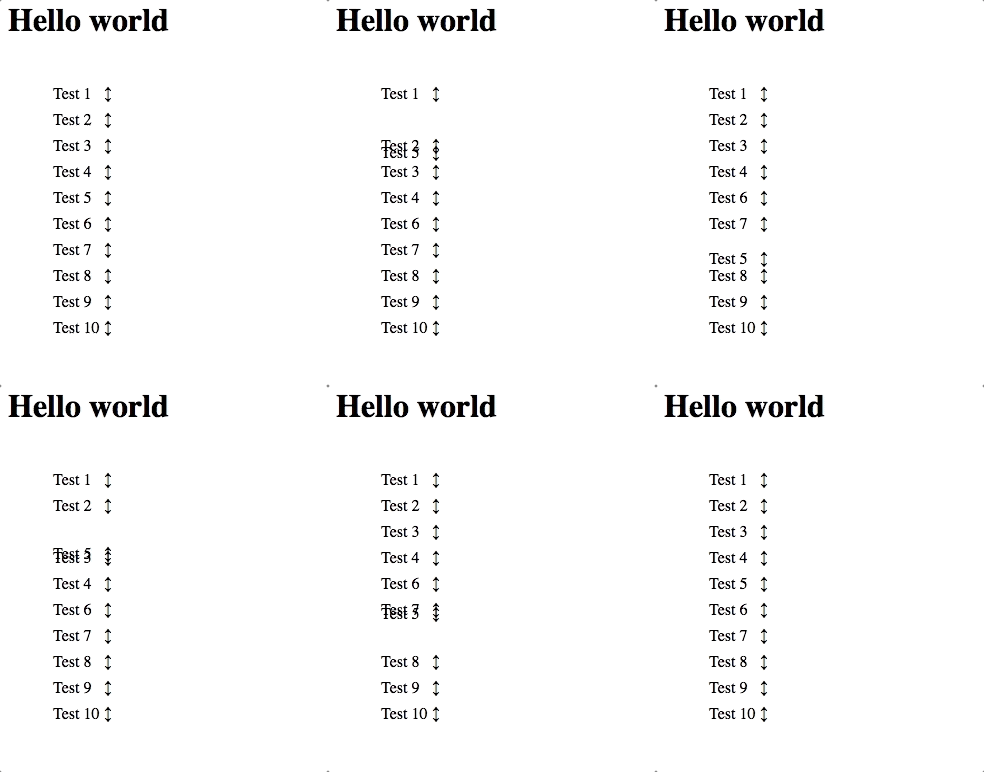
If Ember sortable is used within a table in firefox the item being dragged jumps around 200px.
Behaviour on Firefox
Behaviour on Chrome
Code to reproduce
<table>
{{#sortable-group tagName="tbody" onChange="reorderItems" as |group|}}
{{#each items as |item|}}
{{#sortable-item tagName="tr" model=item group=group handle=".handle"}}
<td>
{{item.name}}
</td>
<td>
<span class="handle">↕</span>
</td>
{{/sortable-item}}
{{/each}}
{{/sortable-group}}
</table>
import Component from '@ember/component';

export default Component.extend({
    items: [
        { name: 'Test 1' },
        { name: 'Test 2' },
        { name: 'Test 3' },
        { name: 'Test 4' },
        { name: 'Test 5' },
        { name: 'Test 6' },
        { name: 'Test 7' },
        { name: 'Test 8' },
        { name: 'Test 9' },
        { name: 'Test 10' },
    ]
});

This project is now being maintained by the team at @heroku.
To get the project healthy and maintainable again, we're doing a bit of spring cleaning of older issues and pull requests. This issue hasn't been touched in a while so we're closing it.
Please feel free to re-open if you'd like to resume the conversation.

This issue is still happening, even with v2.1.1. I can't re-open myself but I think this should be investigated.

I second Macxim ⬆️. The issue still exists in v2.4.4. Please reopen this issue @ygongdev

I will reopen but I think we need some more context. Is the issue happening for the component version or modifier version or both?

I think both. The example above I believe is the component version and I had issues with the modifier version.
<CustomTable width="100%">
	<CustomTableBody
		{{sortable-group onChange=(fn reorder)}}
	>
		{{#each items as |item|}}
			<CustomTableRow {{sortable-item model=item}}>
				<CustomTD>
					{{item.text}}
				</CustomTD>
			</CustomTableRow>
		{{/each}}
	</CustomTableBody>
</CustomTable>
There is a workaround for this issue. When offsetTop is used in this piece of code it looks the closest positioned ancestor called the offsetParent. An element is positioned if it has a position value of anything other than static. So if we apply position: relative to the table, the offsetTop value should be calculated correctly and the issue should go away.
<CustomTable width="100%"> <!-- add position: relative to this element -->
  <CustomTableBody  {{sortable-group onChange=(fn reorder)}}>
	{{#each items as |item|}}
	  <CustomTableRow {{sortable-item model=item}}>
	    <CustomTD>
       		  {{item.text}}
	    </CustomTD>
	  </CustomTableRow>
	{{/each}}
  </CustomTableBody>
</CustomTable>
The only strange thing is that if there are no positioned ancestor elements, the closest table should be returned as a offsetParent according to the definition in this link. So the <table> element should have been returned as a offsetParent when dragging (mousemove event) elements within the table in Firefox. This might be Firefox's issue but I'm not 100% sure