

 adobe
adobe
[Teaser] Allow to pick DAM paths as links
Bug Report
Current Behavior Add Teaser component to the page Edit the teaser component Click on Teaser -> Link & Actions -> Enable Call-To-Actions -> Links -> Open Selection Dialog and when the dialog opens, expectation is show the dam path as well.
Expected behavior/code Currently dam path is not shown to navigate rather we need to copy paste the dam path in the Links field. The expectation is show the dam path so that authors can select the dam asset to link in the call-to-action.
Environment
- AEM version and patch level - AEM6.5.2
- Core Components version 2.10.0
- JRE version : 1.8
Possible Solution
Additional context / Screenshots Add any other context about the problem here. If applicable, add screenshots to help explain.


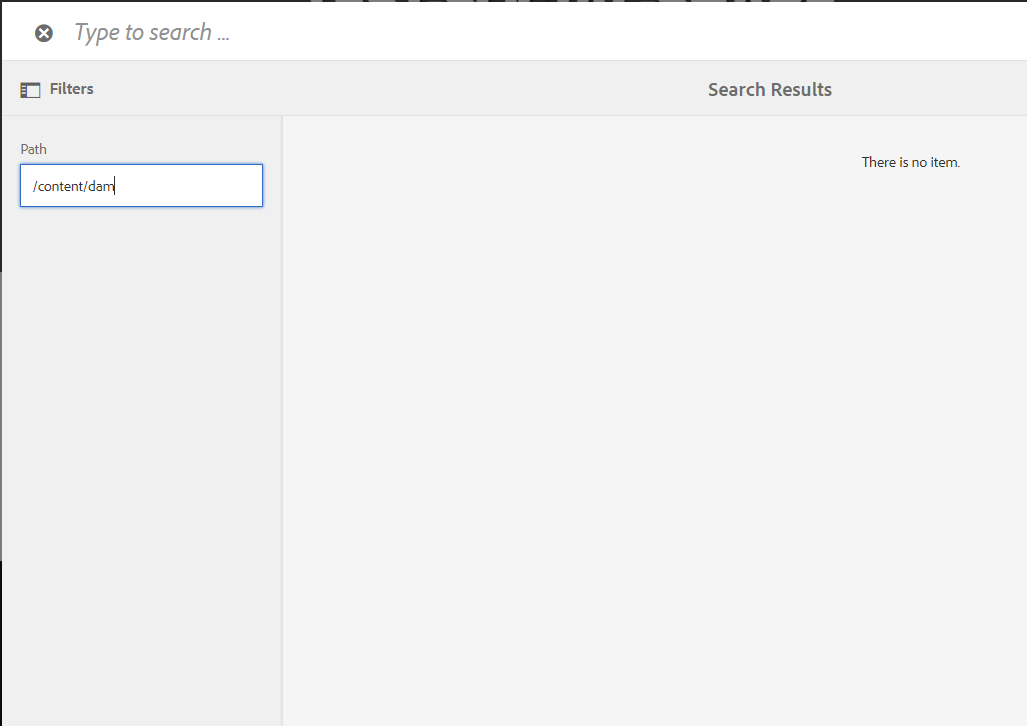

This comes from using the cq/gui/components/coral/common/form/pagefield resource type for the path picker.,
Using granite/ui/components/coral/foundation/form/pathfield would make it possible to choose things that are not pages.
If it were to be changed, then it would need to be changed in the CTA actions as well as the teaser primary link. https://github.com/adobe/aem-core-wcm-components/blob/f4ca98215e88b1f8c5e03de522a8a8ba46f0c0b6/content/src/content/jcr_root/apps/core/wcm/components/teaser/v1/teaser/_cq_dialog/.content.xml#L360-L371

Hi @satishkumarjadhav, @gazzalmittal, @ky940819
I'm not sure that we want this change. A year ago we actually changed most of the occurrences of granite/ui/components/coral/foundation/form/pathfield to cq/gui/components/coral/common/form/pagefield (See #904).
So i would argue that this is the indented behavior.
Using the pathfield instead of pagefield will also show you other, unwanted choices like, Tags , Experience Fragments, Launches etc. e.g. paths you see as a content-author:
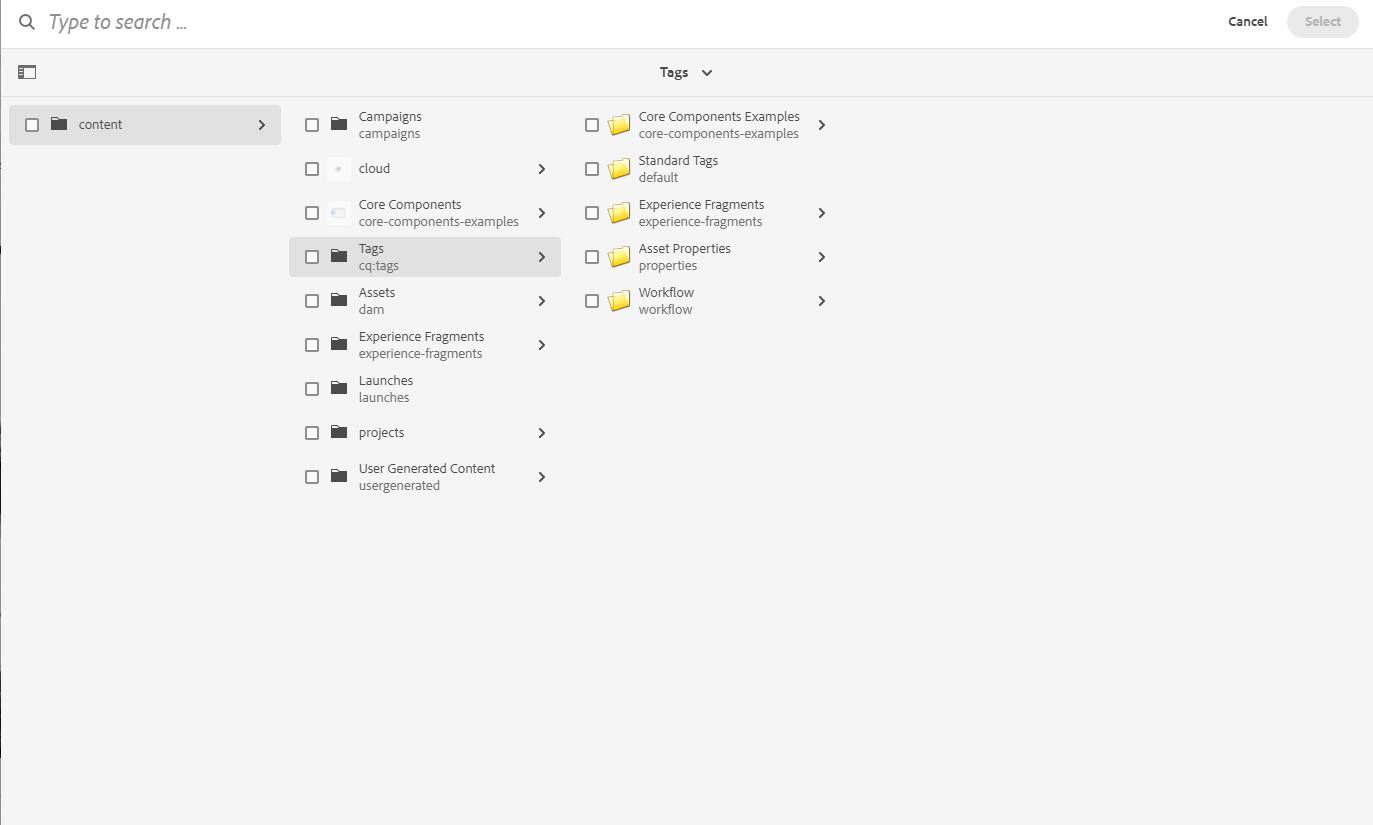
If you need to be able to select DAM assets as a CTA or teaser link, i would suggest to proxy the component and adapt the dialog.
@gabrielwalt WDYT ?

Teasers are meant to link to pages, not to assets. It's rather the Download component that is meant to be used to link to assets. I'd also say that if you want a component that looks like a Teaser but that links to assets that you customize that behavior in the proxy component. But maybe I'm underestimating how useful it would be for customers to use Teasers instead of Download components.

I think a problem with that is that not everything that someone might access from the DAM is a download.
If the referenced asset is going to be served with a Content-Disposition of inline then a download component might not be the best way of doing it.
Also, authors are sneaky and they absolutely will end up putting the assets published URL in the link field to defeat the inability to select it from the dialog.
Might it be worth creating a picker that shows pages and assets, but not all the other stuff in /content (like tags, experience fragments, etc)?
@gabrielwalt ("Teasers are meant to link to pages, not to assets."): We are making assumptions here how a website is structured. As a matter of fact I have often seen that users link downloads from Buttons, Links, Teaser and CTAs. I feel like restricting links to pages is imposing a certain structure and CoreComponents could be more versatile if we do not artificially restrict to pages.
@ky940819: We should leave it to the user to decide if a linked asset is download or not. Take for example a PDF: Can be a download or displayed inline. The same for images. Some cases require to download.
