

 accordproject
Can type letters into a number field
Describe the bug The form field created for numeric fields allows the user to type letters.
To Reproduce Steps to reproduce the behavior:
- Open a form on a CTO model that contains a numeric field
- Note that the field has the up and down spinner to change the number
- Type a letter into the field
- See error
Expected behavior Letters should be prevented?
Desktop (please complete the following information):
- OS: Mac OS
- Browser Safari
- Version Latest


@dselman I went through it and tested each form but couldn't find the bug, can you please tell me what was the Declaration Selection,
Here's the screenshot, (If I'm on a wrong page please let me know)
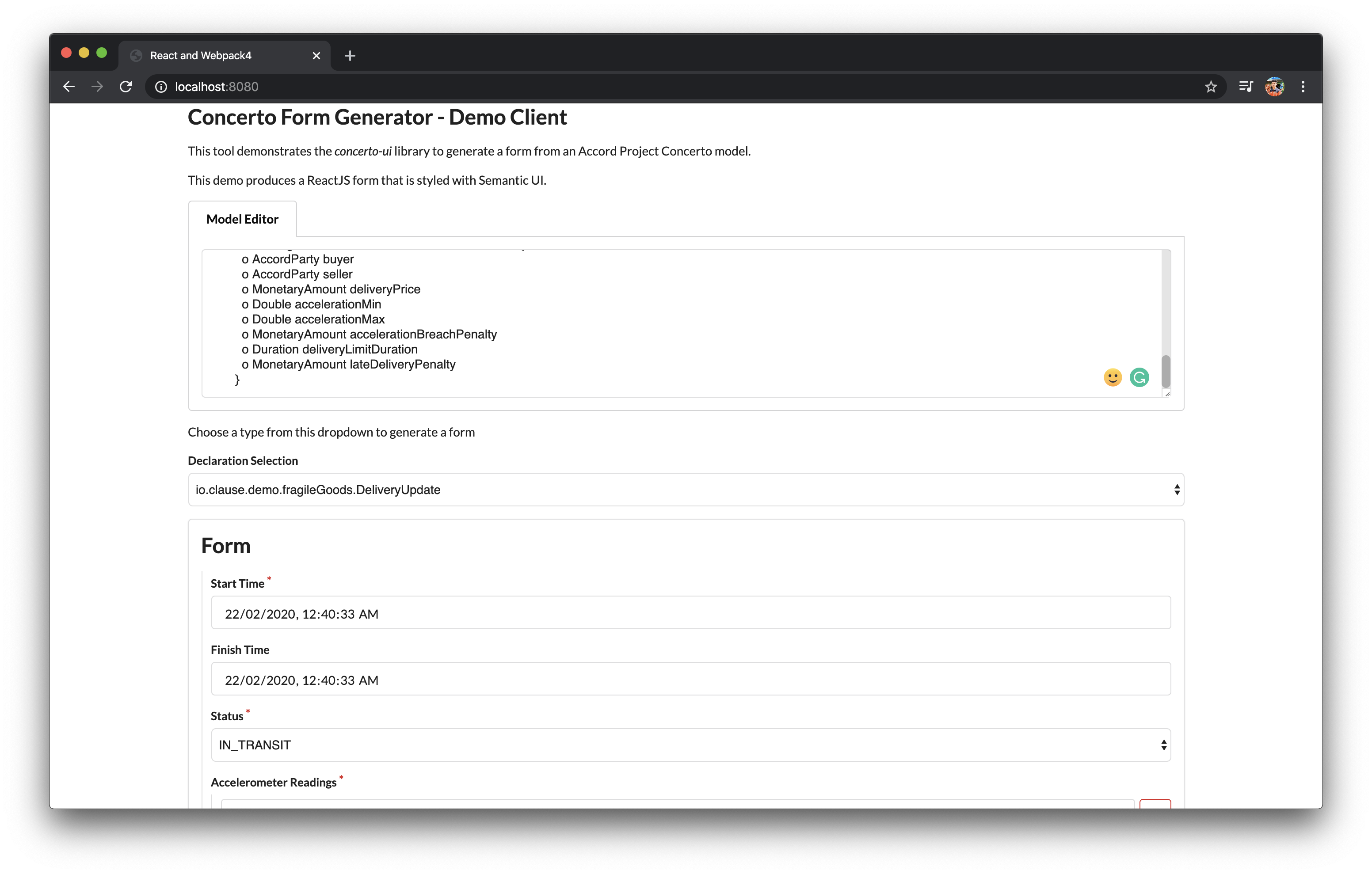
Thanks!


Hi @mttrbrts, @dselman I tried replicating this and yes one can enter letters too in the number input field. However, this issue is not only restricted to safari, but it is also there in firefox too. (It works well on other browsers such as brave, opera ) Though, Idk why it didn't work as expected in firefox so I tried checking it out on firefox developer edition too.
Here's the video reference : https://www.loom.com/share/c0f7d2bed8a64b79949211839952a6b9
So, after testing and researching I found out that the issue was not with the code but with the browsers (safari, firefox) itself, as they (browsers) doesn't restrict us from entering letters into numeric field, here's the example you can try https://developer.mozilla.org/en-US/docs/Web/HTML/Element/input/number, try entering letters in safari/firefox you would be able to do so, but not in the browsers like chrome/brave/opera.
Hence, for this, we need to enforce validation and populate a warning label if the user enters a letter as an input, though it is of now worry since the letter is not being populated in the JSON output, but it's better to have a validation check.
P.S - Joi is best when it comes to doing the validation check on the client-side.
Great research @raghav4, thanks!
To fix this properly, we should think about how we do validation across all fields. This is something that we may want client apps to be able to specify rather than baking it into the library.
I think that all input fields should be as simple, and unopinionated as possible, so that client applications can customise them.
If you agree @dselman, I propose that we close this issue and move this discussion into a new one about validation rules for fields?