
web-components
 web-components copied to clipboard
 accordproject
Preserve formatting when pasting from Google Chrome, Word, etc.
Is your feature request related to a problem? Please describe. Currently when a user copies text with simple formatting like italicization and bolding from a source like Microsoft Word or Google Docs, and then pastes that text into the markdown editor, none of the formatting is preserved.
As a user I would like as much of my formatting to be preserved as possible. I would expect basic formatting like italicization and bolding at least to be preserved. I would not want to paste in text from another contract and then have to manually identify what is supposed to be italicized and what's supposed to be bold, and then change every instance in the markdown editor to match my original document


To debug these we need the HTML that they are putting on the clipboard. If it is a mess of span with css to apply formatting then it can be very hard to recover semantic content like <h1> etc.

Relates to https://github.com/accordproject/markdown-editor/issues/198
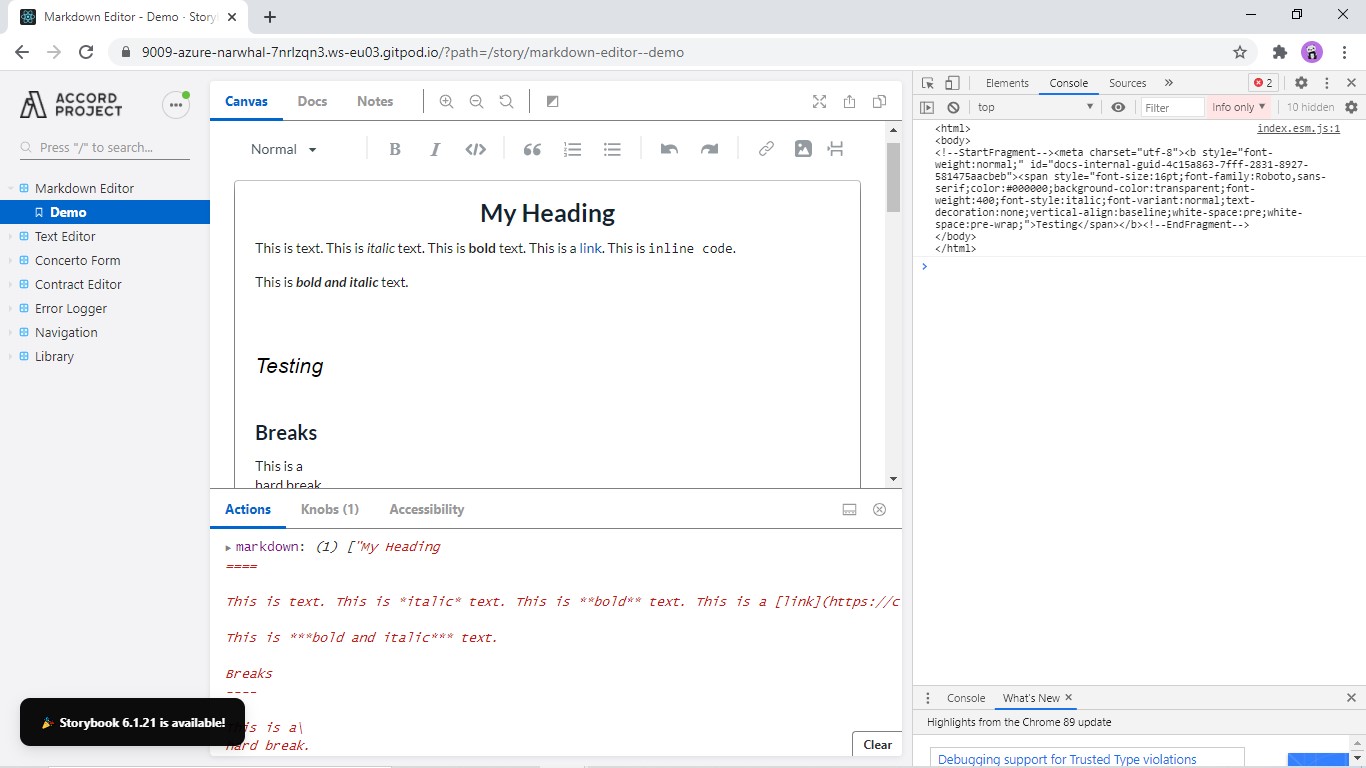
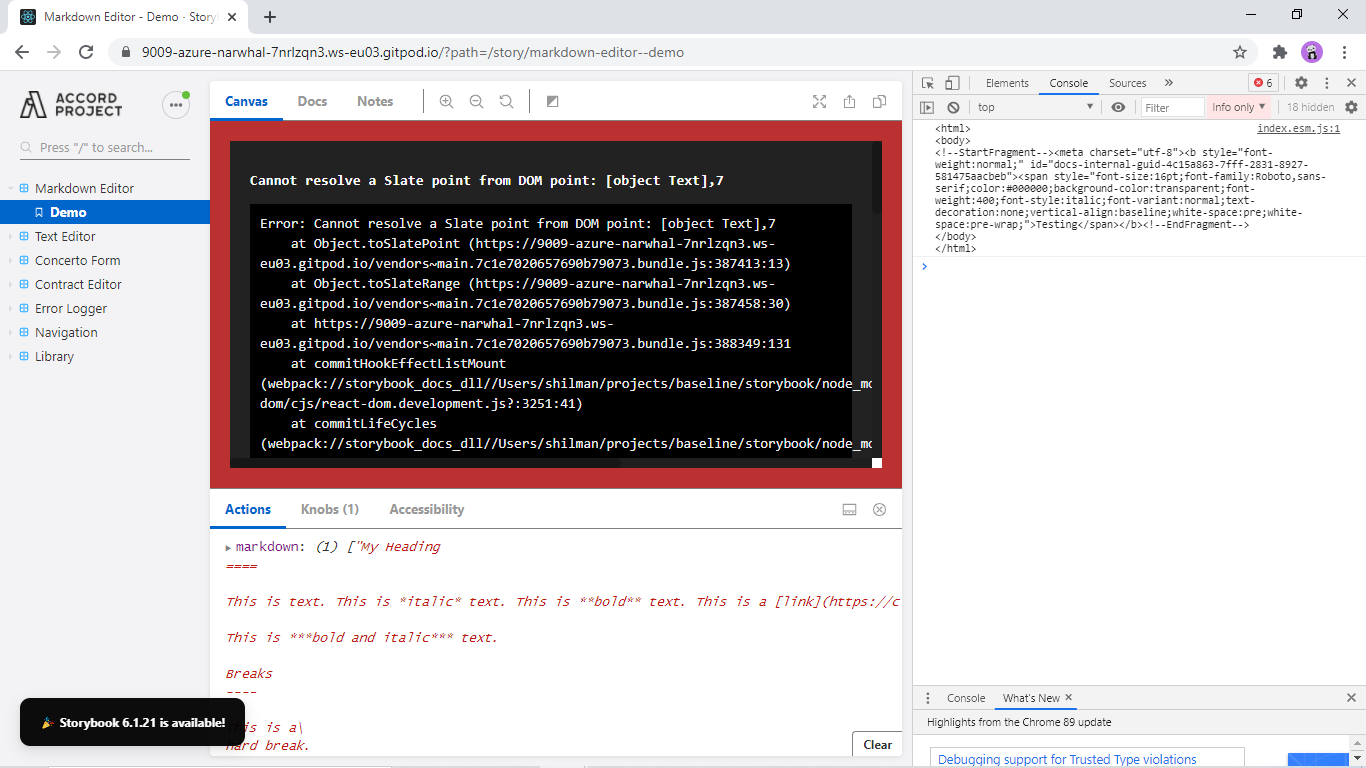
I was trying to work on this issue. on Inserting HTML from clipboard the formatting is preserved but deleting the same, it gives the below error.
Error :

@Rupesh-2003 my guess is that this would be the starting point of where to figure out the issue: withHtml.js