
niri-setup
 niri-setup copied to clipboard
Published
1 month ago
•
 acaibowlz
acaibowlz
niri setup. clean, consistent and intuitive.
- Window Manager • niri
- Launcher • Fuzzel
- Panel • Waybar
- Panel Font • Ubuntu Mono Nerd Font + Noto Sans Mono CJK TC
- Notification • dunst
- Clipboard Manager • cliphist
- Wallpaper Engine • swaybg + swww (for overview)
- Idle Daemon • swayidle
- Lock Screen • swaylock
- Logout Menu • wlogout
- Fonts • Ubuntu + Noto Sans/Serif CJK TC
- Theme • Colloid-gtk-theme
- Icons • Colloid-icon-theme
- Cursor • Adwaita
- Terminal • Alacritty
- Terminal Font • JetBrains Mono Nerd Font
- Shell • zsh + zinit + starship
- Spicetify Theme • Ziro (Gray Dark)
- Firefox Theme • Dark space
Screenshots
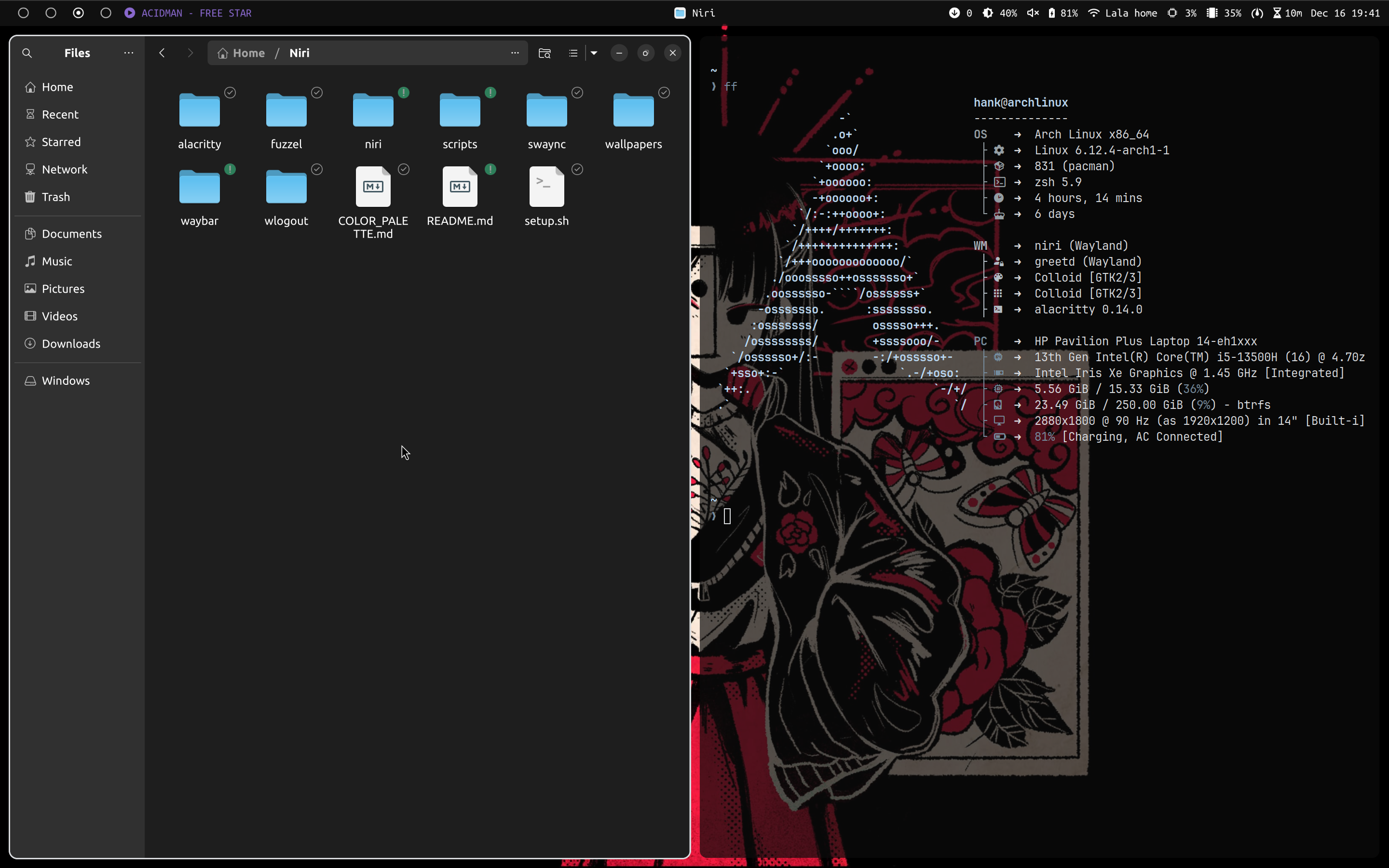
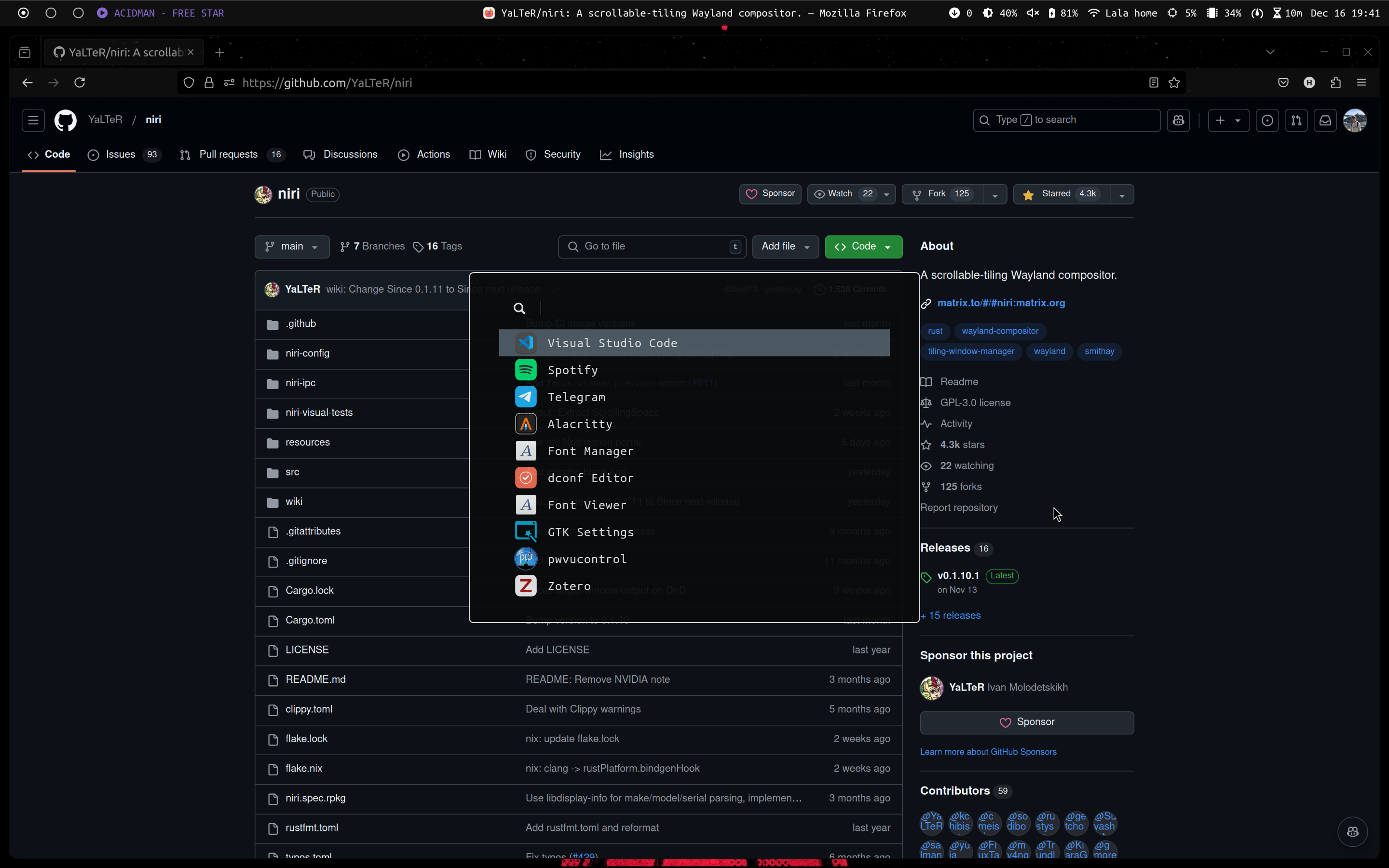
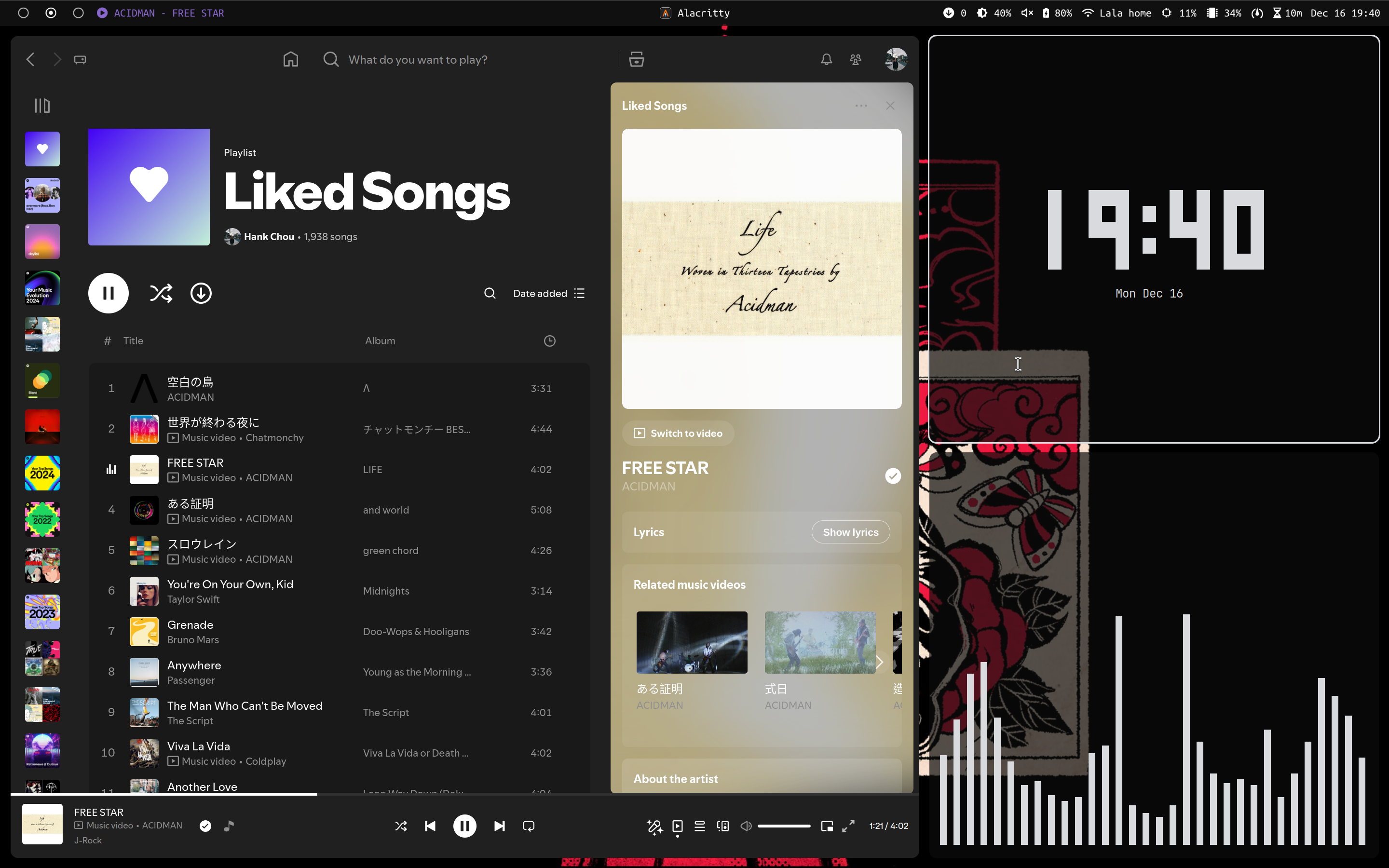
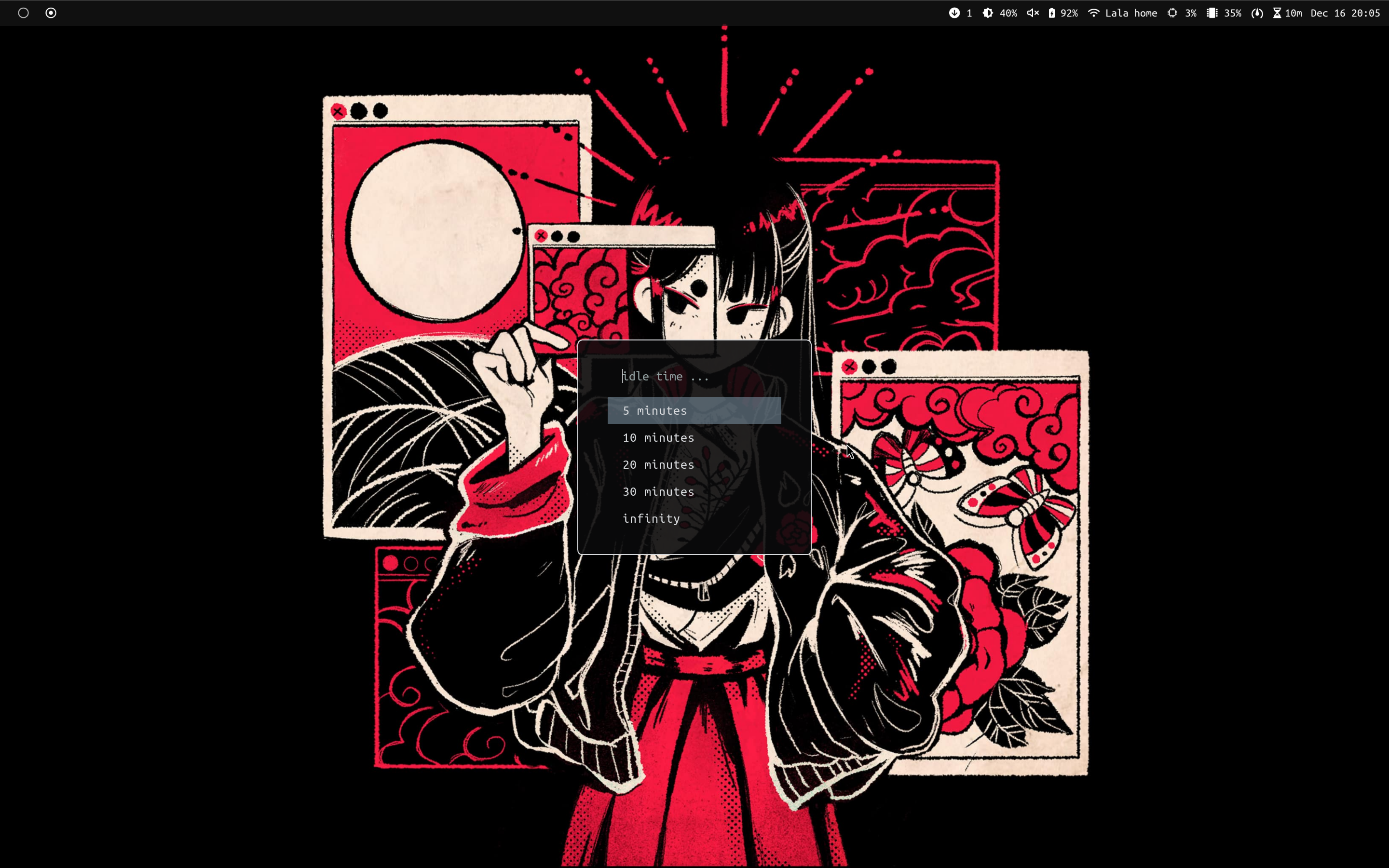
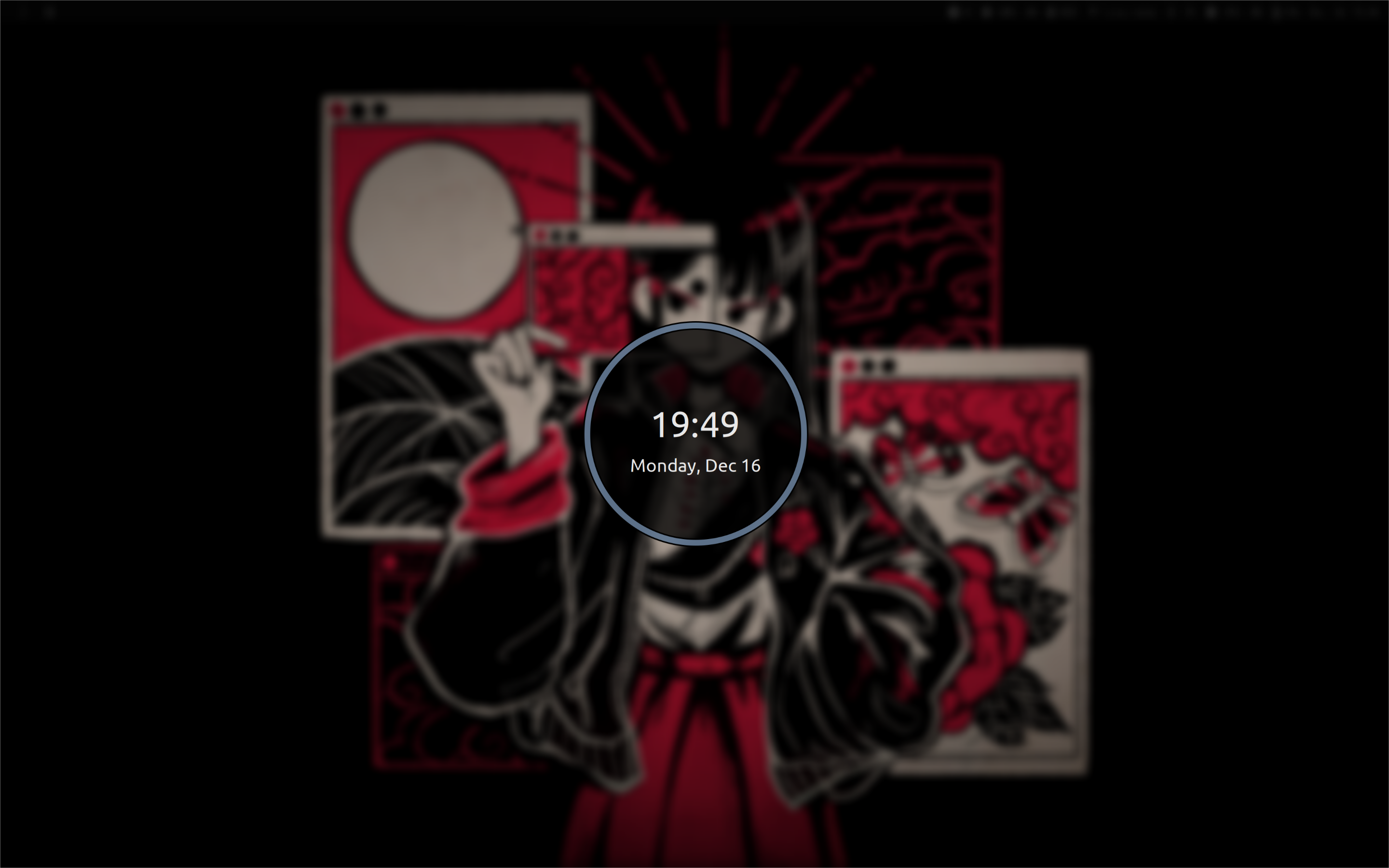
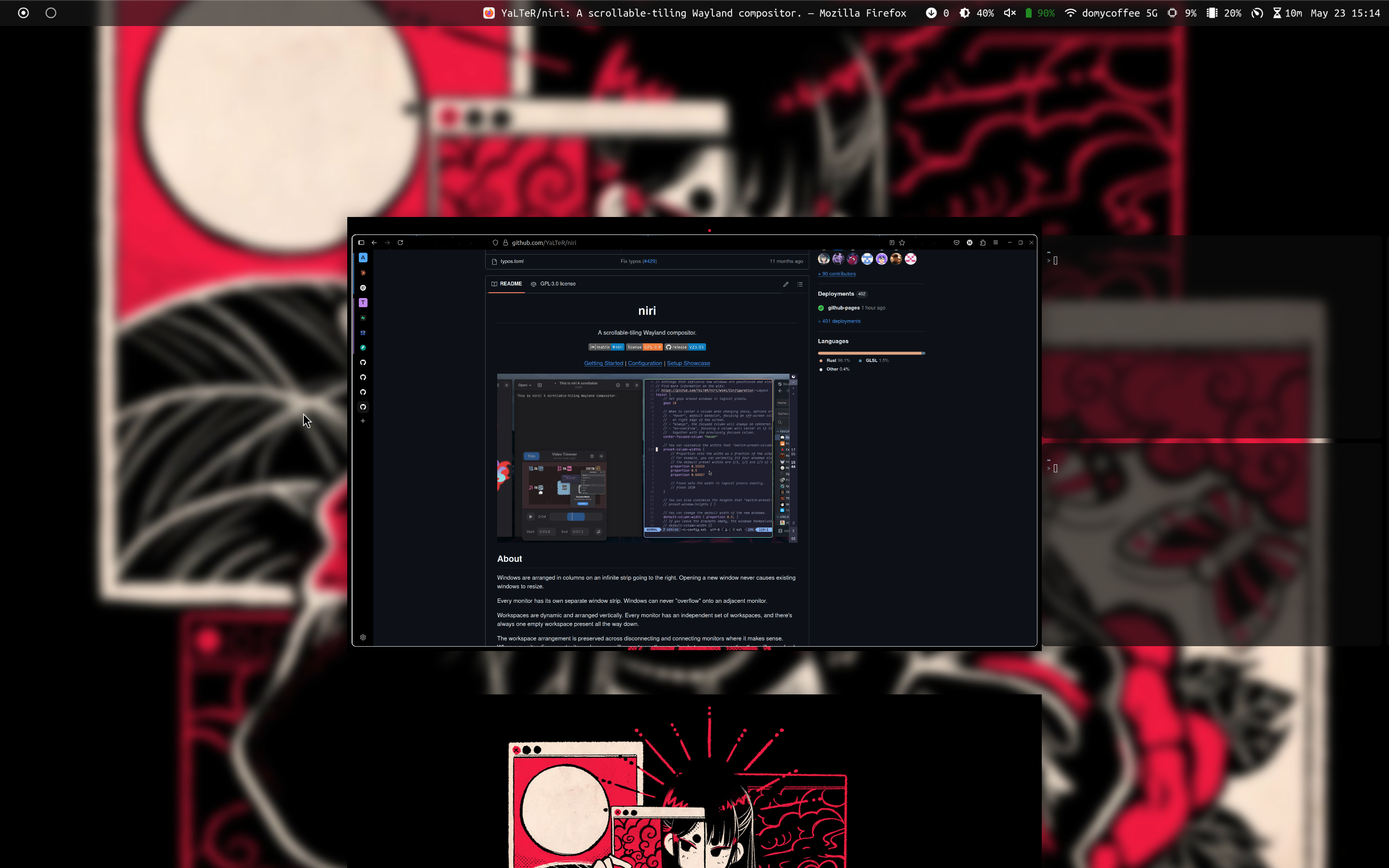
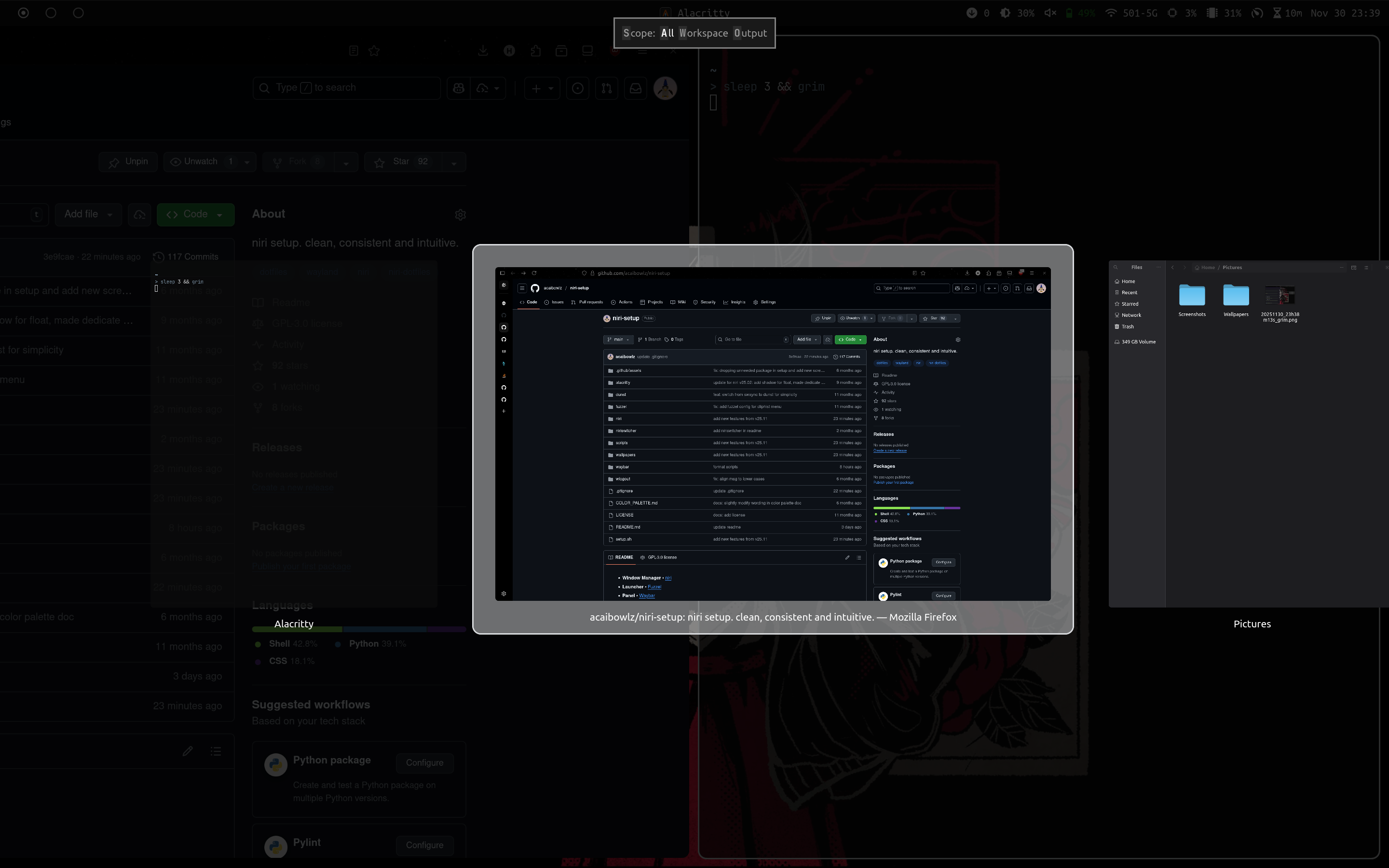
Features
[!NOTE] This niri configuration is up to date to: niri v25.11
- Empower niri with waybar, fuzzel, dunst, swaylock, and more - A full experience!
- Idle time and power profile picker available as waybar widgets and fuzzel menus
- A wallpaper switching script that creates blurred overview backdrop at the same time
- A curated color palette smoothly applied across the setup
- A clean and minimalistic UI you cannot resist to daily drive
Installation
git clone https://github.com/acaibowlz/niri-setup.git
cd niri-setup
./setup.sh
The script will install packages required for this setup and symlink to the corresponding directories. Make sure you have one of the AUR helpers installed.
[!IMPORTANT] The install script will only work on Arch Linux and its derivatives.
For the dotfiles of the following programs, please refer to my dotfiles repo.
fastfetchfontconfigspicetifystarshipzsh
Keybindings
Applications
| Keys | Action |
|---|---|
| Super + Enter | Open terminal |
| Super + Ctrl + Enter | Open launcher |
| Super + B | Open firefox |
| Super + E | Open nautilus |
| Super + L | Launch lock screen |
| Super + C | Launch clipboard menu |
| Super + I | Launch idle time menu |
| Super + P | Launch power profile menu |
| Super + U | Launch updater |
| Super + W | Toggle waybar |
| Super + Ctrl + W | Launch wallpaper selector |
| Super + Backspace | Launch logout screen |
Backlight and Audio
| Keys | Action |
|---|---|
| XF86MonBrightnessUp | Increase brightness by 5% |
| XF86MonBrightnessDown | Decrease brightness by 5% |
| XF86AudioRaiseVolume | Raise volume by 5% |
| XF86AudioLowerVolume | Lower volume by 5% |
| XF86AudioMute | Toggle mute |
| XF86AudioPlay | Play or pause media |
| XF86AudioNext | Next media track |
| XF86AudioPrev | Previous media track |
Windows and Columns
| Keys | Action |
|---|---|
| Super + Q | Close window |
| Super + W | Switch preset column width |
| Super + H | Switch preset window height |
| Super + T | Toggle window floating |
| Super + M | Toggle maximize mode |
| Super + F | Toggle fullscreen mode |
| Super+ Left | Focus column on the left |
| Super+ Right | Focus column on the right |
| Super+ Down | Focus window downward |
| Super+ Up | Focus window upward |
| Super + Ctrl + Left | Move column to the left |
| Super + Ctrl + Right | Move column to the right |
| Super + Ctrl + Down | Move window downward |
| Super + Ctrl + Up | Move window upward |
| Super + Home | Focus the first column |
| Super + End | Focus the last column |
| Super + Ctrl + Home | Move column to the first |
| Super + Ctrl + End | Move column to the last |
| Super + Shift + Left | Resize column width by -10% |
| Super + Shift + Right | Resize column width by +10% |
| Super + Shift + Up | Resize window height by -10% |
| Super + Shift + Down | Resize window height by +10% |
| Super + BracketLeft | Consume from/expel to the column on the left |
| Super + BracketRight | Consume from/expel to the column on the right |
| Super + Comma | Consume window from the right into the bottom of the focused column |
| Super + Period | Expel the bottom window from the focused column to the right |
| Alt + Tab | Switch between recent windows |
Workspaces
| Keys | Action |
|---|---|
| Super + PageDown | Focus workspace downward |
| Super + PageUp | Focus workspace upward |
| Super + Ctrl + PageDown | Move column downward |
| Super + Ctrl + PageUp | Move column upward |
| Super + Ctrl + [0-9] | Move column to workspace [1-10] |
| Super + A | Toggle overview |
Screenshot
| Keys | Action |
|---|---|
| Screenshot (region) | |
| Ctrl + Print | Screenshot (window) |
| Shift + Print | Screenshot (monitor) |
 acaibowlz