
cats-blender-plugin
 cats-blender-plugin copied to clipboard
 absolute-quantum
Blender 3.0.1 "One or more of your armature's meshes have rendering disabled" when tring to use Copy and Bake
Says it in title, trying to bake model's textures to export as vrm and it's just giving me this pop up every time

Not sure why, I haven't had any trouble rendering in the past when trying to render in both Eevee and Cycles and none of my meshes in the armature are saying that they're disabled.

The render toggle button is hidden by default, to enable it you have to enable it in the scene tree.
https://docs.blender.org/manual/en/2.80/editors/outliner.html

This camera icon, correct? I have it enabled on all of my projects by default, yet I still am getting this popup

Uhh, try the dev version. You may have some stuff parented to your armature thats not visible in the view layer anywhere
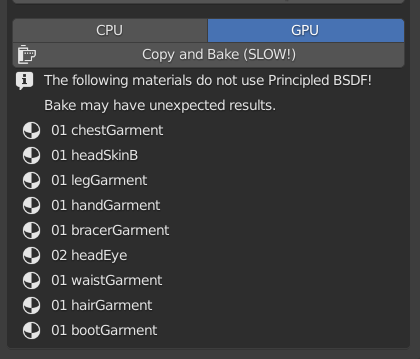
For documentation's sake, this showed up on all my materials when I went to the Bake tab. May have to do with the fact that my model is using custom shaders
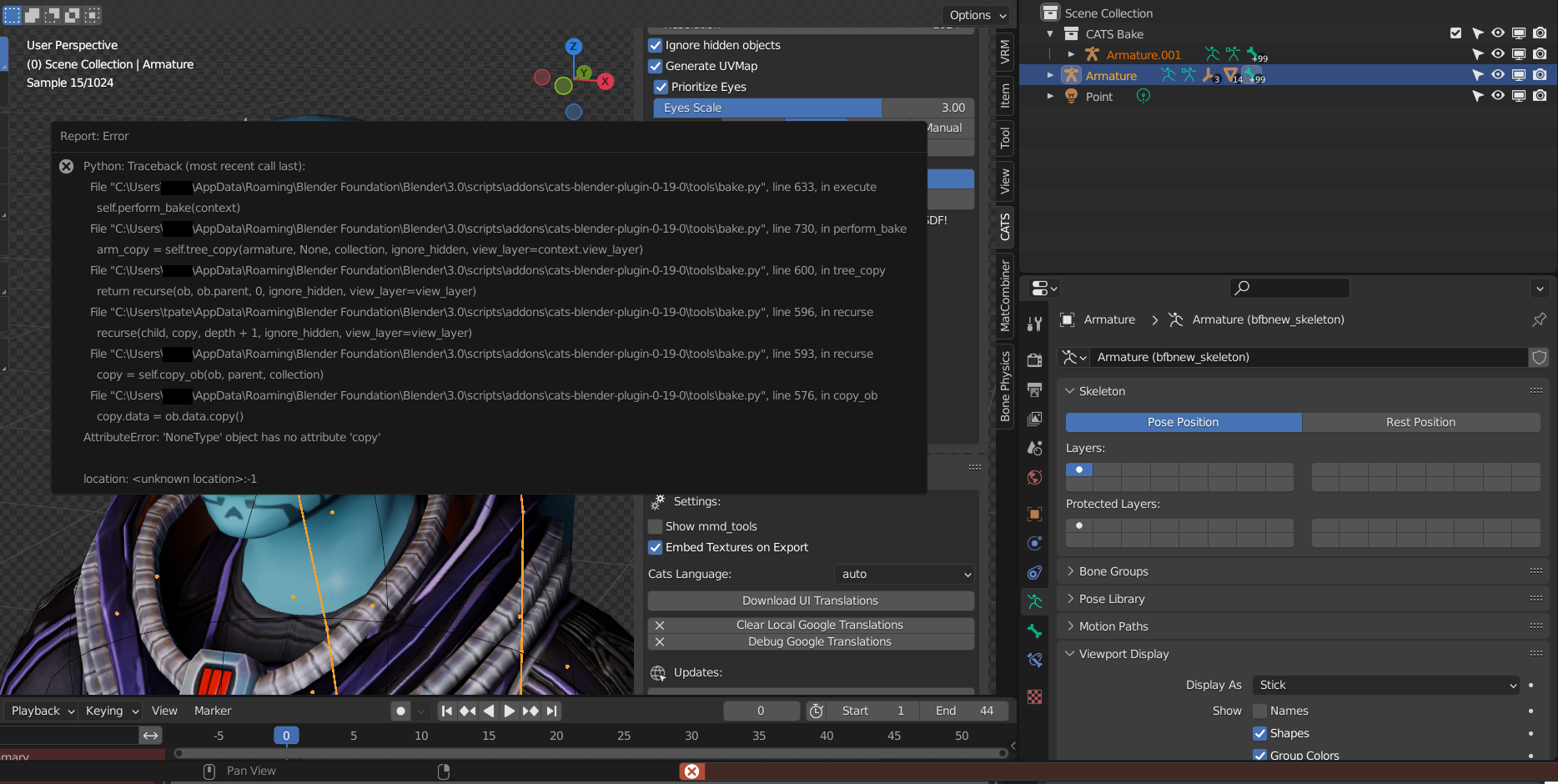
 As it starts baking, I get this popup
 And...
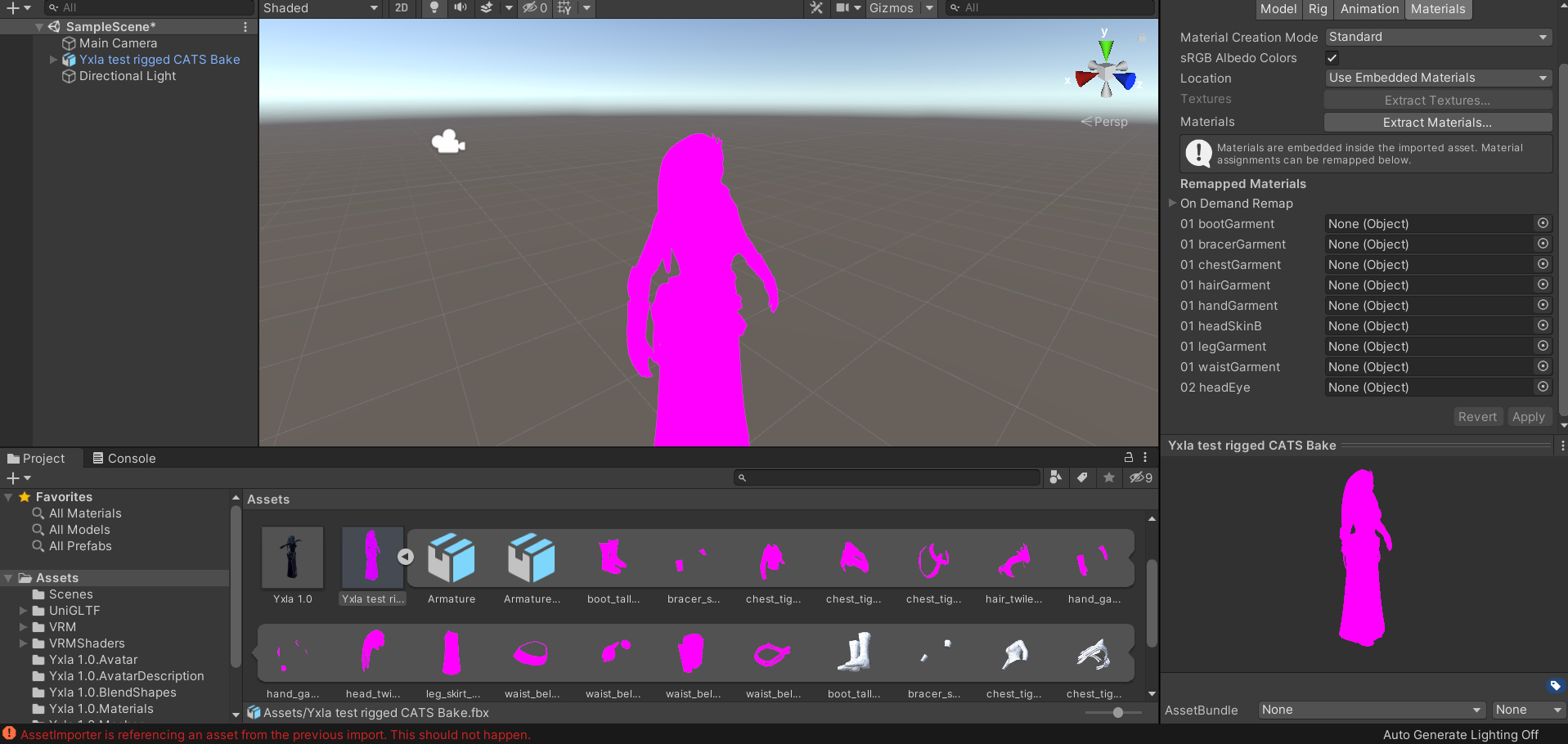 I have no clue what I'm doing wrong
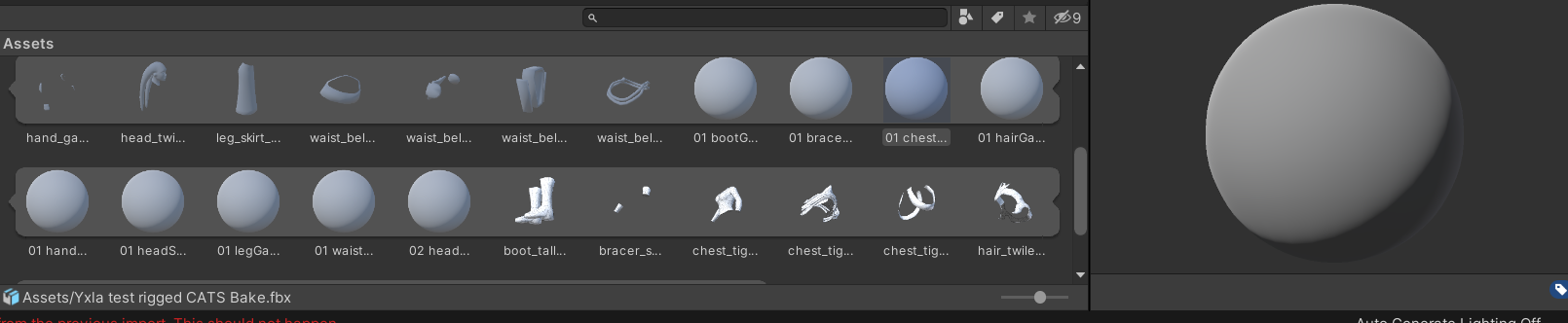 No materials look like they were imported along with the model to Unity
'NoneType has no attribute copy' means you have some empty objects in your view_layer that are being picked up. It looks like one is the chest collider... try hiding those in the viewport and baking again
Well, um, now this is happening, is this precedented behavior?
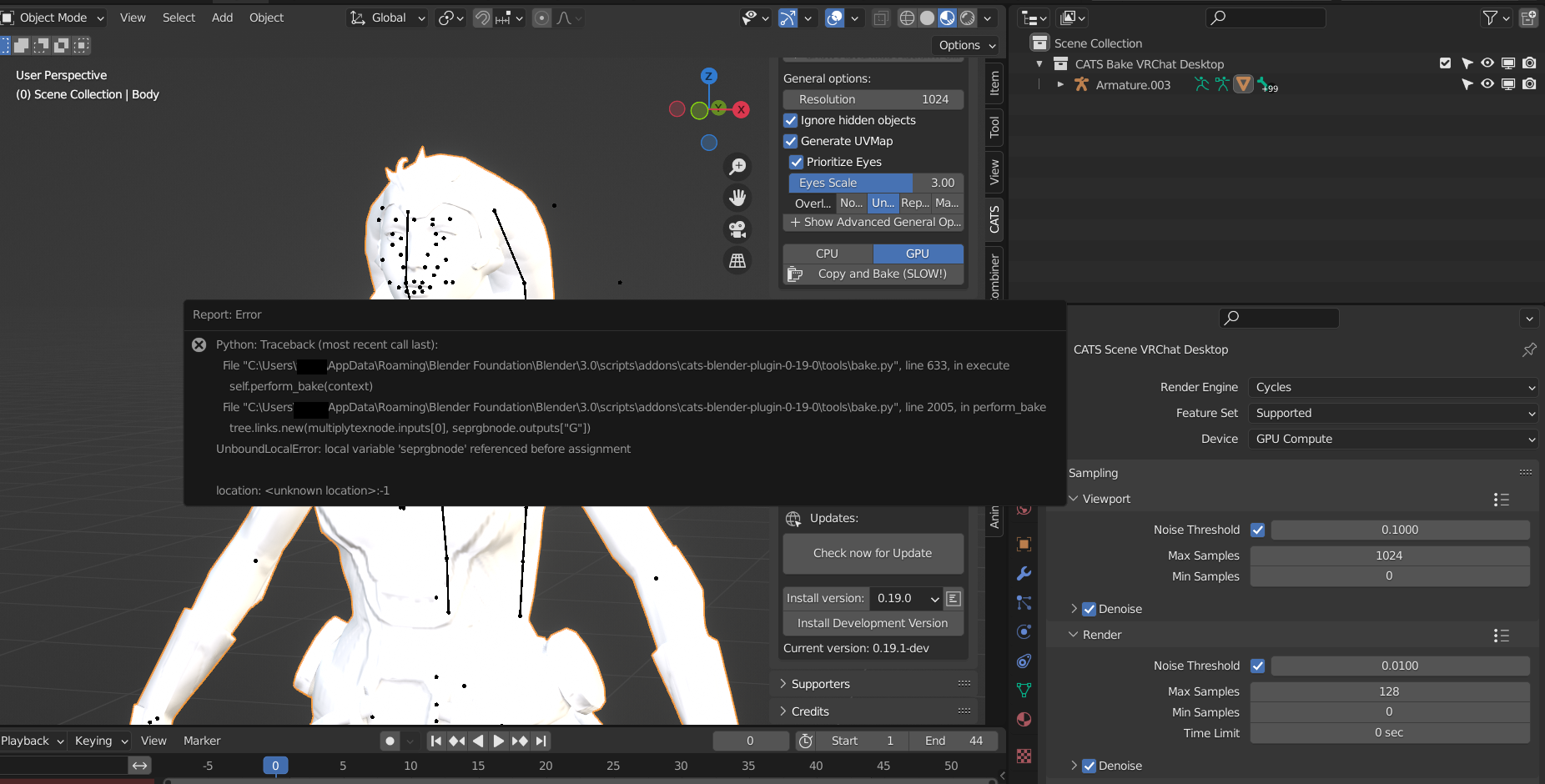
What the outliner looks like pre-bake
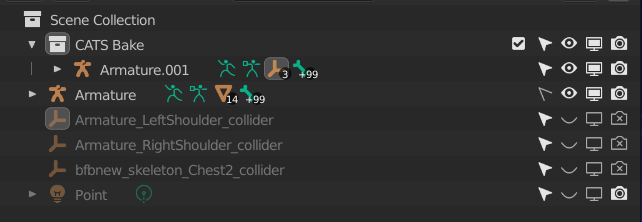
Nope, think that one's a bug. You should be able to work around it by checking 'metallic' though, I think.
Sorry for the late response, I've been busy the past few days.
With the dev branch update and checking 'metallic' and, this is my result via the preview in Texture Paint
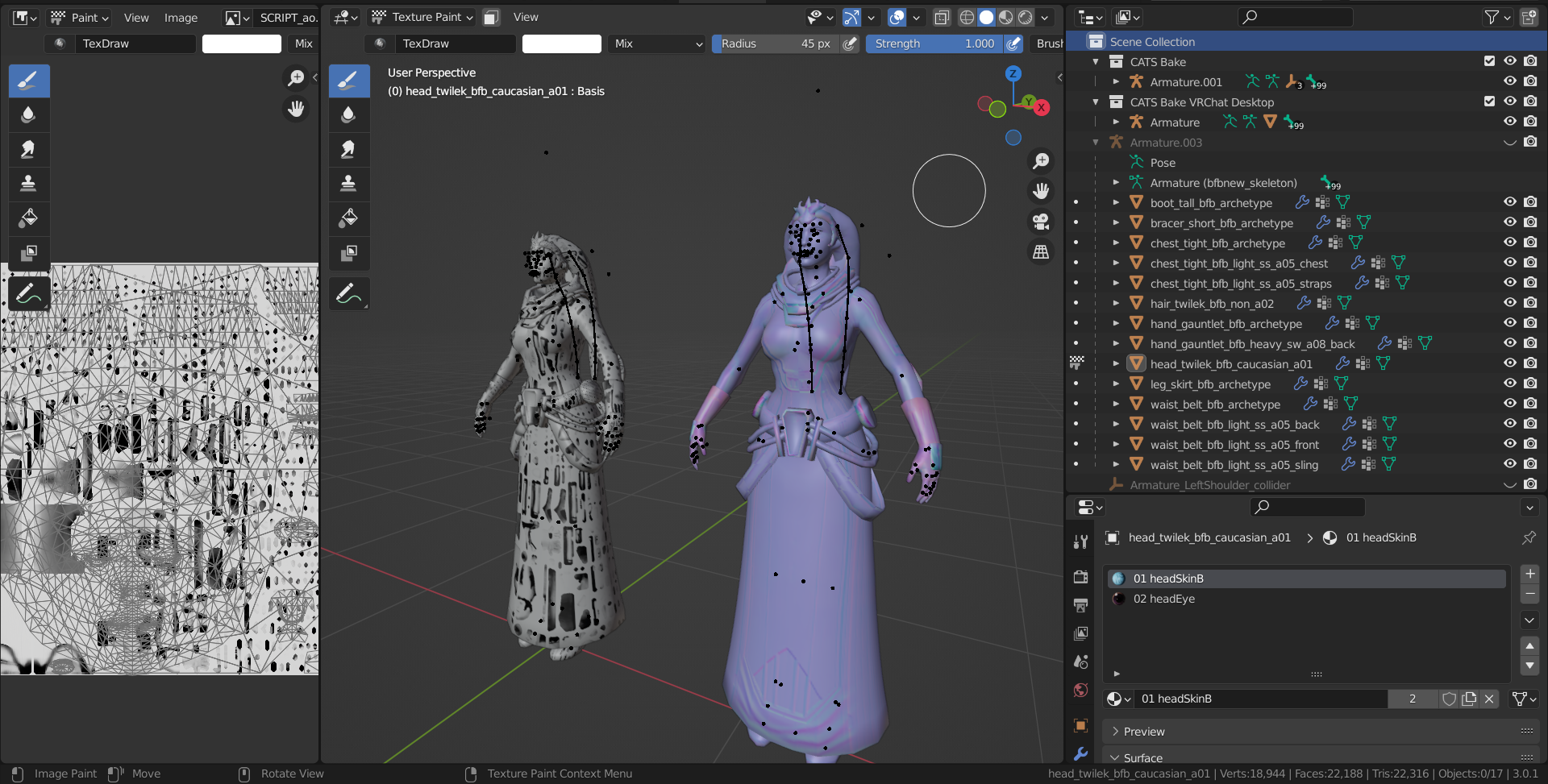 And with materials preview
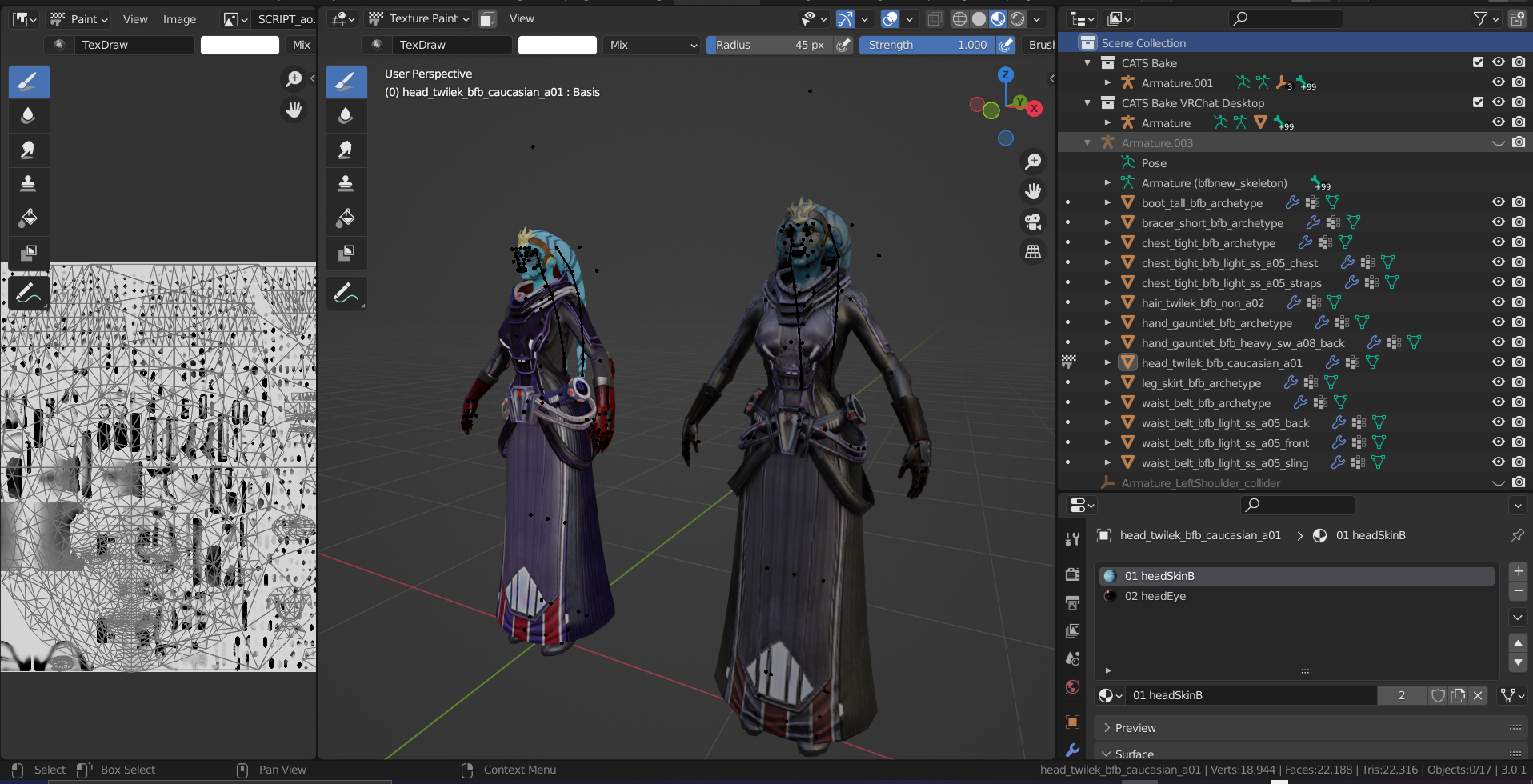 The CATS Bake (Right) is not nearly as bright as how it's supposed to look (left) and it looks like a lot of the colors are lost. My shaders are not translating into the bake correctly? Also a note, I don't know how to translate these shaders into Unity as it's not a unitypackage, but a custom shader preset meant to emulate the lighting of the game the model is from (star wars: the old republic)
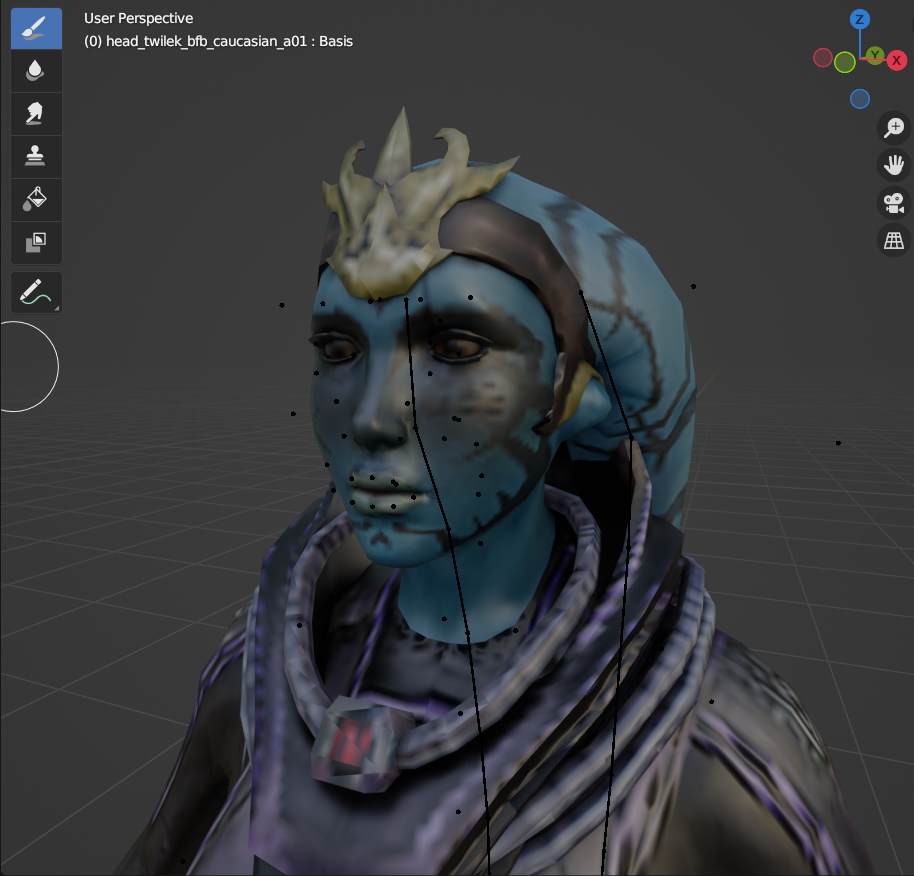 On closer inspection, the textures have become very low res
Texture Paint always ends up with solid color, which kinda ends up arbitrary. Can I see a screenshot of all your bake options?
And yeah, depending on your setup texture res can end up very low. The ideal way to mitigate that is with UVPackMaster and/or manually packed islands, but the latest version isn't quite supported yet
Sure thing.
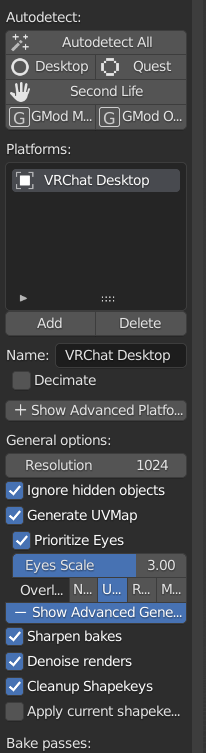
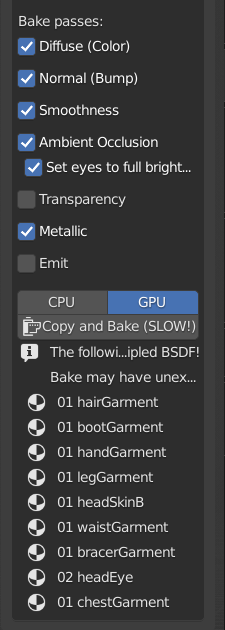
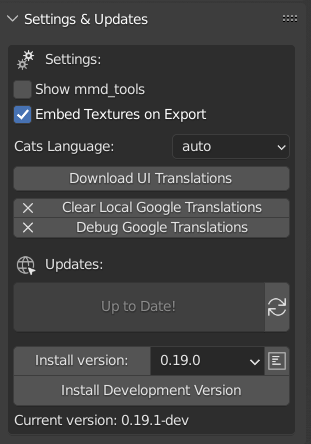
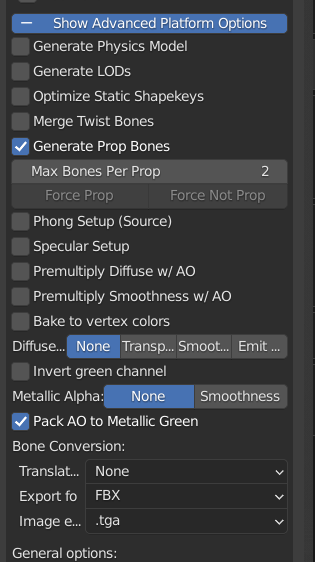
When baking models with Cycles in the past the texture has never turned out this low res. Also, inb4 that's a lot of materials, whenever I Combine Same Materials it does this to my head
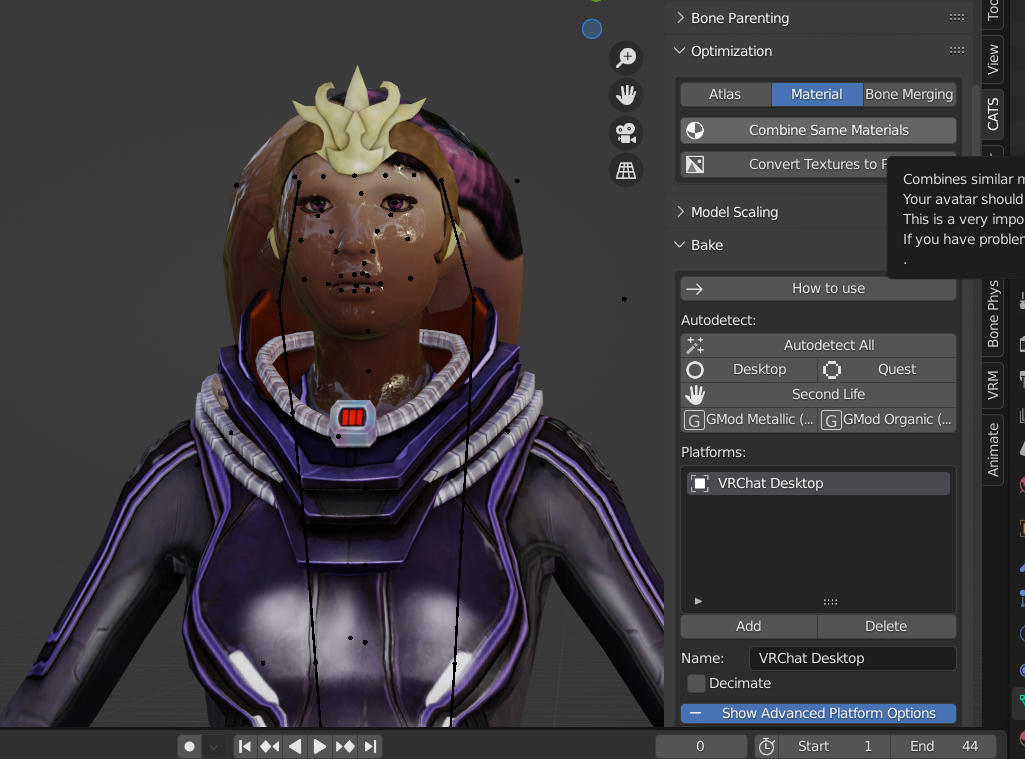 So texture atlasing is not my strong suit rn
FYI I'm splitting off Bake and a few related features into a separate plugin at https://github.com/feilen/tuxedo-blender-plugin, if you're still running into this lmk!