

 abelljs
Image path not found in local dev-server with abell serve
Describe the bug
In local dev server, if you add image to blog from assets/image.jpg path. The image does not load when we don't have / in the end of the URL.


awesome! Go ahead @saideepesh000.
So one solution I can think of is to have / appended by default in dev-server when the path is something like localhost:5000/hello. So the new path should become localhost:5000/hello/ instead.
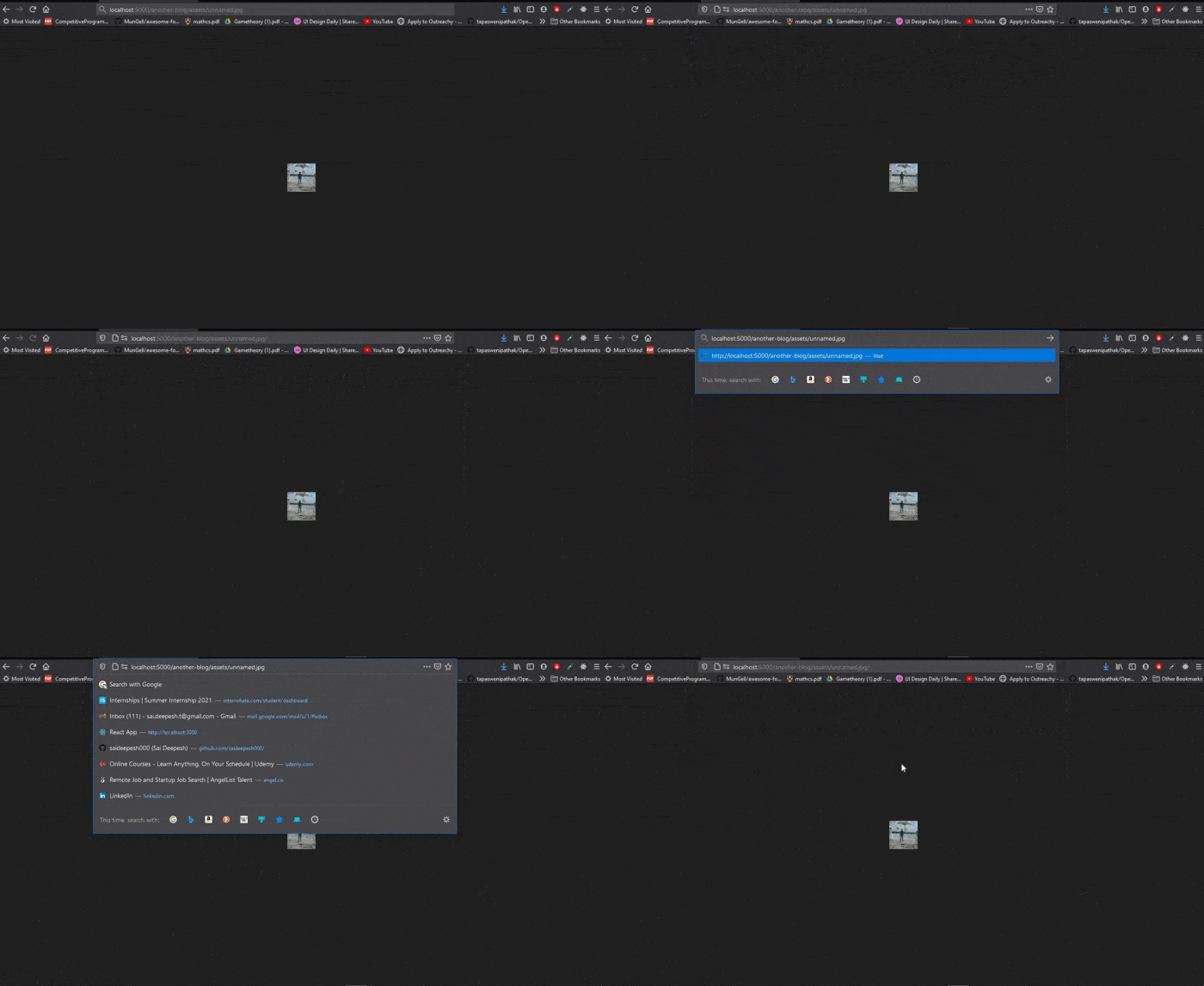
no I meant when you add this image inside blog with ![]() and then open the blog without / (localhost:5000/my-blog)
awesome! Go ahead @saideepesh000.
So one solution I can think of is to have
/appended by default in dev-server when the path is something likelocalhost:5000/hello. So the new path should becomelocalhost:5000/hello/instead.
Hey @saurabhdaware, what I observed is by default it is going to append / at the end of url like http://localhost:5000/getting-started-with-abell/ and yes img is rendered correctly, but as u said if we don't have a /, img isn't rendered.
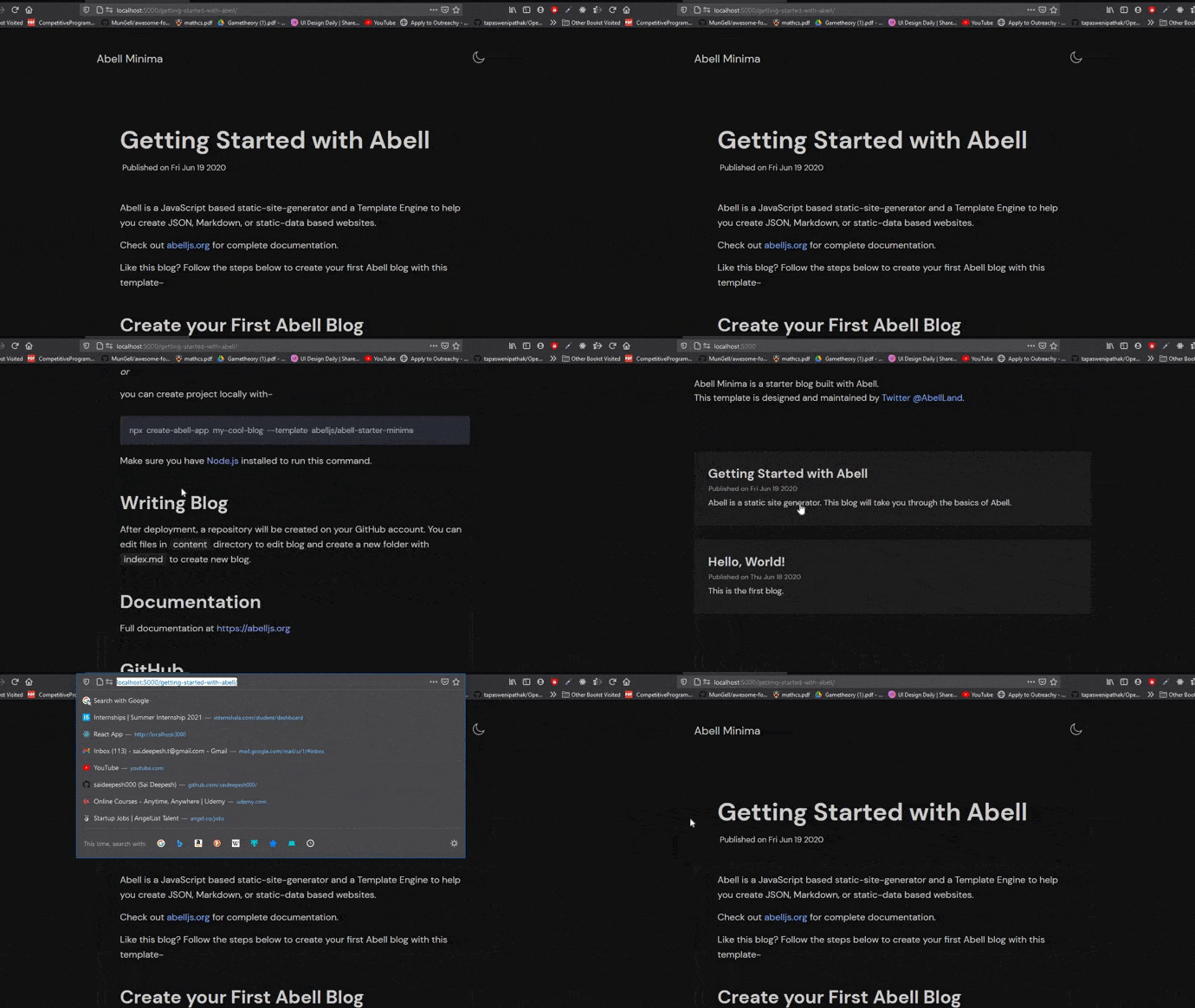
oh I meant when we directly hit the http://localhost:5000/hello url we need to append / to URL from abell's dev server
Hey @saurabhdaware, just a setup related question, so I want to see the changes made in the src folder of the repo, for ex: I want to add the console.log(url)( See here ) and want to see the changes in the console, so.., how to do so(how to run the local version of abell).
There is info on how to run local abell version- https://github.com/abelljs/abell/blob/main/CONTRIBUTING.md#local-setup
Once you get local abell version installed, you can just run abell build or abell serve in example project to see the changes
There is info on how to run local abell version- https://github.com/abelljs/abell/blob/main/CONTRIBUTING.md#local-setup
Once you get local abell version installed, you can just run
abell buildorabell servein example project to see the changes
Ya, I could able to run the project and all, but I couldn't able to see the changes made in src folder of the repo, as I said console.log(anything) is giving anything in the terminal.
where exactly you're doing the console.log? can you try doing it somewhere in src/commands/build.js and run abell build
where exactly you're doing the console.log? can you try doing it somewhere in
src/commands/build.jsand runabell build
let's say I want to see how the parsedURL looks like, so in here
Since it's a server, that should be called on abell serve when you visit the page
Since it's a server, that should be called on
abell servewhen you visit the page
Ohhhhhh, Now I got this, whenever I made a change in those files, I need to restart the server, lol, dumbness of me 💯
Now, u can delete these comments.
yes unfortunately the server is for user-facing files and not the source code 🤕