aardappel
request for portable apps for Windows
Hi,
I would like to use TreeSheets for work, but my work laptop is Admin restricted.
Is it possible to release a portable version, eg. not using Installer, as it was restricted.
Thank you

If you copy the installed files from some other computer, it should just work, TreeSheets doesn't require any special installation. Depending on the restrictions it may not be able to save changed preferences though, if the registry is also restricted.

A portable version would be superb. Maybe considering writing settings to an .ini file (or such) would be a good idea. There are several apps that allow you to use an .ini file or the registry depending on whether you have a file named .portable (or similar) within the program's folder.

@aardappel , Any chance for a mode which doesn't use registry for setup but the local installation folder?
I would even consider a @PortableApps flavor. It will increase exposure considerably.

I guess I wasn't aware, but this should already work: if you run TreeSheets.exe -p it starts up in portable mode, which writes to TreeSheets.ini in the current dir instead of the registry.
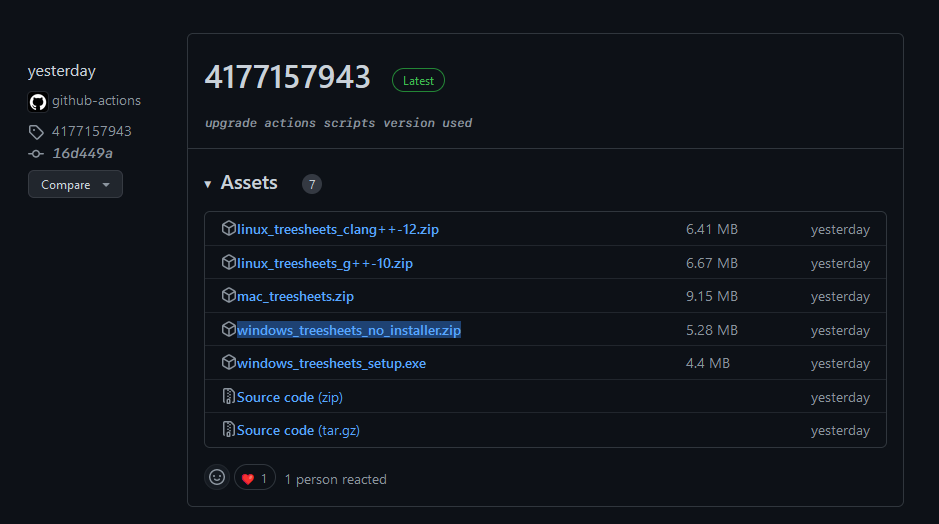
Also, you can get "no installer" binaries from https://github.com/aardappel/treesheets/actions
Could we have an official zip file generated for each release? With that flag we basically have a portable version.
I do "releases" super infrequently or not at all.
As you can see from the main page https://strlen.com/treesheets/ there is already a link to recent "no installer" versions, you probably want those instead of some version from years ago.
I guess I wasn't aware, but this should already work: if you run
TreeSheets.exe -pit starts up in portable mode, which writes toTreeSheets.iniin the current dir instead of the registry.Also, you can get "no installer" binaries from https://github.com/aardappel/treesheets/actions
Just downloaded [Windows TreeSheets (no installer)] artifact from the latest build and ran TreeSheets without issue. Just make sure you are logged into GitHub to be able to download the artifact from the builds.

Hello, Windows - with not admin right, here. I willing to try TreeSheets but I was not able to find the [Windows TreeSheets (no installer)] for download. Could you please support me for the link to download? Thanks!

@lpagg there are no installers being built on every CI run as noted above, for example here: https://github.com/aardappel/treesheets/actions/runs/3809129847
I would also want every release to have a portable Windows version, which can be downloaded as an archive, not an exe.

@ags1234 the no-installer version we already make is a .zip, did you look?
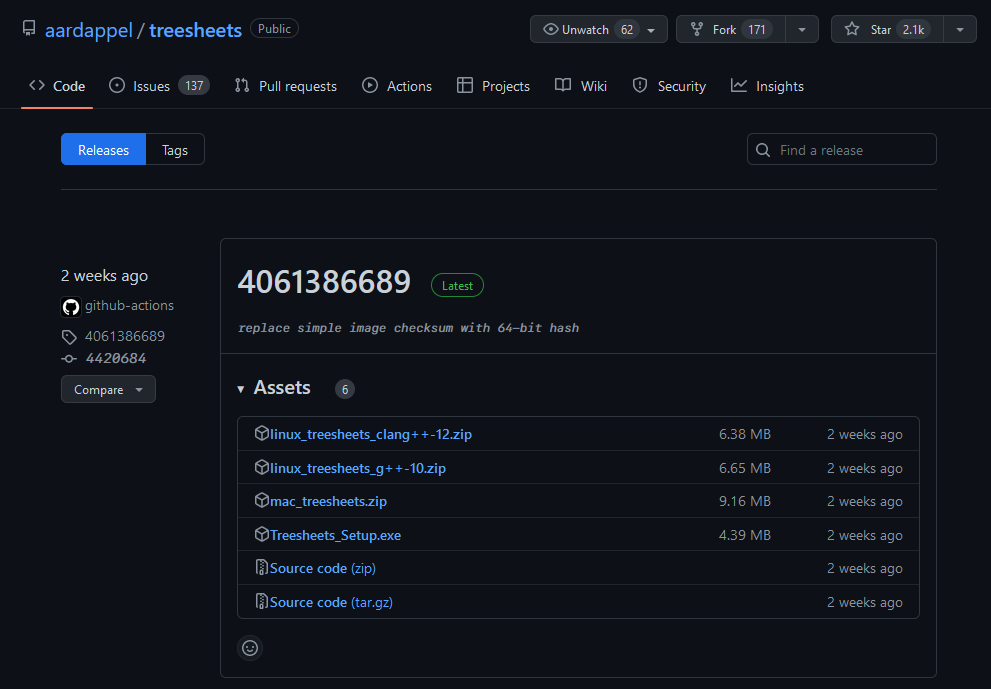
Ok, updated the CI such that the no installer version also shows up on the releases page, that way its easier to find for most people.