

 Zolko-123
Part Information GUI
I am trying to understand this screen.
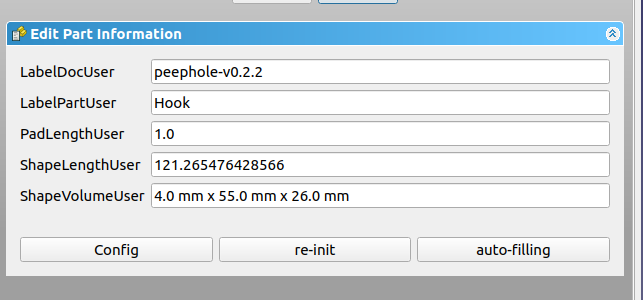
What are these fields? They are named, but there is a command/code/random strings there.
I mean, by your answers here on Github you are an experienced English speaker, a Master compared with me. Now, when I see those kinds of things in a user interface I don't understand a word. It looks like it was implemented quickly.
Can we have meaninful labels on these items? Also, could we have tooltips explaining what are we filling there?
Also, what are these icons? What they do? Config what? re-init? auto-fill? Can we have all text with the same style like, Title Case, or First letter uppercase?
Maybe it would be interesting to polish the text found here too.
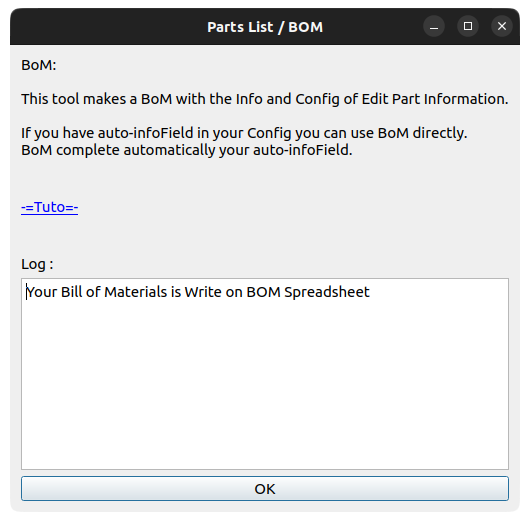
Otherwise, we are going to have a table that is not quite good to understand
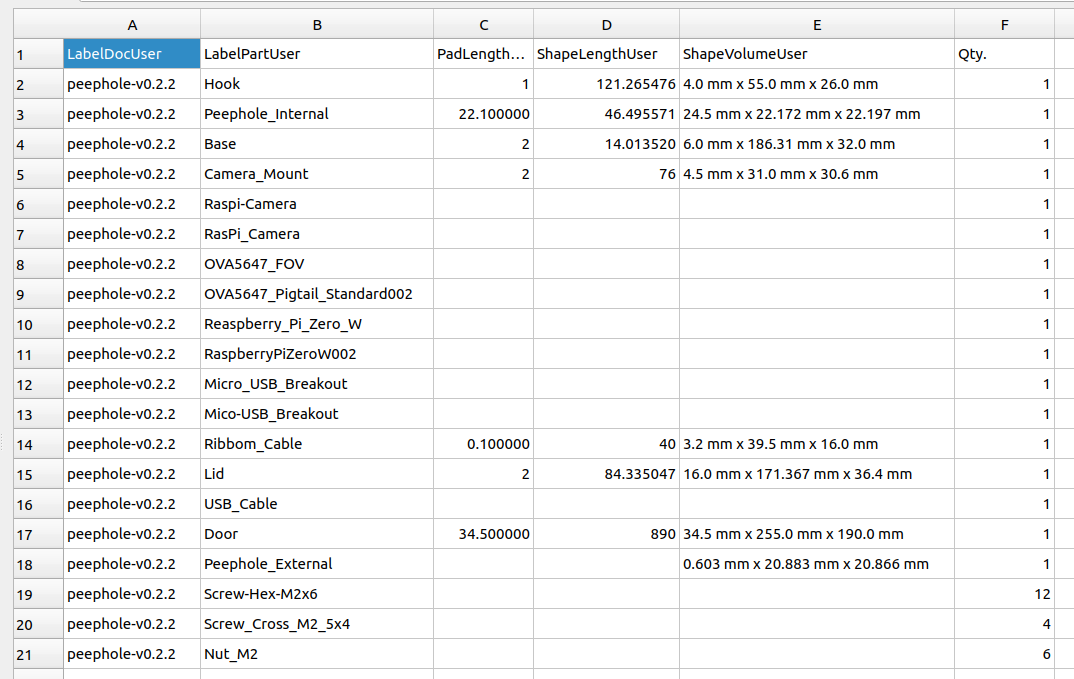

BoM and PartInfo have been written and re-written by several people, most if the time for their own restricted usage. If you can come up with a good general approach similar to what is used in the industry, that would be very useful

I am not asking to re-write anything. I am just asking a bit of info. I have no idea how these fields are. Do you have any documentation of the Part Info? I could not find any.