HackerBomberScript

HackerBomberScript copied to clipboard
 ZYFDroid
[feature request] 高DPI适应
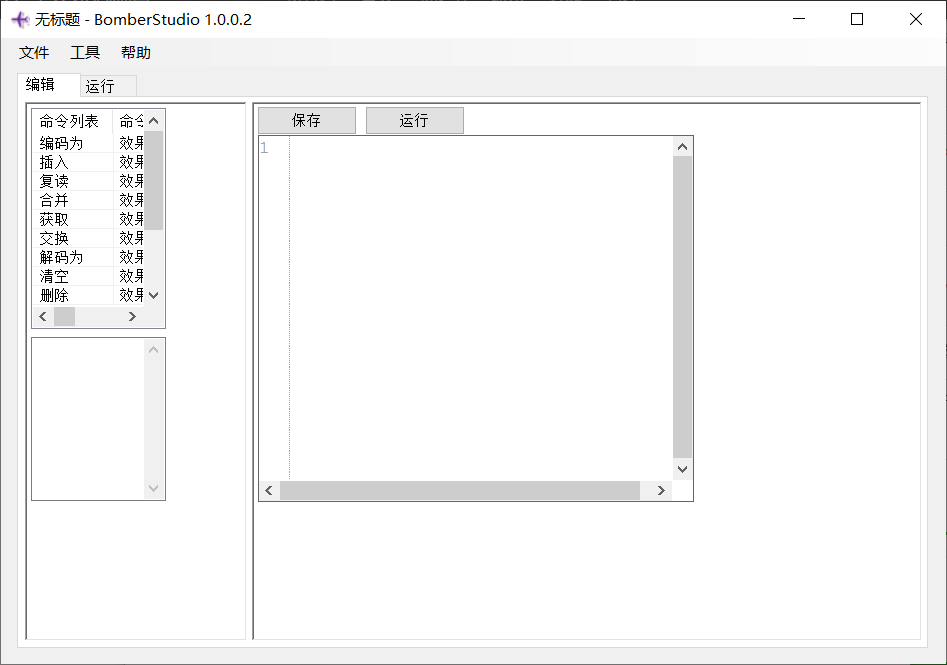
我是高dpi用户,所以就用windows自带缩放,一缩放程序就糊。最近才发现是程序没有自适应dpi.

所以,首先就得在应用清单里表示适应:
要使用 DPIAware,只需在你的工程创建一个应用清单文件,在
</asmebbly>前面添加代码:<asmv3:application> <asmv3:windowsSettings xmlns="http://schemas.microsoft.com/SMI/2005/WindowsSettings"> <dpiAware>true</dpiAware> </asmv3:windowsSettings> </asmv3:application>
文档: https://docs.microsoft.com/en-us/dotnet/framework/winforms/high-dpi-support-in-windows-forms https://www.cnblogs.com/maybreath/p/4225986.html
综合成一个清单文件:
<?xml version="1.0" encoding="UTF-8" standalone="yes"?>
<assembly xmlns="urn:schemas-microsoft-com:asm.v1" manifestVersion="1.0" xmlns:asmv3="urn:schemas-microsoft-com:asm.v3" >
<trustInfo xmlns="urn:schemas-microsoft-com:asm.v2">
<security>
<requestedPrivileges xmlns="urn:schemas-microsoft-com:asm.v3">
<requestedExecutionLevel level="asInvoker" uiAccess="false"/>
</requestedPrivileges>
</security>
</trustInfo>
 <asmv3:application>
   <asmv3:windowsSettings xmlns="http://schemas.microsoft.com/SMI/2005/WindowsSettings">
     <dpiAware>true</dpiAware>
   </asmv3:windowsSettings>
 </asmv3:application>
<dependency>
<dependentAssembly>
<assemblyIdentity
type="win32"
name="Microsoft.Windows.Common-Controls"
version="6.0.0.0"
processorArchitecture="*"
publicKeyToken="6595b64144ccf1df"
language="*"
/>
</dependentAssembly>
</dependency>
<compatibility xmlns="urn:schemas-microsoft-com:compatibility.v1">
<application>
<!--This Id value indicates the application supports Windows Vista functionality -->
<supportedOS Id="{e2011457-1546-43c5-a5fe-008deee3d3f0}"/>
<!--This Id value indicates the application supports Windows 7 functionality-->
<supportedOS Id="{35138b9a-5d96-4fbd-8e2d-a2440225f93a}"/>
<!--This Id value indicates the application supports Windows 8 functionality-->
<supportedOS Id="{4a2f28e3-53b9-4441-ba9c-d69d4a4a6e38}"/>
<!--This Id value indicates the application supports Windows 8.1 functionality-->
<supportedOS Id="{1f676c76-80e1-4239-95bb-83d0f6d0da78}"/>
<!-- 这样子才可以自动适应 -->
<supportedOS Id="{8e0f7a12-bfb3-4fe8-b9a5-48fd50a15a9a}" />
</application>
</compatibility>
</assembly>
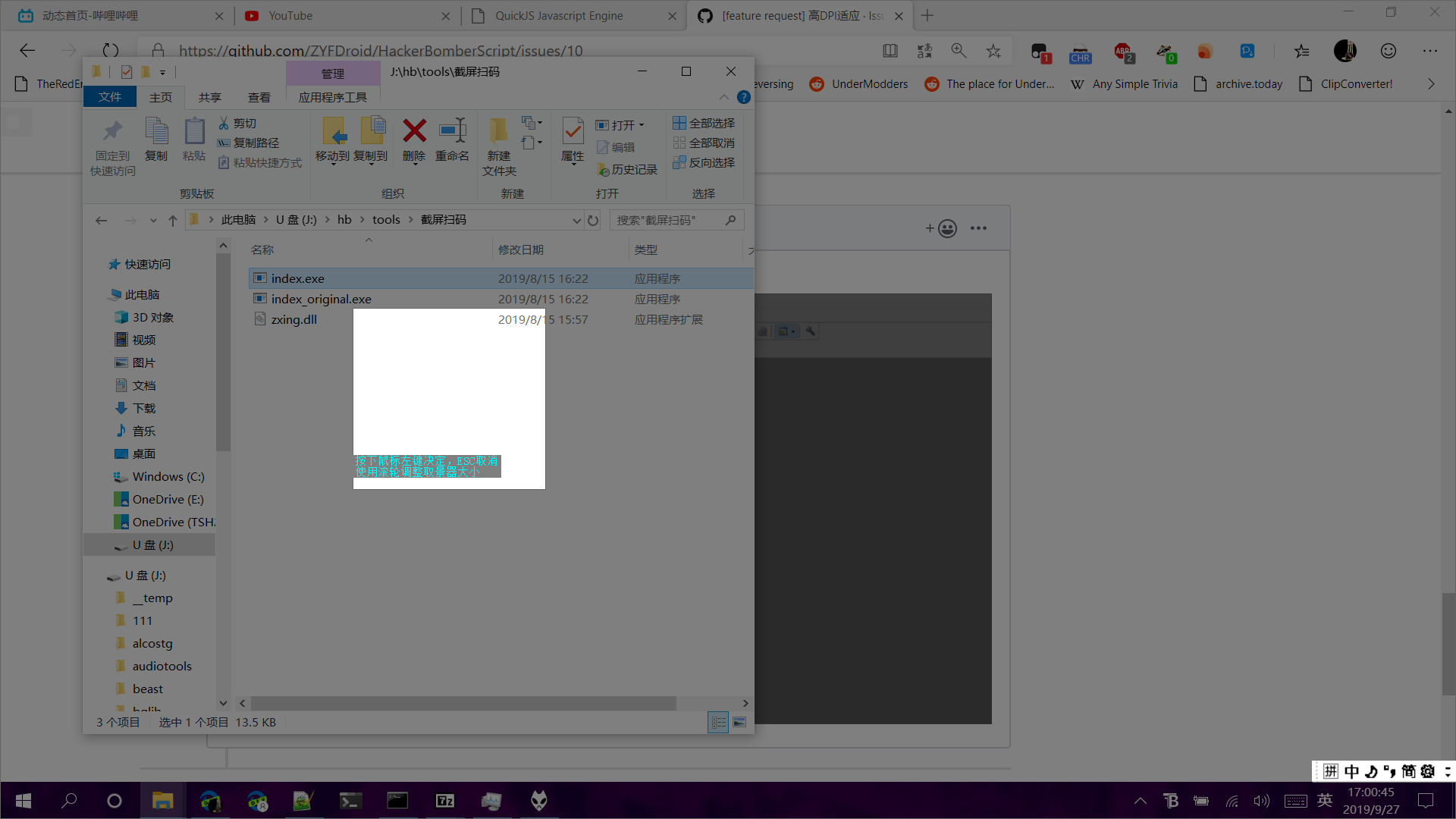
EDIT: 但是添加后会变成这个样子,所以代码里也得手动感应(?)